What Is Browser Isolation Technology?
Browser isolation technology is a security method that runs web content — HTML, JavaScript, video, ads, and trackers, everything a page throws at you — away from your actual device, whether on a remote server, inside a disposable container, or in a local sandbox. Instead of letting a website’s code execute directly on your hard drive, isolation contains it in a throwaway environment, so even a malicious page can’t reach your files, your network, or your other logged-in sessions.
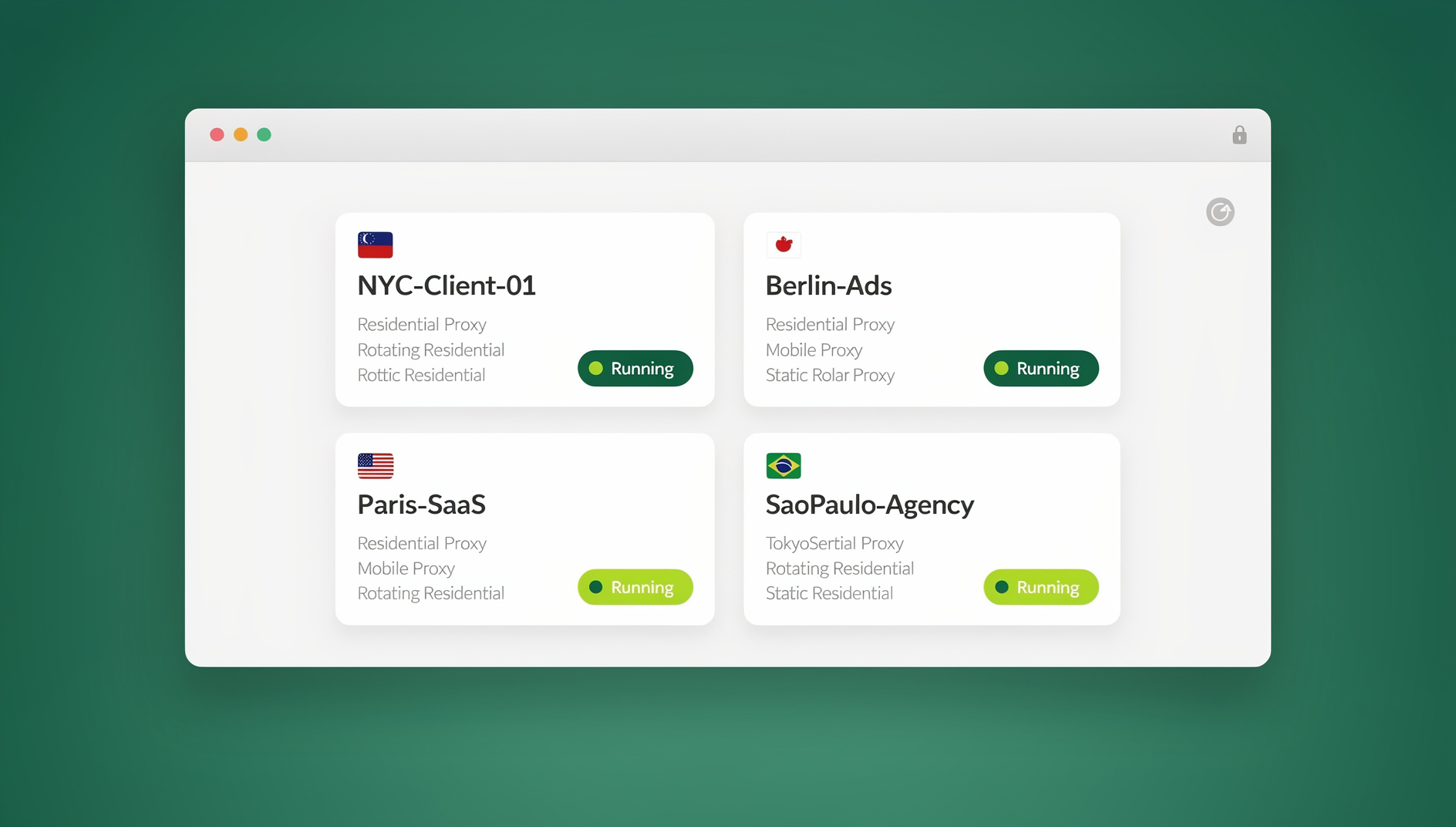
The idea has moved from a niche enterprise control into something individuals rely on daily, largely because the same principle that stops malware from touching your device also stops accounts from cross-contaminating each other — which is exactly why tools built for managing many logins, such as Send.win, lean on isolation as their foundation. Below is a full breakdown of how the technology works, the tradeoffs between approaches, and how to choose the right setup for your situation.
How Browser Isolation Technology Works
The Core Principle
Every website you visit sends code to your browser to execute — HTML for structure, CSS for styling, JavaScript for behavior, and often WebAssembly or media streams on top of that. Normally, all of that runs directly on your operating system, with access (however sandboxed by the browser itself) to your CPU, memory, and local storage. Browser isolation adds another layer: it moves that execution somewhere else entirely, or strips out anything unsafe before it ever reaches your machine. The result is that even a successful exploit has nowhere useful to go.
Three Approaches to Browser Isolation
| Approach | How It Works | Where Code Runs | Protection Level |
|---|---|---|---|
| Remote Browser Isolation (RBI) | Browser executes on a remote server, sends pixels or a reconstructed page to the user | Cloud server | Highest |
| Local Browser Isolation | Browser runs in a sandbox, container, or VM on the same physical machine | Local sandbox/container | High |
| Clientless Isolation | Web content is sanitized and reconstructed at a proxy layer before delivery | Cloud proxy | Medium-High |
Remote Browser Isolation (RBI) Deep Dive
Pixel Pushing
The most secure RBI approach works like this:
- The browser runs entirely on a cloud server, not on your device
- The page renders completely in that remote environment
- A video stream (or a series of frames) of the rendered page is sent to you
- Your clicks and keystrokes are sent back to the cloud browser
- No web code — malicious or otherwise — ever reaches your local device
Advantage: maximum security, since zero web content ever touches the endpoint.
Drawback: higher bandwidth usage and a small amount of latency, since every interaction is a round trip to the server.
DOM Reconstruction
A lighter-weight alternative:
- The page loads on a cloud server first
- Malicious or risky elements are stripped out — scripts, known exploits, invasive tracking code
- A cleaned version of the page’s DOM is rebuilt
- The sanitized HTML is sent to your browser to render locally
Advantage: lower bandwidth and a faster, more native-feeling experience.
Drawback: sanitization rules can miss a novel zero-day hidden in HTML or CSS that wasn’t recognized as dangerous.
Network-Level Isolation
This variant operates at the infrastructure layer rather than the individual browser:
- All web traffic is routed through isolation gateways
- Content is processed and sanitized before it reaches the internal network
- Each browsing session runs in a disposable container
- Containers — and anything that happened inside them — are destroyed after use
Local Browser Isolation Methods
Operating System Sandboxing
- Microsoft Application Guard: runs Edge inside a Hyper-V micro-VM
- Windows Sandbox: a disposable, lightweight desktop environment that resets on close
- macOS App Sandbox: restricts what any single application, including the browser, can touch
Container-Based Isolation
- Docker containers running headless or full browsers
- Each browsing session gets its own container, separate from every other
- Containers are destroyed after each session, so nothing persists between them
- Scales to hundreds of simultaneous isolated sessions on one host
Virtual Machine Isolation
- Qubes OS: runs every application, browser included, in its own VM
- VirtualBox/VMware: traditional virtualization used for isolated browsing
- Isolation is enforced at the hypervisor level, which is hard to break out of
- Strong protection, but heavy on RAM and CPU compared to containers
Browser Isolation vs. Other Security Layers
Isolation is often confused with — or expected to replace — other security tools it actually complements. Each layer covers a different part of the threat surface:
| Threat | Antivirus | Firewall | VPN | Browser Isolation |
|---|---|---|---|---|
| Zero-day browser exploit | Rarely detects | No | No | Contained, never reaches device |
| Drive-by malware download | Detects known signatures | No | No | Stays inside the isolated session |
| IP address exposure | No | No | Hides IP | Hides IP only if paired with a proxy |
| Phishing / credential theft | Partial (blocklists) | No | No | Partial (domain blocking in advanced RBI) |
| Cross-session data leakage | No | No | No | Yes, by design |
That last row is the one most people managing multiple accounts actually care about day to day, which is why isolation and identity separation tend to get discussed together even though they started as separate disciplines.
What Browser Isolation Protects Against
Zero-Day Exploits
These are browser vulnerabilities nobody has patched yet, because nobody outside the attacker knows about them. With isolation in place, even a successful exploit stays contained in the isolated environment and has no path back to your actual system.
Drive-By Downloads
Malware that downloads automatically the moment you land on a compromised page. In an isolated browser, that download lands inside the isolated container — your device’s real file system never sees it.
Phishing and Credential Theft
Isolation doesn’t stop you from typing your password into a convincing fake login page, but the better remote isolation platforms detect and block known phishing domains before the page even renders. Combined with a password manager that refuses to autofill on the wrong domain, this cuts phishing risk substantially.
Cross-Site Scripting (XSS)
Even when an attacker manages to inject malicious JavaScript through an XSS flaw, it executes inside the isolated session rather than on your device. Paired with proper session isolation between accounts, that injected script also can’t reach cookies or data belonging to your other logins.
Browser Fingerprinting
Isolated browser environments can present a different fingerprint per session — different canvas hash, WebGL renderer, fonts, timezone — which stops platforms from correlating sessions that should look unrelated. That’s precisely the property that makes a good multi login browser usable for running several accounts on the same platform without them being linked back to one person.
Browser Isolation for Multi-Account Management
Beyond stopping malware, browser isolation is also the technical foundation that makes modern multi-account management possible without the accounts obviously belonging to one operator.
How It Works for Multi-Account
- Each account runs inside a completely separate, isolated browser environment
- Cookies, local storage, fingerprint, and IP can all differ per profile
- Platforms have no shared signal to tie the accounts back to one owner
- Sessions persist between uses, so accounts stay logged in instead of resetting
Send.win’s Approach to Isolation
Send.win applies this same isolation principle specifically for people and teams juggling multiple accounts, and it gives you two ways to do it. The first is the Sendwin Browser, a native desktop app for Windows, macOS, and Linux that keeps every profile local-first on your machine while quietly syncing an encrypted copy to the cloud. The second is a fully cloud-hosted browser session — nothing installs locally, the browser itself runs remotely, and usage is metered by cloud browsing time rather than by a subscription seat count.
- Per-profile isolation: each browser profile is its own separate environment, cookies and all
- Unique fingerprints: canvas, WebGL, fonts, and header signatures vary from profile to profile
- Proxy integration: you can assign a unique proxy to each session so IP address is isolated too, not just cookies
- Cloud sync: profiles created on the desktop app stay accessible because state is synced to the cloud
- Team sharing: teammates can access a shared session without ever seeing the underlying password
Comparing Browser Isolation Solutions
| Feature | Enterprise RBI | Local Sandbox | Docker Browser | Send.win |
|---|---|---|---|---|
| Deployment | Complex (IT team required) | Simple (built into OS) | Medium (CLI, some DevOps) | Download the app, or open a cloud session — no IT |
| Cost | $5-15/user/month | Free | Free (self-hosted hardware) | From $19/mo, no free trial (7-day money-back guarantee) |
| Session persistence | Optional | None | Manual (volumes) | Automatic, synced to the cloud |
| Fingerprint isolation | No | No | Manual configuration | Automatic, per profile |
| Per-session proxy | Optional | No | Manual config | Built in |
| Multi-device access | Yes | No | No | Yes, via cloud sync |
| Team sharing | Limited | No | No | Built in, up to 16 seats on Team |
| Local automation (Selenium/Puppeteer/Playwright) | Rare | No | Manual | No |
| Best for | Enterprise security compliance | Occasional risky browsing | Developers comfortable with CLI | Multi-account management, privacy, agencies |
Implementing Browser Isolation
For Individuals
- Start with the basics: turn on your browser’s built-in isolation, like Chrome Site Isolation or Firefox’s Enhanced Tracking Protection
- Add a filtering layer: install a content blocker (uBlock Origin) and a filtering DNS resolver (NextDNS)
- For multi-account needs: use a purpose-built tool such as Send.win, running either the Sendwin Browser desktop app or a metered cloud session, for per-profile isolation
- For high-risk browsing: run a disposable container or Windows Sandbox session for anything you don’t fully trust
For Enterprises
- Assess risk: identify which users and activities actually need isolation — executives, research teams, BYOD devices
- Choose the approach: full RBI for high-risk users, clientless isolation for general staff who don’t need the full overhead
- Integrate: connect isolation logs and events into existing SIEM, DLP, and identity management systems
- Monitor: track isolation events, blocked threats, and how much friction users actually experience
- Iterate: expand coverage as threat intelligence and incident data justify it
The Future of Browser Isolation
- AI-assisted threat detection: models flagging suspicious page behavior in real time, before a page fully renders
- Zero-trust browsing: every website treated as untrusted by default, regardless of reputation
- Native OS-level isolation: features like Application Guard and Firefox’s Fission becoming standard rather than opt-in
- Edge computing: isolation infrastructure moving physically closer to users to cut latency
- Adaptive isolation: browsers that automatically raise their isolation level the moment a site looks suspicious
🏆 Send.win Verdict
Browser isolation technology is the right mental model for two very different problems: keeping malicious web code off your device, and keeping your own accounts from bleeding into each other. Send.win was built for the second problem, applying isolation at the profile level so each login gets its own cookies, storage, fingerprint, and optional proxy — whether you run it through the native Sendwin Browser desktop app or a fully cloud-hosted session with nothing to install. If your goal is safely managing multiple accounts or sharing access with a team without handing out passwords, it’s a far more practical starting point than a general-purpose enterprise RBI product built for a different job.
Try the Send.win cloud demo — a 3-minute preview without signup, 10 minutes a day with a free account.
Frequently Asked Questions
Does browser isolation affect performance?
It depends on the method. Cloud-based RBI with pixel pushing adds a small amount of network latency because every interaction is a round trip. DOM reconstruction is nearly invisible in normal use. Local sandboxing trades some RAM and CPU for its protection. Cloud browser sessions add a little latency too, but for everyday account-management tasks — posting, messaging, checking a dashboard — that overhead is rarely noticeable.
Can browser isolation replace antivirus software?
No. Browser isolation only covers threats that arrive through the browser. You still need endpoint protection for malware delivered through email attachments, USB drives, downloaded files opened outside the browser, and other non-browser attack paths.
Is browser isolation necessary for regular users?
For everyday browsing with reasonable hygiene — an updated browser, an ad/tracker blocker, strong unique passwords — the isolation already built into modern browsers is usually enough. It becomes genuinely valuable once you’re managing multiple accounts on one platform, handling sensitive financial work, or regularly visiting sites you don’t fully trust.
Does browser isolation work with every website?
Modern isolation technology supports the vast majority of sites, including complex web apps, video streaming, and interactive content. A small number of niche browser plugins or hardware-dependent features may behave differently depending on which isolation method is in use.
How does browser isolation compare to using a VPN?
They solve different problems. A VPN hides your IP address and encrypts your traffic, but it doesn’t stop malicious web content from executing — the page’s code still runs on your device either way. Browser isolation stops malicious content from reaching your device but doesn’t inherently hide your IP. Send.win covers both angles at once, since each isolated profile can also carry its own proxy.
Does Send.win use remote isolation or local isolation?
Both, depending on which mode you pick. The Sendwin Browser desktop app is local-first — your profiles live on your Windows, macOS, or Linux machine, encrypted and synced to the cloud in the background. The alternative is a fully cloud-hosted browser session, where the browser itself runs remotely and there’s nothing to install, billed by cloud browsing time instead.
Can I automate tasks inside an isolated Send.win profile?
Conclusion
Browser isolation technology is the most reliable defense against web-based threats precisely because it keeps malicious code from ever reaching your device, whether through remote pixel pushing, DOM reconstruction, or a local sandbox. For individuals and teams who also need to keep multiple accounts cleanly separated, a cloud-capable solution like Send.win combines that same isolation principle with the practical features that actually matter day to day — per-profile fingerprints, per-session proxies, and secure team sharing — turning isolation from a purely defensive control into something that also makes multi-account work possible.