A cookie management tool is software that lets you view, edit, block, or automatically delete the cookies websites store in your browser, so tracking and login data stay under your control instead of the website’s. The best options range from free browser extensions like Cookie AutoDelete to isolated-profile tools like Send.win, which separate cookies entirely at the account level rather than just filtering them.
What Cookies Actually Do to Your Browsing
Cookies aren’t inherently malicious. A session cookie keeps you logged into your email; a persistent cookie remembers your language preference; a first-party cookie remembers items in a shopping cart. The problem is the fourth category — third-party tracking cookies — which advertising networks plant across thousands of unrelated sites to build a single profile of everywhere you’ve been, what you searched for, and what you almost bought.
| Cookie Type | Purpose | Privacy Risk | Should You Block It? |
|---|---|---|---|
| Session cookies | Keep you logged in during a visit | Low | No — breaks sites |
| Persistent cookies | Remember preferences across visits | Medium | Selective |
| First-party cookies | Set by the website you’re actually visiting | Medium | Selective |
| Third-party cookies | Set by ad networks and trackers embedded on the page | High | Yes — tracking |
| Supercookies | Persist across sessions using cache/ETag tricks | Very high | Yes — invasive |
| Zombie cookies | Regenerate themselves after deletion | Very high | Yes — deceptive |
A single third-party tracking cookie, aggregated across a large ad network, can reveal every site you visit within that network, how long you spend on each page, what you search for, what you buy, your approximate location, your device and browser, and a fairly accurate guess at your interests and demographics. That’s a lot of leverage for a piece of text most people never look at.
The Third-Party Cookie Phase-Out Isn’t the End of Tracking
Chrome has been rolling back third-party cookies in favor of its Privacy Sandbox APIs, and other browsers moved earlier. This changes the mechanics of tracking, not the incentive to do it. A cookie management tool remains relevant because:
- First-party cookies still track extensively and aren’t affected by the phase-out
- Fingerprinting, localStorage, and IndexedDB are all growing as cookie alternatives
- Not every browser or region follows the same deprecation timeline
- GDPR/CCPA consent banners — and the cookies behind them — aren’t going anywhere
Browser Extensions for Cookie Management
Cookie AutoDelete
Best for: automatic cleanup | Available on: Chrome, Firefox
- Deletes cookies automatically when you close a tab
- Whitelist domains you want to keep signed into
- Greylist for cookies that should persist only until the browser closes
- Free and open source, with a running count of cookies cleaned
EditThisCookie
Best for: manual cookie editing | Available on: Chrome
- View, edit, and delete individual cookies by name or domain
- Import and export cookies as JSON
- Block specific cookies from ever being set
- Popular with developers debugging session or auth issues
I Don’t Care About Cookies
Best for: banner dismissal | Available on: Chrome, Firefox, Edge
- Auto-dismisses cookie consent pop-ups
- Tries to accept only the minimum necessary cookies
- Community-maintained blocklists keep it current
Privacy Badger (EFF)
Best for: algorithmic blocking | Available on: Chrome, Firefox, Edge
- Learns which trackers to block by observing behavior rather than relying on a static list
- Built and maintained by the Electronic Frontier Foundation
- Replaces some tracking cookies with privacy-safe alternatives instead of just deleting them
Built-In Browser Controls
Chrome
- Settings → Privacy and Security → Cookies and other site data
- Choose Allow all, Block third-party, or Block all
- Add per-site exceptions for services you trust
- Enable “clear cookies on browser close” if you want a hard reset every session
Firefox Enhanced Tracking Protection
- Settings → Privacy & Security → Enhanced Tracking Protection
- Three levels: Standard, Strict, Custom
- Blocks known trackers, fingerprinters, and cryptominers by default on Strict
- Container tabs give you basic session isolation between accounts inside the same browser window
Firefox’s built-in controls are the most granular of any mainstream browser, but they still operate inside a single browser fingerprint — every container tab shares the same underlying device signature, which matters if you’re managing multiple accounts on a site that watches for that.
Where Isolated Profiles and Cloud Sessions Fit In
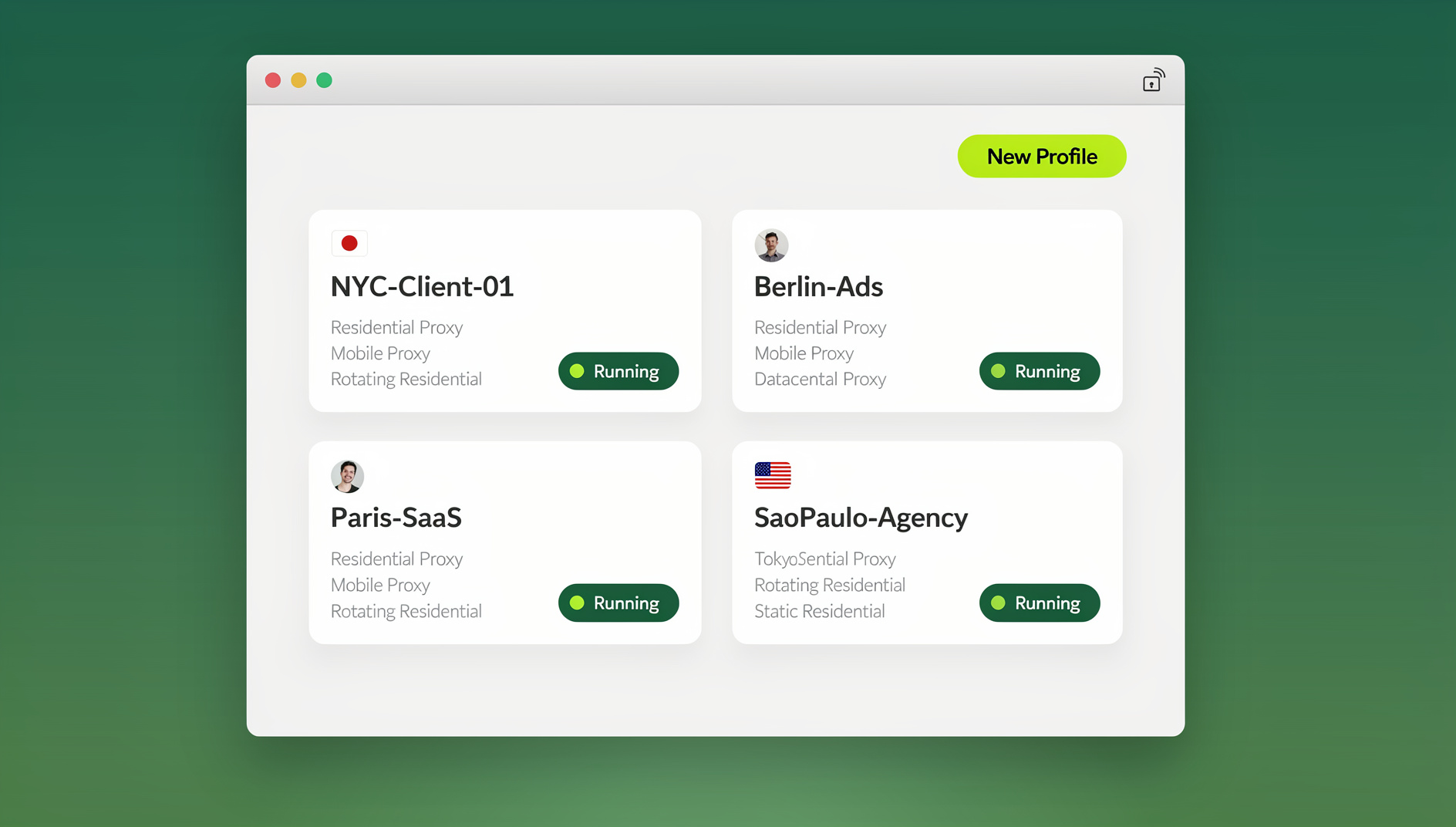
Send.win takes a different approach to cookie management: rather than filtering or deleting cookies after they’ve already been set, each account gets its own completely separate browsing environment from the start, so there’s nothing to clean up later. Send.win works in two ways:
- Sendwin Browser — a native desktop app for Windows, macOS, and Linux. It’s local-first, meaning your profiles and sessions live on your machine, with encrypted cloud sync so you can pick up the same profile on another device.
- Cloud browser sessions — run entirely on Send.win’s infrastructure with zero local install, metered by cloud browsing time, useful when you need a profile you can access from any device without installing anything.
In either mode, each profile gets its own cookie jar, its own local storage, and its own browser fingerprint. Close the profile and its cookies stay exactly as you left them; delete the profile and they’re gone permanently. There’s no cross-contamination between profiles, because they were never sharing storage to begin with — a structural guarantee built into how each profile is created, not a cleanup step applied afterward.
Matching Cookie Management to Your Actual Need
Personal Privacy
A reasonable baseline setup for most people:
- Block third-party cookies in your browser’s privacy settings
- Add an ad/tracker blocker like uBlock Origin
- Use Cookie AutoDelete so first-party cookies clear when you’re done with a tab
- Whitelist the handful of sites you use daily (email, banking, work tools)
- Clear everything once a month to reset whatever slipped through
Multi-Account Management
Anyone juggling multiple accounts in the same browser runs into a specific version of this problem: cookies from account A bleed into account B, logging you out of one when you switch to the other, or worse, getting both accounts flagged as connected by a platform’s fraud detection. Chrome profiles separate cookies but keep the same device fingerprint. Firefox containers isolate cookies per tab but again share a fingerprint. A dedicated multi-login browser like Send.win separates cookies, fingerprint, and IP together, per profile, which is the combination that actually matters for platforms that cross-reference all three signals.
Web Development and QA
Developers need granular, repeatable cookie control for:
- Testing login and session-expiry flows without polluting a real account
- Inspecting session cookies while debugging auth issues
- Verifying that a consent banner actually blocks non-essential cookies until accepted
- Debugging OAuth/SSO cookie handoffs between domains
- Confirming cookie behavior is consistent across Chrome, Firefox, and Safari
GDPR/CCPA Compliance for Site Owners
If you run a website rather than just browse one, cookie management flips into a compliance problem:
- Consent Management Platforms: Cookiebot, OneTrust, Osano and similar tools gate cookies behind consent
- Cookie audits: periodically scan your own site for every cookie it sets, including ones added by third-party scripts
- Documentation: your privacy policy should list every cookie category and its purpose
- Consent records: keep proof of what a user agreed to and when
- Default-deny: non-essential cookies should not fire until consent is given, not after
Advanced Cookie Management Techniques
Sandboxing by Context
- Firefox Multi-Account Containers: separate cookie jars per container tab
- Chrome profiles: separate cookie stores per profile, shared fingerprint
- Isolated cloud/desktop profiles: separate cookies, storage, and fingerprint per profile
- Browser partitioning: dedicating an entire separate browser to a specific activity
Automating the Busywork
- Auto-dismiss consent banners with “I Don’t Care About Cookies”
- Auto-delete on tab close with Cookie AutoDelete
- Schedule a full cookie wipe on browser close for shared or public machines
- Maintain a whitelist so you’re not re-logging into the same five sites every day
If your automation extends beyond cookie cleanup into full browser workflows — filling forms, scraping, or repeating login sequences across many profiles — that typically means driving the browser with Selenium, Puppeteer, or Playwright rather than a cookie extension. Send.win does not offer an automation interface: there is no API, SDK, headless mode or Selenium/Puppeteer/Playwright support on any plan. Instead, each Send.win profile keeps its own isolated cookies, storage and fingerprint, so manual sessions stay separate rather than sharing one browser context across runs.
Beyond Cookies: Other Things That Track You
Cookies are one tracking vector among several. A cookie manager alone won’t stop:
- localStorage/sessionStorage: HTML5 storage that behaves like a cookie but isn’t cleared by cookie tools
- IndexedDB: a full client-side database some sites use for persistence
- Browser fingerprinting — device, canvas, and browser fingerprinting protection matters even with zero cookies stored, since a site can still recognize your hardware and rendering signature
- ETags: HTTP caching headers repurposed for tracking
- HSTS supercookies: a security feature abused to persist an identifier
This is the practical limit of cookie-only tools: they clean up one storage mechanism while several others keep working. Isolated-profile approaches address more of the surface at once because they wall off storage and fingerprint together rather than one at a time.
Cookie Management Options Compared
| Solution | Cookie Control | Fingerprint Protection | Multi-Account Isolation | Setup Effort |
|---|---|---|---|---|
| Browser default settings | Basic | None | No | Low |
| Cookie AutoDelete | Good | None | No | Low |
| Firefox Containers | Good | None | Basic | Low |
| Chrome Profiles | Good | None | Basic | Low |
| Send.win (desktop app or cloud session) | Complete, per profile | Per profile | Full | Low |
🏆 Send.win Verdict
Extensions like Cookie AutoDelete and Privacy Badger are the right call for everyday personal browsing — they’re free, lightweight, and fix the most common annoyances. But once you’re managing multiple accounts on the same platform, testing logins for work, or running automated sessions, cookie filtering stops being enough because the underlying browser fingerprint never changes. Send.win solves that layer directly: every profile, whether in the native Sendwin Browser desktop app or a cloud session, gets its own isolated cookies, storage, and fingerprint, so accounts stay genuinely separate instead of just tidier.
Try Send.win today — plans start at $19/mo, and your first card purchase is covered by a 7-day money-back guarantee.
Frequently Asked Questions
Should I block all cookies?
No. Blocking every cookie breaks logins, shopping carts, and most web apps. Block third-party cookies specifically, and use a tool like Cookie AutoDelete to manage first-party cookies selectively instead of banning cookies outright.
Are cookies actually dangerous?
Cookies can’t execute code or read your files — they’re just small pieces of text. The real risk is what tracking cookies enable: detailed profiles of your browsing behavior get built and sold to advertisers and data brokers over time.
What happens if I clear all my cookies?
You’ll be logged out of every website, lose saved preferences, and need to re-accept consent banners everywhere. It’s a legitimate reset, but expect to spend the next few minutes logging back into things.
Does incognito or private mode replace a cookie manager?
Not really. Incognito deletes cookies when you close the window, but cookies are fully active while the session is open, including third-party tracking cookies. A cookie manager gives you control during the session, not just after it.
How does Send.win keep cookies isolated between profiles?
Each profile — whether in the native Sendwin Browser desktop app or a cloud session — gets its own separate cookie store, its own local storage, and its own browser fingerprint from the moment it’s created, so there’s no shared context for cookies to leak across between accounts.
What do I need to install to use Send.win?
You have two options: download the native Sendwin Browser desktop app for Windows, macOS, or Linux, or launch a cloud browser session that runs entirely on Send.win’s servers with no local install required.
Can I automate logins or testing across cookie-isolated profiles?
No. Send.win has no automation interface — no API, SDK, headless mode or Selenium/Puppeteer/Playwright support on any plan. What it does offer is isolated browser profiles, each with its own cookies, storage, sessions and fingerprint, so manual sessions stay separate from one another.
What’s the difference between a cookie manager and a multi-login browser?
A cookie manager cleans up cookies inside one browser identity. A multi-login browser like Send.win creates many separate browser identities — each with its own cookies, storage, and fingerprint — so you can run several accounts on the same platform without them ever sharing a storage layer.
Conclusion
Start with the basics: block third-party cookies and add Cookie AutoDelete. That covers most personal-privacy needs on its own. Once you’re managing multiple accounts, testing logins professionally, or need cookie isolation that also covers your browser fingerprint, a cookie management tool built around isolated profiles — like Send.win’s desktop app or cloud sessions — closes the gaps that extensions structurally can’t.