What Counts as GBP Management Software for Multiple Accounts?
The best GBP management software for multiple accounts pairs an API-based platform — BrightLocal, Whitespark, or Yext — for bulk hours updates and review replies, with an isolated browser profile for the native access Google increasingly demands during verifications and suspensions. Neither tool alone covers agencies managing dozens or hundreds of Google Business Profiles: API tools can’t handle account-level escalations, and native logins alone don’t scale past a handful of clients.
Google Business Profile (formerly Google My Business) is often the highest-converting asset a local business owns — a listing box that shows up before the organic results. Managing one profile well is straightforward. Managing fifty, five hundred, or five thousand breaks any workflow built around logging into individual Gmail accounts one at a time.
Why Scaling GBP Management Gets Complicated Fast
- Verification sensitivity — Google’s fraud detection watches for many unrelated businesses being managed from the same IP address and browser fingerprint, and can trigger reverification loops or outright suspensions.
- Review response volume — customers expect same-day replies; logging in and out of dozens of accounts natively to respond eats hours every week.
- Bulk updates — changing holiday hours across fifty locations is painful without a bulk-edit tool.
- Reporting — turning raw GBP insights (calls, direction requests, website clicks) into a client-ready report needs some form of aggregation.
Two Categories of GBP Software
API-Based Local SEO Platforms
Tools like BrightLocal, Whitespark, Yext, and Uberall connect to Google’s official Business Profile API and manage listings from one dashboard.
| Strength | Limitation |
|---|---|
| Bulk-push hours, holiday closures, and posts to hundreds of locations at once | Per-location pricing gets expensive fast at agency scale |
| Centralized review inbox with templated or AI-assisted replies | The API doesn’t expose every feature Google ships natively |
| Built-in local rank-grid tracking | Suspensions, verification appeals, and Google Support tickets almost always require native login access |
Browser Isolation for Native Escalations
The moment something goes wrong — a “Deceptive Content” suspension, a contested review, a reinstatement form that needs a utility bill uploaded — the API layer stops helping. You need to be logged into the actual owner’s Gmail account, natively, the way Google’s support flow expects.
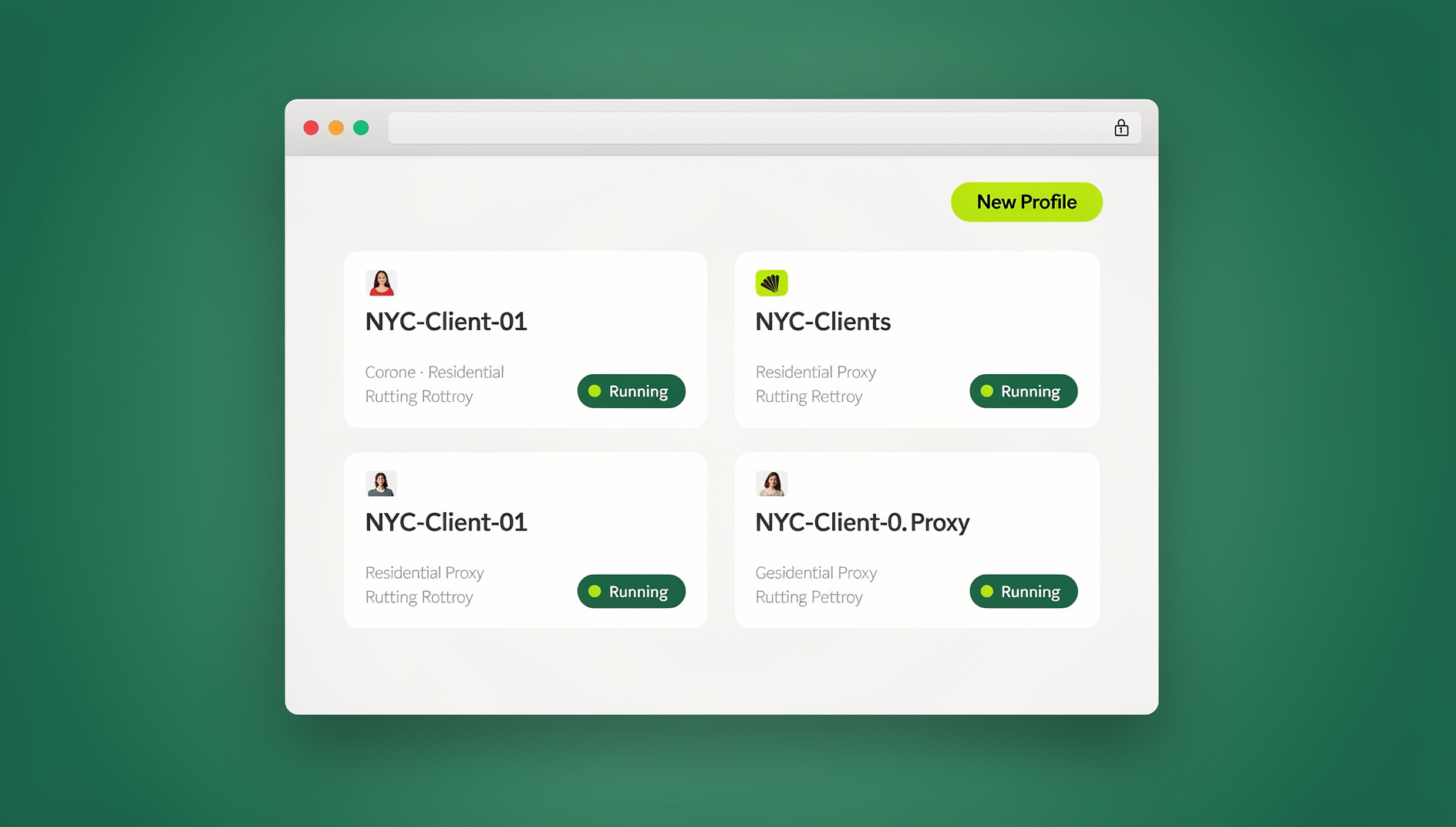
Logging into fifty different client Gmail accounts from one shared browser is exactly what triggers “suspicious activity” lockouts in the first place. Agencies increasingly handle this with antidetect browser profiles — one isolated, persistent profile per client, so each login carries its own consistent browser fingerprint and cookie history instead of sharing one with forty-nine other accounts.
Building a GBP Workflow That Scales
Step 1: Set Up an Agency Account Structure
Never ask a client for their primary Gmail password. Instead, have them add your agency’s dedicated account as a Manager on the listing. This lets you handle routine work through the API layer without ever touching their native credentials.
Step 2: Use API Software for the Daily Work
- Scheduling weekly GBP posts across every location.
- Monitoring and replying to standard reviews.
- Running monthly local rank-grid checks.
Step 3: Reserve Isolated Profiles for Escalations
When a client’s listing gets suspended, someone has to log into the real owner account, file the reinstatement request, and track the ticket. Doing that from your own machine — cycling through client after client — is what causes Google to treat the logins as suspicious in the first place.
Instead, agencies create one dedicated multi-login browser profile per client. Log in once, and the session persists — three months later when the same client gets flagged again, you open their profile and you’re still logged in natively, with no fresh 2FA challenge and no fingerprint overlap with any other client’s account.
Delegating Access Across a Franchise or Larger Team
Franchise networks add a layer most single-location workflows don’t need to think about: who is allowed to touch which listing. A CEO shouldn’t be replying to reviews, and an intern shouldn’t have blanket API access to five hundred locations.
Session isolation tools that support secure sharing solve this cleanly: a lead manager logs into the native Gmail account once inside an isolated profile, then shares access to that specific profile with a store manager or remote VA. The store manager can reply to reviews natively without ever seeing the Google password, and access can be revoked instantly if that person leaves.
Signs You’ve Outgrown Manual GBP Management
Most agencies don’t sit down and decide to adopt GBP management software for multiple accounts — they get pushed into it after something breaks. A few signals usually show up first:
- You’ve had a client’s listing flagged for “suspicious activity” after logging into it from the same browser as three other clients that week.
- Review replies are consistently late because someone has to remember which Gmail tab belongs to which client before responding.
- A junior team member has full password access to accounts they only need read or reply access to, because there was no cleaner way to grant partial permissions.
- Nobody can say with confidence how many active GBP listings the agency currently manages — a sure sign that reporting and access are both being tracked manually somewhere.
- Onboarding a new hire or offboarding a departing one takes a full afternoon of resetting passwords across every account they touched.
Any one of these on its own is manageable. Two or more happening at the same time is usually the point where the manual approach starts costing more in risk and lost hours than a proper API tool plus isolated profiles would cost in subscription fees.
Scaling Tips as Your Location Count Grows
- Name profiles by client and location, not generically — “ClientName – Downtown Store” beats “Profile 12” once you’re past a dozen accounts.
- Match proxy geography to each listing’s real location when you’re operating listings from a different physical office than the business itself.
- Audit dormant profiles quarterly — a suspended, unused profile sitting in your multi-account management setup is one more account that could get flagged for inactivity.
- Keep API and native access clearly separated in your SOPs so new hires know which tool handles which type of task on day one.
Choosing GBP Management Software by Agency Size
The right stack looks different depending on how many listings you’re actually managing. A five-location bakery chain and a five-hundred-location franchise have almost nothing in common operationally, even though both technically need “GBP management software for multiple accounts.”
Solo Consultants and Small Agencies (1-20 Locations)
At this scale, a full enterprise API platform is often overkill. Many solo consultants get by with Google’s own native multi-location dashboard for bulk hours and posts, reserving an isolated browser profile per client mainly for the occasional suspension or verification issue. The main risk here isn’t tooling cost — it’s habit: it’s easy to get lazy and log into five client accounts from the same browser session because “it’s just five,” which is exactly the pattern that triggers Google’s fraud detection regardless of how few accounts are involved.
Mid-Size Agencies (20-150 Locations)
This is where a dedicated API platform starts paying for itself — bulk scheduling and centralized review replies save real hours every week once you’re juggling more than a couple dozen active clients. Pair it with one isolated profile per client for native access, and make session sharing (rather than password sharing) the default the moment a second team member touches client accounts.
Enterprise and Franchise Networks (150+ Locations)
At franchise scale, the API platform becomes non-negotiable for day-to-day throughput, but the harder problem shifts to access control: who can post on behalf of which location, who can see aggregated performance data, and who needs native login access for escalations. This is where a formal delegation structure — corporate marketing, regional managers, and individual store owners each with clearly scoped access — matters more than which specific API vendor you pick.
What This Actually Costs
Budgeting for a multi-account GBP stack means pricing two separate line items, not one:
- The API platform — most local SEO platforms price per location or per seat, and costs scale roughly linearly with your listing count, which is why per-location pricing becomes the dominant cost driver once you pass a few hundred locations.
- The browser isolation layer — this is typically priced per profile or per seat rather than per location, since it’s used for escalations and native access rather than routine daily posting, so it scales with your team size and client count rather than your total listing count.
Treating these as one combined “GBP tool” budget is a common planning mistake — the API tool cost grows with your listing volume, while the isolation layer cost grows with your headcount and client roster instead.
API Tool vs. Isolated Browser Profile: Which Handles What
| Task | API-Based Tool | Isolated Browser Profile |
|---|---|---|
| Scheduling posts across 100+ locations | Yes — built for this | Impractical one by one |
| Replying to routine reviews | Yes, via centralized inbox | Works, but slower at scale |
| Filing a suspension reinstatement | Not supported | Yes — requires native login |
| Uploading ID/utility bill for verification | Not supported | Yes |
| Rank tracking and reporting | Yes — built-in | Not the right tool |
| Sharing access without giving out the password | Depends on the platform | Yes — native |
🏆 Send.win Verdict
No API platform can log into a suspended client’s Gmail account for you — that part of GBP management still has to happen natively, and doing it from one shared browser across dozens of clients is exactly what gets agencies flagged in the first place. Send.win gives each client a persistent, isolated profile with its own fingerprint, so you log in once and stay logged in, then share access with a VA or store manager without ever handing over the password.
Try the free Send.win cloud demo — no signup required.
Frequently Asked Questions
What’s the difference between API-based GBP tools and browser isolation platforms?
API tools like BrightLocal or Yext push bulk changes and centralize review replies across many listings at once. Browser isolation platforms give you a persistent, isolated native login per client for the tasks the API can’t touch — suspensions, verification appeals, and direct Google Support tickets.
Can I manage 50+ GBP listings without an API tool?
Technically yes, but it’s rarely worth it — bulk hour changes, holiday closures, and review replies across dozens of accounts become a full-time job without one. Most agencies use an API tool for that volume of routine work and reserve native logins for exceptions.
Why does Google keep flagging my agency’s logins as suspicious?
Usually because many unrelated client accounts are being accessed from the same IP address and browser fingerprint. Google’s fraud detection reads that pattern as one person controlling accounts they don’t own. Isolating each client in its own browser profile with its own fingerprint removes that signal.
Do I need my client’s Gmail password to manage their GBP listing?
For routine work, no — have the client add your agency account as a Manager and handle daily tasks through the API. You only need native, password-based access for the small set of tasks Google requires it for, like contested suspensions.
How do isolated browser profiles help with GBP suspensions specifically?
Filing a reinstatement request, uploading proof documents, and monitoring the appeal all have to happen inside the actual owner’s Gmail account. An isolated profile lets you log in once, keep that session persistent, and come back to it months later without re-triggering 2FA or verification challenges.
Can I let a VA or store manager handle reviews without giving them the Google password?
Yes — with session sharing, you log into the native account once inside an isolated profile, then share access to that specific profile with the VA or store manager. They can reply to reviews natively, and you can revoke access at any point without changing the underlying password.
Is Send.win a replacement for BrightLocal or Yext?
No — it solves a different half of the problem. API platforms handle bulk scheduling, review aggregation, and rank tracking; Send.win provides isolated browser profiles, each with its own cookies, storage and fingerprint, for native login access to accounts for suspensions, verifications, and Google Support interactions.
Conclusion
There’s no single tool that covers everything a growing local SEO operation needs from GBP management software for multiple accounts. API platforms handle the bulk scheduling and review volume that make managing hundreds of listings possible in the first place. But the moment a listing gets suspended or a verification goes sideways, you need genuine native access — and that’s where an isolated, session-persistent browser profile earns its place in the stack.
Pair a mid-tier API tool for daily throughput with isolated profiles for escalations, and your agency can scale from ten locations to a thousand without either losing hours to manual logins or risking a client’s account over a shared, flagged browser session.