To make money from WooCommerce stores in 2026, focus on five compounding levers: site speed, checkout conversion, automated email/SMS revenue, efficient paid acquisition, and operational efficiency across multiple stores or ad accounts. Store owners who systematically improve each lever turn small percentage gains into meaningful monthly profit, and tools like Send.win remove the friction of running multiple logins, regions, and ad accounts without constant sign-outs.
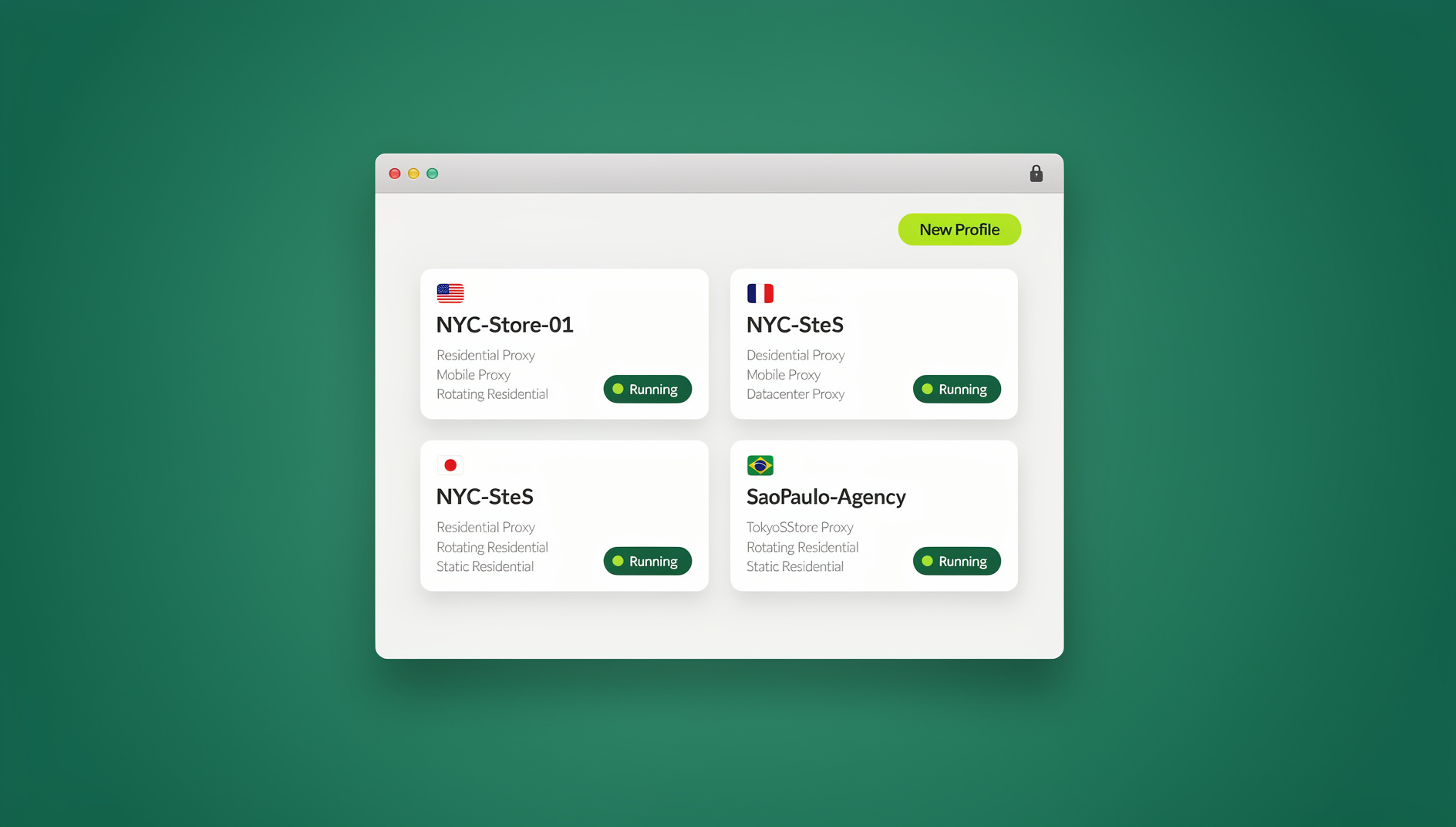
WooCommerce still powers a huge share of the world’s online stores, and 2026 rewards merchants who treat it as a real business system rather than a one-time setup. Below is a practical, step-by-step playbook covering the technical fundamentals, conversion optimization, retention marketing, paid acquisition, and the operational side of running one store — or twenty.
1. Nail the Fundamentals That Drive Profit
A. Make your store fast (and INP-ready)
Google now scores Interaction to Next Paint (INP) as a core web vital alongside LCP and CLS, which means responsive interactions matter just as much as raw load speed. A store that looks fast but stutters when a shopper taps “Add to Cart” still loses sales.
- Defer non-critical JavaScript, limit heavy third-party scripts, and preconnect to key domains.
- Serve modern image formats (WebP/AVIF) and lazy-load everything below the fold.
- Use a reputable CDN and enable server-level caching for product and category pages.
- Measure with PageSpeed Insights and track INP at the 75th percentile of real users, not just lab scores.
B. Turn on HPOS (High-Performance Order Storage)
HPOS stores orders in purpose-built database tables instead of generic WordPress post tables, which means faster queries and better scalability once order volume climbs — critical during flash sales and ad-driven traffic spikes. Enable it under WooCommerce → Settings → Advanced → Features, after confirming your plugins are compatible.
C. Earn richer search visibility with structured data
Add Product structured data (price, availability, ratings) so items can qualify for rich results and Merchant Listing experiences in Google Search and Images. Validate every template in Google’s Rich Results Test before rolling it out site-wide, since one broken field can disqualify an entire product feed.
D. Know your conversion baseline
Benchmarks vary by vertical and device, but global ecommerce conversion rates typically settle between roughly 1.7% and 3.7% depending on niche, seasonality, and traffic mix. Treat that range as directional — the real goal is steady quarter-over-quarter uplift against your own baseline, not chasing a universal “average.”
2. Turn More Visitors Into Buyers (CRO for WooCommerce)
A. Fix the leaky bucket: cart and checkout abandonment
Across studies, roughly 70% of carts get abandoned — a persistent revenue drain that better UX and timely follow-up can meaningfully claw back. Common causes include surprise costs, complicated forms, weak trust signals, and slow pages.
- Shorten checkout: remove non-essential fields, auto-fill addresses, and let guests check out without forcing account creation.
- Offer express wallets (Apple Pay, Google Pay, or your gateway’s equivalent) to cut steps on mobile.
- Clarify shipping and tax costs early, with clear delivery estimates on the product page and mini-cart.
- Add trust badges and concise microcopy near the pay button to reduce last-second hesitation.
B. Add social proof and urgency, ethically
Verified ratings, “as seen on” mentions, and real user counts near key calls to action tend to improve trust and attention. Keep it honest: genuine reviews, real UGC snippets, and “low stock” messaging tied to actual inventory — nothing fabricated.
C. Raise average order value with smarter merchandising
- Bundles and kits for complementary products.
- Cross-sells on the cart page and mini-cart drawer.
- Quantity price breaks for stores that serve both B2B and B2C buyers.
- Post-purchase upsells that never block the initial conversion.
3. Build Always-On Revenue With Email, SMS, and Automation
Email still delivers outsized returns relative to cost, and automated flows convert far better than one-off blasts. Recent reports consistently show automations — abandoned cart, welcome, browse abandonment, back-in-stock — driving a disproportionate share of orders despite being a small fraction of total sends.
A. Essential automations for every WooCommerce store
- Welcome series with a first-purchase incentive.
- Abandoned cart: one to three messages, including product tiles and shipping/return reassurance.
- Browse abandonment: triggered from product-view events for high-intent shoppers.
- Back-in-stock alerts, which convert exceptionally well when inventory returns.
- Post-purchase flows: care tips, review requests, and replenishment reminders.
B. Tools: MailPoet or Klaviyo
MailPoet lives inside WordPress, supports native WooCommerce triggers, and can automate cart recovery, post-purchase flows, and newsletters straight from your dashboard. Klaviyo is WooCommerce’s most advanced marketing automation partner for complex flows, SMS, and segmentation, with real-time data sync for dynamic triggers. Advanced teams pair either with dynamic, unique-per-user coupon codes for clean attribution back to WooCommerce.
C. Cadence and content tips
- Keep one clear call to action per email.
- Use consistent product-block components: image, price, rating.
- Test subject line frameworks that combine benefit, specificity, and curiosity.
- Segment by recency, frequency, and monetary value (RFM) to protect sender reputation.
4. Acquire Customers Efficiently in 2026
A. Google for WooCommerce
The Google for WooCommerce integration syncs your catalog to Merchant Center, making you eligible for free product listings plus Shopping and Performance Max campaigns directly from your dashboard. For most search-led stores, this is the highest-ROI starting point.
B. Meta Advantage+ Shopping
Meta’s Advantage+ Shopping automates audience targeting and creative mixes, testing far more combinations than a manual campaign builder ever could. Ad buying keeps getting more automated across major platforms — your edge now comes from clean product feeds, strong creative, and conversion-ready landing pages, not manual bid tweaking.
C. TikTok for WooCommerce
The official TikTok for WooCommerce integration syncs your catalog, tracks events, and connects to TikTok Shop where available. Short-form video paired with in-app checkout unlocks incremental conversions, especially for visually driven categories.
D. Influencer partnerships that pay
Influencer content continues to drive real purchase behavior. Pair creators with platform whitelisting and UTM parameters so you can attribute sales accurately, and give every creator a clear brief, a creative hook, and a trackable link.
| Channel | Best for | Setup effort | Typical time to first results |
|---|---|---|---|
| Google for WooCommerce | Search-intent shoppers, free listings | Low | 2-4 weeks |
| Meta Advantage+ Shopping | Broad reach, retargeting | Medium | 1-3 weeks |
| TikTok Shop | Visual/impulse categories | Medium | 3-6 weeks |
| Influencer/UGC | Trust-building, new audiences | High (relationship-based) | 4-8 weeks |
5. Scale Beyond One Store: Multi-Store, Multi-Login, Multi-Region
Running multiple WooCommerce stores — separate brands, regions, or a wholesale-versus-DTC split — brings real growth, but also real logistical headaches: juggling logins across hosting, CDNs, and ad platforms; testing geo-specific pricing, language, and shipping rules; switching between Google, Meta, TikTok, and marketplace accounts all day; and collaborating with contractors or agencies without handing over passwords. The same operational problem shows up for merchants managing multiple Shopify stores alongside WooCommerce, and for sellers running multiple Amazon seller accounts as a second channel.
Why Send.win fits this problem
Send.win gives you two ways to run isolated browser sessions for every store, region, or ad account: a native desktop app called Sendwin Browser that installs on Windows, macOS, or Linux and works local-first with encrypted cloud sync, or fully cloud-hosted browser sessions that run entirely on remote infrastructure with zero local install — billed by cloud browsing time rather than a device license. Both modes keep every login sandboxed so cookies never bleed between store accounts, and both let you share a session link with a contractor or teammate without ever handing over the underlying password.
For ecommerce teams specifically, this plays out in a few recurring workflows: ad ops staff managing several Google and Meta ad accounts without constant logouts (the same discipline covered in this guide to running a browser built for ads management), marketplace teams operating multiple regional storefront logins side by side, CRO teams comparing localized offers in parallel tabs with different proxy exits, and agencies sending a temporary, revocable session link to a client instead of exchanging credentials over email or chat. Teams juggling several storefronts under one roof often run into the exact bans-and-friction problems covered in this piece on multi-account management for ecommerce sellers — session isolation is the fix in both cases.
6. Step-by-Step Playbooks You Can Ship This Week
Playbook 1 — Add predictable revenue with subscriptions
Subscriptions can transform cash flow and lifetime value: think replenishable consumables, membership perks, or a monthly curated box. WooCommerce Subscriptions lets you create products with recurring payments, free trials, signup fees, and prorated billing.
- Identify replenishable SKUs or VIP-only perks.
- Configure subscription intervals and trial lengths.
- Add a churn-save flow (a discount or swap offer) inside MailPoet or Klaviyo.
- Promote the plan with clear economics — “save 10% plus free shipping” beats vague loyalty language.
Playbook 2 — Launch a cart-recovery program in 60 minutes
- In MailPoet or Klaviyo, enable the Abandoned Cart flow and pull in product tiles and the cart link dynamically.
- Message 1 (1-2 hours later): friendly reminder plus a small incentive.
- Message 2 (24 hours later): answer shipping/return FAQs, and add scarcity only if stock is genuinely low.
- Message 3 (48-72 hours later): offer an alternative product or a softer incentive.
- Add SMS as a light-touch nudge where your audience and compliance rules allow it.
Playbook 3 — Product feeds and Performance Max via Google for WooCommerce
- Install Google for WooCommerce and verify Merchant Center.
- Map attributes (GTINs, brand, MPN), fix feed errors, and submit accurate shipping and tax settings.
- Launch Performance Max campaigns spanning Shopping, YouTube, and Discover surfaces.
- Use product-level ROAS and search-term insights to refine titles and images every two weeks.
Playbook 4 — A TikTok Shop pilot for your top-selling SKUs
- Install the TikTok for WooCommerce integration.
- Sync your catalog and connect Business Center.
- Produce three to five creator-style videos per SKU, with the hook in the first two seconds.
- Link to TikTok Shop where available, or to your product page, and track everything with UTMs.
7. Budget and Stack: What You Need (and What to Skip)
Minimal stack for a single-store brand
- Fast hosting plus a CDN, image compression, and page caching.
- Email automation via MailPoet or Klaviyo.
- Google for WooCommerce for free listings plus Shopping/Performance Max.
- Basic analytics: GA4 plus server-side events where practical.
Scaling to multiple stores or countries
Once you’re managing more than one storefront, region, or ad account, session isolation stops being a nice-to-have and becomes the thing that keeps you from accidentally cross-contaminating logins. Send.win has no free trial, but paid plans start at $19/mo (Pro) or $49/mo (Team), and your first card purchase is covered by a 7-day money-back guarantee, so you can test the workflow before committing.
| Plan | Monthly price | Billed annually | Profiles | Proxy bandwidth | Automation API | Seats |
|---|---|---|---|---|---|---|
| Pro | $19/mo | $6.99/mo | 150 | 5GB | Yes | — |
| Team | $49/mo | $20.99/mo | 500 | 20GB | Yes | 16 |
Send.win has no automation interface, so Selenium, Puppeteer, and Playwright workflows aren’t supported on any tier. Session data stored by Send.win is encrypted, and every profile is sandboxed so cookies never leak between accounts, whether you’re running the native desktop app or a cloud browsing session.
8. Advanced Profit Levers
A. Site speed and conversion compounding
Faster pages correlate with higher conversion rates, and small load-time gains can produce measurable revenue lift when applied across thousands of sessions. Treat performance as an ongoing program, not a one-off project before a big sale.
B. Pricing psychology and free-shipping thresholds
A/B test your free-shipping threshold (for example, “free shipping over $49”), round prices thoughtfully, and communicate delivery dates early on both the product page and the mini-cart. A sticky progress bar toward the free-shipping threshold is a small addition with an outsized effect on AOV.
C. Lifetime value compounding via subscriptions and memberships
Re-market subscribers with value-led content — how-to videos, early access, exclusive drops — and combine it with VIP email segments. WooCommerce Subscriptions supports trials, signup fees, and varied billing cadences, so the mechanics are already there; the marketing layer is what makes it profitable.
9. Getting Started With Send.win
If you’re operating multiple WooCommerce stores, ad accounts, or regional storefronts and want to stop logging in and out all day, Send.win gives you two ways to work: download the native Sendwin Browser desktop app for Windows, macOS, or Linux and keep everything local-first with encrypted cloud sync, or spin up a fully cloud-hosted browsing session with nothing to install. Sign up, choose a paid plan (Pro $19/mo or Team $49/mo, with a 7-day money-back guarantee on your first card purchase), and open an isolated profile for each store, ad account, or region you manage.
🏆 Send.win Verdict
Making real money from WooCommerce in 2026 is mostly about compounding small, repeatable improvements: faster pages, shorter checkouts, smarter automations, and efficient ad funnels. The moment you’re running more than one store, region, or ad account, operational friction becomes the bottleneck — and that’s exactly where Send.win’s isolated sessions, whether through the native desktop app or a cloud browsing session, keep every login separate, secure, and shareable without passwords.
Try the Send.win cloud demo — a 3-minute preview without signup, or 10 minutes a day with a free account — and run every store login without friction.
FAQ
Is WooCommerce still a good choice in 2026?
Yes. Adoption remains widespread, and the ecosystem of payment gateways, fulfillment apps, and marketing integrations is mature and robust, making WooCommerce a flexible, cost-effective base for both direct-to-consumer and B2B stores.
What’s a realistic conversion rate goal for a WooCommerce store?
Industry ranges typically fall between about 1.7% and 3.7%, depending on sector and seasonality, but a more useful target is beating your own baseline by roughly 10-20% each quarter through structured testing rather than chasing an industry “average.”
Which acquisition channels should I prioritize first?
Start with Google for WooCommerce for free listings plus Shopping and Performance Max, layer in Meta Advantage+ Shopping once your product feed is clean, and test TikTok Shop if your category is visual or impulse-friendly.
What’s the best first automation to set up?
Abandoned cart. It’s fast to implement, persistently profitable, and gives you a template to extend into welcome series and back-in-stock alerts.
Do I need to install anything to use Send.win?
Not necessarily. You can download the native Sendwin Browser desktop app for Windows, macOS, or Linux for a local-first experience with encrypted cloud sync, or skip installation entirely and run a fully cloud-hosted browsing session from any device.
Can I automate tasks against my WooCommerce store logins with Send.win?
No. Send.win has no automation interface — no API, SDK, headless mode, or Selenium/Puppeteer/Playwright support on any plan. What it does offer is an isolated, persistent browser profile for each store, ad account, or region you manage.
How does Send.win help teams running multiple WooCommerce stores or ad accounts?
It keeps every login in its own isolated profile so cookies never cross between stores or ad accounts, and it lets you share session access with a contractor or teammate through a revocable link instead of handing over a password.
Is there a free trial?
No — Send.win has no free trial. Paid plans are Pro at $19/mo or $83.88/yr and Team at $49/mo or $251.88/yr, with a 7-day money-back guarantee on your first card purchase. The only free option is the cloud demo at https://send.win/demo-browser/.
Final Thoughts
Winning with WooCommerce in 2026 is about compounding small, repeatable improvements: faster pages, cleaner checkouts, smarter automations, and efficient ad funnels. When you’re ready to expand to multiple stores, markets, or ad accounts, don’t let operational friction throttle growth — use Send.win to keep every session fast, isolated, and secure as you scale.