
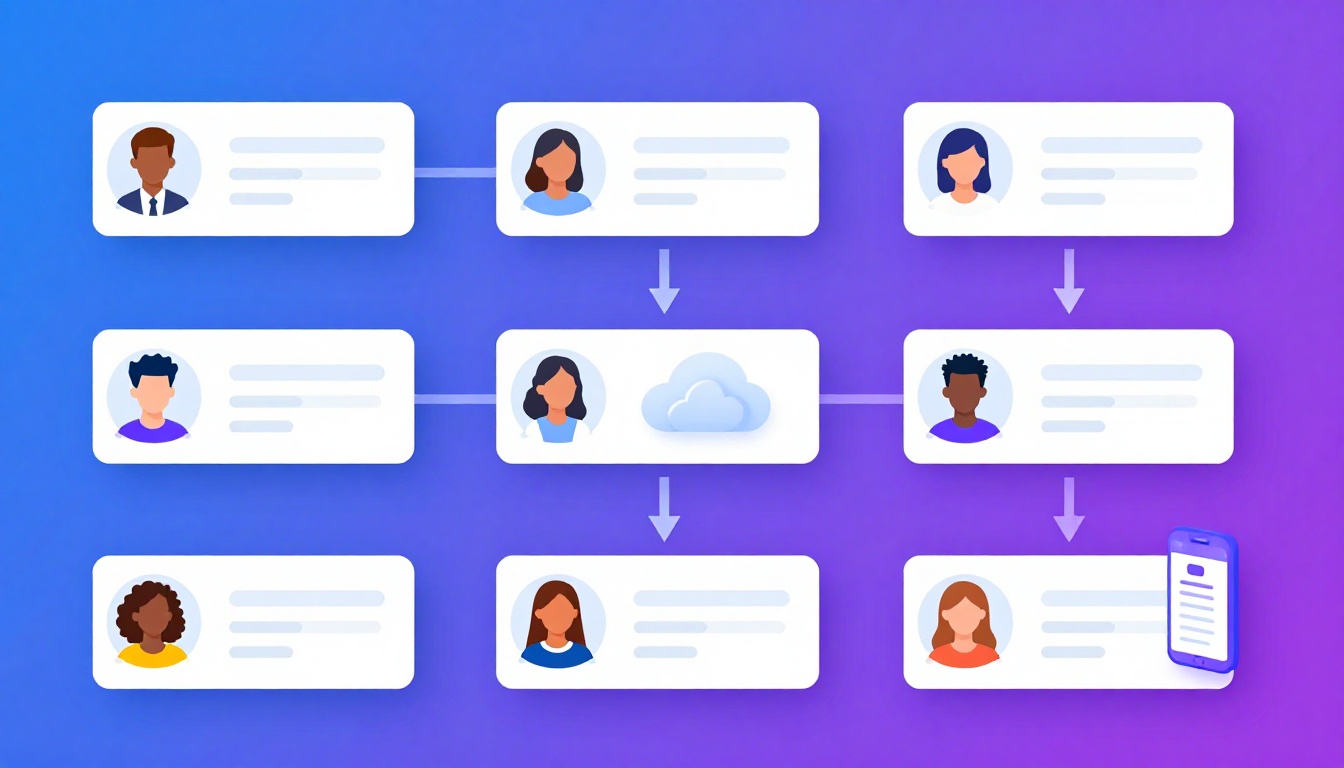
The Growth of Instagram Portfolios
For modern digital marketing agencies, content creators, and brand managers, figuring out how to manage
multiple instagram accounts efficiently is a daily necessity. Gone are the days when a business only
had one primary feed; today, you might manage a main brand account, a customer support handle, three localized
regional accounts, and five influencer partnership profiles.
The Instagram app theoretically allows you to log into up to five accounts simultaneously, letting you switch between
them with a double-tap. For a casual user with a personal page and a hobby page, this is sufficient. But when you
manage 10, 20, or 50 high-value client accounts from a desktop environment, the native app’s limitations quickly
create a brutal bottleneck.
The Dangers of Managing Instagram at Scale
Scaling Instagram management introduces unique security and workflow challenges that differ significantly from
managing Facebook or LinkedIn.
1. “Action Blocks” and Shadowbans
Instagram’s algorithm relies heavily on fighting spam. If their system detects a single IP address jumping between 15
different accounts, leaving hundreds of comments, or rapid-fire liking posts—behaviors that mimic automated bot
farms—Instagram will aggressively issue “Action Blocks.” This prevents you from engaging, essentially paralyzing
your client’s community management.
2. The Verification Loop of Death
Few things are as frustrating for an agency as trying to log into a client’s Instagram, only for the platform to flag
a “Suspicious Login Attempt” and send a 6-digit verification code to the client’s personal phone. If the client is
asleep or in a meeting, you are entirely locked out of doing your job.
3. Accidental Posting (The Nightmare Scenario)
When you constantly switch between accounts in the same app or standard browser tabs, human error is inevitable.
Accidentally posting a quirky meme meant for a gaming client onto the feed of a conservative financial institution
can cost you contracts immediately.
Core Strategies for Multiple Instagram Accounts
To safely scale, professionals must separate their Content Broadcasting from their Community
Engagement.
Strategy 1: API Schedulers for Feed and Reels
For planning grids, uploading high-res videos, and scheduling regular feed posts, rely on official API partner tools
(like Later, Metricool, or native Meta Business Suite).
Why: These tools securely push content to Instagram’s servers without requiring a native login. They
allow you to visualizer the grid, write captions in bulk, and review analytics smoothly without triggering action
blocks.
Strategy 2: Browser Isolation for Authentic Engagement
While APIs are great for posting, they are terrible for growing an account organically. To respond to nuanced DMs,
engage with competitor accounts, reply to Stories, or utilize new platform features (which often lack API support),
you must log in natively.
To understand how to manage multiple instagram accounts natively without triggering the dreaded
verification loops, you must use browser
isolation like Send.win.
The Send.win Instagram Workflow
When you use standard Chrome tabs for native engagement, Instagram links all 20 of your client accounts together via
your shared browser fingerprint and
cookies. Here is how Send.win solves this:
1. Persistent, Isolated Sessions
You create a dedicated profile inside Send.win for “Client A – IG”. You log in once, requesting the 2FA code from the
client. Send.win locks that session cookie inside a secure, encrypted container.
Tomorrow, when you open “Client A – IG”, you are instantly logged in. No re-authentication, no suspicious login
flags, and zero risk of cross-contamination with “Client B – IG”. It completely solves the accidental posting
nightmare because the accounts are physically separated.
2. Bypassing Proxies for Trust
If you are managing accounts from across the globe, logging in from your local IP address looks suspicious. You can
assign a dedicated residential proxy directly to the Send.win profile. If the client is in Sydney, their Send.win
profile connects via a reliable Australian IP address automatically.
3. Team Delegation Made Simple
Instagram inherently dislikes multiple users logging into the same account from different states or countries
simultaneously.
If you want to train an intern or hire a remote virtual assistant to handle basic comment moderation, do not give
them the password. Simply use Send.win to share the
active session. The VA receives a secure link, opens the profile, and begins engaging natively over the same
secure proxy and fingerprint. When their shift is over, you terminate the link.
Managing Creator vs. Business Accounts
When setting up your infrastructure, it’s vital to ensure your clients prioritize converting their personal profiles
into Professional Accounts (either Business or Creator).
- Business Accounts: Essential for accessing the API, scheduling posts via third-party tools, and
running structured advertising. - Creator Accounts: Often prioritized by influencers because they retain access to the full,
trending commercial audio library (which is heavily restricted for Business accounts due to copyright laws).
How Send.win Helps You Master How To Manage Multiple Instagram Accounts
Send.win makes How To Manage Multiple Instagram Accounts simple and secure with powerful browser isolation technology:
- Browser Isolation – Every tab runs in a sandboxed environment
- Cloud Sync – Access your sessions from any device
- Multi-Account Management – Manage unlimited accounts safely
- No Installation Required – Works instantly in your browser
- Affordable Pricing – Enterprise features without enterprise costs
Try Send.win Free – No Credit Card Required
Experience the power of browser isolation with our free demo:
- Instant Access – Start testing in seconds
- Full Features – Try all capabilities
- Secure – Bank-level encryption
- Cross-Platform – Works on desktop, mobile, tablet
- 14-Day Money-Back Guarantee
Ready to upgrade? View pricing plans starting at just $9/month.
Regardless of their status, both require the same strict browser isolation protocols when handled by an external
agency manager.
Conclusion
Figuring out how to manage multiple instagram accounts effectively requires abandoning the amateur
tools of the native mobile app and standard browser tabs.
By splitting your workflow—utilizing Meta-approved schedulers for bulk content publishing, and deploying
Send.win to create secure, persistent, isolated environments for native community engagement—you
can oversee dozens of high-value brands safely, eliminate verification headaches, and scale your social media agency
reliably.