The best browser for ads management gives every ad account its own browser fingerprint, IP address, and cookie jar so Meta, Google, and TikTok can’t link accounts together and trigger a mass ban. For agencies and media buyers running dozens of accounts, that isolation is what separates safe scaling from losing months of ad spend and pixel data overnight. Send.win delivers this through a native desktop app with encrypted cloud sync, plus zero-install cloud browser sessions for quick access from any device.
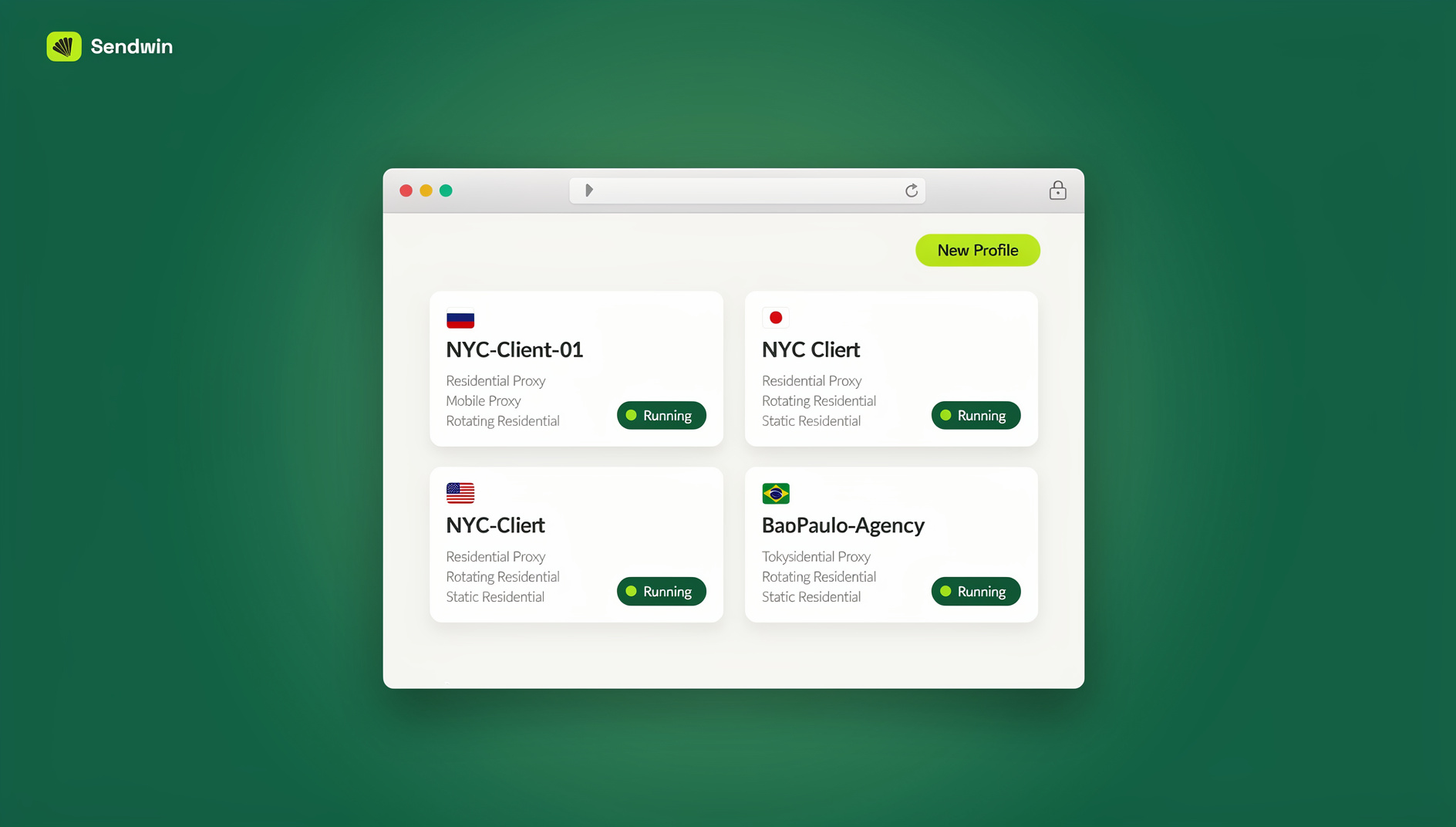
Why Ordinary Browsers Fail at Multi-Account Advertising
Chrome, Firefox, and Edge were built around the idea of one person, one identity. Open a second Business Manager or Google Ads account in a new tab and both accounts still share the same canvas fingerprint, WebGL signature, IP address, and cached cookies. Ad platforms read that overlap as one operator running “linked” accounts, and linked accounts get suspended together. A dedicated browser for ads management solves this by treating every account as a completely separate browser instance, down to the hardware-level fingerprint, not just a different login tab.
The Multi-Account Advertising Challenge
Why Advertisers Run Multiple Ad Accounts
- Agency management: running campaigns for dozens of clients from one team
- Brand separation: distinct product lines that need their own ad identity
- A/B testing: comparing creative and bidding strategies across parallel accounts
- Risk diversification: spreading spend so one ban doesn’t wipe out the whole business
- Spend-limit workarounds: scaling past a single account’s daily budget ceiling
- Regional targeting: separate accounts per market, currency, or language
Guides like how marketers use Send.win to manage multiple ad accounts safely cover the agency side of this in more depth, but the underlying problem is always the same: more accounts mean more surface area for platforms to spot a pattern.
How Ad Platforms Detect Linked Accounts
- Browser fingerprinting: canvas, WebGL, audio, fonts, and screen resolution combine into a near-unique signature
- IP correlation: multiple accounts logging in from the same address, even at different times
- Cookie and local storage overlap: tracking pixels and session tokens that persist across “different” logins
- Device ID matching: hardware and OS identifiers that don’t change between profiles
- Behavioral analysis: identical login timing, campaign structures, or creative naming conventions
- Payment correlation: shared cards, billing addresses, or business registration details
What Happens When Platforms Detect the Link
- Immediate suspension across every linked account
- Permanent Business Manager or Ads Manager bans
- Payment method blacklisting that follows you to new accounts
- Loss of historical performance data and pixel-trained audiences
- Difficulty creating replacement accounts, since new signups get extra scrutiny
Must-Have Features in a Browser for Ads Management
Unique Fingerprints Per Profile
Each profile needs its own canvas, WebGL, and audio fingerprint, its own font list, and a timezone/language pairing that matches the assigned proxy location. Without this, even accounts on different IPs can be quietly linked through a shared browser fingerprint.
Complete Cookie and Session Isolation
No cookie, local storage value, or cached script should leak between profiles. Each account should start from a clean, isolated environment every time you log in, the way a brand-new device would.
Built-In Proxy Management
A proxy should be assignable per profile directly inside the browser, with sticky sessions so the IP doesn’t rotate mid-campaign and confuse the platform’s trust signals.
Team Collaboration Without Password Sharing
Agencies need to hand a profile to a media buyer or client without emailing credentials around. Role-based sharing, activity logs, and instant revocation matter as much as the fingerprinting itself.
Automation for Scale
Once you’re managing dozens of accounts, manual daily check-ins don’t scale. Support for local automation frameworks lets you script routine tasks like budget checks or creative rotation against your existing profiles.
Top Browsers for Ads Management in 2026
Here’s how the main options in this category compare on the things that actually matter for ad account safety:
| Browser | Deployment | Fingerprint Isolation | Proxy Integration | Automation API | Starting Price |
|---|---|---|---|---|---|
| Send.win | Native desktop app (Windows/macOS/Linux) or zero-install cloud sessions | Unique per profile | Built-in, per-profile | Yes, from Pro plan | $19/mo ($6.99/mo billed annually — 63% off) |
| Multilogin | Desktop only | Unique per profile, two browser engines | Built-in | Yes, higher tiers | Higher, enterprise-oriented |
| GoLogin | Desktop and cloud options | Unique per profile | Built-in | Limited to upper tiers | Mid-range |
| AdsPower | Desktop with RPA add-ons | Unique per profile | Built-in | Built-in RPA scripting | Competitive, tiered |
Send.win’s advantage for ads teams is the two deployment options in one plan: a local-first desktop app for day-to-day account management, encrypted and synced to the cloud, plus on-demand cloud browser sessions (billed on cloud browsing time) when you need to hand a session to someone without installing anything locally. There is no free trial; paid plans start at $19/mo for Pro, and the first card purchase is covered by a 7-day money-back guarantee. You can also preview the cloud browser for free at the Send.win demo before committing proxy budgets to any tool — see the current Send.win pricing for exact plan details.
Choosing Between the Desktop App and Cloud Sessions
Send.win’s two modes solve slightly different problems, and most agencies end up using both. The desktop app, called Sendwin Browser, is the right default for accounts you manage every day: it’s a native, downloadable application for Windows, macOS, and Linux, profiles are stored locally and synced to the cloud with encryption, and performance doesn’t depend on your internet connection once a page has loaded. Cloud browser sessions are better suited to occasional or shared access — spinning up a session on a client’s laptop, checking a campaign from a machine you don’t control, or handing a contractor temporary access without installing anything or exposing the underlying profile. Cloud sessions run entirely on Send.win’s infrastructure and are metered by cloud browsing time rather than a flat seat price, so they’re worth reserving for the access patterns that actually need them rather than using them as the default for a full-time media buyer.
Platform-by-Platform Detection Rules
Facebook and Meta Ads
Meta runs the most aggressive detection of the major platforms. Keep Business Manager access carefully scoped, never share pixels between unrelated accounts, and avoid admin-access patterns that connect pages that shouldn’t be connected. In practice: one browser profile per Business Manager, a dedicated residential proxy per BM, gradual account warm-up before spending, and consistent login timing. A walkthrough on running Facebook, Instagram, and Google Ads in parallel without cross-contamination covers the exact profile setup agencies use for this.
Google Ads
Google’s detection is sophisticated but slightly more forgiving of legitimate multi-account structures. Use an MCC (Manager) account for authorized multi-client access, keep Chrome sync disabled or tied to a dedicated Google account per profile, and never place the same remarketing tag across unrelated accounts.
TikTok Ads
TikTok’s Business Center is newer but scrutiny is climbing fast. Each Business Center needs its own profile, phone verification requires a unique number per account, and proxy geography should match your target market rather than jump between regions.
LinkedIn and X (Twitter) Ads
LinkedIn’s B2B focus means somewhat lighter detection than consumer platforms, but Campaign Manager access should still route through separate profiles. On X, ad account linking to personal accounts and phone verification requirements make separate profiles per advertiser the safer default.
Building an Ads Management Workflow That Scales
- Organize accounts first. Use a consistent naming convention (Client-Platform-Region), and document which proxy is paired with which profile.
- Configure one profile per account. Create the profile, assign a dedicated residential proxy, set timezone and language to match, and confirm the fingerprint is unique before logging in.
- Warm up new accounts. Browse normally before touching ad platforms, start with small budgets, and scale spend gradually over weeks rather than days.
- Enforce daily discipline. Always open the correct profile for each account, never touch two unrelated accounts in one session, and keep labels and proxy assignments current.
Proxy Strategy for Ad Accounts
- Residential proxies: the safest default — they read as real home connections
- ISP proxies: static IPs with residential-level trust, good for accounts that need a stable address
- Mobile proxies: highest trust level, carrier-issued and rotating
- Avoid datacenter proxies: ad platforms flag these quickly and consistently
Match the proxy’s location to the account’s target market and keep it consistent — randomly rotating countries on a business account looks far more suspicious than staying put. For a deeper breakdown of proxy types and providers, see this roundup of proxy browsers for 2026.
Automating Campaign Management at Scale
Once an agency is past a handful of accounts, some tasks — budget pacing checks, report pulls, scheduled creative swaps — are worth scripting rather than clicking through by hand. Send.win does not offer an automation interface: there is no API, SDK, headless mode or Selenium/Puppeteer/Playwright support on any plan. Each profile keeps its own consistent fingerprint and proxy assignment, so manual sessions stay separate and organised. Download the desktop app from send.win/download to see how a profile is structured.
Common Mistakes That Get Ad Accounts Banned
- Relying on incognito mode. Private browsing doesn’t change your fingerprint or IP — platforms still see the same signature.
- Sharing proxies across accounts. Every account needs its own dedicated IP, not a shared pool.
- Rushing new accounts to spend. Accounts need warm-up time before heavy ad activity.
- Cross-contaminating sessions. Opening unrelated accounts in the same browser session in one sitting.
- Ignoring fingerprints because the IP changed. IP rotation alone isn’t isolation.
- Poor record-keeping. Not tracking which proxy and fingerprint belong to which account makes recovery from a mistake much harder.
🏆 Send.win Verdict
For agencies and media buyers who need a browser for ads management, Send.win covers both ends of the job: a native desktop app with encrypted cloud sync for daily account management, and on-demand cloud browser sessions when you need to hand off access without installing anything. Per-profile fingerprints, built-in proxy assignment, and team sharing without password exposure make it a practical choice whether you’re running five accounts or five hundred.
Try the Send.win cloud demo — a 3-minute preview without signup, or 10 minutes a day with a free account.
Frequently Asked Questions
Can I manage multiple client ad accounts from a single browser profile?
If you have authorized agency access through Business Manager or an MCC, you can technically reach several client accounts from one login. But accounts that need to appear unrelated to each other, or to the platform, still shouldn’t share a fingerprint — keep those on separate profiles.
How many ad accounts should one browser profile handle?
Treat one profile as one identity — typically one Business Manager or one advertiser entity. Loading multiple unrelated advertiser accounts into a single profile reintroduces the exact correlation risk isolation is meant to prevent.
Are free anti-detect browsers safe for ad accounts with real spend?
Free tools often skip proper fingerprint randomization or fall behind as platforms update their detection. For accounts worth real ad spend, the cost of a paid tool is small next to the cost of a ban.
What’s the difference between Send.win’s desktop app and its cloud sessions?
The desktop app is a native, downloadable application for Windows, macOS, and Linux that stores profiles locally with encrypted cloud sync — best for day-to-day account management. Cloud browser sessions run entirely in the cloud with no local install, metered by cloud browsing time — useful for quick access from a device you don’t want to install anything on, or for handing a session to someone else temporarily.
Does Send.win support automating ad account tasks?
No. Send.win has no automation interface: there is no API, SDK, headless mode or Selenium/Puppeteer/Playwright support on any plan. Each profile keeps its own consistent fingerprint and proxy, so manual sessions stay separate and organised.
What proxy type works best for ad accounts?
Residential or ISP proxies matched to your target market. Datacenter proxies are cheaper but get flagged by ad platforms far more often, and mobile proxies offer the highest trust when the budget allows.
How do I recover if two accounts get linked and banned?
Start over with a new profile, a new proxy, and ideally new business registration details. Reusing the same infrastructure that triggered the original detection almost always results in the new account getting flagged again quickly.
Is a paid browser for ads management worth it for a single-account advertiser?
If you only run one ad account with no plans to scale, the risk this category solves may not apply to you yet. Once you’re managing a second account, a client’s account, or testing at scale, isolation stops being optional.