Why Focus Feels Nearly Impossible in 2026
How to stay focused on work is one of the most-searched productivity questions on the internet, and for good reason. Between Slack pings, five email inboxes, a dozen open browser tabs, and a phone that buzzes every ninety seconds, the average knowledge worker now loses their train of thought roughly every three minutes during the workday. It’s not a willpower problem — it’s an environment problem. Your workspace, your browser, and your devices are all engineered to interrupt you, and no amount of “just try harder” fixes that.
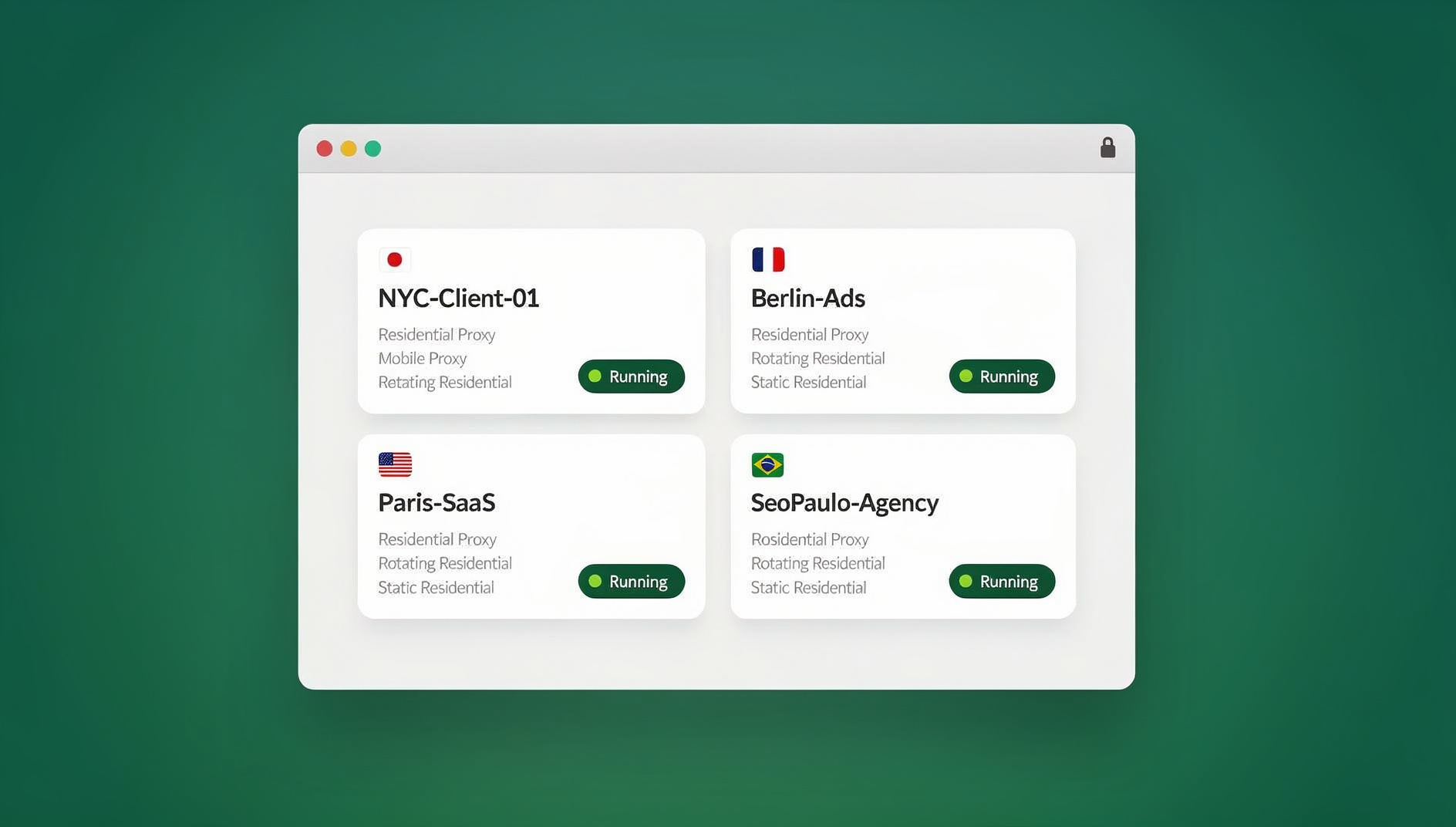
This guide replaces the short, dated version of this post with a complete, practical framework: the psychology behind why distractions hijack your attention, twelve proven strategies you can start using today, a look at why your browser specifically is one of the biggest hidden culprits, and how a tool like Send.win — a browser profile manager built for people juggling multiple accounts — can remove an entire category of digital distraction without you having to rely on discipline alone.
The Real Cost of a Distracted Workday
Researchers at UC Irvine famously found that it takes an average of 23 minutes and 15 seconds to fully return to a task after an interruption. If you get interrupted eight times a day — a conservative estimate for most remote and hybrid workers — that’s over three hours of “recovery time” alone, before you even count the minutes lost to the interruption itself.
There’s also a phenomenon psychologists call attention residue: part of your brain stays stuck on the previous task even after you’ve switched to a new one. This is why jumping from a client email to a Slack thread to a social media notification and back to your report doesn’t just cost you the seconds spent switching — it degrades the quality of your thinking on the task you’re supposed to be doing. Chronic task-switching has been linked to higher stress, more errors, and a measurable drop in IQ-test performance comparable to losing a full night’s sleep.
The good news: focus is trainable. It responds to structure, environment design, and the right tools far more reliably than it responds to motivation alone.
12 Proven Strategies to Stay Focused on Work
1. Time-Block Your Calendar Instead of Relying on a To-Do List
A to-do list tells you what to do; a calendar tells you when. Open-ended lists let your brain quietly negotiate with itself (“I’ll do the hard task after lunch”) in a way that rarely holds up. Instead, block 60-90 minute chunks directly on your calendar for specific tasks — “9:00-10:30: Draft Q3 report” — and treat that block the same way you’d treat a meeting you can’t skip.
2. Schedule Dedicated “Browsing Windows”
Banning the internet entirely isn’t realistic for most jobs, but leaving it unrestricted all day guarantees constant micro-interruptions. Set two or three fixed windows — say, 11:00, 2:00, and 4:30 — for checking email, news, and social media. Outside those windows, close the tabs. Knowing your browsing time is coming (not banned forever) makes the boundary far easier to hold.
3. Put Your Phone in Another Room
A 2017 University of Texas study found that simply having your phone visible on the desk — even powered off — measurably reduces available cognitive capacity, an effect the researchers called “brain drain.” Put it in a drawer, a bag, or another room during deep-work blocks. If you need it for two-factor codes, use a laptop-based authenticator instead.
4. Block Background Noise With Headphones or a Focus Playlist
Consistent, low-variance sound (white noise, brown noise, or instrumental tracks without lyrics) helps mask the unpredictable noises — a coworker’s conversation, a notification chime two desks over — that are far more disruptive to focus than steady background sound. Noise-cancelling headphones do double duty as a visual “do not disturb” signal to people around you.
5. Design a Workspace That Signals “Work Mode”
Your brain builds associations with physical spaces. If you work from the same spot where you also scroll your phone, eat, and relax, that location stops signaling “focus” and starts signaling “anything goes.” Keep your desk for work only where possible, clear visual clutter, and consider a consistent pre-work ritual (a specific playlist, a cup of coffee, closing the door) that trains your brain to shift into work mode faster over time.
6. Single-Task Instead of Multitasking
What feels like multitasking is almost always rapid task-switching, and every switch carries a cognitive cost. Pick one task, close everything unrelated to it, and work it to a natural stopping point before opening anything else. If a stray idea for a different task pops up, don’t act on it — write it down (see tip 8) and get back to what you’re doing.
7. Move Your Body Every 60-90 Minutes
Sustained focus isn’t a straight line — attention naturally dips in cycles. A five-minute walk, some stretching, or even standing up and refilling your water resets your attention span far more effectively than pushing through a stale focus block or reaching for your phone “just for a second.”
8. Keep a “Distraction Notebook” Nearby
Most mid-task distractions aren’t external — they’re internal. A random thought (“did I reply to that email?”) pulls you out of deep work just as effectively as a notification. Keep a notepad next to you and jot the thought down the instant it appears, then immediately return to your task. You’ve captured it without losing your place, and you can process the list during your next browsing window.
9. Separate Your Work and Personal Accounts at the Browser Level
This is the tip most focus guides miss entirely. If your personal Gmail, Instagram, and Slack are logged into the same browser window as your work tools, they’re never more than one tab-click away — and proximity is the single biggest predictor of whether you’ll check something. Using a genuinely separate browser profile (or a dedicated multi-login browser) for personal accounts, so they live in a different window with a different fingerprint and session entirely, removes the temptation structurally instead of relying on willpower to resist it.
10. Use the Pomodoro Technique (or a Variant)
Work in focused 25-minute sprints followed by a 5-minute break, with a longer 15-20 minute break after four sprints. The fixed end point makes starting a hard task feel less daunting (“I only have to focus for 25 minutes”), and the built-in breaks prevent the burnout that leads to distraction-seeking later in the day. If 25 minutes feels short for your work, try 50/10 splits instead.
11. Turn Off Non-Essential Notifications
Go through your phone and desktop settings once and disable badges, banners, and sounds for everything except messages from people who genuinely need an immediate response. Every notification — even ones you don’t act on — triggers a brief attention shift. Batch-checking apps on your own schedule is dramatically less disruptive than letting them interrupt you on theirs.
12. Batch Similar Tasks Together
Switching between different types of work (writing, then a call, then spreadsheet work, then writing again) costs more focus than switching between different projects of the same type. Group similar tasks — all your emails, all your calls, all your writing — into contiguous blocks so your brain stays in one cognitive mode for longer stretches.
Why Your Browser Is the Biggest Hidden Distraction Source
For most desk jobs in 2026, “work” essentially means “the browser.” That also makes the browser the single most concentrated source of distraction in your day: dozens of open tabs, notification badges from four different platforms, and personal accounts sitting one click away from your work tools at all times. The table below breaks down the most common browser-based focus killers and the fix for each.
| Browser Distraction | Why It Breaks Focus | Practical Fix |
|---|---|---|
| Dozens of open tabs | Visual clutter creates constant low-grade decision fatigue | Close everything unrelated to the current task; use a tab-limiting extension |
| Personal accounts logged in alongside work accounts | One click away = constant temptation and attention residue | Use separate, isolated browser profiles for personal vs. work accounts |
| Notification badges from social/email tabs | Peripheral-vision movement pulls attention even without a sound | Keep those accounts in a different browser window entirely, or closed until your browsing window |
| Constant re-logins across shared team tools | Every login/logout cycle is a forced context switch | Use session-sharing so teammates access tools without repeated logins |
| Ad/client account bleed-over | Mixing client or ad accounts risks flags and forces manual cleanup mid-task | Run each account in its own isolated profile with a unique fingerprint |
Building a Distraction-Proof Browser Setup With Send.win
Once you’ve adopted the habits above, the next lever is your environment — and specifically, the browser you spend most of the workday inside. Send.win is a browser profile manager built for exactly this problem: instead of one browser window juggling every account you own, it gives each identity — work, personal, client, or ad account — its own isolated profile with its own cookies, storage, fingerprint settings, and its own proxy if needed. Here’s how that maps directly onto staying focused.
Isolate Work and Personal Accounts With Profiles
Rather than trusting yourself not to click over to a personal tab, you can structurally remove the option: put your personal social accounts and inbox in one profile and your work tools in another, entirely separate window with its own session. Checking personal accounts now requires a deliberate switch instead of an idle click, which is exactly the kind of friction that research shows reduces compulsive checking behavior. This same isolation is what protects agencies and freelancers managing multiple client or ad accounts from cross-contamination — you can read more in our multi-login browser guide.
Use the Desktop App for a Dedicated, Distraction-Free Workspace
Send.win also ships as a native Desktop app for Windows, macOS, and Linux — not just a browser extension. Running your work profiles in a dedicated desktop application (rather than as one more tab group inside your everyday browser) gives you a genuinely separate workspace: it doesn’t share history, bookmarks, or open tabs with your personal browsing, and it can sit in its own space or virtual desktop so alt-tabbing back to “the browser” during a focus block doesn’t accidentally land you back in your personal inbox.
Automate the Repetitive Work That Breaks Your Flow
A surprising amount of daily distraction isn’t external at all — it’s the repetitive, low-value browser tasks (logging into five dashboards, re-entering the same data across accounts, checking status pages) that force you to break deep work to go do something tedious. Send.win keeps each account in its own isolated profile, so you can stay signed in to the accounts you need without mixing them up, and team session sharing gives teammates one-click access to shared accounts without ever seeing the password — removing another common interruption: the “hey, can you send me the login” Slack message that pulls both of you out of deep work.
For a deeper look at how isolated profiles cut down on the digital noise that fuels a distracted day, our distraction-blocking tools roundup and our minimalist productivity tools guide both cover complementary tools worth pairing with a clean browser setup.
A Sample Distraction-Free Daily Schedule
Here’s how the strategies above look when combined into an actual workday, using time-blocking, batched browsing windows, and a separated browser setup:
| Time | Block | Notes |
|---|---|---|
| 8:30 – 9:00 | Plan the day, review calendar | Phone in another room; work-only browser profile open |
| 9:00 – 10:30 | Deep work block #1 (hardest task) | Notifications off; distraction notebook nearby |
| 10:30 – 10:45 | Break + move your body | Short walk or stretch, no phone scrolling |
| 10:45 – 12:00 | Deep work block #2 | Batch similar tasks (e.g., all writing) |
| 12:00 – 12:15 | Browsing window #1 | Check personal accounts in separate profile/desktop app |
| 12:15 – 1:00 | Lunch, away from desk | — |
| 1:00 – 2:30 | Meetings / calls | Batched together, not scattered through the day |
| 2:30 – 4:00 | Deep work block #3 | Repetitive tasks handled by automation, not you |
| 4:00 – 4:15 | Browsing window #2 | Email, social, news |
| 4:15 – 5:00 | Wrap-up, plan tomorrow | Close work profile entirely to create a clean end-of-day boundary |
Common Focus Mistakes to Avoid
- Relying on willpower alone. Environment design beats discipline almost every time — remove the temptation instead of resisting it repeatedly.
- Trying to eliminate all interruptions at once. Start with one or two changes (phone in another room, one time-blocked hour) and build from there.
- Treating every notification as urgent. Almost nothing genuinely needs a response within sixty seconds; batching is nearly always safe.
- Keeping personal and work logins in the same browser window. This single habit undoes most other focus strategies, since the temptation never actually goes away.
- Skipping breaks to “push through.” Attention is cyclical — working past a natural dip usually produces more errors, not more output.
If you want a broader library of tools beyond browser setup, our Chrome extensions for productivity roundup is a good next read once you’ve got the fundamentals above in place.
🏆 Send.win Verdict
Staying focused isn’t only about habits — it’s about removing the structural temptations built into a single, cluttered browser window. Send.win isolates every account (personal, work, client, or ad) into its own profile with its own cookies, storage and fingerprint settings, available through the browser or the native Desktop app. That means fewer stray tabs, fewer accidental logins into the wrong account, and fewer repetitive browser chores eating into your deep-work blocks.
Try Send.win today — plans start at $19/mo, and your first card purchase is covered by a 7-day money-back guarantee. You can also preview it for free in the cloud demo at https://send.win/demo-browser/ and build a browser setup that actually protects your focus.
Frequently Asked Questions
How long does it take to build a focus habit?
Most people notice a meaningful difference within one to two weeks of consistently time-blocking and removing their top one or two distractions. Full habit formation — where the new routine feels automatic — typically takes closer to 60-90 days, so give any new system at least a few weeks before judging whether it’s working.
What’s the single most effective way to stay focused on work?
Removing your phone from the room and time-blocking your calendar together tend to produce the biggest immediate improvement, since they address both the external interruption (phone) and the internal negotiation (an open-ended to-do list) that most commonly derail focus.
Is multitasking ever actually productive?
Rarely. True simultaneous multitasking is mostly a myth for cognitively demanding work — what feels like multitasking is fast task-switching, which carries a real cost in accuracy and speed. The exception is pairing a cognitively demanding task with a fully automatic one (like walking), not two tasks that both require active thought.
How many browser tabs is too many?
There’s no universal number, but if you can’t remember why a tab is open, it’s already a distraction rather than a resource. A good rule of thumb is to keep only tabs relevant to your current task open, and to use a separate profile or window for anything unrelated (personal accounts, reference material for later, etc.).
Does using a separate browser profile for personal accounts actually help focus?
Yes — friction is one of the most well-supported behavior-change levers in psychology. When checking a personal account requires switching to an entirely different browser window or app instead of a single click on an already-open tab, the small extra step is often enough to break the automatic, compulsive-checking habit.
What should I do when I get distracted mid-task?
Don’t fight it or feel guilty — just note what pulled your attention (in a distraction notebook, tip 8) and return immediately to what you were doing. Judging yourself for the lapse usually causes a longer disruption than the distraction itself.
Can automation really reduce distractions during the workday?
Yes, for repetitive browser-based tasks specifically. Tasks like logging into multiple dashboards, pulling the same report across several accounts, or repetitive data entry are common sources of “just one more thing” interruptions. Keeping each account in its own isolated Send.win profile means you stay signed in where you need to be and spend less time switching between accounts, freeing up those minutes for actual deep work.
Is Send.win only for people managing multiple accounts professionally?
No. While it’s built with power users, agencies, and teams managing many accounts in mind, the same profile-isolation feature is genuinely useful for anyone who wants a hard boundary between their work and personal browsing to protect their focus during the day.