The best distraction-blocking sites combine hard website blockers, Pomodoro timers, ambient sound, and isolated browsing environments so temptation never reaches your screen in the first place. Tools like Freedom, Cold Turkey, and LeechBlock NG cut off distracting sites outright, while Send.win keeps every login and project in its own isolated session so stray tabs, cross-account clutter, and “just checking one thing” detours never derail deep work.
Willpower alone rarely beats a feed engineered to pull you back in. The real fix is environmental: remove the paths back to distraction before you’re tempted, instead of relying on discipline in the moment. Below are ten distraction-blocking sites and tools that hold up under real use — hard blockers, timers, soundscapes, an accountability partner, and a session-isolation browser that solves the quieter problem of context chaos. If scattered tabs and half-finished tasks are your bigger obstacle, it’s worth pairing this list with a broader look at productivity software built for solo makers.
How We Chose These Tools
- Works where you actually work — browser, desktop, or mobile, with minimal setup friction.
- Directly reduces distraction through blocking, timeboxing, sound masking, or session isolation.
- Reliable and actively maintained, with clear documentation and no abandoned support forums.
- Team-friendly where relevant, with sharing, scheduling, or collaboration options.
- Fair pricing for individuals, freelancers, and small teams alike.
1. Send.win — Isolated Sessions That Eliminate Context Chaos
Best for: marketers, e-commerce sellers, SEO professionals, developers and QA testers, remote workers, and anyone juggling multiple accounts or projects who wants each one contained instead of bleeding into the others.
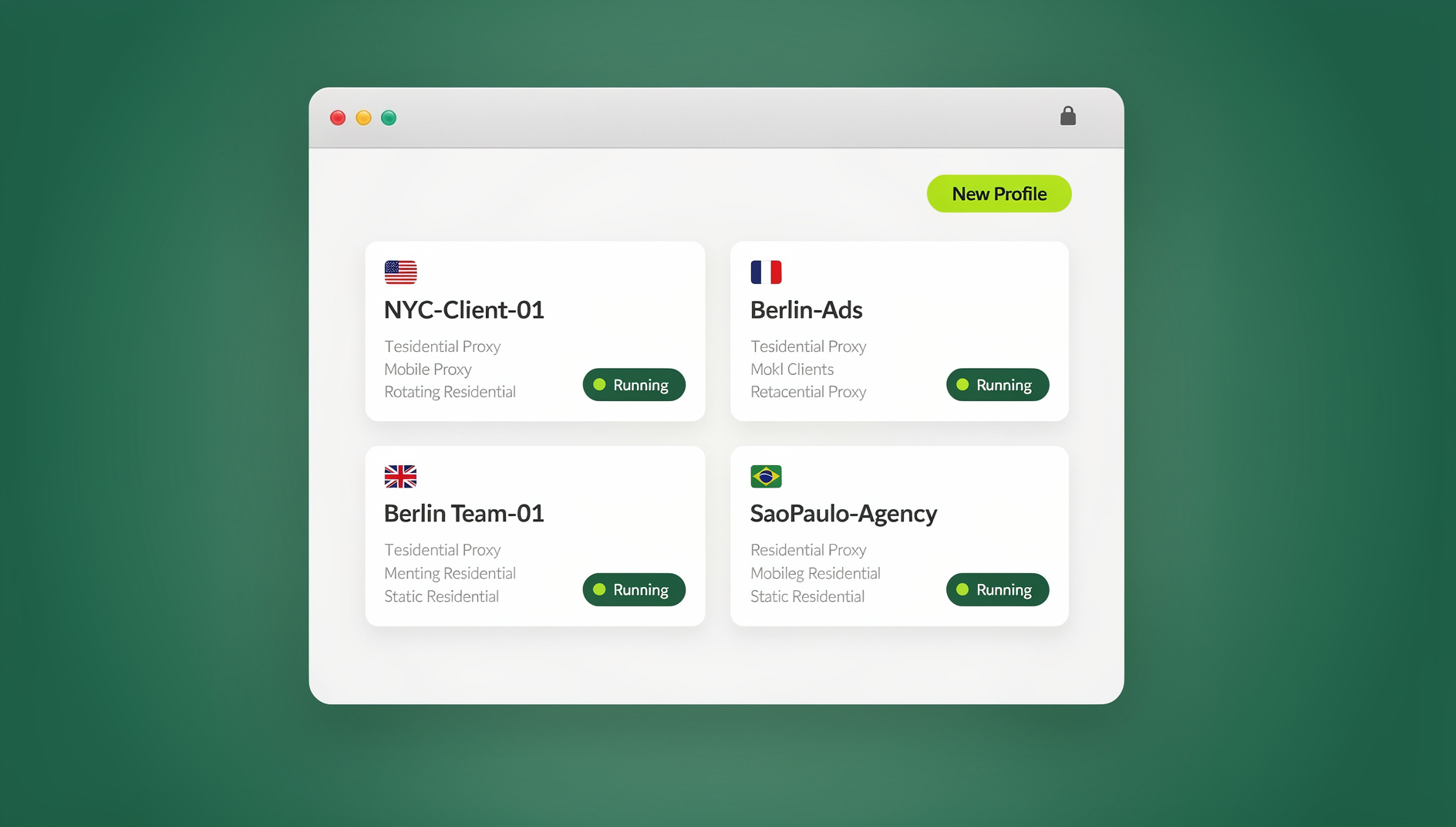
Most blockers stop you from opening a site. Send.win solves a different, quieter distraction: the mental tax of switching between logins, tabs, and half-finished tasks. It gives you two ways to work, and you can mix both depending on the task. The first is Sendwin Browser, a native desktop app you download for Windows, macOS, or Linux. It’s local-first — your sessions and settings live on your machine — with encrypted sync to the cloud so your setup follows you to another device. The second is a cloud browser session, which runs entirely on Send.win’s infrastructure with nothing installed locally; you get a fully interactive browser streamed to whatever device you’re on, metered by cloud browsing time rather than tied to one machine.
Either way, every profile or session stays fully isolated, so a client’s ad account, a competitor-research tab, or a personal login never bleeds into your main workspace and pulls your attention sideways. Because each task lives in its own contained profile, you stop the low-grade distraction of scrolling through unrelated tabs looking for “that one thing,” and you stop worrying about one account’s cookies or trackers following you into another. For a closer look at how the isolation model actually works under the hood, see this session isolation guide.
| Sendwin Browser (native desktop app) | Cloud browser sessions | |
|---|---|---|
| Install | Download once for Windows, macOS, or Linux | None — opens straight from your dashboard |
| Where your data lives | Local-first, with encrypted sync to the cloud | Entirely remote; nothing touches your device |
| Best for | Your daily driver — the accounts you use every day | One-off tasks, shared reviews, or opening unfamiliar links |
| Billed by | Included in your plan | Metered cloud browsing time |
| Automation API | No | Not applicable — automation targets the local desktop app |
Why it blocks distraction (indirectly, but powerfully):
- One profile per task — create a clean silo for each client, project, or campaign so nothing cross-contaminates your attention.
- One-click account switching — no more sign-out/sign-in loops between clients or personal accounts.
- Bring your own proxy — attach a proxy per session to test region-locked content without reconfiguring your machine.
- Share a session, not a password — hand a teammate or contractor time-boxed access to a live, logged-in session.
- Blur sensitive pages — hide billing or account details before you share a session or your screen.
- Encrypted by design — sessions don’t share local storage, so one tab can’t be used to track or distract from another.
Who benefits:
- Marketers and advertisers managing several ad accounts and reviewing competitor funnels without cookie conflicts eating into focus time.
- E-commerce sellers running multiple storefronts safely, reducing the ban risk that comes from shared local storage.
- SEO professionals testing rankings from different regions without touching system-level settings mid-task.
- Developers and QA testers running isolated sessions for bug reproduction and demos.
- Remote workers collaborating through shared, time-boxed sessions while keeping sensitive pages hidden.
Pricing: Send.win has no free trial. The Pro plan is $19/month or $83.88/year with 150 profiles and 5GB of proxy bandwidth. The Team plan is $49/month or $251.88/year with 500 profiles, 20GB of bandwidth, and 16 seats. The first card purchase is covered by a 7-day money-back guarantee, and the only free option is the cloud demo at https://send.win/demo-browser/ — full details live on the official pricing page.
Getting started: sign up at send.win, choose a paid plan, then pick your mode — download Sendwin Browser as your daily driver or launch a cloud session straight from the dashboard for a one-off task. Create one session per project and switch between them with a click.
Pro workflow tip: pair Send.win with a local website blocker like Freedom or LeechBlock NG so “off-task” sites stay muted while you work inside clean, isolated sessions.
2. Freedom — Cross-Device Website and App Blocking
Best for: anyone who wants to block websites and apps across Mac, Windows, iOS, Android, and Chrome with scheduled or on-demand sessions.
Freedom syncs blocks across desktop and mobile, so when your laptop is locked down, your phone is too. Schedule recurring sessions for your workday, or start a quick focus session the moment you feel yourself drifting. It’s simple, dependable, and covers both apps and sites in one place, which is exactly what you want if you tend to stay focused at work right up until your phone buzzes.
Standout for: tight cross-device control and easy recurring schedules.
3. Cold Turkey Blocker — Strict Blocks You Won’t Wiggle Out Of
Best for: writers, developers, and students who want serious, hard-to-bypass blocks on Windows or macOS.
Cold Turkey’s lockdown style leaves little wiggle room. Create schedules, block lists, and wildcard rules, or enable strict modes that are genuinely difficult to override mid-session. If willpower is the bottleneck, Cold Turkey supplies the structure instead. The paid version is a one-time lifetime license, which a lot of long-term users appreciate over yet another subscription.
Heads-up: the stricter the blocker, the more you’ll want to plan ahead with whitelists and scheduled break windows, since there’s no talking your way out of an active lockdown.
4. LeechBlock NG — Granular Browser-Level Blocking
Best for: people who live in the browser and want precise, rule-based control over exactly when and how long a site is reachable.
LeechBlock NG gives you up to 30 configurable “site sets,” time windows, daily quotas, access delays, and gentle nudges. It’s the Swiss Army knife of browser blocking — flexible and lightweight. If you like to tinker with rules, such as fifteen minutes total of a site between 8 a.m. and 6 p.m., or blocking news entirely except for a fifteen-minute window in the evening, this is built for you.
Standout for: granular controls and very low overhead.
5. StayFocusd — Time Caps and a Nuclear Option
Best for: Chrome and Edge users who want daily time limits on specific sites plus an emergency lockdown for when things get serious.
StayFocusd keeps you honest by letting you set a daily minutes cap for time-wasting sites. Once you hit the limit, that’s it for the day. When you need to go fully heads-down, the Nuclear Option blocks everything except a carefully chosen allowlist, which is a useful last resort during a deadline crunch.
Standout for: timeboxing instead of a blanket, all-or-nothing ban.
6. Focusmate — Real-Time Accountability With a Human Partner
Best for: procrastinators who respond to gentle social pressure and shared commitment more than to any app.
You schedule a 25- or 50-minute co-working session, get matched with a partner, state your goal at the start, then work quietly together with cameras on. The structure is light but surprisingly motivating — it’s much harder to scroll when someone else is visibly working alongside you. There’s a free tier with a few sessions per week and an unlimited plan for people who lean on the routine daily.
Standout for: replacing “I’ll start later” with a low-friction calendar commitment.
7. Forest — Grow a Tree While You Focus
Best for: mobile-first users who need a quick, visual reason to avoid doomscrolling.
Open the app, plant a virtual tree, and let it grow while you stay on task. Leave the app early and your tree withers. It’s a small nudge, but it makes phone use feel genuinely costly during a work sprint. The brand has also partnered on real tree planting, which many users enjoy as an added incentive.
Standout for: gamification that makes staying off your phone feel rewarding rather than punishing.
8. Brain.fm — Functional Music Engineered for Focus
Best for: anyone who prefers sound masking and non-lyrical music that promotes flow over a curated playlist.
Brain.fm provides music designed to support deep work — steady, low-distraction sound that doesn’t demand attention the way a favorite song does. It includes built-in timers and activity-specific tracks for focus, relaxation, and sleep. If playlists distract you because you’re always fiddling with what to play next, this removes that decision entirely.
Standout for: one-click audio that fades into the background instead of competing for attention.
9. Noisli — Mixable Ambient Noise
Best for: open offices, shared homes, and anyone distracted by unpredictable conversations or street noise.
Noisli lets you mix high-quality ambient tracks like rain, wind, coffee shop chatter, and white or brown noise into your own custom blend. It also includes a basic session timer and a distraction-free text editor. The result is a personal “sound bubble” that drowns out the noise spikes you can’t control.
Standout for: building a predictable sonic backdrop when true silence isn’t an option.
10. Pomofocus — The Web’s Favorite Pomodoro Timer
Best for: anyone who benefits from classic 25-minute work sprints with short breaks in between.
Pomofocus is a fast, browser-based timer with simple to-dos and lightweight reports. Open it in a pinned tab, set your task, and press start. If you’re new to timeboxing, it’s the easiest on-ramp available, with none of the setup overhead of a full task-management app.
Standout for: zero friction and a genuinely clean interface.
Quick Comparison: Which Distraction Blocker Do You Need?
| Tool | Type | Best For | Platform |
|---|---|---|---|
| Send.win | Session isolation / cloud browsing | Context chaos across multiple accounts and projects | Windows, macOS, Linux, cloud |
| Freedom | Cross-device blocker | Syncing blocks across laptop and phone | Mac, Windows, iOS, Android, Chrome |
| Cold Turkey | Strict lockdown blocker | People who relapse without a hard block | Windows, macOS |
| LeechBlock NG | Rule-based browser blocker | Granular, custom scheduling rules | Firefox, Chrome, Edge |
| StayFocusd | Time-cap blocker | Daily limits with an emergency lockdown | Chrome, Edge |
| Focusmate | Accountability platform | Getting started via social pressure | Web |
| Forest | Gamified phone blocker | Mobile doomscrolling | iOS, Android |
| Brain.fm | Functional focus music | Sound masking without lyrics | Web, iOS, Android |
| Noisli | Ambient noise mixer | Noisy offices and shared homes | Web |
| Pomofocus | Pomodoro timer | Simple timeboxing | Web |
Build a Distraction-Proof Stack With Send.win at the Center
Here’s a practical setup you can put in place today.
A) Create task-specific “work rooms” with Send.win
Open a separate profile or session per major task: one for paid ads, one for competitor research, one for support tooling, and so on. Assign a region or proxy where it matters — say, a US session for ad previews and an EU session for privacy testing. When a task wraps up, dispose of a cloud session so there’s no local residue, or simply close the profile in Sendwin Browser. If you’re collaborating, share access without sharing passwords, and blur any sensitive billing pages before you do.
B) Add a perimeter blocker
On your local device, schedule Freedom sessions for your work blocks — say, 9:30 to noon and 1:30 to 4:30. Even if you wander away from a Send.win session, your device won’t become a playground for distractions in the meantime.
C) Create a sound bubble
If your space gets noisy, turn on Noisli or Brain.fm. Set a 90-minute timer to align with your deep-work cycles, and take a real break when it ends instead of pushing through.
D) Timebox the day
Keep Pomofocus open and run 25-minute focus sprints with 5-minute breaks. Use the longer break to close and relaunch Send.win sessions — this resets context and reduces the hidden tab creep that builds up over a long day.
E) Book accountability when it matters
For high-stakes tasks — proposals, exams, product launches — schedule a Focusmate session during your toughest hour. That light social commitment does more for momentum than another to-do list ever will.
Why Send.win Anchors the Stack
Classic blockers are essential, but they don’t solve context chaos — the cognitive drag of logging in and out, switching profiles, or running a second browser just to keep two accounts apart. Send.win neutralizes that by giving you a profile or session per task, encrypted storage whether you’re on the desktop app or a cloud session, share-without-password access for teams and contractors, and per-session proxies for easy geo-testing. Combine that with a local blocker and a simple timer, and you get a multi-layered defense: your device stays quiet, your sessions stay clean, and your day has actual structure instead of good intentions.
🏆 Send.win Verdict
If distraction for you means tab sprawl, account mixing, and losing your place between projects rather than a single tempting site, Send.win solves the problem the other nine tools on this list can’t touch. Run Sendwin Browser as your daily driver or spin up a disposable cloud session for anything risky or one-off, keep every project in its own isolated lane, and pair it with a hard blocker like Freedom or LeechBlock NG for the rest.
Try Send.win today — choose a paid plan covered by a 7-day money-back guarantee on your first card purchase, or try the free cloud demo, and feel the difference in a single session.
Frequently Asked Questions
Are website blockers enough by themselves?
They help a lot, but they don’t fix context switching. Pair a blocker like Freedom or LeechBlock NG with Send.win for isolated, task-specific sessions that reduce tab sprawl and account hopping on top of the sites they block outright.
What if music distracts me instead of helping?
Use engineered focus audio from Brain.fm or an ambient mix from Noisli. Both reduce the novelty and lyrics that pull attention away from work, unlike a regular playlist you keep wanting to skip through.
I struggle to start. Is there a tool for that specifically?
Try Focusmate. Booking a 25-minute session with a partner gets you moving, then you can layer Send.win sessions on top for clean, contained task containers once you’re actually working.
My work requires different regions and several test accounts. Is that safe to do in one browser?
Not really in a single local browser profile, which is exactly the problem Send.win solves. It gives you two options: the native Sendwin Browser with encrypted, local-first profiles, or fully cloud-hosted sessions with zero local install. Either way you can assign a proxy or region per session and keep every account fully isolated from the others.
Do I need the desktop app or a cloud session?
Use Sendwin Browser for the accounts you touch every day — it’s local-first with encrypted sync, so it feels like a normal browser. Reach for a cloud session when the task is temporary, you need to share access with someone else, or you’re opening a link you don’t fully trust.
Is Send.win free to try?
No. Send.win has no free trial. The only free option is the cloud demo at https://send.win/demo-browser/, and the first card purchase is covered by a 7-day money-back guarantee.
Can I automate repetitive browsing tasks with Send.win?
No. Send.win has no automation interface — no API, SDK, headless mode or Selenium/Puppeteer/Playwright support on any plan.
What’s the single best combination for someone just starting out?
Start with Send.win for your accounts and projects, add Freedom or LeechBlock NG to block the obvious time-wasters, and run Pomofocus alongside both. That’s three tools, five minutes of setup, and it covers blocking, isolation, and timeboxing all at once.