Session isolation means keeping browser sessions so completely separate — different cookies, storage, fingerprints, and IP addresses — that no website can tell two sessions belong to the same person or device. Most tools people already rely on, like incognito mode or a second browser profile, only isolate part of that stack, which is exactly why linked accounts still get flagged, matched, or banned.
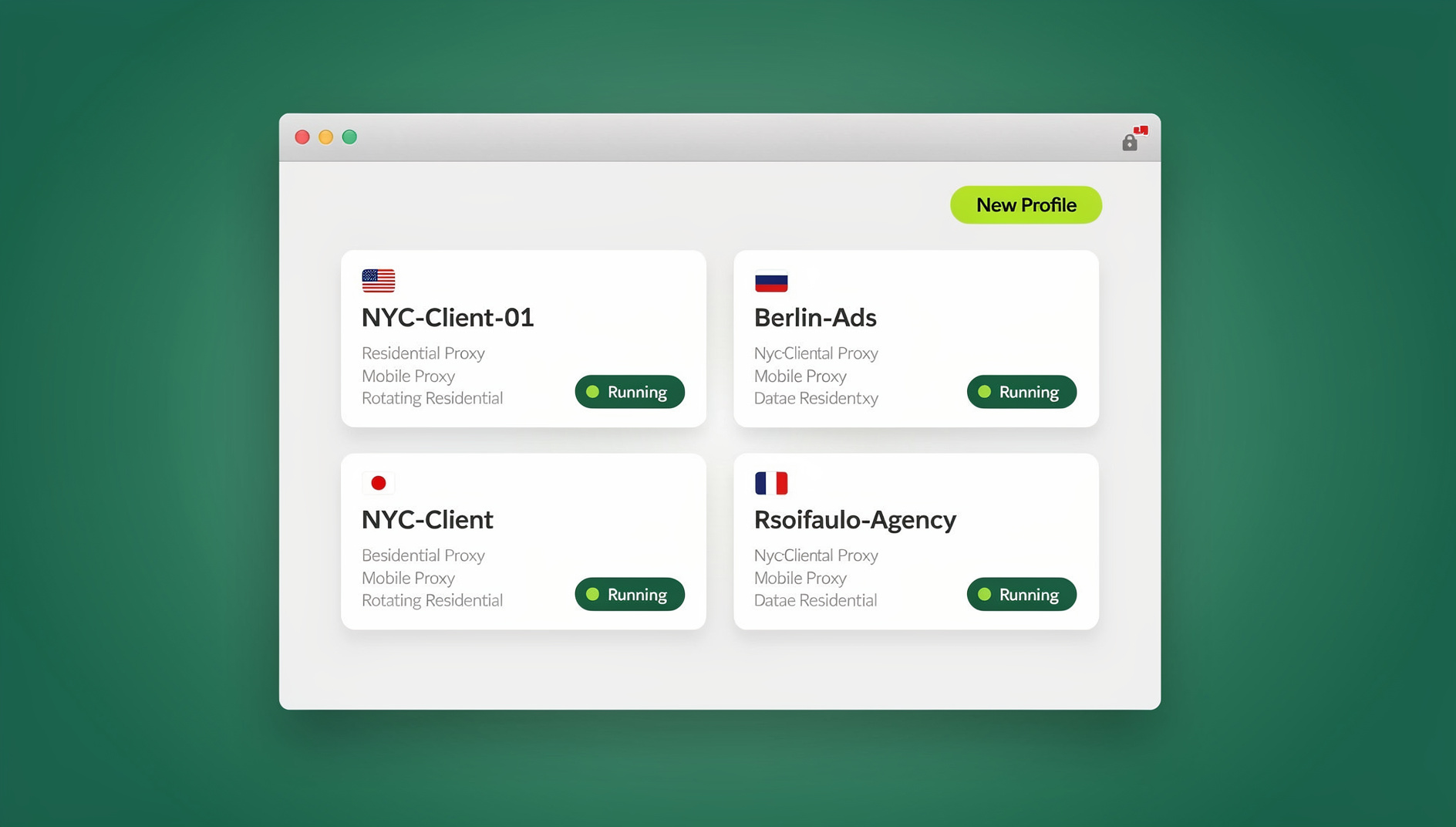
What “Complete” Session Isolation Actually Requires
The term gets used loosely, but real session isolation is a stack of four separate protections. Miss any one of them and websites can quietly stitch your “separate” sessions back together.
Cookies and Local Storage
First-party cookies identify you to a single site; third-party cookies, localStorage, and IndexedDB can persist identifiers across sessions even after you clear history. Real isolation means every session gets its own storage container with nothing shared between them.
Browser Fingerprint
Even with zero cookies, your browser leaks a fingerprint: canvas rendering, WebGL output, installed fonts, audio stack behavior, screen resolution, and timezone combine into a signature that’s often unique to your device. Two ‘separate’ sessions with identical fingerprints are trivially linkable, no cookies required.
Network Identity
An IP address is one of the strongest linking signals there is. If several ‘isolated’ accounts all connect from the same home or office IP, no amount of cookie or fingerprint separation hides that they’re related — the network layer gives it away instantly.
Behavioral Separation
Technical isolation can still be undone by habit: logging into five accounts within the same two-minute window, typing at the same speed, or reusing phrasing across profiles. Platforms increasingly weight behavioral signals alongside technical ones, so operational discipline matters as much as the tooling itself.
The 6 Levels of Session Isolation, Ranked
Not everything labeled ‘isolation’ delivers the same protection. Here’s how the common approaches actually stack up against the four requirements above.
| Level | Method | Cookies/Storage | Fingerprint | IP Address |
|---|---|---|---|---|
| 1 | Multiple tabs | Shared | Shared | Shared |
| 2 | Incognito/private mode | Temporary separation | Shared | Shared |
| 3 | Browser profiles | Separate | Shared | Shared |
| 4 | Firefox-style containers | Separate | Shared | Shared |
| 5 | Virtual machines | Separate | Separate (OS-level) | Usually shared |
| 6 | Isolated profiles with dedicated proxies | Separate | Separate, per profile | Separate, per proxy |
Levels 1-2: Tabs and Incognito Mode
Multiple tabs share literally everything — cookies, fingerprint, IP. Incognito mode adds temporary cookie separation, but the browser fingerprint and IP stay identical to your normal window, and open incognito tabs still share cookies with each other. Neither one is isolation in any meaningful sense.
Levels 3-4: Profiles and Containers
Chrome and Firefox profiles, and Firefox’s container tabs, separate cookies and local storage nicely, which stops casual cross-site tracking. But every profile and every container on the same machine renders an identical canvas, WebGL, and audio fingerprint, and all of them exit through the same IP address. A fingerprinting script links them back together in milliseconds.
Level 5: Virtual Machines
Running a separate operating system per identity gets you real fingerprint separation, but it’s heavy — each VM eats gigabytes of RAM and needs its own maintenance. VMs still typically share the host’s network connection unless you separately configure per-VM proxies, and some anti-fraud systems can detect virtualization itself.
Level 6: Isolated Profiles With Proxy Integration
This is the level that satisfies all four requirements at once: dedicated storage, a distinct and realistic fingerprint, and a dedicated IP per profile — without spinning up a full virtual machine for every identity. This is the category Send.win operates in, and it’s the only level where scaling to dozens or hundreds of accounts stays practical.
Why Session Isolation Matters
Multi-Account Management
E-commerce sellers running several marketplace stores, agencies managing client social accounts, and media buyers juggling multiple ad accounts all need genuinely separate identities online, not just separate windows. Without isolation, platforms detect the shared fingerprint or IP and suspend or ban the linked accounts together.
Privacy Protection
Isolation also matters for everyday privacy: keeping work research separate from personal browsing, preventing advertisers from building one unified profile out of your different roles online, and containing sensitive lookups so they don’t influence the ads and recommendations that follow you everywhere else.
Security
Isolated sessions contain the blast radius of a compromise. If one profile picks up a malicious script or has its session hijacked, that damage stays inside that profile instead of spreading to every account you happen to be logged into.
QA, Testing, and Automation
Development and QA teams use isolated sessions to test how a product behaves for different regions, roles, or account states without cross-contaminating test data. Send.win is a browser profile manager: each profile keeps its own cookies, storage, sessions and fingerprint settings, so teams can organise separate test environments without cross-contaminating test data. Paid plans start at $19/mo (Pro) or $49/mo (Team), and the first card purchase is covered by a 7-day money-back guarantee.
Session Isolation vs. VPNs vs. Privacy Browsers
These three get confused constantly, but they solve different problems.
| Approach | Changes IP | Isolates cookies/storage per identity | Unique fingerprint per identity | Goal |
|---|---|---|---|---|
| VPN | Yes | No | No | Reroute traffic, hide location |
| Privacy browser (Brave, Tor) | Tor only | No | No — tries to look identical to everyone else | Anonymity through uniformity |
| Session isolation (Send.win-style) | Yes, per profile | Yes | Yes, per profile | Multiple distinct, separately trackable identities |
A VPN only changes your IP address — it does nothing to your cookies, storage, or fingerprint, so a fingerprinting script can still link two VPN sessions together instantly. Privacy browsers take the opposite goal: they try to make your browser look identical to every other user’s, which is great for blending into a crowd but useless for running several distinct business accounts side by side. If you want to understand browser fingerprinting protection in more depth, it’s worth reading before choosing a tool, since the fingerprint layer is where most ‘isolation’ setups quietly fail.
How to Set Up Real Session Isolation
Getting this right is a short setup process, not a permanent technical project.
- Pick a platform built for isolation, not a workaround. Send.win offers two ways to run isolated sessions: the native Sendwin Browser, a downloadable desktop app for Windows, macOS, and Linux that’s local-first with encrypted cloud sync, or a cloud browser session that runs entirely in the cloud with zero local install, metered by cloud browsing time. Paid plans start at $19/mo (Pro) or $49/mo (Team), and the first card purchase is covered by a 7-day money-back guarantee; the only free option is the cloud demo at https://send.win/demo-browser/, so you can preview isolation before committing.
- Create one profile per identity. Give each profile its own name and its own dedicated proxy — never reuse a proxy across profiles that need to stay separated.
- Assign a matching proxy per profile. Use residential proxies where possible and match the proxy’s geography to the profile’s stated timezone and language — a profile claiming to be in Toronto with a Frankfurt IP is an instant red flag to any fraud-detection system.
- Scale to the number of accounts you actually run. Pro plans run $19/mo ($6.99/mo billed annually — 63% off) with 150 profiles and 5GB of proxy bandwidth; Team runs $49/mo ($20.99/mo billed annually — 57% off) with 500 profiles, 20GB of bandwidth, and 16 seats for agencies splitting access across a group.
- Verify the isolation is real. Check your fingerprint at a site like BrowserLeaks in each profile, confirm every profile reports a different canvas/WebGL signature, and confirm the IP is different per profile before you log anything into it.
If you’d rather see the mechanics before committing to a full rollout, walking through creating your first isolated session is the fastest way to understand how saved versus unsaved sessions behave. Once you know your account volume, the same workflow extends to unlimited virtual profiles, so growth doesn’t mean re-architecting anything later.
Best Practices for Maintaining Isolation Over Time
Isolation isn’t a one-time setup — profiles need periodic upkeep, and it’s worth occasionally checking how your tool stacks up against alternatives like Multilogin and SessionBox as your account volume grows.
Organization
- Name profiles by client, platform, and account (e.g., ‘ClientA-Instagram-Main’) so you never guess which profile you’re in
- Keep a record of which proxy is tied to which profile
- Store credentials per profile rather than in one shared entry
Operational Discipline
- Double-check you’re in the correct profile before logging in — this single habit prevents most accidental cross-contamination
- Never open two related accounts in the same session, even briefly
- Avoid copy-pasting content directly between sessions that need to stay separated
Maintenance
- Re-check fingerprints periodically as browser versions and detection methods evolve
- Confirm proxies are still live and geographically matched
- Review which profiles are still active and retire ones you no longer use
🏆 Send.win Verdict
Real session isolation needs four things at once — separate storage, a separate fingerprint, a separate IP, and operational discipline — and most defaults people reach for, like incognito mode, profiles, or containers, only deliver one or two of them. Send.win covers the full stack: run isolated profiles through the native Sendwin Browser desktop app or a zero-install cloud browser session, each with its own fingerprint and proxy, scaling from a handful of accounts to hundreds without ever touching a virtual machine.
Try the Send.win cloud demo — a 3-minute preview without signup, 10 minutes a day with a free account.
Frequently Asked Questions
Is session isolation the same as using a VPN?
No. A VPN only changes your IP address. It doesn’t separate your cookies, local storage, or browser fingerprint, so a fingerprinting script can still link two VPN sessions as the same device even though the IP address changed.
Can websites detect that I’m using isolated browser sessions?
A well-configured isolated profile with a realistic, unique fingerprint and a matching proxy is very hard to distinguish from a normal user’s browser. Most detections that do happen come from operational mistakes — mismatched timezones, reused proxies, or logging into related accounts too close together — rather than the isolation technology itself.
How many isolated sessions can I run at once?
It depends on your plan. Send.win’s Pro plan supports up to 150 profiles with 5GB of proxy bandwidth, while Team supports 500 profiles, 20GB of bandwidth, and 16 seats for teams. In practice, the limiting factor is usually organization — keeping track of which profile belongs to which account — rather than any technical ceiling.
Is session isolation legal?
Yes, session isolation is a privacy and security technology, not a specific activity. Using it to manage multiple legitimate business accounts, protect research, or separate work from personal browsing is standard practice. What’s illegal is what someone does with any tool — fraud or violating a specific platform’s terms — not the isolation itself.
Do I need to install software to get session isolation?
Not necessarily. Send.win offers two options: the native Sendwin Browser, a desktop app for Windows, macOS, and Linux with encrypted cloud sync, or a cloud browser session that runs entirely in the cloud with no local install at all, billed by cloud browsing time. Choose based on whether you want local performance or zero-footprint access from any device.
What’s the difference between session isolation and Firefox’s container tabs?
Containers separate cookies and site storage within the same browser install, which is useful for casual multi-account use. But every container shares the same browser fingerprint and the same IP address, so platforms with fingerprinting-based fraud detection can still link them. True session isolation adds a distinct fingerprint and a distinct IP on top of the storage separation.
Can I automate tasks across isolated sessions?
Send.win does not offer an automation interface: there is no API, SDK, headless mode or Selenium/Puppeteer/Playwright support on any plan. QA teams and developers who need scripted, repeatable tests across isolated profiles would need to use a different tool for that part of their workflow.
Will isolated sessions slow down my browsing?
Running many isolated profiles locally does use more RAM and CPU than a single browser window, similar to running several browser instances at once. Cloud browser sessions avoid this entirely since the browsing happens on remote infrastructure and your device just displays the stream — often the better option for lower-powered laptops or for accessing sessions from a device you don’t want to install anything on.