If you find it difficult to stay focused at work, you’re not alone. Between Slack pings, five open email accounts, a dozen browser tabs, and a phone that never stops buzzing, the average knowledge worker’s attention is under constant siege. The good news: staying focused at work isn’t about willpower alone — it’s a system. Below are 21 field-tested ways to stay focused at work, organized into four practical categories, plus the digital-environment fixes most productivity guides skip entirely.
Why Can’t I Focus at Work Anymore? (The 2026 Attention Crisis)
If focus feels harder than it used to, it’s not just you. Researcher Gloria Mark’s long-running attention studies at UC Irvine found that once your concentration is broken, it takes an average of 23 minutes and 15 seconds to fully return to the original task. Multiply that by the dozens of notifications, tab switches, and account logins most people juggle daily, and it’s easy to see why an 8-hour workday can produce only 2-3 hours of real deep work.
Three forces are driving this in 2026 specifically:
| Distraction Source | Why It’s Worse Now | Quick Fix |
|---|---|---|
| Notification overload | Average worker juggles 6-9 apps with push alerts enabled by default | Batch-check notifications 3x/day instead of live |
| Multi-account juggling | Marketers, freelancers, and sellers now run 3-10+ logins for the same platform | Isolate each account into its own browser profile |
| Hybrid/remote schedules | No physical “leaving the office” cue to end focus sessions | Use a hard time-boxed shutdown ritual |
That second row matters more than most focus articles admit. If you’re constantly logging in and out of client accounts, ad accounts, or social profiles just to get through your task list, you’re not lazy or undisciplined — your tools are actively working against your attention span.
21 Proven Ways to Stay Focused at Work
These 21 tips are grouped into four categories: planning, biology, digital environment, and systems. Skim the whole list once, then pick 3-4 to actually implement this week — trying all 21 at once is itself a focus killer.
Plan and Prioritize Like a Pro
- Set one realistic goal per day. A single, clearly defined “must-finish” task beats a 15-item wishlist every time.
- Rank your top 3 priorities each morning. If you only get three things done today, which three actually move the needle?
- Break big projects into small, visible tasks. “Launch campaign” is overwhelming; “write headline variant #1” is not.
- Time-box every task. Give each item a hard time limit (even an arbitrary one) — Parkinson’s Law means work expands to fill the time you allow it.
- Set real deadlines, even for open-ended work. A task with no deadline is a task that gets interrupted first.
Work With Your Body’s Natural Rhythm
- Work in short, timed bursts. The Pomodoro Technique (25 minutes on, 5 minutes off) still holds up in 2026 because it matches how attention naturally cycles.
- Take real breaks, not tab-switch breaks. Standing up, stretching, or stepping outside resets focus far better than scrolling a different app.
- Protect 7-8 hours of sleep. Sleep-deprived brains show measurably worse sustained attention — no productivity hack outperforms rest.
- Eat for sustained energy. Swap the 3pm sugar crash for protein and complex carbs to keep blood sugar (and focus) stable.
- Move your body daily. Even a 10-minute walk between meetings measurably improves subsequent concentration.
Tame Your Digital Environment
- Declutter your literal and digital desktop. A messy screen with 40 open tabs creates the same cognitive drag as a messy physical desk.
- Batch your notifications. Turn off push alerts for everything except true emergencies, and check the rest 2-3 times a day on your schedule.
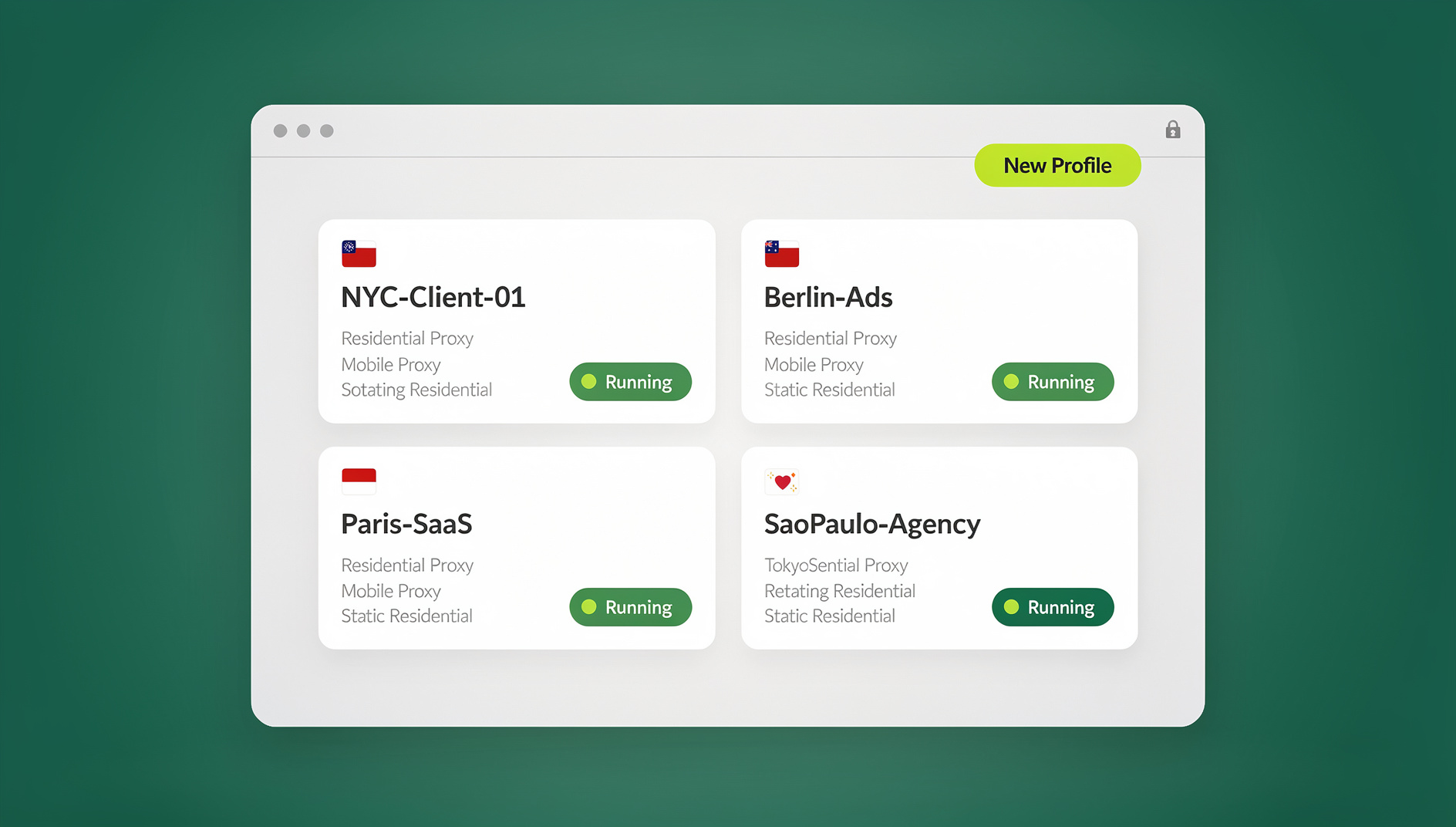
- Isolate distracting logins into their own workspace. If your job means running several client, social, or ad accounts side by side, keeping them all logged into one browser is a recipe for constant context-switching and accidental cross-posting. This is exactly the problem a tool like Send.win solves — each account gets its own isolated browser profile with a separate fingerprint, cookies, and session, so opening “Client B’s Instagram” doesn’t bleed notifications or history into everything else you’re working on.
- Use dedicated distraction-blocking tools instead of willpower. Browser-level blockers and distraction-blocking sites remove the decision entirely — you can’t “just quickly check” a site that’s blocked during work hours.
- Single-task your browser windows. Instead of one browser with 30 tabs across five projects, run one profile per project or client so switching context is a deliberate click, not an accidental scroll.
Build Systems That Protect Your Attention
- Find or build a quiet workspace. Noise-cancelling headphones, a closed door, or even a “focus mode” status on chat tools all send the same signal: not now.
- Delegate what doesn’t need you. Every task on your list that someone else could do is a task competing for your limited attention.
- Use the Eisenhower Matrix. Sort tasks into urgent/important, important-not-urgent, urgent-not-important, and neither — then actually ignore the last two categories.
- Practice a 60-second mindfulness reset. A short breathing exercise between tasks measurably lowers the mental residue left by the previous task.
- Get an accountability partner or “body double.” Simply working alongside someone else — in person or on a video call — meaningfully reduces procrastination.
- Automate the repetitive digital busywork. Logging into the same five dashboards every morning to pull a report is exactly the kind of task that shouldn’t require human attention at all. Teams that need to keep this work organised — refreshing reports, checking multiple client dashboards, or running repeatable QA passes across accounts — can use Send.win’s isolated browser profiles, each with its own cookies, storage, sessions and fingerprint settings, to keep that work separated and free up the human attention that used to go into pure repetition.
Focus Techniques at a Glance
| Technique | Best For | Setup Time | Ongoing Effort |
|---|---|---|---|
| Pomodoro Technique | Sustained solo deep work | 2 minutes | Low — just a timer |
| Eisenhower Matrix | Task triage when overloaded | 10 minutes | Medium — daily sort |
| Notification batching | Anyone drowning in alerts | 15 minutes (one-time settings) | Very low |
| Distraction-blocking sites | Compulsive site-checking | 5 minutes | Very low |
| Isolated browser profiles (Send.win) | Anyone managing multiple accounts/clients | 10 minutes per profile | Low — set once, reuse daily |
| Automation API | Repetitive multi-account tasks | 1-2 hours (scripting) | Very low after setup |
How a Multi-Profile Browser Fits Into a Real Focus Strategy
Most focus advice stops at “turn off notifications” and “try the Pomodoro Technique.” That’s fine if your job is one task at a time. But if you’re a marketer running six ad accounts, a freelancer juggling ten client logins, a seller operating multiple storefronts, or an agency owner switching between team dashboards all day, the biggest drain on your focus isn’t willpower — it’s constantly logging in, logging out, and mentally re-orienting every time you switch context.
This is the gap Send.win is built for. Instead of one browser window trying to hold every account at once, each profile gets its own isolated environment — separate cookies, separate fingerprint, and (on paid plans) its own residential proxy — so opening “Profile 3” feels like opening a completely fresh, purpose-built workspace rather than digging through a cluttered shared browser. You can also share specific profiles with a teammate without ever handing over a password, which removes another common focus-breaker: stopping mid-task to relay a login or reset someone’s access.
For anyone who spends real time in a browser every day, this pairs naturally with lighter productivity fixes too — the kind of tools that cut your to-do list in half or a well-chosen set of productivity-boosting browser extensions. Send.win runs as a native Desktop app for Windows, macOS, and Linux (not just a web tab you can lose in your browser), so your focused workspace stays open and ready even when the rest of your browser gets closed or restarted. Each profile keeps its own cookies, storage and fingerprint settings, so your work and personal sessions stay separate and organised.
This same logic is why so many people end up managing multiple Gmail and social accounts without losing focus once they separate accounts into dedicated profiles instead of fighting one crowded browser all day.
A Simple 3-Day Plan to Reset Your Focus
If 21 tips feels like too much to start with, here’s a stripped-down 3-day plan:
- Day 1 — Audit: Turn off all non-essential notifications. Write down your top 3 daily priorities before opening email. Count how many accounts you log into and out of during the day.
- Day 2 — Structure: Run your work in 25-minute Pomodoro blocks with real breaks in between. Time-box every task on your list, even loosely.
- Day 3 — Isolate: Move your most-juggled accounts (client logins, ad accounts, social profiles) into separate isolated browser profiles so switching between them is a deliberate click, not a tab-hunting scramble.
Most people notice a measurable difference by the end of day 3 — not because any single tip is magic, but because the combination removes both the internal distractions (poor planning, no breaks) and the external ones (notification chaos, account clutter) at the same time.
🏆 Send.win Verdict
Willpower-based focus tips only solve half the problem — the other half is the digital clutter of juggling multiple accounts, tabs, and logins all day. Send.win fixes that half by giving every account its own isolated profile, built-in proxy, and shareable access without passwords, backed by a native desktop app.
Try Send.win today — plans start at $19/mo, and your first card purchase is covered by a 7-day money-back guarantee. You can also preview it free in the cloud demo, and see how much easier it is to stay focused when your accounts stop fighting for your attention.
Frequently Asked Questions
Why can’t I focus at work anymore?
Most focus loss comes from a combination of notification overload, poor task planning, lack of sleep, and — increasingly — the mental cost of switching between multiple logged-in accounts and browser tabs throughout the day. Fixing the digital clutter usually helps as much as any single “focus hack.”
How long can the average person focus without a break?
Most research points to roughly 25-50 minutes of genuinely sustained attention before quality drops off, which is exactly why techniques like the Pomodoro Technique use short, timed work blocks rather than open-ended sessions.
Does multitasking really hurt productivity?
Yes. Task-switching (which is what “multitasking” actually is for the brain) adds a measurable recovery cost each time you switch — often cited at over 20 minutes to fully return to the original task’s flow state.
What’s the best free way to block distractions at work?
Start with browser-level blockers and dedicated distraction-blocking sites that lock you out of specific sites during work hours — removing the decision to check them is far more reliable than relying on willpower alone.
Can a multi-login browser like Send.win actually help me focus, or is that just for marketers?
It helps anyone managing more than one account for the same platform — freelancers with multiple client logins, sellers with multiple storefronts, agencies, or even someone separating a personal and work Gmail. Isolating each account into its own profile removes the constant login/logout cycle and the notification bleed that comes with sharing one browser across everything.
How do I stop constantly checking notifications?
Turn off push notifications for everything except true emergencies, and set 2-3 fixed times a day to check email, chat, and social accounts in a batch. Pairing this with isolated account profiles also stops one account’s notifications from interrupting focus time on another.
Is the Pomodoro Technique still effective in 2026?
Yes — it remains one of the most-cited focus techniques because it matches natural attention cycles: short, timed bursts of deep work followed by a genuine break, rather than one long unbroken session that quality tends to degrade during.
What’s the single highest-impact change I can make today?
Pick one: either turn off all non-essential notifications, or separate your most-juggled accounts into their own isolated browser profiles. Both attack the same root problem — constant, involuntary context switching — and either one alone typically produces a noticeable focus improvement within a few days.