Productivity vs Efficiency: Why Everyone Mixes Them Up
Ask ten people to define productivity vs efficiency and you’ll probably get ten versions of the same answer: “doing more” and “doing things faster.” They’re related, but they are not the same metric, and treating them as interchangeable is exactly why so many people (and teams) feel busy without ever feeling like they’re getting ahead. Productivity measures output — how much you actually produce. Efficiency measures input-to-output ratio — how little you waste to get there. You can be highly productive and wildly inefficient at the same time, and you can be extremely efficient while barely producing anything of value. Understanding where the line sits is the difference between a workday that moves the needle and one that just feels exhausting.
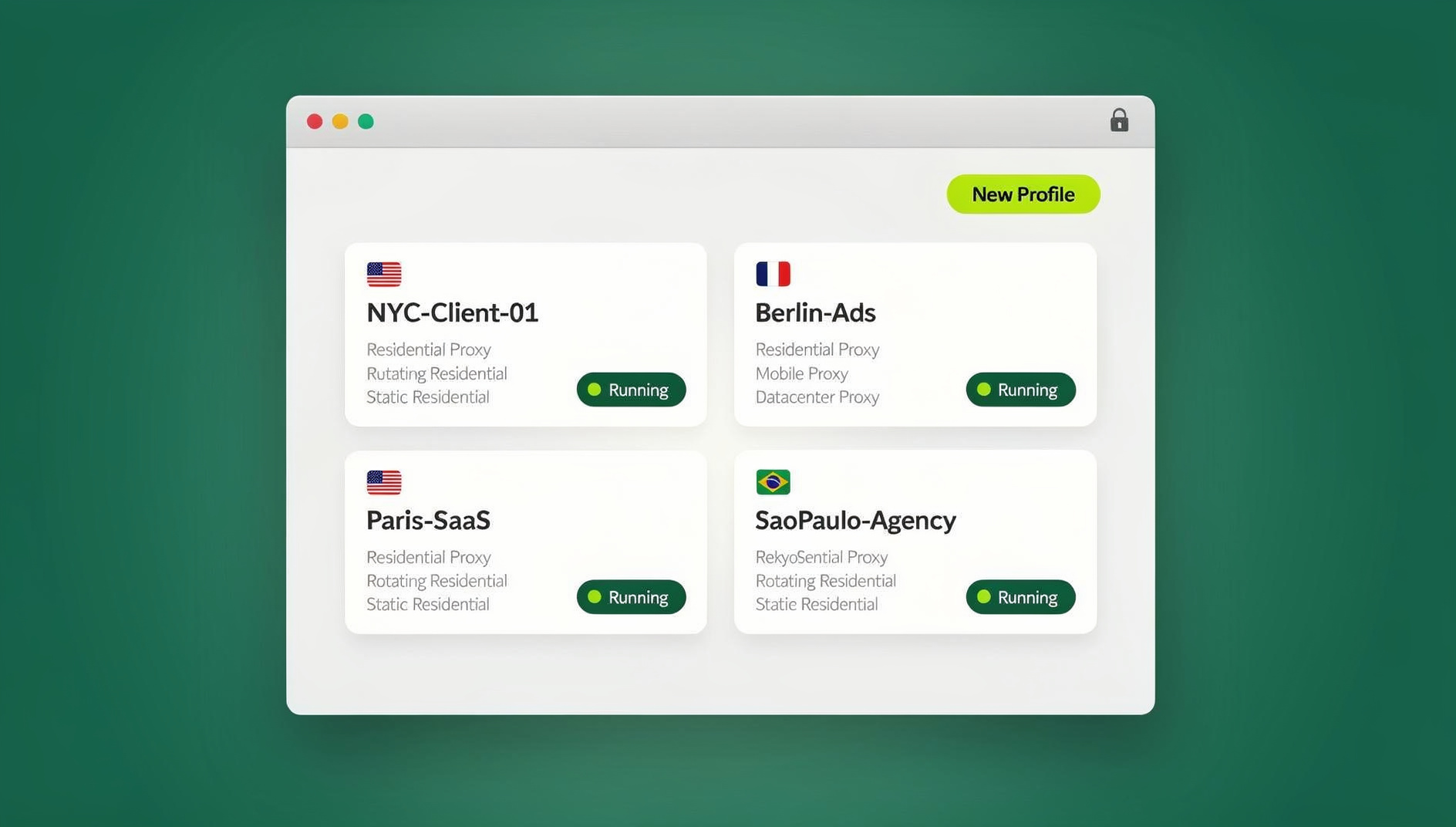
This guide breaks down what each term actually means, how to measure them, why the gap between the two quietly costs individuals and businesses real money, and which practical habits (and tools) move both numbers at once — including a look at how something as unglamorous as browser and account management fits into the equation.
What Is Productivity?
Productivity is a measure of output relative to time. It answers the question: “How much did I get done?” It doesn’t care how many resources you burned to get there — only that the work exists at the end of the period you’re measuring.
The simplest formula looks like this:
| Formula | Example |
|---|---|
| Productivity = Output ÷ Time Worked | 40 finished tasks ÷ 8-hour day = 5 tasks/hour |
A salesperson who closes 12 deals in a month is more productive than one who closes 6, regardless of how many hours, tools, or leads either of them used to get there. Productivity is a volume metric. It rewards output, full stop.
What Is Efficiency?
Efficiency is a measure of resources spent relative to output achieved. It answers a different question: “How much did that output cost me?” Costs here can mean time, money, energy, tools, or attention — anything you had to spend to produce the result.
| Formula | Example |
|---|---|
| Efficiency = Useful Output ÷ Resources Consumed | 12 deals closed ÷ 200 outreach hours = 0.06 deals/hour |
A support agent who resolves 30 tickets using 30 minutes each is more efficient than one who resolves the same 30 tickets in 90 minutes each — even if both agents technically hit their “30 tickets closed” productivity target for the day.
A Quick Example That Makes It Click
Imagine two freelance writers. Writer A produces 10 articles in a week by writing quickly, skipping research, and editing lightly. Writer B produces 6 well-researched, thoroughly edited articles in the same week using a tight, repeatable process. Writer A is more productive (higher raw output). Writer B is more efficient (better use of research time, fewer wasted revisions, higher output quality per hour invested). Neither is automatically “better” — it depends entirely on what the goal actually is.
Productivity vs Efficiency: Side-by-Side Comparison
| Aspect | Productivity | Efficiency |
|---|---|---|
| Core question | How much did I produce? | How well did I use my resources? |
| Primary metric | Quantity of output | Ratio of output to input |
| Focus | Getting more done | Wasting less to get it done |
| Risk if maximized alone | Burnout, sloppy output, rework | Perfectionism, under-delivery, stalled progress |
| Good analogy | Miles driven | Miles per gallon |
| Improves when you | Remove blockers, add capacity, batch work | Cut waste, automate repetition, streamline tools |
Notice that neither column is inherently “the goal.” The actual goal — the one most people conflate with either metric — is effectiveness: producing the right output, efficiently, at a volume that matters. Productivity and efficiency are the two levers you pull to get there.
Why the Difference Actually Matters
This isn’t a semantic debate. Businesses and individuals routinely optimize for the wrong metric and wonder why results don’t follow.
The “Busy Trap”: High Productivity, Low Efficiency
This is the classic case of someone who looks incredibly busy — full calendar, long task lists checked off, constant activity — but who is burning far more time, tools, and mental energy per unit of output than necessary. It shows up as answering 200 emails a day instead of automating 150 of them, manually re-entering data that should sync automatically, or juggling a dozen browser tabs and logins by hand instead of using a system built for it. Output looks fine on paper. Cost-per-output is quietly terrible, and it eventually shows up as burnout or missed deadlines on higher-value work.
The “Perfectionist Trap”: High Efficiency, Low Productivity
The inverse trap is just as damaging. Someone builds an extremely lean, low-waste process — but applies it to so little volume that overall output stays flat. A marketer who spends three days perfecting a single ad creative with zero wasted effort is efficient, but if the campaign needed twenty variants tested this week, efficiency alone won’t save the quarter.
The Sweet Spot: Effectiveness
The goal is to raise both numbers at once: more output, produced with less waste. That combination — sometimes called effectiveness — is what actually drives growth, revenue, and sane workdays. It’s rarely achieved by “trying harder.” It’s achieved by removing friction from repetitive, low-value work so that time and energy shift toward the tasks that generate output in the first place.
How to Measure Productivity and Efficiency at Work
You can’t improve what you don’t measure. Here are the most common ways teams track each metric in practice.
| Metric | What It Tracks | Good For |
|---|---|---|
| Output per hour | Units produced ÷ hours worked | Individual productivity |
| Revenue per employee | Total revenue ÷ headcount | Team/company productivity |
| Cost per unit | Total resource cost ÷ units produced | Efficiency of a process |
| Cycle time | Time from task start to completion | Process efficiency |
| Utilization rate | Productive time ÷ total time available | Efficiency of time allocation |
| Rework rate | Tasks redone ÷ tasks completed | Quality-adjusted efficiency |
A healthy scorecard tracks both a volume metric (productivity) and a waste metric (efficiency) side by side. Optimizing only one of the two almost always drags the other down eventually.
7 Practical Ways to Improve Both Productivity and Efficiency
- Batch similar tasks. Context-switching between unrelated tasks costs measurable time on every switch. Group emails, calls, and admin work into blocks instead of interleaving them throughout the day.
- Automate anything repetitive and rule-based. If a task follows the exact same steps every time, it’s a candidate for automation — from email filters to full browser-based workflows using tools like Selenium, Puppeteer, or Playwright.
- Cut decision fatigue with templates and checklists. Standardizing recurring work (reports, onboarding, outreach sequences) removes the “figuring it out again” tax on every repetition.
- Reduce tool-switching overhead. Every login, VPN toggle, or app switch is a tiny efficiency leak. Consolidating overlapping tools into fewer, purpose-built ones adds up fast across a week.
- Track time honestly for one week. Most people underestimate how much time goes to low-value busywork until they log it. A single week of honest tracking usually reveals the biggest efficiency leak immediately.
- Protect deep-work blocks. Productivity on high-value tasks rises sharply with uninterrupted focus time — even 90 minutes of protected time regularly outproduces a scattered 4-hour stretch.
- Delegate or eliminate low-ROI tasks. Not everything on the list deserves your time. Efficiency isn’t just doing tasks faster — it’s sometimes not doing them at all.
The Hidden Productivity Killer: Managing Accounts and Browser Profiles Manually
One of the most underrated efficiency leaks in modern work is entirely browser-based: logging in and out of multiple accounts, juggling incognito windows, manually connecting to VPNs to match a client’s region, and re-entering credentials because a session got wiped. None of this shows up on a task list, but it eats minutes dozens of times a day for anyone running multiple client accounts, social profiles, ad accounts, or marketplace stores from one machine.
This is exactly the friction a multi-login browser like Send.win is built to remove. Instead of one browser session that has to be logged in and out repeatedly, Send.win creates isolated profiles — each with its own fingerprint, cookies, and built-in proxy — so multiple accounts stay logged in simultaneously without tripping platform bans or cross-contaminating sessions. That’s a direct efficiency gain: the same output (managing five accounts) for a fraction of the manual switching cost.
It also compounds a productivity gain. Because profiles stay open and isolated, you can work across accounts in parallel instead of sequentially — closing the loop on the “busy trap” from earlier, where a full day of context-switching produces less real output than a focused hour would.
Productivity vs Efficiency for Teams and Agencies
The tension between these two metrics gets sharper at team scale. An agency running paid ads for a dozen clients needs both high output (campaigns launched, creatives tested) and high efficiency (minimal wasted setup time per account, no duplicated work between team members). This is where the two metrics start to depend directly on the tools a team shares, not just individual habits.
Send.win’s Team plan is built around exactly this overlap — shared profiles let multiple team members securely access the same client accounts without passing around passwords, which protects both productivity (no one is blocked waiting for credentials) and efficiency (no duplicated logins, no locked-out accounts from suspicious login patterns). That’s efficiency improvement in its purest form: identical output, dramatically less human time spent producing it.
And because the workflow doesn’t stop at the browser tab, Send.win also ships a native Desktop app for Windows, macOS, and Linux — so profiles, proxies, and sessions stay available outside the browser window, which matters for anyone whose day genuinely revolves around managing dozens of active sessions rather than a handful of open tabs.
Common Myths About Productivity and Efficiency
Myth: “Busy means productive.”
Activity is not output. A packed calendar can coexist with almost zero meaningful production if the activity is low-value or duplicative.
Myth: “Working faster always means working more efficiently.”
Speed without a reduction in wasted resources is just productivity in disguise. True efficiency gains come from removing steps, not rushing through them.
Myth: “More tools automatically mean more efficiency.”
Every additional disconnected tool adds a login, a context switch, and a maintenance cost. Consolidation, not accumulation, is usually the efficiency win.
Myth: “You should always maximize both at once.”
Different phases of work call for different priorities. Early-stage exploration often benefits from raw productivity (volume of ideas, drafts, tests); execution phases benefit more from efficiency (refined, low-waste delivery). Knowing which phase you’re in matters more than maximizing both simultaneously.
Tools That Actually Move Both Metrics
Not every “productivity tool” earns its place on the list — plenty just add another login to manage. The ones worth adopting typically do one of two things: they remove a repetitive manual step, or they let you run more in parallel without adding mental overhead. If you’re auditing your current stack, our roundup of best productivity software for solo makers is a good starting point for individuals, and our guide to distraction-blocking tools covers the efficiency side of protecting focused work time.
For anyone whose bottleneck specifically involves running multiple accounts, client logins, or social channels from one machine, it’s worth reading our breakdown of productivity hacks for managing multiple social channels — it walks through the exact workflow changes (batching, isolated profiles, shared team access) that tend to move both productivity and efficiency at the same time, rather than trading one for the other.
Send.win itself fits this category directly: browser isolation and unique fingerprints per profile solve the “juggling accounts” efficiency leak, built-in proxies remove the separate VPN step, team sharing removes the password hand-off bottleneck, and the desktop app keeps sessions available outside a single browser window.
🏆 Send.win Verdict
Productivity and efficiency both take a hit the moment your work involves juggling multiple accounts, logins, and browser sessions by hand. Send.win removes that specific friction: isolated profiles with unique fingerprints keep accounts logged in and separate simultaneously, built-in proxies skip the separate VPN step, and team sharing means no one loses time waiting on passwords. Pair that with the native Desktop app for staying organized outside the browser, and you get a tool that pushes both metrics — more output, less wasted effort — rather than trading one for the other.
Try Send.win today — paid plans start at $19/mo, and your first card purchase is covered by a 7-day money-back guarantee.
Frequently Asked Questions
What is the main difference between productivity and efficiency?
Productivity measures how much output you produce in a given time period, while efficiency measures how well you used your resources (time, money, energy) to produce that output. You can be productive without being efficient, and efficient without being highly productive.
Can you be productive but not efficient?
Yes. Someone can complete a high volume of tasks while wasting significant time, tools, or effort along the way — high output, but at a poor ratio of resources spent to results delivered.
Which one matters more, productivity or efficiency?
Neither matters in isolation. The real goal is effectiveness — high output produced with minimal waste. Which lever to prioritize at any given moment depends on whether the bottleneck is volume (productivity) or wasted resources (efficiency).
How do I calculate efficiency at work?
Divide useful output by the resources consumed to produce it (time, cost, or effort). For example, if a task that used to take 2 hours now takes 1 hour with the same quality of output, efficiency has doubled.
What causes low efficiency even when productivity looks fine?
Common causes include manual repetitive work that could be automated, excessive context-switching between tools or accounts, redundant tools that duplicate functionality, and rework caused by rushing through tasks without a repeatable process.
How does browser and account management affect productivity and efficiency?
Manually logging in and out of multiple accounts, switching VPNs, and managing separate browser sessions creates a steady drip of wasted time that rarely shows up on a task list but adds up across a workday. Tools that isolate and manage multiple profiles in parallel remove that overhead, improving both how much gets done and how little effort it takes.
Does automation improve productivity, efficiency, or both?
Both. Automation typically increases output (more gets done without added manual hours) while simultaneously reducing the human resources spent per unit of output — which is why automating repetitive browser workflows tends to move both metrics at once.
Is Send.win only useful for large teams, or does it help individuals too?
Both. Individuals managing multiple personal or client accounts benefit from isolated profiles and built-in proxies on the Pro plan, while teams and agencies get additional efficiency gains from shared profile access on the Team plan.