Why Poor Time Management Is Quietly Wrecking Your Work
Poor time management rarely announces itself. It doesn’t feel like one dramatic failure — it feels like a slow leak: a deadline missed by a day, a client email answered two days late, a Tuesday that somehow evaporated without anything getting done. Multiply that by every week of the year and you get burned-out freelancers, teams that never seem to catch up, and businesses that lose clients not because the work was bad, but because it was late. This guide breaks down the most common problems poor time management actually causes, why they keep happening even to organized people, and the specific fixes — tools, systems, and habits — that make a measurable difference in 2026.
The Most Common Problems Caused by Poor Time Management
Before fixing anything, it helps to name exactly what’s going wrong. These are the problems that show up again and again for freelancers, remote teams, and small business owners.
1. Missed Deadlines and Eroded Client Trust
Deadlines slip for a predictable reason: the time a task actually takes was never estimated in the first place, so it silently competes with everything else on the calendar. One late delivery is forgivable. A pattern of them is how freelancers lose retainer clients and how agencies lose renewals. Trust, once damaged by missed deadlines, takes far longer to rebuild than the time that was actually saved by skipping proper planning.
2. Constant Context-Switching Between Tools, Tabs, and Accounts
Every time you jump from a client’s Gmail to their Slack to their ad account to your own inbox, your brain pays a “switching cost” — research on task-switching consistently shows it takes several minutes to fully re-focus after an interruption. For anyone juggling multiple client logins, multiple social accounts, or several browser profiles just to check messages, this adds up to hours of lost focus every single week, even though none of it feels like “wasted time” in the moment.
3. Burnout From Chronic Overcommitment
Poor time management and overcommitment feed each other. Without a clear picture of how much time you actually have, it’s easy to say yes to one more project, one more call, one more “quick favor.” The bill comes due later as late nights, weekend catch-up sessions, and eventually burnout that costs far more productivity than the extra commitments ever generated.
4. Procrastination and Task Paralysis
Big, vague tasks (“finish the proposal,” “redo the website”) are intimidating precisely because they aren’t broken down. The brain avoids ambiguous, unbounded work, which is why procrastination is often a planning problem disguised as a motivation problem.
5. Poor Prioritization — Working on Loud Instead of Important
Without a prioritization system, the tasks that get done are the ones that are loudest — the newest email, the most recent Slack ping — not the ones that actually move the needle. This is how a whole day can pass in reactive mode while the one task that mattered most never gets touched.
6. Financial Stress From Underbilling and Scope Creep
For freelancers and agencies billing by the hour or by project, poor time tracking means underestimating how long work actually takes. That mistake compounds: quotes come in too low, scope creeps in unbilled, and the business is effectively subsidizing its own clients without realizing it.
7. Damaged Reputation and Lost Opportunities
Beyond any single missed deadline, a reputation for being “always behind” quietly closes doors — referrals dry up, repeat business slows, and opportunities go to competitors who are simply more reliable, not necessarily more skilled.
| Problem | Root Cause | Fastest Fix |
|---|---|---|
| Missed deadlines | No time estimation before committing | Time-block every task before agreeing to a deadline |
| Constant context-switching | Juggling accounts, tabs, and tools manually | Isolate accounts into dedicated profiles; batch similar tasks |
| Burnout | Saying yes without checking real capacity | Track actual hours for two weeks before taking new work |
| Procrastination | Tasks are too big or too vague | Break work into 25–45 minute sub-tasks |
| Poor prioritization | Reacting to what’s loudest, not what’s important | Use the Eisenhower Matrix each morning |
| Underbilling | No accurate time tracking | Track every billable hour, including admin work |
How to Diagnose Your Own Time Management Problems
Most people assume they know where their time goes. Most people are wrong. Before applying any fix, run a simple one-week time audit:
- Track every block of work in 30-minute increments for five to seven days, including “admin” time like email, Slack, and account switching.
- Tag each block as deep work, shallow work, communication, or admin/logistics.
- Total each category at the end of the week — most people are shocked to find 25–40% of their working hours went to admin and communication rather than the actual work they’re paid for.
- Identify the top three time-drains and target those first, rather than trying to overhaul everything at once.
This single exercise usually reveals more about poor time management than any productivity book, because it replaces assumptions with actual numbers.
Proven Fixes for Poor Time Management
1. Time Blocking Instead of To-Do Lists
A to-do list tells you what to do; it doesn’t tell you when. Time blocking assigns every task a specific slot on the calendar, which forces realistic estimation and prevents overcommitment before it happens. Start by blocking your three highest-priority tasks first thing in the morning, before email or messages have a chance to hijack the day.
2. The Eisenhower Matrix for Prioritization
Sort tasks into four quadrants — urgent/important, important/not urgent, urgent/not important, and neither — and protect time for the second quadrant specifically. That’s where strategic work (the kind that prevents future fires) actually lives, and it’s the quadrant poor time management always sacrifices first.
3. Single-Tasking and the Pomodoro Technique
Multitasking is a myth for anything that requires focus; the brain is switching, not parallel-processing. Working in focused 25–50 minute sprints with short breaks (the Pomodoro Technique) reduces the mental fatigue that makes long afternoons feel unproductive.
4. Automating Repetitive Work
Any task done the same way more than a handful of times — data entry, form submissions, repetitive account checks, scheduled posting — is a candidate for automation. Teams that automate this kind of busywork with tools like Selenium, Puppeteer, or Playwright routinely reclaim hours per week that used to disappear into manual, repetitive browser tasks. This is exactly where Send.win becomes relevant: it gives teams isolated browser profiles with their own cookies, storage and fingerprint settings, so repetitive multi-account work stays organised instead of being done by hand one account at a time.
5. Reducing Account and Browser-Profile Context-Switching
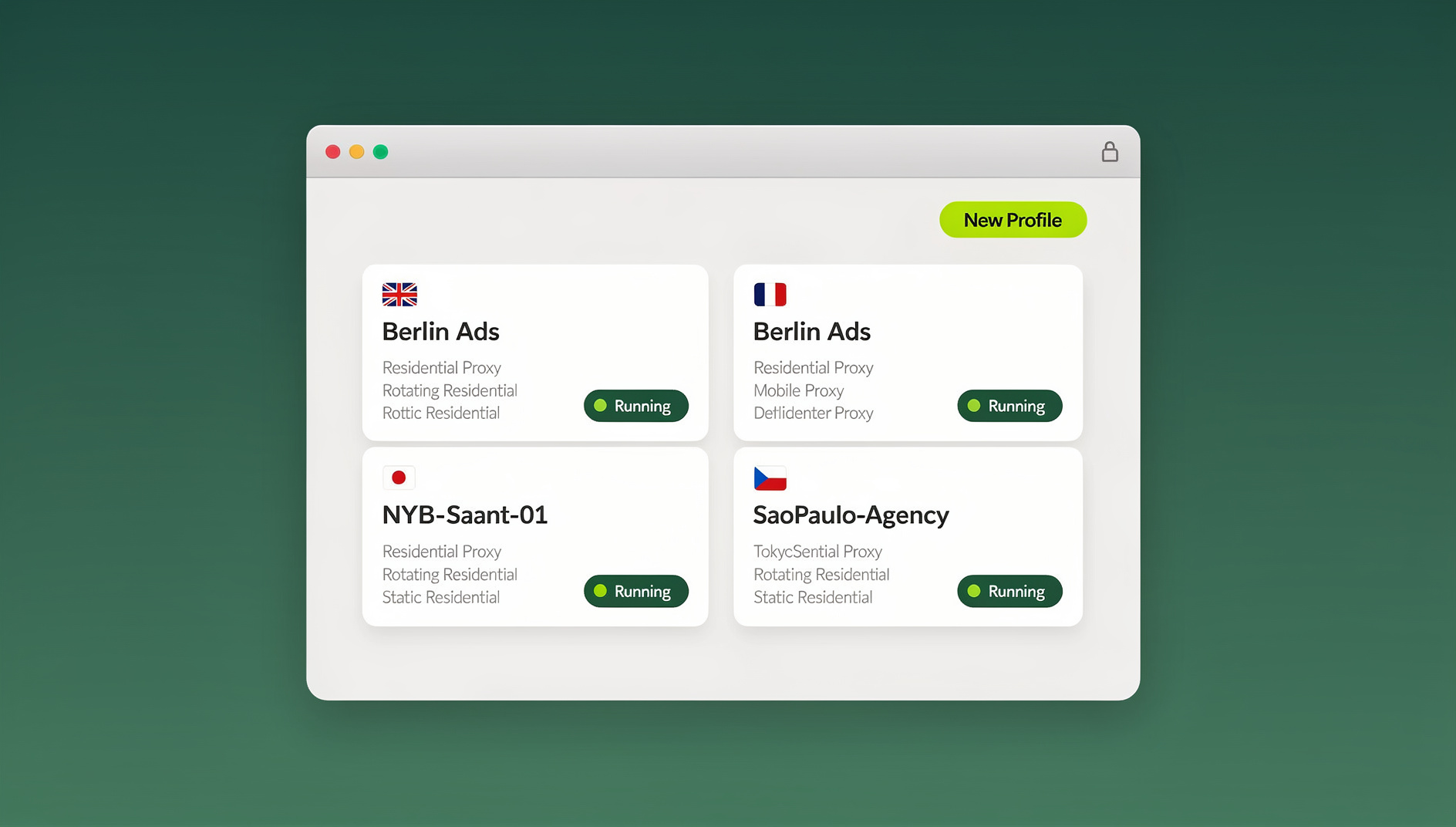
This is the fix most productivity advice skips entirely, and it’s often the biggest time-drain for freelancers and agencies. If your day involves logging in and out of multiple client accounts, switching between personal and work logins, or juggling several browser windows just to avoid mixing up sessions, that switching cost is eating real, trackable hours every week — the same problem covered in 7 ways to save hours every week using social media management tools. A multi-login browser like Send.win solves this by giving every account — each client, each social profile, each project — its own isolated, persistently logged-in browser profile with a unique fingerprint. Instead of logging out and back in, or keeping five browsers open to avoid session conflicts, you click a profile and you’re instantly in. Freelancers managing multiple clients describe exactly this shift in the secret tool freelancers use to juggle clients without burning out, and teams running multiple Gmail and social accounts see the same time savings, as detailed in save time managing multiple Gmail and social accounts.
6. Batching Similar Tasks Together
Answering every email the moment it arrives, or switching between five different client dashboards throughout the day, fragments attention. Batching — a fixed block for email, a fixed block for client account checks, a fixed block for admin — keeps context-switching costs contained to a few transitions per day instead of dozens.
Time Management Tools Compared
No single tool fixes poor time management on its own, but the right combination removes most of the friction. Here’s how the main categories compare:
| Tool Category | Best For | What It Solves | What It Doesn’t Solve |
|---|---|---|---|
| Calendar / time-blocking apps | Planning and estimation | Realistic scheduling, deadline visibility | Account/profile switching, repetitive tasks |
| Task managers | Tracking what needs doing | Prioritization, capturing to-dos | Execution speed, multi-account workflows |
| Time trackers | Billing and self-awareness | Accurate estimates, fair billing | Reducing the time itself |
| Multi-login browsers (Send.win) | Managing multiple accounts/clients | Eliminates login/logout switching, keeps sessions isolated and persistent | Task prioritization, deadline planning |
| Browser automation (Automation API) | Repetitive, rules-based workflows | Removes manual repetition entirely for teams | Creative or judgment-based work |
For a broader look at what else belongs in this stack, the best productivity tools for getting more done covers the calendar, task-management, and focus-tracking side in more depth.
Time Management: Freelancers vs. Teams
The root problems are similar, but the fixes look slightly different depending on whether you’re solo or coordinating with others.
- Freelancers lose the most time to context-switching between client accounts, inconsistent scheduling, and underestimating admin work (invoicing, client emails, account logins) that never gets billed.
- Small teams lose time to unclear ownership — tasks stall because it’s unclear who’s responsible — and to credential bottlenecks, where only one person has access to a shared account and becomes a blocker.
- Agencies compound both problems across dozens of client accounts simultaneously, which is why session isolation and controlled account sharing (rather than passing around shared logins) become essential at scale, not optional.
Building a Sustainable Weekly System
Individual tactics only stick when they’re part of a repeatable rhythm. A simple weekly system that consistently prevents poor time management from creeping back in:
- Sunday or Monday planning (30 minutes): Review the week ahead, time-block the top three priorities per day, and confirm nothing was overcommitted.
- Daily priority check (5 minutes): Before opening email, confirm the day’s top task hasn’t shifted.
- Midday reset (2 minutes): A quick check to see if the morning’s plan is still realistic, and adjust rather than letting the afternoon drift.
- Friday review (15 minutes): Compare what was planned against what actually happened, and note where time estimates were off for next week.
The goal isn’t perfect adherence — it’s a feedback loop that gets your time estimates more accurate every single week.
Common Mistakes That Undermine Time Management Systems
- Over-scheduling every minute. Leave 20–30% of the day unscheduled for overflow and interruptions, or the first delay cascades through everything after it.
- Tracking time but never reviewing it. Data without a weekly review changes nothing.
- Treating every task as equally urgent. Without prioritization, time blocking just becomes a more organized way to work on the wrong things.
- Ignoring the switching cost of tools and accounts. Productivity systems often optimize task lists while ignoring the dozens of small logins, tab-switches, and profile-hunting that happen in between tasks.
- Not automating what’s genuinely repetitive. Manually repeating the same multi-step process across accounts is one of the most common, most fixable time leaks for agencies and freelancers alike.
🏆 Send.win Verdict
Poor time management isn’t just about calendars and to-do lists — a huge chunk of it is the hidden cost of logging in and out of accounts, hunting for the right browser profile, and manually repeating the same steps across every client or channel. Send.win removes that entire category of wasted time: isolated, persistently logged-in profiles for every account, and a native Desktop app for Windows, macOS, and Linux so your sessions are always one click away.
Try Send.win today — plans start at $19/mo, and your first card purchase is covered by a 7-day money-back guarantee. You can also preview it for free in the cloud demo.
Frequently Asked Questions
What are the most common problems caused by poor time management?
The most common problems are missed deadlines, constant context-switching between tools and accounts, burnout from overcommitment, procrastination on large or vague tasks, poor prioritization of urgent-but-unimportant work, underbilling from inaccurate time tracking, and long-term damage to professional reputation.
How do I know if I have poor time management skills?
Common signs include regularly missing self-imposed deadlines, feeling busy all day without finishing meaningful work, constantly saying yes to new commitments without checking capacity, and being surprised at how quickly the day disappeared. A one-week time audit, tracking every 30-minute block, is the fastest way to confirm it objectively rather than guessing.
What are the “4 D’s” of time management?
The 4 D’s — Do, Delegate, Defer, and Delete — are a quick filter for any incoming task or request. “Do” it now if it’s quick and important, “Delegate” it if someone else can handle it, “Defer” it to a scheduled time if it’s not urgent, and “Delete” it entirely if it doesn’t actually need to happen.
How can freelancers improve time management when juggling multiple clients?
Time-block each client’s work separately rather than context-switching throughout the day, track time honestly including admin and communication, and reduce the operational overhead of switching between client accounts and logins — which is often a bigger time-drain than the actual client work itself.
Does switching between browser profiles and accounts really waste that much time?
Yes. Beyond the literal seconds spent logging in and out, every switch carries a mental re-focusing cost. For anyone managing five or more accounts daily — freelancers with multiple clients, agencies, social media managers — this routinely adds up to several hours of lost focus per week, even though it rarely feels like “real” time being spent.
What is time blocking and how do I start?
Time blocking means assigning every important task a specific slot on your calendar instead of relying on an open-ended to-do list. Start small: block your top three priorities for tomorrow morning before you check email, and treat those blocks as non-negotiable appointments with yourself.
Can automation really fix time management problems?
Automation fixes the repetitive portion of time management problems specifically — the same multi-step process done across many accounts or clients. Tools that support browser automation (like Selenium, Puppeteer, or Playwright) can eliminate hours of manual, repetitive account work per week, though they don’t replace planning, prioritization, or estimation skills.
How does Send.win help with time management?
Send.win reduces the time lost to account and profile switching by giving each client, project, or social account its own isolated, persistently logged-in browser profile with its own fingerprint settings and built-in proxy support. Combined with the native Desktop app for quick access, it directly targets the context-switching and repetitive-work categories that most time management advice overlooks.