
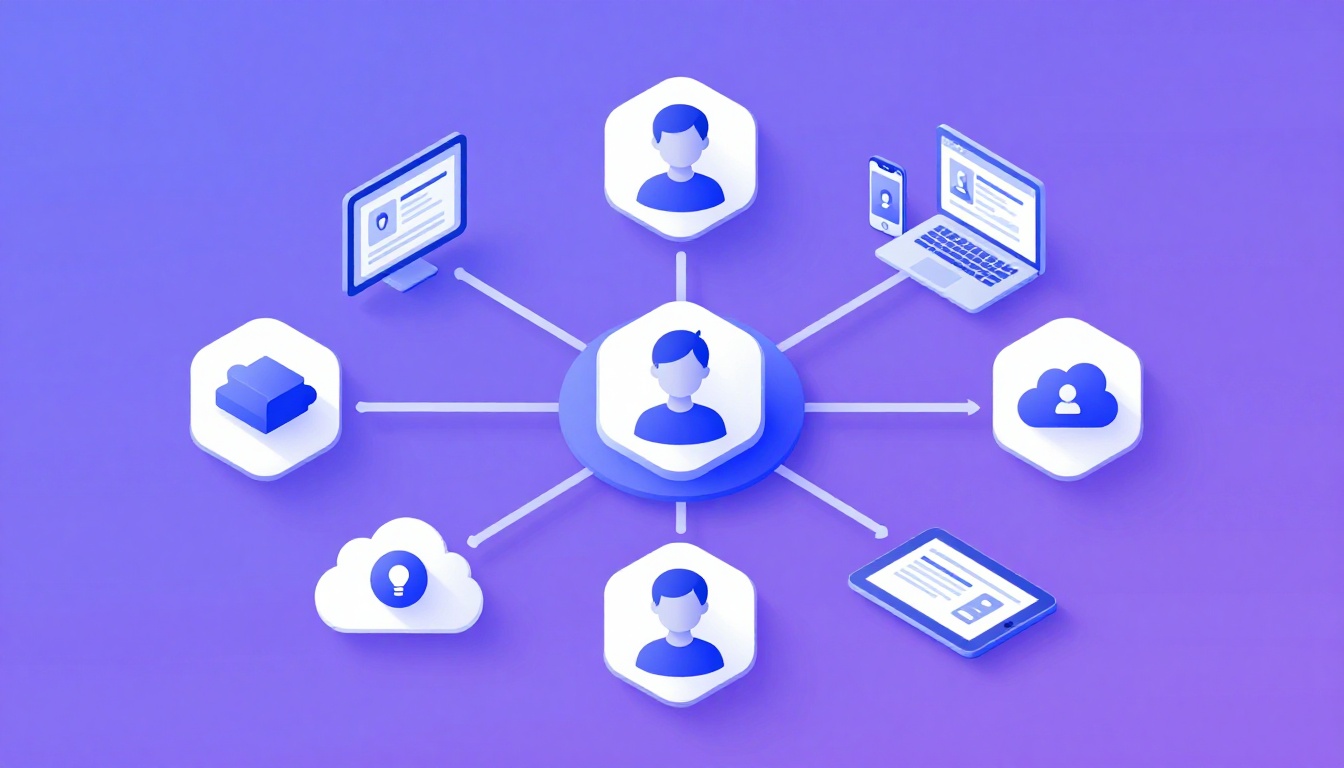
The Danger of Trying to Manage Multiple Facebook Accounts
If there is one absolute truth in digital marketing, it is this: trying to natively manage multiple facebook
accounts is walking through a minefield. Facebook (Meta) possesses arguably the most aggressive,
paranoid, and trigger-happy anti-fraud security algorithm on the internet.
For marketing agencies, media buyers, and affiliate marketers who rely on Facebook to generate revenue, an account
restriction isn’t just an inconvenience—it halts cash flow immediately. Whether you are running organic pages for 10
clients or overseeing vast networks of Facebook Advertising accounts, relying on standard browser tabs is a
guaranteed path to the dreaded “Account Restricted” red banner.
Why Meta Restricts Multiple Accounts
Meta’s primary goal is to verify that a real, single human being is operating a single, legitimate account. To
enforce this, they monitor data points with terrifying precision to identify users trying to manage multiple
properties unethically.
- Browser Fingerprinting: When you open a standard Chrome tab, Meta reads hundreds of hardware
data points (Canvas hashes, WebGL, fonts, screen resolution). If they detect that “User A” and “User B” possess
the mathematically identical browser
fingerprint, they link the accounts. - IP Addresses: Logging into 5 different client accounts from the same coffee shop IP address
alerts Meta that these accounts are centrally controlled. - Cookie Tracking: Meta drops persistent cookies on your device. Switching accounts without
properly isolating these cookies creates a verifiable web linking your entire portfolio.
If Meta links your 10 client accounts together, the consequences are disastrous. If one client violates an ad policy
or gets flagged for suspicious login activity, the algorithm will execute a “cascading ban,” disabling all 10 linked
accounts simultaneously.
The Right Way vs. The Wrong Way
The Wrong Way: Incognito Mode and Chrome Profiles
Many novices attempt to manage multiple facebook accounts by utilizing Incognito windows or basic
Google Chrome user profiles.
Incognito mode deletes cookies after you close the session, but it does not spoof your hardware
fingerprint or hide your IP address. Meta still knows exactly who you are. Chrome Profiles keep cookies
separated, allowing persistent logins, but again, the IP and the rigid hardware fingerprint remain identical. Both
methods will eventually result in massive bans.
The Right Way: True Browser Isolation
To safely scale Facebook operations, professional media buyers use cloud browser isolation platforms like
Send.win. These tools create virtual barriers between your accounts.
- Unique Fingerprints: Send.win generates a completely unique, authentic-looking browser identity
for each virtual profile. Meta sees 10 distinct computers, not one agency laptop. - Proxy Integration: You assign a dedicated residential proxy to each profile. Client A logs in
via a New York IP; Client B logs in via a London IP. - Cookie Isolation: The cache, local storage, and cookies operate in total hardware isolation.
Using Meta Business Manager Correctly
The safest, platform-sanctioned way to manage pages and ad accounts is through Meta Business
Manager. You should never ask a client for their personal Facebook password or try to log into their
personal account to access their business assets.
The Proper Business Manager Workflow
You must establish your agency’s Business Manager. The client must have their own established Business Manager. You
then use the “Partners” tab.
The client adds your Agency Business ID as a Partner and grants you access to specific assets (their Page, their Ad
Account, their Pixel).
The Catch: Even when using Business Manager correctly, you are still logging in via your personal
Facebook profile. If your personal profile gets restricted, you instantly lose access to every single client
Business Manager attached to it.
Scaling with Send.win: The “Backup Profile” Strategy
Because Meta restrictions are often automated and illogical, professional agencies build redundancy. Relying on a
single personal Facebook profile to manage $100,000 in client ad spend is profoundly dangerous.
Agencies mitigate this risk by using Send.win to securely manage “Backup Profiles” (trusted profiles belonging to
team members, spouses, or business partners).
- Create an isolated Send.win profile for “Manager 1.”
- Create a second isolated Send.win profile for “Manager 2” (using a different, stable residential proxy).
- Grant both Manager 1 and Manager 2 Admin access to the central Agency Business Manager.
How Send.win Helps You Master Manage Multiple Facebook Accounts
Send.win makes Manage Multiple Facebook Accounts simple and secure with powerful browser isolation technology:
- Browser Isolation – Every tab runs in a sandboxed environment
- Cloud Sync – Access your sessions from any device
- Multi-Account Management – Manage unlimited accounts safely
- No Installation Required – Works instantly in your browser
- Affordable Pricing – Enterprise features without enterprise costs
Try Send.win Free – No Credit Card Required
Experience the power of browser isolation with our free demo:
- Instant Access – Start testing in seconds
- Full Features – Try all capabilities
- Secure – Bank-level encryption
- Cross-Platform – Works on desktop, mobile, tablet
- 14-Day Money-Back Guarantee
Ready to upgrade? View pricing plans starting at just $9/month.
If Manager 1 is suddenly hit with an identity verification request and locked out, Manager 2 (safely operating in a
completely isolated, unlinked Send.win profile) can continue managing the client ads without interruption.
Delegating Access Securely
If you hire a media buyer in another country, having them log into your primary Facebook credentials from a foreign
IP address will trigger an immediate, and brutal, account lockout.
Instead of playing Russian Roulette with passwords, you use session sharing technology. You authenticate the Facebook account safely inside a Send.win
profile using an appropriate proxy. You then generate a secure sharing link and send it to your remote worker.
They open the link and instantly leap into the live session. They can build campaigns and post to pages natively.
They never see the password, they do not trigger IP location bans, and you can revoke their access with a single
click if they leave the agency.
Conclusion
Attempting to manage multiple facebook accounts without a high-tier security infrastructure is a
countdown to a catastrophic business interruption. Meta’s tracking capabilities are too advanced to be fooled by
basic Chrome profiles or simple VPNs.
By enforcing a strict protocol—utilizing Meta Business Manager for asset delegation and deploying
Send.win to perfectly isolate browser fingerprints, proxies, and cookies—you protect your clients, guarantee uptime, and
build an agency capable of scaling infinitely without fear of the ban-hammer.