
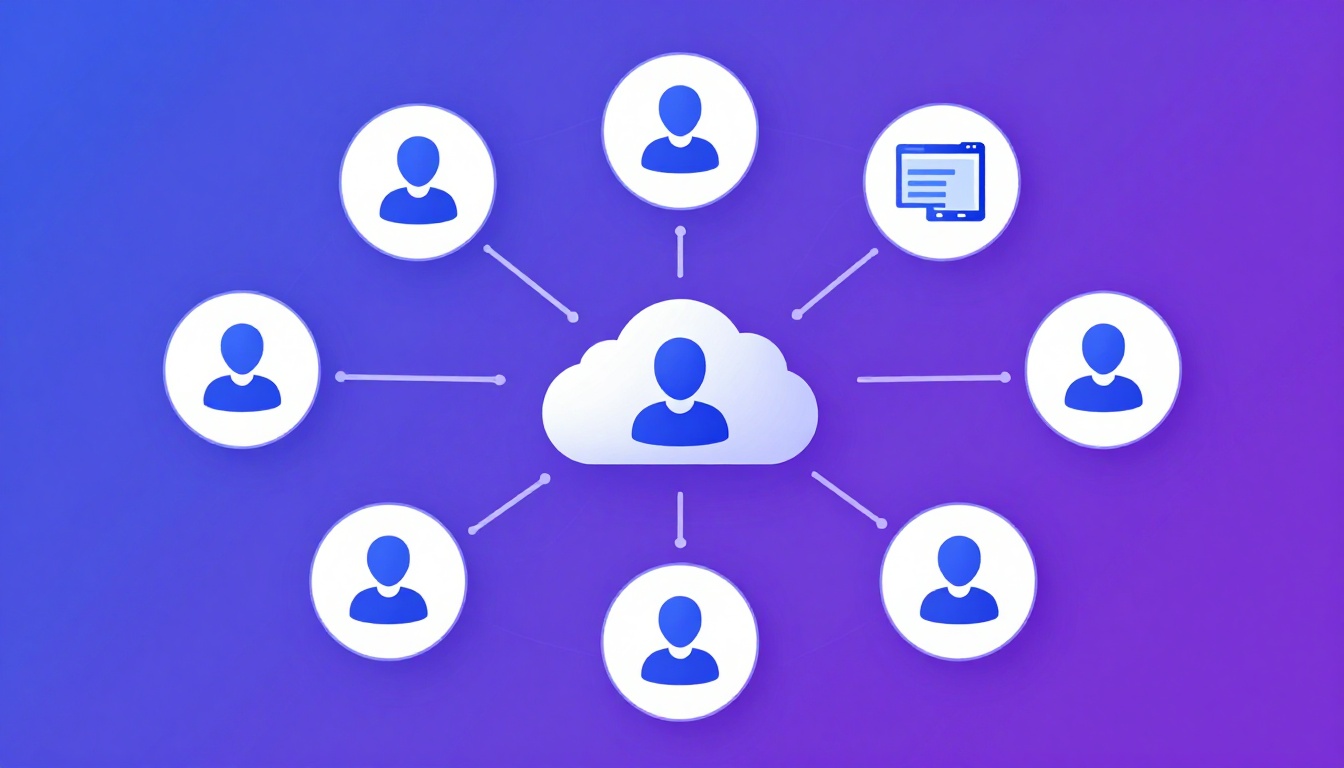
Building a System to Manage Multiple Social Media Accounts
When you start to manage multiple social media accounts for clients, the chaos quickly compounds.
What begins as a few extra tabs in your browser evolves into a logistical nightmare of endless 2FA codes, password
managers, and the constant, nagging fear of posting content to the wrong brand’s timeline.
More importantly, managing a high volume of accounts introduces severe security risks. A single slip-up in IP
management or cookie isolation can result in massive, cascading account bans across your entire client portfolio. To
scale your social media management offerings, you need a bulletproof, systemized workflow.
The Three Pillars of Multi-Account Management
Successfully overseeing dozens of profiles relies on three core pillars: Content Scheduling, Community Engagement
(Native Access), and Security Infrastructure.
Pillar 1: Content Scheduling (The Easy Part)
Most marketers default to standard scheduling software (Buffer, Later, Sprout Social). These API-driven tools are
fantastic for planning a grid, scheduling a month’s worth of content, and generating basic analytics reports.
However, scheduling tools only solve the “broadcasting” part of social media.
Pillar 2: Native Engagement (The Hard Part)
To truly manage multiple social media accounts effectively, you have to engage. Scheduling tools are notoriously bad
at handling complex direct messages, engaging with Instagram Stories, leaving thoughtful comments on industry peers,
participating in Twitter Spaces, or managing Facebook Groups.
For these high-value tasks, you must log into the platform natively via a web browser. This is where agencies run
into the terrifying risk of platform bans.
Pillar 3: Security Infrastructure (The Critical Part)
Social networks despise account automation and closely monitor users who manage vast networks of accounts. If they
detect that 30 different client Instagram accounts are all being operated from your laptop’s specific browser fingerprint, they will flag the
network as suspicious.
Why Browser Isolation is Mandatory
If you attempt to log in and out of client accounts using standard Chrome or Safari tabs, you are guaranteed to leave
cross-tracking cookies. Even if you use Incognito mode, your IP address and hardware fingerprint remain identical.
To manage multiple social media accounts safely, you must use browser isolation technology like
Send.win. Here is why it is superior to traditional methods:
- Complete Canvas Isolation: Send.win generates a mathematically unique identity for every
browser profile you create. When you log into Client A’s Twitter, the platform sees a completely different
virtual machine than when you log into Client B’s Twitter. - Persistent Cookies: Nothing slows down a social media manager more than having to ask clients
for 2FA SMS codes. Send.win profiles maintain persistent sessions. You log in once, and the session stays active
permanently inside its isolated container. - IP Masking: You can assign a specific proxy to each Send.win profile, ensuring that a client’s
account only ever logs in from an IP address logically associated with their real-world location.
A Standardized Agency Workflow
How do top agencies actually structure their day-to-day operations? Here is a blueprint for implementing a scalable
system.
Step 1: Profile Initialization
When onboarding a new client, do not immediately log into their accounts. First, create a dedicated Virtual Profile
inside your antidetect browser (e.g., “Acme Corp – Socials”). Assign a residential proxy that geographically matches
the client’s headquarters.
Step 2: The Initial Login
Launch the isolated profile. Navigate to the social platforms and log in. Have the client on standby to provide the
initial 2FA codes. Once authenticated, ensure the platforms recognize the “new device.” Do not make any major
changes (like updating bios or posting drastically different content) on day one. Let the connection “warm up.”
Step 3: Team Delegation Without Passwords
A major pain point is giving junior staff or freelancers access to accounts. If a freelancer leaves suddenly,
resetting 50 passwords is a disaster.
Using platforms with session sharing
capabilities, you can securely share the live, logged-in Send.win profile link directly with your team. They
can open the profile and manage the community natively, but they never see the base password. When their contract
ends, you revoke the share link with one click. The client’s security is never compromised.
Step 4: Daily Operations
Your team’s morning routine becomes incredibly streamlined:
- Check the API scheduling software to ensure automated posts went live successfully.
- Open the Send.win dashboard.
- Launch “Client A” isolated profile. Spend 15 minutes replying to DMs, engaging with followers natively, and
sharing stories. - Close the profile (session is automatically saved).
- Launch “Client B” isolated profile and repeat.
The Dangers of Managing Ad Accounts
While organic social media bans are painful, ad account bans are catastrophic. If you manage multiple Facebook
Business Managers or TikTok Ad accounts, the scrutiny is intensely magnified.
Facebook’s algorithm is infamous for taking down entire ad agencies because one rogue client account triggered a
policy violation, and Facebook traced the browser fingerprints back to the agency’s primary manager account.
You must treat ad accounts with quarantine-level isolation. An isolated cloud browser profile with a dedicated,
high-quality residential proxy is the only reliable way to prevent a cascading ban from destroying your agency’s
revenue stream.
Conclusion
Choosing to manually manage multiple social media accounts natively in standard browsers is choosing
to operate with immense, unnecessary risk. The difference between an amateur freelancer and a scalable, professional
agency is infrastructure.
By migrating your community management and native engagement tasks into an isolated, profile-based platform like
Send.win, you eliminate the risk of cross-account contamination, bypass daily 2FA headaches,
cleanly delegate tasks to freelancers, and secure your clients’ most valuable digital assets.
How Send.win Helps You Master Manage Multiple Social Media Accounts
Send.win makes Manage Multiple Social Media Accounts simple and secure with powerful browser isolation technology:
- Browser Isolation – Every tab runs in a sandboxed environment
- Cloud Sync – Access your sessions from any device
- Multi-Account Management – Manage unlimited accounts safely
- No Installation Required – Works instantly in your browser
- Affordable Pricing – Enterprise features without enterprise costs
Try Send.win Free – No Credit Card Required
Experience the power of browser isolation with our free demo:
- Instant Access – Start testing in seconds
- Full Features – Try all capabilities
- Secure – Bank-level encryption
- Cross-Platform – Works on desktop, mobile, tablet
- 14-Day Money-Back Guarantee
Ready to upgrade? View pricing plans starting at just $9/month.