What Are Send.win’s Cloud Features?
Send.win’s cloud features are the set of tools that let you run isolated, persistent browser profiles from any device: unique fingerprints per profile, one-click session sharing without passwords, per-profile proxy routing, and always-on session persistence. Together they let you manage dozens of accounts side by side, without cookies or fingerprints bleeding between them, and without logging back into anything you already opened.
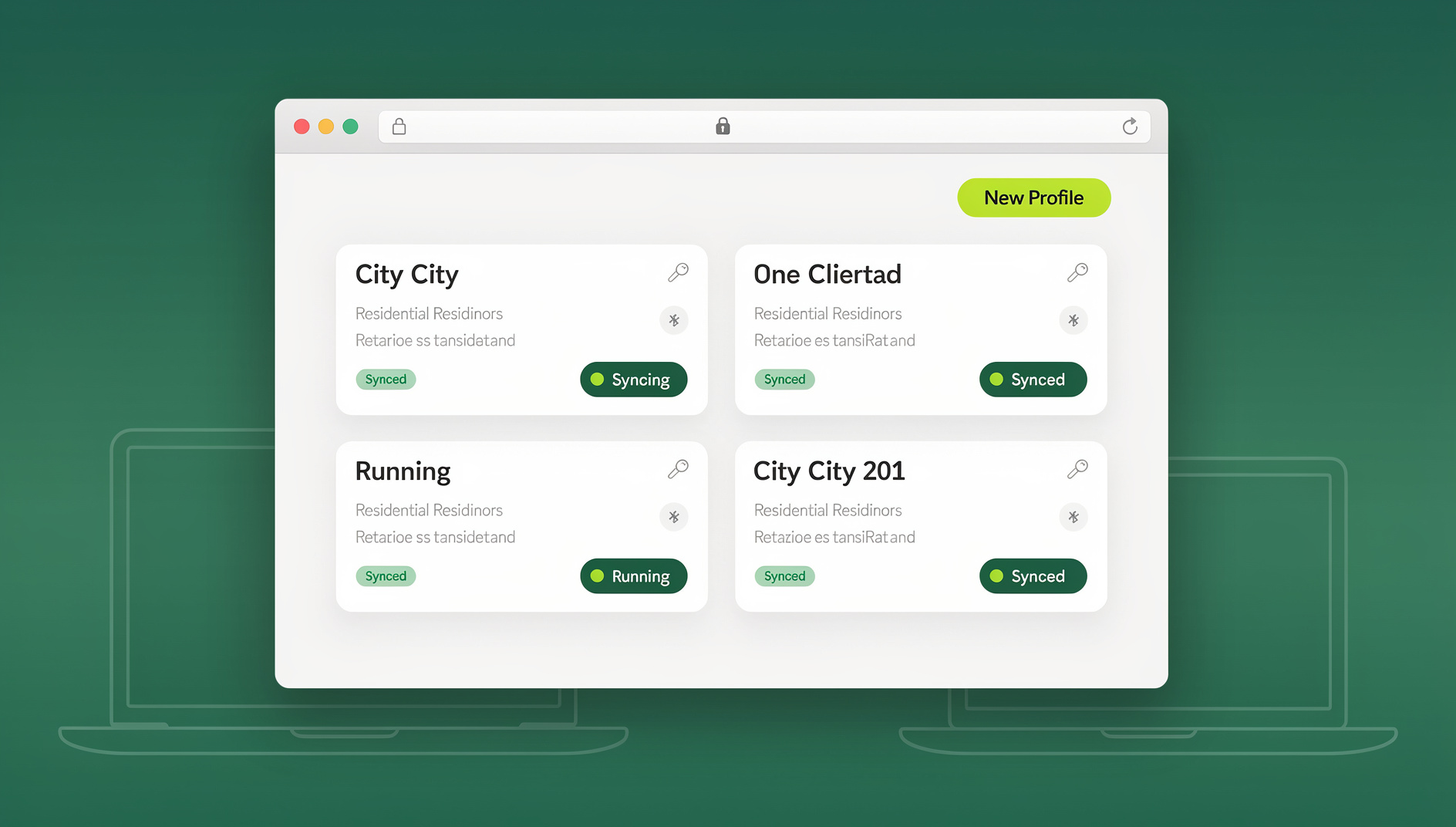
Feature 1: Isolated Browser Profiles
What It Is
Every Send.win profile is a fully isolated cloud browser environment. Each one keeps its own cookies and localStorage, its own canvas/WebGL/user-agent fingerprint, its own cache and history, and its own extension and site settings — completely separate from every other profile in your account.
Why It Matters
Without isolation, websites can link your activity across accounts through shared cookies, a shared fingerprint, or shared localStorage. Send.win’s unlimited virtual profiles make each account look like a genuinely different device to the sites you log into — because from the site’s perspective, it is.
Where Isolated Profiles Help Most
| Use Case | How Isolated Profiles Help |
|---|---|
| Multiple social accounts | Each account lives in its own profile — platforms can’t connect them |
| E-commerce multi-store | Each store gets its own fingerprint and cookie jar |
| Agency client accounts | Every client’s logins stay isolated from every other client’s |
| Research and OSINT | Investigation profiles stay separate from your personal browsing |
| Ad account management | Each ad account runs in its own environment, reducing link risk |
Feature 2: Session Persistence
What It Is
Close a Send.win profile and your session is saved. Reopen it tomorrow, next week, or next month, and everything is exactly where you left it — logged-in accounts stay logged in, tabs stay open, form data stays filled in.
How It Works
Session Lifecycle:
  1. Open profile -> Cloud browser launches with saved state
  2. Browse normally -> Changes save continuously
  3. Close profile -> A snapshot of the session is stored
  4. Reopen later -> Session restores to the exact same state

Saved State Includes:
  - Cookies (auth tokens, preferences)
  - localStorage and sessionStorage
  - Open tabs and their content
  - Browser history and autofill data
  - Extension state
Why It Matters
Without persistence, you’d re-authenticate every account on every visit. For someone running 20 accounts across five platforms, that’s roughly 100 logins per session — persistence removes that overhead entirely; open the profile and you’re already signed in.
Feature 3: One-Click Session Sharing
What It Is
Send.win’s session sharing hands a teammate a fully authenticated browser session in one click. They get working access to the logged-in account — the password never leaves your side.
How It Works
Session Sharing Flow:
  1. Log into a client's account inside a named profile
  2. Click Share -> generate a share link
  3. Send the link to a teammate
  4. They open it and land in the same logged-in session
  5. They work the account without ever seeing the password
  6. Revoke access anytime -> the link stops working immediately

What the recipient gets: full access to the live session, the
same fingerprint and cookies (no new-device security flags).

What the recipient does NOT get: the password, any saved
credentials, profile settings, or the ability to re-share
unless you explicitly allow it.
Session Sharing Use Cases
| Scenario | Benefit |
|---|---|
| Agency team on client social accounts | Clients never hand passwords to staff they don’t fully trust |
| Freelancer producing content for a client | Client grants temporary access, revokes it when the project ends |
| Onboarding new team members | Supervised access without permanent credential exposure |
| Multi-timezone coverage | Day and night shifts work from the same account session |
| Emergency coverage | A manager can reach a teammate’s sessions while they’re out |
Feature 4: Unique Browser Fingerprints
What Gets Fingerprinted
| Fingerprint Element | What It Identifies | Send.win Isolation |
|---|---|---|
| Canvas fingerprint | GPU rendering behavior | Unique per profile |
| WebGL fingerprint | Graphics card details | Unique per profile |
| User-Agent string | Browser and OS version | Unique per profile |
| Screen resolution | Display characteristics | Unique per profile |
| Timezone | Approximate location | Configurable per profile |
| Language settings | Browser locale | Configurable per profile |
| Installed fonts | System font list | Unique per profile |
| Hardware concurrency | CPU core count | Unique per profile |
Why Automatic Beats Manual
Desktop browser profile managers ask you to hand-configure every fingerprint parameter — screen size, WebGL vendor, canvas noise. Get one detail wrong (say, an iPhone resolution paired with a Windows user-agent) and you’ve created an inconsistent profile. Send.win generates coherent, realistic fingerprints per profile automatically, so there’s no configuration to get wrong.
Feature 5: Cross-Device Access via Cloud Browser Sessions
Send.win’s cloud browser sessions run entirely on Send.win’s servers and stream to whatever device you open them on — nothing to install for this mode. That’s different from Sendwin Browser, the native desktop app most users run day-to-day for local work; the cloud sessions are the no-install path when you’re on a machine you don’t control, or just want to check in from a phone.
| Device | Access | Notes |
|---|---|---|
| Windows PC | Full access via any browser | No install needed for cloud sessions |
| macOS | Full access via any browser | No install needed for cloud sessions |
| Linux | Full access via any browser | No install needed for cloud sessions |
| Chromebook | Full access | Ideal for cloud-first devices |
| iPad/Tablet | Access via mobile browser | Responsive interface |
| Mobile phone | Basic access | Screen size limits complex workflows |
Why Cross-Device Matters
- Remote work: reach your profiles from home, office, or on the road
- Device failure: if your laptop dies, log in from any other device and keep working
- Team distribution: teammates on different operating systems get an identical experience
- Locked-down machines: works on corporate computers where installing software isn’t an option
Feature 6: Per-Profile Proxy Management
Each profile can carry its own proxy, so the IP address matches where the account is supposed to be logging in from:
Profile Configuration:
  Profile "Facebook US"
    -> Proxy: US residential (Los Angeles)
  Profile "Facebook UK"
    -> Proxy: UK residential (London)
  Profile "Amazon DE"
    -> Proxy: DE residential (Berlin)
  Profile "Personal"
    -> Proxy: none (direct connection)
Social platforms and marketplaces flag logins that arrive from an unexpected country — a Facebook account registered in New York logging in from a German IP is a classic trigger for a security checkpoint. Per-profile proxy assignment keeps every account arriving from where it’s expected to.
How These Features Compare to Other Platforms
| Feature | Send.win | Desktop Browser Profile Manager | Basic Cloud Browser |
|---|---|---|---|
| Cloud-native sessions | Yes | No (local app) | Yes |
| Session persistence | Yes, always | Yes | Usually ephemeral |
| Unique fingerprints | Automatic | Manual configuration | No |
| Session sharing | One click | Whole-profile sharing only | No |
| Cross-device access | Any browser, for cloud sessions | Desktop only | Yes |
| Local resource use | None for cloud sessions | High, per profile | None |
The gap that matters most in practice is the middle column: desktop browser profile managers give you fingerprint control, but only if you’re willing to configure each parameter by hand and keep your local machine running every profile you open. A basic cloud browser solves the local-resource problem but usually treats every session as disposable and identical, which defeats the point if the reason you need multiple browsers is to keep work and personal accounts separate. Send.win is built to close both gaps at once — automatic fingerprints with none of the manual setup, and persistence with none of the local footprint.
Getting Started With Send.win
Quick Start
- Get started: sign up for Send.win’s paid plan — the first card purchase is covered by a 7-day money-back guarantee
- Create a profile: name it after the account it will manage
- Assign a proxy (optional): match it to the account’s expected location
- Open the profile: a cloud browser session starts right in your tab
- Log in: sign into the platform you’re managing — this session now persists
- Close and reopen anytime: your login is saved, so you can pick up exactly where you left off
Naming Profiles Well
Naming Convention:
  [Platform]-[Client/Purpose]-[Account Type]

  Facebook-ClientA-MainPage
  Facebook-ClientA-AdsManager
  Instagram-ClientB-Business
  Amazon-StoreUS-Seller
  Amazon-StoreUK-Seller
  Twitter-PersonalBrand
  LinkedIn-RecruitingTeam
Consistent naming matters more than it sounds like it should once you’re past 10-15 profiles — it’s the difference between finding the right session in two seconds and scrolling through a list guessing. This discipline pays off most for anyone managing multiple accounts for clients rather than themselves.
Security Features Built Into Every Profile
None of the six features above work as a security layer on their own — they compound. A leaked cookie in one profile can’t touch any other profile’s session; a shared link can be revoked the instant you no longer trust the person holding it; and because fingerprints stay stable per profile, you don’t generate the kind of fingerprint churn that trips extra verification checks on the accounts you’re managing.
| Security Layer | What It Protects Against |
|---|---|
| Profile isolation | Cross-profile data leakage between accounts |
| Cloud execution | Malicious sites reaching your local device |
| Session sharing without passwords | Credential exposure to team members |
| Consistent fingerprint per profile | Security flags triggered by fingerprint drift |
| Persistent sessions | Repeated logins that can trip extra 2FA checks |
Send.win Pricing at a Glance
Send.win has no free trial, so you can preview the cloud features above with the free cloud demo at https://send.win/demo-browser/ before paying anything. Paid plans are Pro at $19/month or $83.88/year, and Team at $49/month or $251.88/year for larger groups with more seats and profiles. The first card purchase is covered by a 7-day money-back guarantee. Send.win has no automation interface — no API, SDK, headless mode or Selenium/Puppeteer/Playwright support on any plan.
🏆 Send.win Verdict
If what you need is isolated profiles, persistent logins, and a way to hand a teammate access without handing over a password, Send.win’s cloud features are built specifically for that job — no server to run, no fingerprint config to get wrong. It won’t replace a full remote Linux desktop, but for multi-account browsing it’s the more direct tool.
Try the free Send.win cloud demo — a 3-minute preview without signup, 10 minutes a day with a free account.
Frequently Asked Questions
Is Send.win free to use?
Send.win has no free trial, so you can preview the cloud features above with the free cloud demo at https://send.win/demo-browser/ before committing. Paid plans are Pro at $19/month or $83.88/year and Team at $49/month or $251.88/year for larger teams, and the first card purchase is covered by a 7-day money-back guarantee.
Do I need to install anything to use Send.win’s cloud features?
Cloud browser sessions need no local install at all — open the browser tab and you’re in a profile. Sendwin Browser, the native desktop app, is a separate option for anyone who wants a local desktop app; it’s optional, not required for the cloud features covered here.
Is my data safe in Send.win’s cloud?
Each profile is isolated from every other profile and every other user’s account. Session data such as cookies and login tokens is encrypted and tied to your account only, and any shared session can be revoked instantly.
How many profiles can I create?
Profile limits scale with your plan — Pro and Team both raise the ceiling well past what a solo user typically needs. For unlimited virtual profiles, choose the plan tier that matches how many accounts you’re actually running.
Can I use Send.win for ad account management?
Yes — this is one of the most common uses. Create one profile per ad account (Facebook Ads, Google Ads, TikTok Ads), attach a location-matched proxy to each, and every ad account operates in its own isolated environment.
Does Send.win offer an API for automation?
No. Send.win has no automation interface — no API, SDK, headless mode or Selenium/Puppeteer/Playwright support on any plan.
Can I share a session with someone who doesn’t have a Send.win account?
Session sharing is designed for teammates inside your workspace. External collaborators typically need to be added to your team first, at which point you can share a specific profile’s session with them directly.
What happens to my sessions if I cancel my subscription?
Your profiles and their saved sessions remain associated with your account; access to open and use them depends on staying on an active plan, the same way most subscription cloud tools work.
Conclusion
Send.win’s cloud features work together rather than as a pile of separate options: isolated profiles with automatic fingerprints stop accounts from being linked, session persistence removes repeat logins, one-click sharing lets teams collaborate without passwords changing hands, and per-profile proxies keep every account arriving from where it’s expected to. Add cross-device access for the cloud sessions and per-profile security, and you get infrastructure built specifically for running more than one account at a time — safely, and from whatever device is in front of you.