Sendwin efficient working is a phrase that shows up constantly in 2026 because the old way of getting things done online — one browser, one login, one tab group per task — simply cannot keep up with how modern teams, marketers, freelancers, and sellers operate today. Most people juggle a dozen or more accounts across social platforms, ad managers, marketplaces, and client dashboards, and every extra login, incognito window, or password reset chips away at real productive time. Send.win was built specifically to close that gap: a browser profile manager that gives every account its own isolated, fingerprint-protected profile, built-in proxies, one-click session sharing, and a native desktop app. This guide walks through exactly how Send.win helps you manage efficient working in 2026, with step-by-step setup instructions, real use cases, a pricing breakdown, and a head-to-head comparison against the tools people usually reach for instead.
Why “Efficient Working” Is Harder Than It Used to Be
Ten years ago, efficient working mostly meant a fast laptop and a good to-do list. In 2026, the bottleneck has moved. The real friction now comes from account sprawl: a social media manager might run five brand accounts, a freelancer might juggle three client Google Workspace logins, an e-commerce seller might operate six Amazon or Shopify storefronts, and an agency might manage dozens of ad accounts across Meta, Google, and TikTok — all inside the same browser that was only ever designed to hold one identity at a time.
That single-identity design is the root problem. Standard browsers fingerprint every session with the same device signals, the same cookies, and the same IP address, so switching between accounts either means constant logging in and out, risky browser-extension workarounds, or triggering platform security systems that flag “multiple accounts from one device” as suspicious. None of that is efficient. It is the opposite — it is friction disguised as normal browsing.
Send.win removes that friction by giving each account a genuinely separate browser identity, called a profile, that behaves like a brand-new device every time. That single architectural choice is what actually enables efficient working at scale, and it is why this guide treats it as the core feature rather than a side benefit.
How Send.win Helps You Manage Efficient Working
Send.win is not a project-management tool in the Trello or Asana sense — it is infrastructure that sits underneath all your other work. It is the layer that lets you actually open, switch, and share the accounts your work depends on without losing time or triggering bans. Here is what that looks like in practice.
Isolated Profiles for Every Account
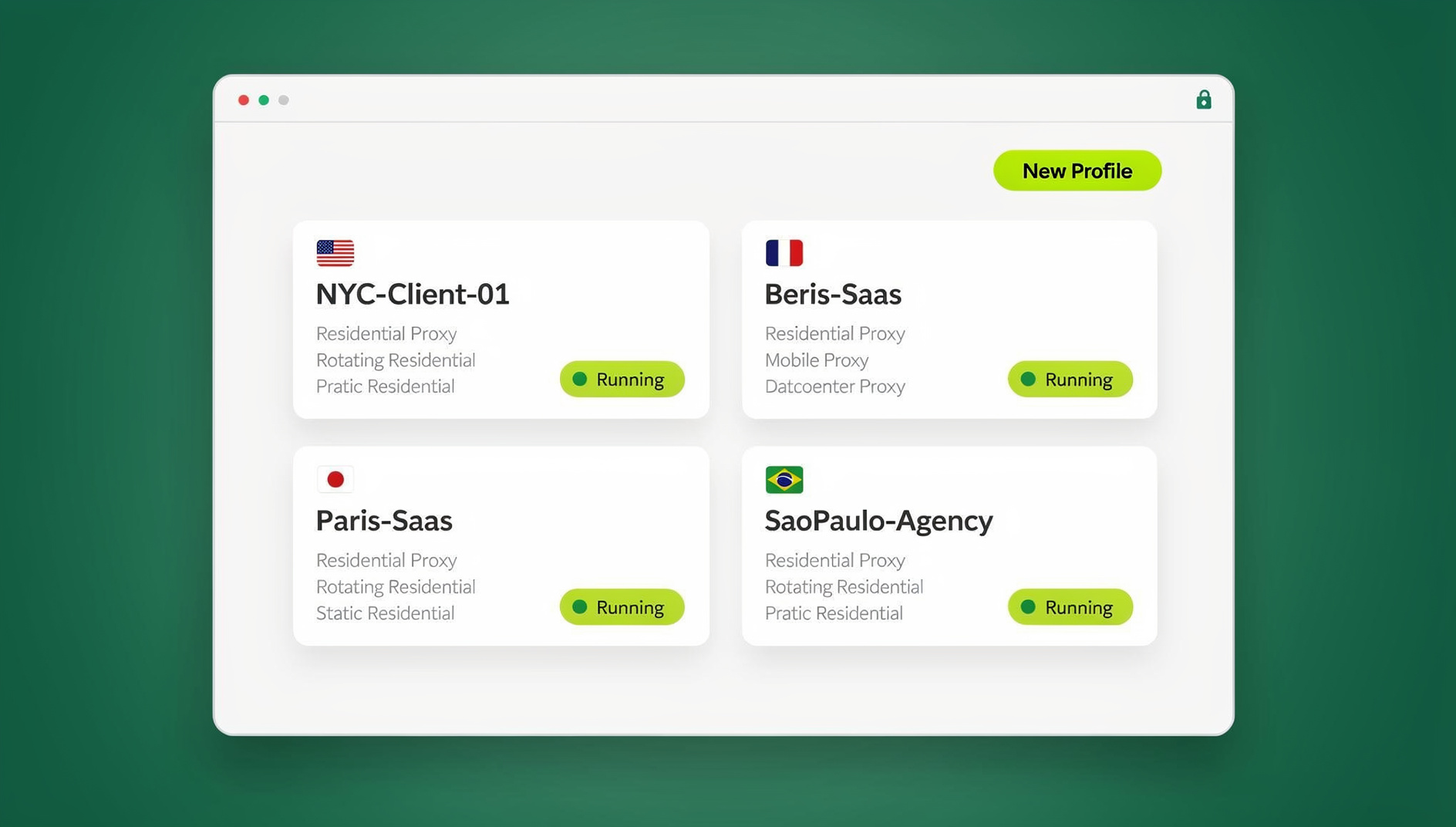
Each Send.win profile gets its own browser fingerprint — canvas, WebGL, fonts, timezone, screen resolution, and more — along with its own cookie jar and local storage. That means you can have your personal Gmail open in one profile, three client accounts open in three more, and an ad account in a fifth, all running simultaneously in separate tabs or windows, with zero cross-contamination. Platforms see each profile as a distinct, consistent device rather than “the same browser logging in five times,” which is exactly the pattern that trips automated fraud and duplicate-account detection.
Session Sharing Without Handing Over Passwords
Efficient working often breaks down at the handoff point — a manager needs a VA to post on a brand account, or a founder needs a contractor to check an ad dashboard, but sharing the actual password is a security and trust problem. Send.win solves this with one-click profile sharing: a teammate gets access to the logged-in session itself, not the underlying credentials, and access can be revoked instantly the moment the engagement ends. For a deeper walkthrough of this exact workflow, see our guide on sharing team browser access without handing over credentials.
Built-In Proxies for Consistent, Localized Access
Every profile can be paired with its own residential, datacenter, or mobile proxy, matched automatically to the right timezone and locale settings. This matters for efficient working in two ways: it keeps each account’s IP consistent (so platforms don’t see a login “jumping” between countries), and it lets teams serve or test region-specific experiences without physically being in that region. If you’re new to how proxy-backed browsing fits together, our best proxy browsers comparison is a useful primer before you configure your first profile.
Data Masking for Sensitive Information
Send.win includes a blur/mask feature that obscures sensitive on-screen data — IP addresses, email addresses, banking details, and other identifying information — during screen shares, recordings, or client demos. This is a small feature with an outsized impact on efficient working: it means support and sales teams can screen-share live account data with clients or new hires without a separate step of manually redacting a screenshot first.
Desktop App: A Native Client for Every Profile
Send.win ships a native desktop application for Windows, macOS, and Linux. This is the primary way most individual users and teams run their profiles day to day — it installs like any other local app, launches profiles instantly, and doesn’t depend on keeping a browser tab open in the background. If your work is mostly local (an agency team at fixed desks, a support team on office machines, a solo operator running profiles from one main laptop), the desktop app is the fastest and most stable way to work efficiently in Send.win.
Where Send.win Fits
Step-by-Step: Setting Up Send.win for Efficient Working
Getting from zero to a fully organized, efficient Send.win workspace takes about 15–20 minutes. Here is the process most new teams follow:
- Get started on a paid plan. Create an account at send.win — there is no free trial, but your first card purchase is covered by a 7-day money-back guarantee, and you can preview the cloud browser for free at the demo before committing to a plan.
- Install the desktop app. Download the native client for Windows, macOS, or Linux and sign in. This becomes your main control panel for creating and launching profiles.
- Create your first profile. Give it a clear name (e.g., “Client A – Gmail” or “Brand B – Instagram”), pick an operating system and browser fingerprint template, and save it.
- Attach a proxy if the account needs geographic consistency. Choose a residential, datacenter, or mobile proxy and match the timezone/locale to where the account is expected to be accessed from.
- Log into the account inside that profile, once. From this point on, the session persists inside the profile — no repeated logins.
- Organize profiles into folders or tags by client, brand, or department so your team can find the right one in seconds rather than scrolling a flat list.
- Share profiles with teammates as needed using one-click session sharing, with view or full-access permissions and an audit trail of who accessed what and when.
Once this structure is in place, “efficient working” stops being an aspiration and becomes the default: opening the right account takes one click, sharing access takes one click, and repetitive tasks can run unattended.
Send.win vs. Traditional Browser Profiles vs. Other Multi-Login Tools
A fair question is whether you even need dedicated software for this, since Chrome and Firefox both offer basic profile switching. The table below breaks down where each approach actually stands in 2026.
| Capability | Standard Browser Profiles | Generic Multi-Login Extensions | Send.win |
|---|---|---|---|
| Unique fingerprint per account | No – same device signature | Partial – often detectable | Yes – full canvas/WebGL/font isolation |
| Built-in proxy management | No – manual setup required | Rare | Yes – residential, datacenter, mobile |
| One-click session sharing without passwords | No | Limited | Yes |
| Native desktop app | N/A (browser itself) | Rare | Yes – Windows, macOS, Linux |
| Automation API (Selenium/Puppeteer/Playwright) | No | Rare/paid add-on | No |
| Team seats and shared workspace | No | Varies | Yes – up to 16 seats on Team |
For a more detailed comparison focused specifically on the “should I just use Chrome’s built-in profiles” question, see Sendwin vs Chrome profiles: when to use each.
Real-World Use Cases: Who Benefits Most
Marketing and Ad Agencies
Agencies running ad accounts for multiple clients need every account to look like it belongs to a separate, legitimate operator — otherwise platforms can link accounts and suspend them together. Isolated profiles with matched proxies let agency teams manage dozens of Meta, Google, and TikTok ad accounts side by side without cross-contamination risk.
E-Commerce Sellers with Multiple Storefronts
Sellers running multiple Amazon, eBay, or Shopify stores face the same risk: marketplaces actively look for signals that one operator controls several accounts. Dedicated profiles with consistent fingerprints and IPs let sellers manage every storefront efficiently without raising duplicate-account flags.
Freelancers and Remote Contractors
Freelancers juggling several clients’ tool stacks — a Gmail here, a Slack there, an Ahrefs or Canva login elsewhere — benefit from having each client’s entire digital footprint contained in its own profile. Nothing bleeds between clients, and switching between them takes a single click instead of a full logout/login cycle.
Social Media Managers
Managing multiple brand or personal social accounts is one of the most common efficient-working pain points. Instead of logging in and out of five Instagram or Twitter/X accounts throughout the day, a social media manager keeps five profiles open at once, switching between browser tabs instead of credentials. Our guide on how Sendwin boosts productivity when managing multiple social profiles goes deeper into this specific workflow.
QA, Support, and Engineering Teams
Send.win Pricing in 2026
Send.win’s pricing is structured to scale from solo operators to full agency teams, and your first card purchase is covered by a 7-day money-back guarantee.
| Plan | Price | Profiles | Proxy Bandwidth | Key Extras |
|---|---|---|---|---|
| Free Trial | $0 for 30 days – no credit card required | Limited | Included | Full feature access to evaluate the workflow |
| Pro | $19/mo ($6.99/mo billed annually — 63% off) | 150 profiles | 5GB | Desktop app, proxy management, session sharing |
| Team | $49/mo ($251.88/yr) | 500 profiles | 20GB | 16 seats |
Add-ons are available for teams that outgrow their plan’s limits: extra proxy bandwidth at $6/GB and additional profiles at $0.05 each, so you’re never forced into a full plan upgrade just to cover a temporary spike in usage.
Best Practices to Maximize Efficient Working with Send.win
- Name profiles consistently — use a “Client/Brand – Platform” naming convention so any team member can find the right profile in seconds.
- Match proxies to the account’s expected geography rather than reusing one proxy pool across unrelated accounts.
- Use folders or tags to separate departments (marketing, support, e-commerce) so profile sprawl doesn’t turn into a new form of clutter.
- Review shared access regularly — revoke session access for contractors or former employees the same day their engagement ends.
- Keep the desktop app updated so fingerprint templates stay current with the latest browser and OS versions being emulated.
🏆 Send.win Verdict
If your definition of efficient working includes managing more than one account, one client, or one region without constant logins and password sharing, Send.win is built for exactly that job. Isolated profiles, built-in proxies, one-click sharing, and a native desktop app cover the full range from solo freelancer to full agency — keeping each account’s cookies, storage and fingerprint separate instead of sharing one browser identity for everything.
Try the Send.win cloud demo free today — a 3-minute preview without signup, and see how much time isolated profiles save in your first week.
Frequently Asked Questions
What exactly does Send.win do?
Send.win is a browser profile manager that gives every account you manage its own isolated browser profile, complete with its own fingerprint, its own cookies, and optionally its own proxy. This lets you run multiple accounts on the same platform side by side with separate cookies, storage and fingerprint per profile, and it makes switching between accounts a one-click action instead of a full login/logout cycle.
Is Send.win the same as using separate Chrome profiles?
No. Chrome’s built-in profiles separate cookies and history, but they still share the same underlying device fingerprint — canvas, WebGL, fonts, and other signals that platforms use to detect multiple accounts on one device. Send.win generates a genuinely unique fingerprint per profile, which is the piece Chrome profiles cannot replicate.
Do I need the desktop app, or can I use Send.win entirely in the cloud?
Send.win offers both. The native desktop app for Windows, macOS, and Linux is the primary way most users run profiles locally, launching instantly as a standalone application. Cloud-based sessions are also available on paid plans for teams that want to access profiles without installing anything locally, metered separately from the desktop workflow.
What is Send.win and who is it for?
How much does Send.win cost?
Send.win has no free trial. The Pro plan is $19/month or $83.88/year, and the Team plan is $49/month or $251.88/year. Your first card purchase is covered by a 7-day money-back guarantee, and the only free option is the cloud demo at https://send.win/demo-browser/.
Can I share an account with a teammate without giving them the password?
Yes. Send.win’s session sharing feature lets you grant a teammate or contractor access to a logged-in profile directly, without ever exposing the underlying password. Access can be revoked instantly, and you retain full control over who can view or use each shared profile.
Is Send.win safe to use for managing multiple accounts on the same platform?
Send.win is designed specifically to reduce the risk that platforms associate multiple accounts with one operator, by isolating each account’s fingerprint, cookies, and (optionally) IP address. That said, no tool can override a platform’s own terms of service around multi-accounting, so it’s worth reviewing the specific rules of any platform you’re operating multiple accounts on.
Does Send.win include proxies, or do I need to buy my own?
Send.win includes proxy bandwidth on its paid plans (5GB on Pro, 20GB on Team), covering residential, datacenter, and mobile proxy types that can be matched to each profile’s expected location. Teams with heavier usage can add extra bandwidth at $6/GB rather than switching plans.