Why beginner digital marketers fail is one of the most-searched questions in the industry, and for good reason. Industry surveys consistently show that the majority of new digital marketers and freelance marketing hustlers quit or get fired from their first few campaigns within a year — not because digital marketing has gotten harder, but because the landscape has gotten more crowded, more automated, and less forgiving of guesswork. In 2026, ad platforms ban accounts faster, algorithms change weekly, and clients expect data-backed results from day one. If you’re a beginner wondering why your campaigns aren’t converting, or you run an agency and want to know what separates marketers who scale from those who burn out, this guide breaks down the real reasons beginner digital marketers fail — and exactly what to do differently.
What Is Digital Marketing in 2026?
Digital marketing is the practice of promoting products, services, or brands using digital channels — search engines, social media, email, paid ads, content, and increasingly AI-driven personalization. It covers the core types of digital marketing: SEO, paid social, content marketing, email marketing, affiliate/influencer marketing, and marketing automation. What’s changed since the early days is speed and enforcement. Platforms like Meta, Google, and TikTok now use machine learning to detect duplicate accounts, suspicious login patterns, and low-quality creative almost instantly. That means the technical and operational side of marketing — how you manage accounts, test campaigns, and protect your identity online — now matters almost as much as the creative and strategic side.
So Why Do Beginner Digital Marketers Fail?
Beginner digital marketers rarely fail because they lack ideas. They fail because of process gaps: unclear goals, no testing discipline, weak data habits, and operational mistakes that get accounts flagged or budgets wasted. Below are the twelve most common failure points we see repeated across freelancers, in-house hires, and agency juniors — along with what actually fixes each one.
1. No Clear, Measurable Objectives
“Get more sales” or “grow the brand” are not objectives — they’re wishes. Every campaign needs a specific, measurable target: a target cost-per-acquisition, a lead volume, a percentage lift in email open rate, tied to a deadline. Beginners who skip this step have no way to know if a campaign is working until it’s too late, and no way to defend their work when a client or manager asks for results. Before you touch an ad platform, write down the number you’re trying to hit and the date you’re trying to hit it by.
2. Failing to Understand the Target Audience
A huge share of failed campaigns trace back to marketers who built creative and targeting around assumptions instead of research. Beginners often skip audience interviews, competitor analysis, and first-party data review, then wonder why their ad spend isn’t converting. Spend real time building audience personas from actual customer data — support tickets, reviews, past purchase behavior — before writing a single ad line.
3. No Comprehensive Strategy — Just Scattered Tactics
Posting on Instagram, boosting a few posts, and sending the occasional email is not a strategy; it’s a collection of tactics with no connective logic. A real digital strategy ties SEO, content, paid, and email together around a single customer journey, with each channel doing a specific job. Without that structure, channels compete for the same attention instead of reinforcing each other, and beginners burn budget testing things at random.
4. Not Testing Campaigns Before Launch
Launching a campaign live to the full budget without first running a small-scale test is one of the most expensive beginner mistakes. Broken tracking pixels, mismatched landing pages, and creative that flops with the target audience should all be caught in a limited test, not discovered after the budget is gone. This is also where account setup matters: testing multiple ad variations, audiences, or even multiple ad accounts side-by-side requires a way to keep sessions separate so platforms don’t flag the activity as suspicious duplicate behavior.
5. Ignoring Analytics and Data
Analytics dashboards exist so marketers stop guessing. Beginners frequently install tracking, glance at it once, and never revisit it — or worse, never install proper tracking at all. Without consistent review of conversion data, click-through rates, and attribution, you cannot tell a winning campaign from a losing one, and you’ll keep repeating the same mistakes because nothing is measured. Weekly data reviews should be non-negotiable, even for a single small campaign.
6. Over-Relying on Automation and Outsourcing
AI writing assistants, creative-variation generators, and reporting automation can speed up a beginner’s workflow dramatically. But beginners often hand over strategy and quality control entirely to automated tools or cheap outsourced labor, producing generic, cookie-cutter campaigns with no brand voice. Automation should remove repetitive work, not replace judgment.
7. Failing to Adapt Quickly to Platform Changes
Algorithm updates, new ad formats, and shifting privacy rules (like cookie deprecation) change the rules constantly. Marketers who built their entire approach around one tactic — say, a specific Facebook ad format — get blindsided when that format stops performing. Successful marketers treat their playbook as a living document, testing new formats and channels continuously instead of defending an approach that used to work.
8. Neglecting Online Reputation
Digital marketing isn’t just outbound broadcasting; it’s also monitoring what’s being said about the brand across reviews, social mentions, and forums. Beginners who only focus on posting and never respond to comments or complaints let small issues snowball into reputation damage that erases the value of their campaigns.
9. Inadequate Budget and Planning
A campaign undercapitalized from day one rarely gets a fair test. If the budget is too small to reach statistical significance or too thin to survive a learning-phase dip, marketers pull the plug too early and conclude (wrongly) that the channel doesn’t work. Plan budgets around the minimum spend needed to actually learn something, not just the number that feels comfortable.
10. Running Everything From One Account and One Browser
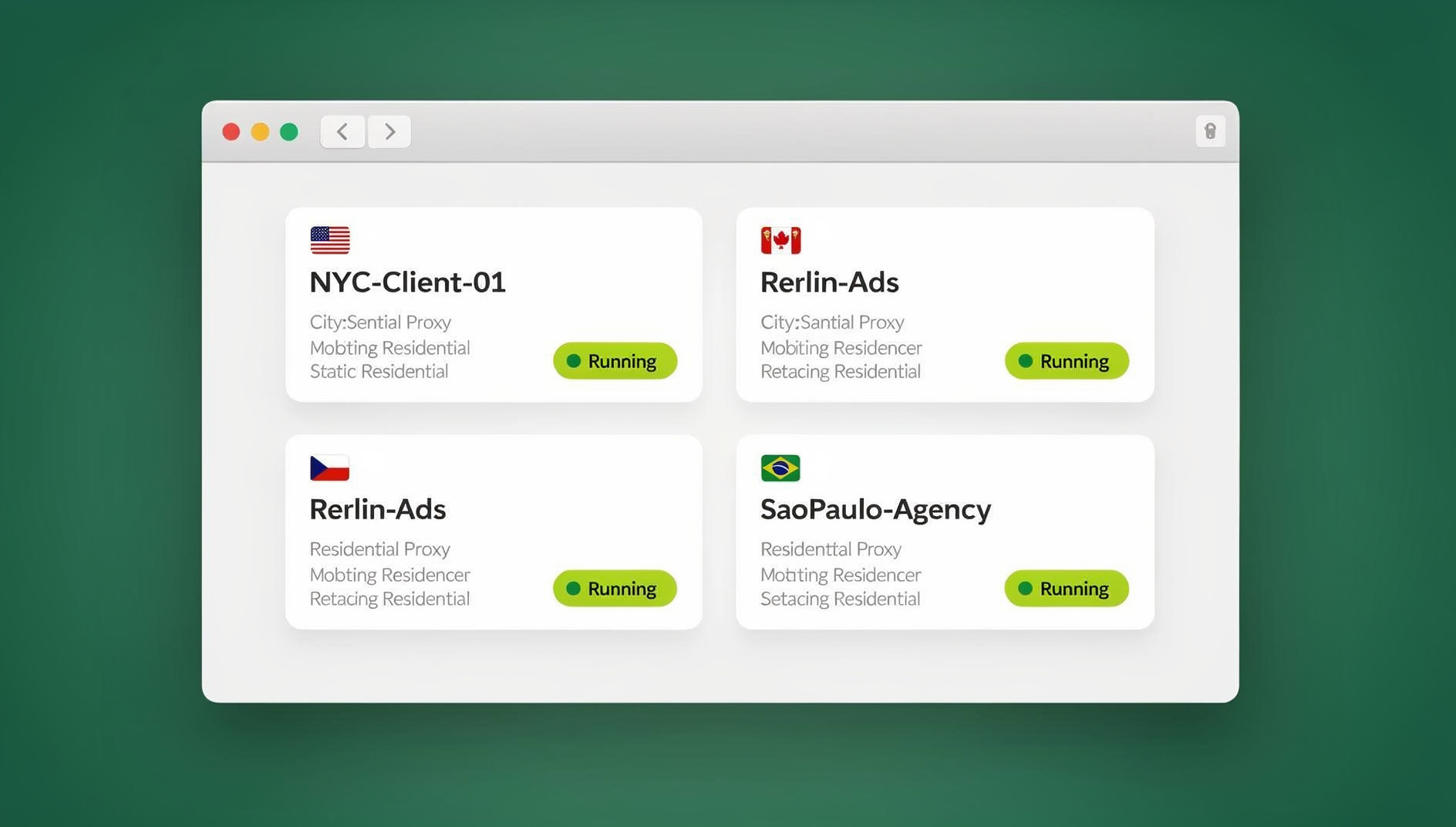
This is the operational mistake that quietly kills more beginner marketers’ accounts than any creative failure. Managing multiple client ad accounts, testing multiple audience segments, or running several brand pages from a single browser profile creates a fingerprint pattern that ad platforms flag as suspicious — leading to warnings, restricted spending, or outright bans. This is exactly where managing multiple ad accounts safely becomes a survival skill, not a nice-to-have. Tools built for this — like Send.win — give each account its own isolated browser profile with a unique fingerprint, cookies, and (optionally) a dedicated proxy, so client accounts and test campaigns don’t get cross-contaminated or banned together.
11. Trying Too Many Strategies Simultaneously
Beginners with limited time and budget often try to run SEO, paid ads, email, influencer outreach, and a new social channel all at once. The result is shallow execution everywhere and mastery nowhere. Pick one or two channels, get them profitable, then expand — depth beats breadth for a beginner marketer’s first year.
12. Poor Account Security and IP Hygiene
Shared logins, personal VPNs repurposed for client work, and no separation between personal and professional browsing all create both security risk and platform-detection risk. Marketers need to understand the real difference between a consumer VPN and a dedicated marketing proxy — see our breakdown of proxy vs VPN for marketers — because using the wrong tool for the wrong job is a common reason accounts get locked or flagged during routine campaign work.
Beginner Mistakes vs. The Fix: Quick Reference Table
| Mistake | Why It Hurts | The Fix |
|---|---|---|
| No clear objectives | No way to measure success or failure | Set one SMART goal per campaign before launch |
| Skipping audience research | Wasted spend on the wrong people | Build personas from real customer/support data |
| Random tactics, no strategy | Channels compete instead of compound | Map a single customer journey across channels |
| No pre-launch testing | Broken tracking discovered too late | Run a small test budget first, always |
| Ignoring analytics | Repeats the same losing tactics | Weekly data review, non-negotiable |
| Blind automation | Generic, low-performing creative | Use AI/automation to speed up, not replace, judgment |
| Slow to adapt | Blindsided by algorithm/platform shifts | Test new formats continuously |
| One account, one browser | Fingerprint flags trigger bans | Isolated browser profiles per account/client |
| Too many channels at once | Shallow results everywhere | Master 1-2 channels before expanding |
| Weak account security | Locked or flagged accounts | Dedicated proxies and profile isolation, not shared VPNs |
A Practical 2026 Playbook: Setting Up Campaigns the Right Way
Here is the step-by-step process that separates marketers who scale past their first year from those who don’t:
- Write the objective first. One measurable number, one deadline, before any creative work starts.
- Research the audience with real data — support tickets, reviews, competitor ad libraries — not assumptions.
- Map the full-channel strategy so SEO, content, paid, and email reinforce the same customer journey instead of competing.
- Isolate every account you touch. If you’re managing multiple client ad accounts, multiple test audiences, or your own portfolio brands, give each one its own browser profile with a unique fingerprint and its own proxy. A multi-login browser like Send.win’s multi-login browser for marketers handles this without needing a separate physical device per account.
- Run a limited test before committing the full budget — confirm tracking, landing pages, and creative all work as intended.
- Review data weekly and kill or scale based on the number from step one, not gut feel.
- Automate the repetitive parts (reporting, basic QA checks, campaign monitoring) so you spend your time on strategy, not busywork. For teams running QA scripts, screenshot checks, or scheduled campaign audits across many accounts, Send.win’s isolated browser profiles keep each client account’s cookies, storage and fingerprint separate — useful for verifying landing pages and ad previews render correctly across every client account without manually logging into each one.
- Protect the accounts. Use dedicated residential or datacenter proxies matched to each account’s target geography, never a shared consumer VPN for client work.
Tools Every Beginner Digital Marketer Should Have in Their Stack
Beyond strategy, the right tooling closes the gap between beginners and marketers who scale. A solid starter stack for 2026 includes: an analytics suite (GA4 or equivalent), one AI writing/creative assistant, a project management tool, and — often overlooked — a way to safely run multiple accounts without tripping platform bans. If you manage more than one client, brand, or ad account, running everything through a single Chrome profile is a ticking time bomb. This is where a multi-login browser profile manager earns its place in the stack: each client or test account gets its own isolated profile (unique fingerprint, cookies, and optional dedicated proxy), so a ban or restriction on one account never cascades to the others. Send.win also ships a native Desktop app for Windows, macOS, and Linux, so agencies and freelancers can run profiles locally without relying on a browser extension, plus cloud browser sessions for working from any device without installing anything. For agencies scaling past a handful of manual logins, Send.win’s paid plans (Pro $19/mo or $83.88/yr, Team $49/mo or $251.88/yr) extend that same isolation to every client account — handy for catching broken landing pages or creative rendering issues before a client ever sees them.
🏆 Send.win Verdict
Most beginner digital marketers fail for operational reasons as much as strategic ones — and account bans from running multiple clients or test campaigns through one browser are one of the most preventable. Send.win gives every ad account, client, or test audience its own isolated browser profile with a unique fingerprint and built-in proxy support, so you can test aggressively without cross-contaminating accounts. The native Desktop app keeps everything running locally on Windows, macOS, or Linux, and Send.win’s paid plans (Pro $19/mo or $83.88/yr, Team $49/mo or $251.88/yr) let growing agencies keep every client account’s cookies, storage and fingerprint separate instead of clicking through them by hand.
Try the free Send.win cloud demo — a 3-minute preview without signup (10 minutes a day with a free account), and stop losing campaigns to preventable account bans.
Frequently Asked Questions
Why do most beginner digital marketers fail in their first year?
Most beginner digital marketers fail because of process gaps rather than lack of ideas: unclear objectives, skipped audience research, no pre-launch testing, and weak data habits. Operational mistakes — like running multiple accounts through one browser and getting flagged or banned — compound these problems.
What is the single biggest mistake new digital marketers make?
Skipping a clear, measurable objective before launching a campaign is the most common root-cause mistake. Without a specific number and deadline, there’s no way to judge whether a campaign succeeded, and no way to catch problems early.
How much budget does a beginner need to test a digital marketing campaign properly?
Enough to reach statistical significance for the specific metric being tested — this varies by platform and audience size, but as a rule of thumb, budget for at least 50-100 conversions worth of spend before judging a campaign’s performance. Pulling the plug too early is a common beginner error.
Can running multiple ad accounts from one browser really get you banned?
Yes. Ad platforms use browser and device fingerprinting to detect when multiple accounts share the same login pattern, cookies, or IP, and will flag or ban linked accounts together. This is why marketers managing several client accounts use isolated browser profiles with unique fingerprints and separate proxies for each account.
What’s the difference between a proxy and a VPN for digital marketers?
A VPN routes all your traffic through one shared tunnel and is designed for personal privacy, not account management. A dedicated proxy (residential or datacenter) can be assigned per account or per profile, matching a specific geography and staying consistent over time — which is what ad platforms expect from a genuine, separate user.
Does Send.win work for solo freelance marketers, not just agencies?
Yes. Solo freelancers managing even two or three client accounts benefit from account isolation, since one flagged account can otherwise put every linked account at risk. Send.win’s Pro plan covers up to 150 profiles, which comfortably covers a growing freelance client list.
Is marketing automation a mistake for beginners to use?
No — automation and AI tools are valuable time-savers, but beginners fail when they use them to replace strategic judgment entirely rather than to speed up execution. Use automation for repetitive tasks (reporting, basic QA, scheduling) and keep humans in charge of strategy and quality control.
How do I know if my digital marketing strategy is too scattered?
If you’re running more than two or three channels without having made any of them consistently profitable, or if you can’t clearly explain how each channel supports the others in a single customer journey, the strategy is likely too scattered. Narrow focus until one or two channels are working, then expand.
What does Send.win let a marketing team do?
Send.win gives each client account its own isolated browser profile with separate cookies, storage and fingerprint, so a marketing team can keep dozens of accounts organised and separate without manually logging into each one.