In 2026, the average marketing team logs into more platforms before lunch than most people touch in a week — Meta Ads, Google Ads, TikTok Ads, five client Shopify stores, three Gmail accounts, a shared Slack workspace, and a handful of SEO tools. A regular browser was never built for that. Cookies bleed between tabs, fingerprints stay identical across every “separate” login, and one careless session mix-up can get a client’s ad account flagged. That is exactly the gap a multi-login browser closes, and it is why the category has become a genuine game-changer for marketers rather than a niche tool for account farmers.
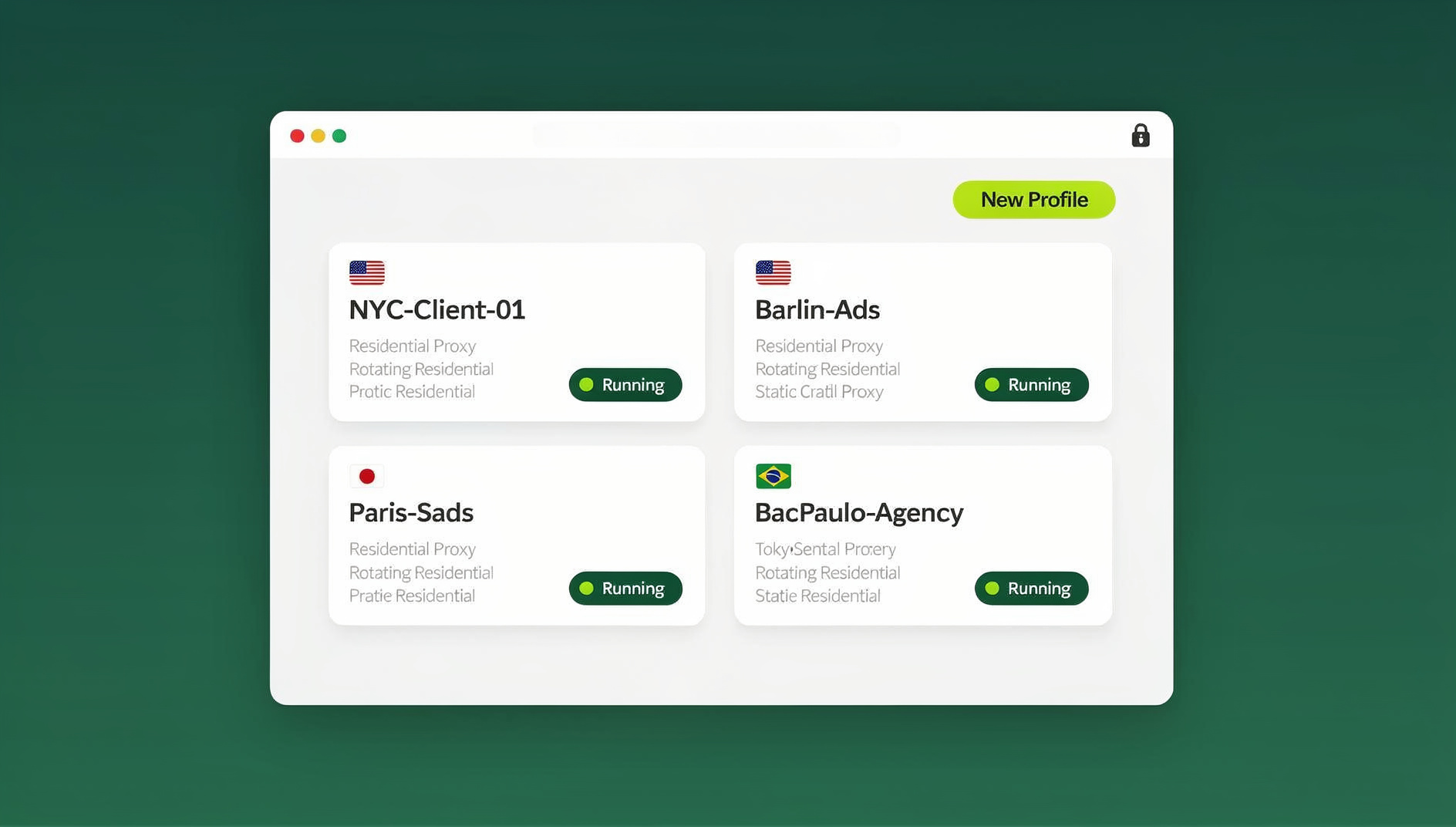
This guide breaks down what a multi-login browser actually does, how a purpose-built one like Send.win handles session isolation, proxies, and team sharing, and how marketers, agencies, and e-commerce sellers are using it in real 2026 workflows — with straight answers on pricing, setup, and the mistakes that trip up new users.
What Is a Multi-Login Browser, and Why It Matters More in 2026
A multi-login browser is software purpose-built to run many independent browser identities — often called profiles or sessions — at the same time, without them ever sharing cookies, local storage, cache, or a browser fingerprint. Unlike opening ten incognito tabs, each profile in a proper multi-login browser looks like a genuinely different device to every website it touches.
The Problem With Regular Browser Profiles
Chrome and Firefox profiles isolate cookies reasonably well, but they still expose an identical canvas fingerprint, WebGL signature, font list, and hardware profile across every “separate” account. Platforms like Meta, Google, Amazon, and TikTok fingerprint aggressively to detect multi-accounting, and identical fingerprints across profiles is one of the fastest ways to get related accounts linked and suspended together. That risk is exactly why a proper browser for ads management needs to do more than just separate cookies.
Where a Purpose-Built Multi-Login Browser Fits In
A dedicated tool solves three problems at once: it randomizes and locks a unique fingerprint per profile, it isolates sessions so nothing leaks between accounts, and it gives teams a shared, auditable way to manage dozens (or hundreds) of logins without emailing passwords around. For marketers managing multiple ad accounts, multiple client stores, or multiple social profiles, that combination is the difference between a workflow that scales and one that gets flagged.
Multi-Login Browser vs. Chrome Profiles vs. a VPN
Marketers often ask whether a VPN or Chrome’s built-in profiles can do the same job. They cannot — each tool solves a different part of the problem, and only a multi-login browser covers all three at once.
| Capability | Chrome Profiles | VPN | Multi-Login Browser (Send.win) |
|---|---|---|---|
| Separates cookies/local storage | Yes | No | Yes |
| Unique browser fingerprint per account | No — identical fingerprint | No | Yes — unique per profile |
| Masks/rotates IP address | No | Yes, but shared across all traffic | Yes — built-in proxy per profile |
| Share access without sharing passwords | No | No | Yes — one-click, revocable sharing |
| Team-wide audit trail | No | No | Yes |
| Run scripted/automated sessions | No | No | No |
A VPN is still useful for encrypting general traffic, but it does nothing to stop a platform from linking two accounts through matching fingerprints. Chrome profiles help organize tabs but were never designed to survive platform-side detection. A multi-login browser is the only category built specifically for running many distinct, undetectable identities at once.
How Send.win Delivers Multi-Login Browsing for Marketing Teams
Send.win approaches multi-login browsing as three connected pieces: unique fingerprints, built-in proxy management, and flexible ways to actually run each profile depending on the job.
Unique Fingerprints Per Profile
Every profile in Send.win gets its own canvas, WebGL, font, and hardware fingerprint, so profiles do not share one browser identity. This is what separates a real browser profile manager from a browser that merely hides its user agent — platforms check dozens of fingerprint signals, not just one.
Built-in Proxy Management
Each profile can be assigned its own residential, datacenter, or mobile proxy directly inside Send.win, so IP, timezone, and language settings match the account being managed. For teams running Facebook, Instagram, and Google Ads in parallel, this keeps each ad account’s geographic footprint consistent and believable, which matters for both account health and accurate geo-targeted testing.
Three Ways to Run Your Profiles
This is where most marketers underestimate what a modern multi-login browser can do — Send.win actually offers three distinct ways to run a profile, and picking the right one for the job matters:
- Desktop app (Windows, macOS, Linux) — the native client most individual marketers and small teams install and run locally. It’s the default way to launch and manage day-to-day profiles with full local performance.
- Cloud browser sessions — profiles run entirely in the cloud, with no desktop install required. You open a session from any device with a browser, work in it, and close the tab — nothing lives on that machine. This is billed as monthly “cloud browsing time” and is included on paid plans alongside cloud sync, profile sharing, and team seats. It’s the right answer whenever a marketer needs “access from anywhere,” a shared office computer, or a way to hand a session to a remote contractor without installing anything on their machine.
These are not the same feature wearing different names — the desktop app is a local install, and the cloud browser is a metered no-install mode. A marketing team might use both: the desktop app for the media buyer running daily campaigns, and cloud sessions for a freelancer who only needs occasional access.
Team Sharing Without Passwords
Instead of pasting credentials into Slack, Send.win lets you generate a shareable session link with an expiry timer and access log. A freelancer can get 48 hours of access to a single client’s ad account, and the link stops working automatically — no password reset required afterward. The process is covered step by step in our guide on how to share sessions to your team.
Step-by-Step: Setting Up a Multi-Login Workflow for Your Marketing Team
- Choose Pro or Team based on how many profiles and seats you need — the first card purchase is covered by a 7-day money-back guarantee, and you can preview the cloud browser for free at the demo.
- Create one profile per account or client — name each profile clearly (e.g., “ClientName – Meta Ads,” “Store2 – Shopify Admin”) so switching stays intuitive as the list grows.
- Assign a matching proxy to each profile so IP geography, timezone, and language line up with the account’s real location.
- Decide how each profile will be used — desktop app for daily local work, or a cloud browser session for occasional or remote access.
- Share access instead of passwords when a freelancer, VA, or client needs temporary entry — set an expiry and let Send.win handle revocation.
- Audit active sessions monthly — remove stale profiles, rotate proxies that have flagged, and adjust plan capacity as your account list grows.
Multi-Login Browser Use Cases for Marketers in 2026
Paid Social & Search Advertisers
Media buyers running multiple client ad accounts across Meta, Google, and TikTok need to switch instantly without cross-contaminating pixels or being flagged for managing “related” accounts. Isolated profiles with matched proxies let a buyer manage a dozen accounts from one interface — the exact workflow described in our breakdown of how marketers use Send.win to manage multiple ad accounts safely.
E-commerce and Multi-Store Sellers
Sellers running several Amazon, Shopify, or eBay storefronts need each store to look like it’s operated independently to avoid account-linking bans, while still being able to check inventory across all of them in minutes rather than hours.
SEO and Content Teams Testing Localization
SEO specialists verifying how search results, geo-targeted ads, or localized content render in different regions need profiles with real matching IPs and locale settings — not just a VPN toggle — to get an accurate read on what local users actually see.
Agencies Managing Client Accounts
Agencies juggling dozens of client logins benefit most from the sharing and audit-trail side of a multi-login browser: onboarding a new account manager or offboarding a departing contractor becomes a permissions change, not a password reset across twenty platforms.
QA, Dev, and Automated Testing Teams
Multi-Login Browser Pricing in 2026: What You Actually Get
Pricing is one of the most-asked questions from marketers evaluating a switch, so here’s the current breakdown:
| Plan | Price | Best For | Includes |
|---|---|---|---|
| Free Trial | $0 for 30 days, no credit card | Testing the workflow before committing | Full feature access to evaluate profiles, proxies, and sharing |
| Pro | $19/mo | Solo marketers and freelancers | 150 profiles, 5GB proxy bandwidth, cloud sync, cloud browser sessions |
| Team | $49/mo | Agencies and marketing teams | 500 profiles, 20GB bandwidth, 16 seats, profile sharing |
Add-ons scale on top of either plan for teams that need more bandwidth or profiles than the base allowance covers. The Team plan is the one to pick if your workflow needs multiple seats, higher profile and bandwidth limits, and profile sharing — those are not included on Pro.
Common Mistakes Marketers Make When Switching to a Multi-Login Browser
- Reusing the same proxy across multiple client accounts — this recreates the exact linking risk a multi-login browser is supposed to eliminate.
- Skipping the fingerprint-to-proxy match — a profile with a US proxy but a browser locale set to another country is a mismatch platforms notice.
- Sharing raw passwords anyway — out of habit, some teams keep pasting credentials into chat instead of using session sharing, defeating the security benefit entirely.
- Never auditing old profiles — dozens of stale, unused profiles make it harder to spot which one actually triggered a flag when something goes wrong.
- Assuming the desktop app and cloud browser are the same thing — they’re separate modes with separate use cases; picking the wrong one for a remote contractor wastes a local install they didn’t need.
🏆 Send.win Verdict
For marketing teams managing more than a handful of ad accounts, client stores, or social profiles, a purpose-built multi-login browser stops being a nice-to-have and becomes essential organisation. Send.win covers the full range a team actually needs — unique fingerprints and proxies baked into every profile, a native desktop app for daily use, and cloud browser sessions for access-from-anywhere flexibility.
Try the Send.win cloud demo — a 3-minute preview without signup, and see how many hours per week your team gets back.
Frequently Asked Questions
What exactly is a multi-login browser?
A multi-login browser is a tool that runs many isolated browser profiles at once, each with its own cookies, local storage, and a unique browser fingerprint, so every profile appears as an entirely separate device to any website it visits.
How is a multi-login browser different from Chrome’s built-in profiles?
Chrome profiles separate cookies but still share an identical fingerprint — the same canvas, WebGL, and font signature — across every profile on that machine. A multi-login browser like Send.win generates a distinct fingerprint per profile, which is what actually prevents platforms from linking related accounts.
Can Send.win replace a VPN for marketers?
A VPN only masks your IP for general browsing; it doesn’t isolate sessions or fingerprints. Send.win goes further by combining built-in per-profile proxies with fingerprint isolation, so each account gets a consistent, believable identity rather than just an encrypted connection.
Do I need to install anything to use Send.win?
It depends on how you plan to work. The native desktop app is a local install for Windows, macOS, or Linux and is the most common way to run profiles day-to-day. If you don’t want to install anything, cloud browser sessions let you open and run a profile entirely in the cloud from any device with a browser — nothing gets installed locally.
What does Send.win offer for teams?
Send.win is a browser profile manager for professionals and teams: each profile keeps its own cookies, storage, sessions, fingerprint settings and proxy, so work stays separated and organised rather than shared across one browser identity.
Will running many profiles slow down my computer?
Locally run profiles through the desktop app add modest memory overhead per open session, far less than running separate full browser installs or virtual machines. If local resources are a concern, cloud browser sessions run entirely on Send.win’s infrastructure instead of your machine.
How do I share account access with a freelancer without giving them my password?
Generate a session share link inside Send.win, set an expiry window, and send it over. The freelancer gets working access to that specific profile for the time allowed, and the link stops working automatically once it expires — no password reset needed afterward.
Which plan should my marketing team choose?
Solo marketers and freelancers managing a modest number of accounts typically fit comfortably on the Pro plan at $19/mo. Agencies and teams that need multiple seats, higher profile and bandwidth limits, and session sharing should choose Team at $49/mo.
Conclusion
Multi-login browsers moved from a niche workaround to core marketing infrastructure because the number of accounts a single team manages keeps climbing every year. A generic browser profile or a VPN can’t keep pace with that — a purpose-built multi-login browser can. With unique fingerprints per profile, built-in proxies, a real desktop app, and genuinely install-free cloud browser sessions, Send.win covers the workflow end to end. Start with the Pro or Team plan — the first card purchase is covered by a 7-day money-back guarantee — and see how quickly it pays for itself in reclaimed hours.