Why IP Masking Is a Marketing Problem, Not Just an IT Problem
Every ad account login, every SERP check, every competitor research session, and every scraped data point starts with the same exposed detail: your real IP address. Ad platforms, e-commerce marketplaces, and analytics tools all log it. When a marketing team logs into a dozen client ad accounts from one office IP, that’s a linked cluster the platform can flag. When a growth team scrapes competitor pricing from a home connection, that’s an IP the target site can throttle or ban within minutes.
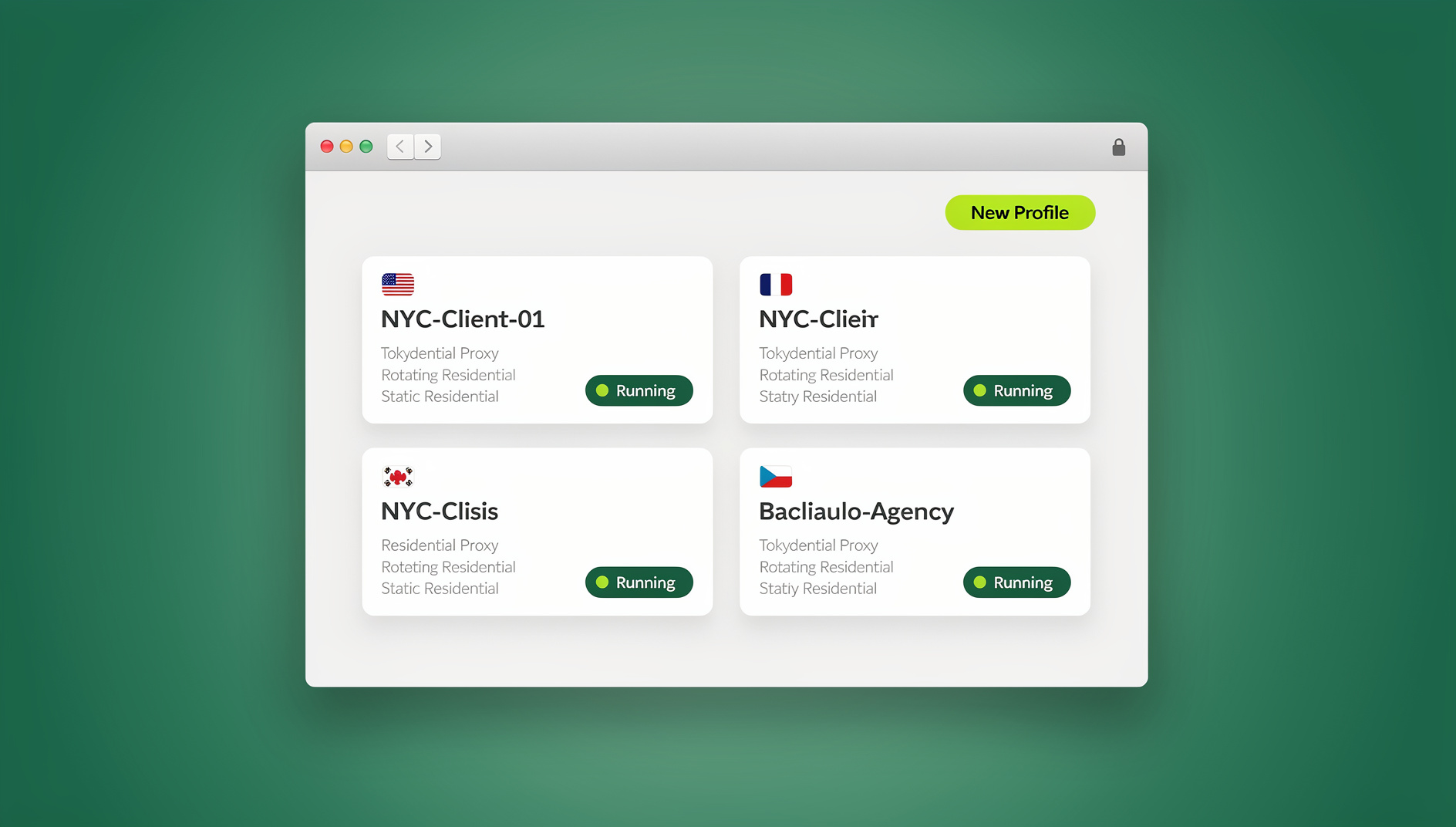
Proxy vs VPN is the question every marketer eventually has to answer, because the two tools solve overlapping but genuinely different problems. A VPN protects a device. A proxy protects a session. Confusing the two leads to either overpaying for protection you don’t need, or leaving marketing workflows exposed to bans, leaks, and cyber-attacks you thought you were covered against.
This guide breaks down how proxies and VPNs actually work, where each wins for marketing use cases, and how a purpose-built platform like Send.win replaces the proxy-vs-VPN tradeoff entirely by combining browser isolation, unique per-profile fingerprints, built-in proxy management, and team sharing in one dashboard.
Proxy vs VPN: The Core Technical Difference
What Is a Proxy Server?
A proxy server sits between your browser and the destination website. Your request goes to the proxy first; the proxy forwards it, and the response comes back through the same path. The destination site only ever sees the proxy’s IP address — never yours.
- Application-level routing — a proxy typically routes only the traffic you configure, such as one browser or one profile, not the whole device.
- Flexible endpoint selection — residential, datacenter, or mobile proxies let you choose an exit IP in almost any country or city.
- Lightweight by design — no system-level driver, no always-on background client, minimal overhead.
What Is a VPN?
A VPN (Virtual Private Network) creates an encrypted tunnel between your device and a VPN server. Once connected, every application on that device — browser, email client, chat app, background sync — sends its traffic through the tunnel.
- System-wide routing — encrypts and reroutes everything, not just browser sessions.
- Device-wide protection — useful for securing an entire laptop on public Wi-Fi.
- Dedicated client required — you install and run a standalone app that manages the tunnel.
Proxy vs VPN at a Glance
| Factor | Proxy | VPN |
|---|---|---|
| Scope | Per-browser or per-profile | Entire device |
| Setup | Credentials pasted into an app or browser | Dedicated client install |
| Speed impact | Low — minimal protocol overhead | Moderate — full encryption of every packet |
| Encryption | Depends on provider (not guaranteed by default) | Always encrypted end-to-end |
| Best for | Geo-testing, multi-account management, scraping, ad verification | Securing an entire device on untrusted networks |
| IP rotation | Common — many providers rotate automatically | Rare — usually one static exit server per session |
Proxy vs VPN for Marketing Workflows: Which Wins Where
IP Masking and Anonymity
Both tools mask your IP, but at different levels. Proxies mask it at the application or profile level — ideal when you only need anonymity for browser-based marketing tasks. VPNs mask it for the entire device, which is more than most marketing use cases require and can actually work against you: some ad platforms and scraping targets specifically flag known VPN IP ranges, while dedicated residential or datacenter proxies are far less likely to trip those filters.
Speed and Performance for Real-Time Campaigns
Live bidding, real-time social monitoring, and rapid SERP checks all depend on low latency. Proxies generally introduce less overhead because they handle fewer protocols and skip the full-device encryption layer. VPNs, by encrypting and rerouting every packet through a (sometimes distant) server, can visibly slow page loads — a real cost when you’re checking dozens of geo-targeted pages a day.
Security and Encryption Standards
This is where plain proxies fall short and where the choice of provider matters most. A basic proxy may not encrypt your traffic at all. A VPN always does. The fix isn’t to abandon proxies for marketing work — it’s to pair proxy routing with a platform that adds encryption and isolation on top, which is exactly what an antidetect browser with built-in proxy support does.
Scope of Protection
If your entire job happens inside a browser — ad dashboards, analytics tools, client accounts, competitor research — a proxy protects everything that actually matters without touching the rest of your device. A VPN protects more surface area than you need, at a performance cost you don’t need to pay.
Ease of Use and Deployment Across a Team
VPNs require installing and maintaining a client on every teammate’s machine, plus managing credentials and reauthentication. Proxies configured inside a purpose-built browsing platform can be assigned per profile, shared across a team, and rotated centrally — no individual client installs, no per-person license juggling.
When Marketers Actually Need a Proxy
Geo-Targeted Ad Verification and SERP Monitoring
Agencies running campaigns across multiple countries need to see what a user in Berlin, Toronto, or Manila actually sees. Proxies let a single analyst simulate any of those locations without physically being there, catching localization errors, broken geofencing, and non-compliant ad copy before a client does.
Competitive Research Without Tipping Your Hand
Checking a competitor’s pricing page, ad creative, or product catalog from your company’s known IP range is a fast way to get rate-limited — or to have your own visits show up in their analytics as suspiciously repetitive. A rotating proxy keeps that research anonymous and undetectable.
Protecting Multiple Ad and Social Accounts from Bans
Managing five, ten, or fifty client ad accounts from one browser session is the single biggest cause of platform-triggered suspensions. Each account needs its own consistent IP and its own consistent browser fingerprint — something neither a bare proxy nor a VPN provides on its own.
When a VPN Still Makes Sense
Device-Wide Encryption for Remote and Distributed Teams
If your team works from coffee shops, co-working spaces, or shared networks, a VPN genuinely earns its keep — it protects email, file sync, and every other app on the laptop, not just the browser.
Limitations VPNs Create for Marketing Tools
- Slower connections from full-device, full-packet encryption.
- Frequent reauthentication and client updates that interrupt workflows.
- Platform incompatibility — many ad and analytics tools actively flag or block recognized VPN IP ranges, which can silently break the exact geo-testing you were trying to do.
How Send.win Replaces the Proxy-vs-VPN Tradeoff
Rather than forcing marketers to choose between a proxy’s speed and a VPN’s encryption, Send.win is built as a browser profile manager that bundles per-profile proxies, encryption, browser isolation, and unique fingerprints into one workspace.
Built-In Proxy Management (Bring Your Own, or Rotate Automatically)
Every browser profile in Send.win can carry its own HTTP, HTTPS, or SOCKS5 proxy — residential, datacenter, or mobile. Proxies are attached at the profile level in the dashboard, so client A’s accounts always route through client A’s IP, client B’s through client B’s, with zero risk of cross-contamination. For teams that don’t want to source their own proxies, built-in proxy options and automatic rotation are available directly from the same screen — useful context if you’re also weighing IPv6 proxy vs IPv4 proxy tradeoffs for a specific ad platform.
Unique Fingerprints Per Profile
A shared IP is only half the exposure. Canvas, WebGL, font list, timezone, and screen resolution all combine into a fingerprint that platforms use to link accounts even behind different proxies. Send.win generates a distinct, consistent fingerprint per profile, and includes WebRTC leak protection so a misconfigured browser can’t silently leak your real IP around the proxy layer.
Browser Isolation and Session Containers
Each profile runs in its own isolated container — cookies, local storage, and cache never bleed between accounts. That’s what proper session isolation looks like in practice, and it’s the piece a bare proxy or VPN can’t provide on its own, since neither manages what happens inside the browser tab itself.
Cloud Browser Sessions: Proxy-Protected Access With No Local Install
For teams that need to jump into a client’s ad account from a shared laptop, a locked-down work device, or simply want to avoid installing anything at all, Send.win’s cloud browser sessions run entire proxy-configured profiles remotely — nothing to download, no VPN client, no browser extension. This is metered as monthly cloud browsing time on paid plans, alongside cloud sync, profile sharing, and team seats, and it’s genuinely a separate mode from the desktop app: the profile, its proxy, and its fingerprint all live in the cloud and can be opened from any browser tab.
The Desktop App and Cloud Browser for Heavier Workflows
Teams that prefer running profiles locally still get the full native Send.win desktop app for Windows, macOS, and Linux, with the same proxy-per-profile and fingerprint isolation. And for agencies that need to keep many client accounts separate, each profile keeps its own cookies, storage, sessions and fingerprint settings, so work stays organised across the whole team.
Team Sharing Without Sharing Passwords
Agencies managing dozens of client accounts can share specific profiles with specific teammates — full access to the session, zero visibility into the underlying password or proxy credentials. When someone leaves the team, access is revoked centrally, instantly, without a single password reset.
Step-by-Step: Setting Up a Secure Proxy Profile in Send.win
- Create a new profile from the Send.win dashboard and name it for the account or client it will manage.
- Attach a proxy — paste in your own residential, datacenter, or mobile proxy credentials, or select one of Send.win’s built-in proxy options by country.
- Set the fingerprint parameters — timezone, language, and screen resolution are auto-matched to the proxy’s geolocation so the profile looks locally consistent.
- Enable WebRTC leak protection to confirm the browser can’t expose your real IP alongside the proxy IP.
- Choose desktop or cloud mode — run the profile in the native app, or launch it as a cloud browser session with no install.
- Share with teammates if needed, assigning view or full-access permissions without exposing the proxy credentials or account password.
- Test before going live — load an IP-check page inside the profile to confirm the proxy, fingerprint, and geolocation all line up before logging into the real account.
Proxy vs VPN vs Send.win Cloud Browser: Side-by-Side
| Capability | Plain Proxy | VPN | Send.win |
|---|---|---|---|
| IP masking | Yes (per app) | Yes (whole device) | Yes (per profile, with rotation) |
| Encryption guaranteed | Depends on provider | Always | Always, plus isolated sessions |
| Unique browser fingerprint | No | No | Yes, per profile |
| Session/cookie isolation | No | No | Yes, container per profile |
| No local install option | Depends | No — client required | Yes — cloud browser sessions |
| Scriptable automation | Manual only | Manual only | No |
| Team sharing without passwords | No | No | Yes |
Best Practices for IP Masking and Network Security
Choose the Right Proxy Type for the Job
Residential proxies blend in better for consumer-facing platforms; datacenter proxies are faster and cheaper for bulk, low-sensitivity tasks; mobile proxies are worth the premium for platforms that heavily scrutinize carrier IPs.
Never Skip Encryption Just Because You’re on a Proxy
A proxy alone doesn’t guarantee encrypted traffic. Pair it with a browser environment, like Send.win, that encrypts session data regardless of the proxy’s own capabilities.
Rotate IPs on a Schedule, Not Just on Failure
Waiting for a ban before rotating means the damage is already done. Set automatic rotation intervals matched to each platform’s typical detection window.
Keep Every Account in Its Own Isolated Container
Cookies and cached tokens are as identifying as an IP address. One leaked session cookie across two “different” accounts can undo an otherwise perfect proxy setup.
Audit Access and Logs Regularly
Especially on shared team profiles, review who accessed what and when — catching an unexpected login from an unrecognized location early is far cheaper than recovering a banned account later.
🏆 Send.win Verdict
Proxies and VPNs each solve half of a marketer’s IP masking problem — one covers speed and app-level anonymity, the other covers device-wide encryption. Send.win closes the gap between them by pairing per-profile proxies with unique browser fingerprints, session isolation, and encrypted browsing — available on the native desktop app or in the cloud with zero local install.
Try Send.win today — plans start at $19/month, the first card purchase is covered by a 7-day money-back guarantee, and you can see how proxy-protected, fingerprint-isolated browsing compares to juggling a standalone VPN.
Frequently Asked Questions
What is the main difference between a proxy and a VPN?
A proxy reroutes traffic for a specific app or browser session and masks the IP at that level. A VPN encrypts and reroutes all traffic from an entire device. Proxies are typically faster and better suited to browser-based marketing tasks; VPNs offer broader, device-wide protection.
Is a proxy or a VPN better for managing multiple ad accounts?
A proxy is generally the better starting point because it can be assigned per account or profile, but a plain proxy alone doesn’t isolate browser fingerprints or session cookies. Pairing proxies with a fingerprint-isolated multi-login browser like Send.win closes that gap.
Does using a proxy guarantee my data is encrypted?
No. Encryption depends entirely on the proxy provider and protocol. Many basic proxies transmit data in plain text. Look for a browsing platform that adds its own encryption layer on top of the proxy connection, rather than assuming the proxy handles it.
Can a VPN protect me from account bans on marketing platforms?
Not reliably — many platforms specifically detect and flag known VPN IP ranges, which can trigger the exact scrutiny you were trying to avoid. Residential or rotating proxies paired with consistent, isolated browser fingerprints are generally more effective for avoiding bans.
What does “cloud browser session” mean, and how is it different from a VPN or the desktop app?
A cloud browser session runs an entire proxy-configured, fingerprint-isolated profile remotely — you open it from any browser tab with nothing to install locally. It’s different from the Send.win desktop app, which runs profiles natively on your Windows, macOS, or Linux machine, and different from a VPN, which only encrypts a connection rather than hosting an isolated browsing environment.
Can proxies and fingerprint isolation be automated for scripted testing?
No. Send.win has no automation interface — no API, SDK, headless mode or Selenium/Puppeteer/Playwright support on any plan. Scripted geo-testing, ad verification or scraping jobs are not supported.
Do I need both a proxy and a VPN for marketing work?
Most marketing teams don’t need both running simultaneously — combining them often just adds latency without meaningfully increasing security. Choose a proxy (ideally inside an isolated, encrypted browsing environment) for account and campaign management, and reserve a VPN for securing an entire device on untrusted networks.
How much does Send.win cost, and is there a free trial?
Send.win has no free trial. The Pro plan is $19/month or $83.88/year, and the Team plan is $49/month or $251.88/year. The first card purchase is covered by a 7-day money-back guarantee, and the only free option is the cloud demo at send.win/demo-browser.
What happens if my proxy provider’s IP gets flagged despite using Send.win?
Swap the proxy on that profile without losing the fingerprint, cookies, or session history — because the proxy and the fingerprint are managed independently, rotating one doesn’t force you to rebuild the other from scratch.
Conclusion
The proxy-vs-VPN debate isn’t really about which technology is “better” — it’s about matching the tool to the job. Proxies win for fast, app-level anonymity across dozens of accounts; VPNs win for encrypting an entire device on an untrusted network. Most marketing workloads sit squarely in proxy territory, but they need more than a bare proxy provides: fingerprint isolation, session containers, and encrypted, auditable access for a whole team. That’s the gap Send.win is built to close, whether you’re running profiles on the desktop app or opening a cloud browser session with nothing installed.