Virtual browsers — also called cloud browsers or remote browser isolation (RBI) tools — keep website code away from your actual device by running the session somewhere else and streaming the result to you. In 2026 that idea has split into a genuinely useful category: some services focus on disposable, throwaway sessions for research and risky links, others focus on full cloud desktops for security teams, and a few — like Send.win — combine cloud browser sessions with browser profile isolation so you can run dozens of separate logins at once, each with its own cookies, storage and fingerprint.
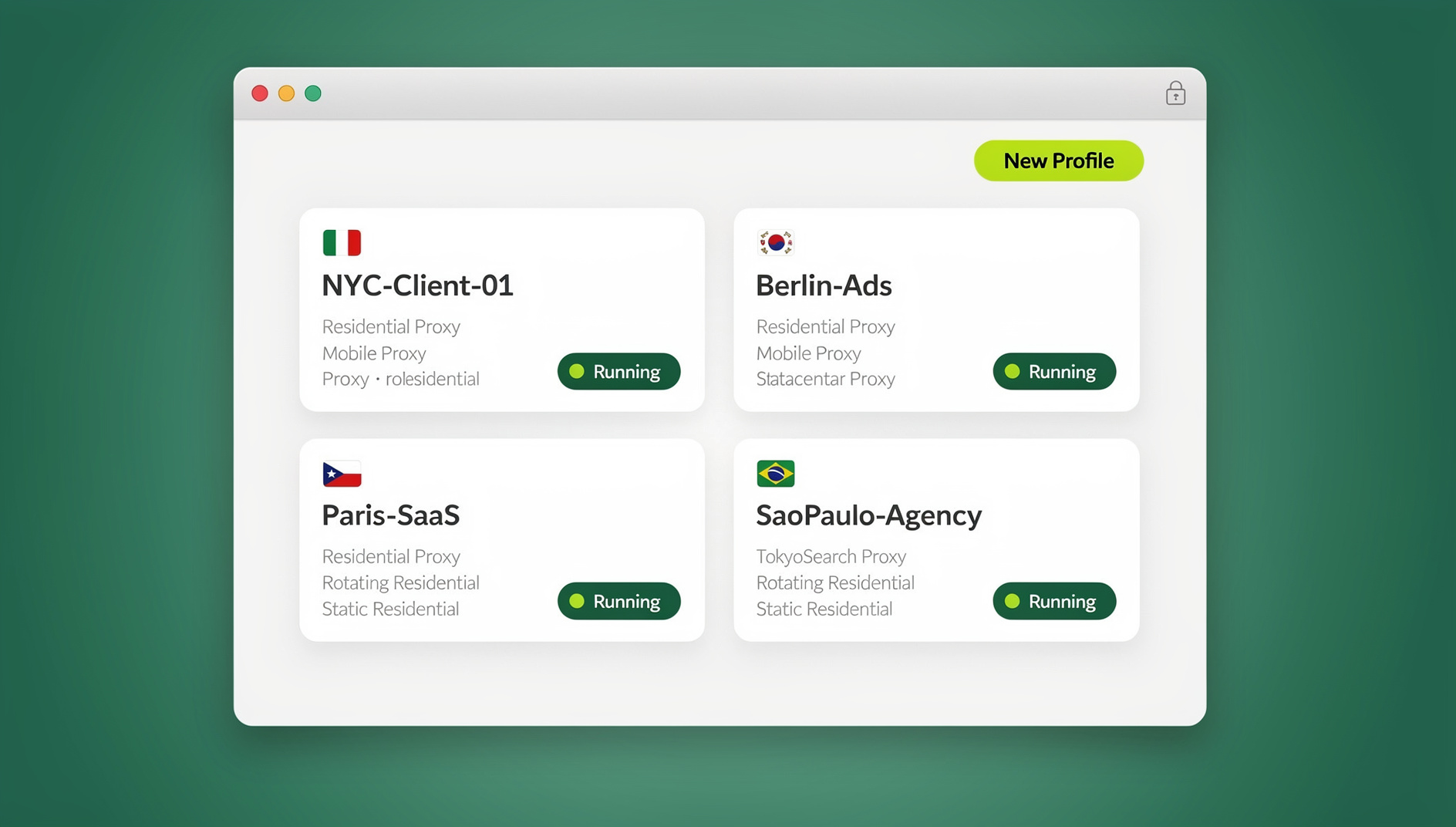
We tested the three most-recommended virtual browsers of 2026 side by side: Send.win, NetworkChuck Cloud Browser, and Kasm Cloud Personal. Below is what each one actually does well, where the trade-offs are, current pricing, and a clear answer to “which one should I pick” depending on whether you’re managing client accounts, running ads, doing OSINT research, or just want a safer way to click unknown links.
How We Picked (and Ranked) These Virtual Browsers
What we evaluated:
- Isolation model: true remote execution vs. local sandboxing, and whether sessions are disposable or persistent.
- Fingerprint and identity control: can you run multiple distinct browser fingerprints, or is it one shared identity per session?
- User experience: setup friction, streaming performance, browser/OS choice, and device compatibility.
- Pricing clarity: hours included, session limits, or profile-based quotas, and whether the free trial requires a card.
- Team and workflow features: session sharing, built-in proxies, seats, and automation support.
- Breadth of use cases: from OSINT and threat research to multi-login management, ad accounts, and QA testing.
#1 — Send.win (Best Overall Virtual Browser for Multi-Login Teams)
If your priority is running many logins cleanly — client social accounts, marketplace stores, ad accounts, or just your own personal/work split — Send.win is the strongest all-around pick. It’s a browser profile manager for professionals and teams, and unlike the other two entries here it doesn’t just isolate one disposable session at a time: it gives every saved profile its own consistent browser fingerprint, its own cookie jar, and its own proxy, so dozens of accounts can run in parallel without ever bleeding into each other.
Why Send.win Stands Out
- Cloud browser sessions with no local install: Send.win’s cloud browsing mode runs profiles entirely in the cloud, streamed to whatever device you’re on — no desktop client needed, which matters if you’re on a locked-down work laptop, a Chromebook, or just want to jump in from a phone or a friend’s machine.
- Native Desktop app when you want it: for day-to-day heavy use, Send.win also ships a full Desktop app for Windows, macOS, and Linux, so power users who prefer running profiles locally aren’t forced into the cloud — you choose the mode per situation.
- Unique fingerprints per profile: canvas, WebGL, fonts, timezone, and other fingerprint signals are isolated and randomized per profile, so each login looks like a genuinely different device — not just a different cookie session.
- Built-in proxy support: attach a residential, datacenter, or mobile proxy per profile directly inside the platform, keeping IP and timezone consistent with the identity you’re running.
- One-click team sharing: share a live profile or session with a teammate or client without ever handing over the underlying password, and revoke access instantly.

Pricing (2026)
Send.win has no free trial; the only free option is the cloud demo at send.win/demo-browser/ (a 3-minute preview without signup, 10 minutes a day with a free account). The first card purchase is covered by a 7-day money-back guarantee. Paid tiers are:
- Pro — $19/mo (or $6.99/mo billed annually): 150 profiles, 5GB of proxy bandwidth, cloud sync, and cloud browsing time included.
- Team — $49/mo (or $251.88/yr): 500 profiles, 20GB of proxy bandwidth, 16 team seats, and profile sharing.
Cloud browsing time is metered monthly (similar to how proxy bandwidth is metered), and add-ons — extra bandwidth at $6/GB or extra profiles at $0.05 each — cover teams that outgrow their tier without forcing an upgrade.
Best For
- Agencies, marketers, and recruiters who manage many accounts across platforms daily.
- Teams that need to share access to a running session without sharing a password.
- Anyone who wants the option to switch between a local Desktop app and a no-install cloud session depending on the device they’re on.
#2 — NetworkChuck Cloud Browser (Best Budget Pick for Disposable Browsing)
NetworkChuck Cloud Browser takes a different angle entirely: it’s built for opening things you don’t trust. Every session is disposable by default — open a risky link, do your research, then nuke the whole environment when you’re done, with nothing left behind on your actual machine.
Why NetworkChuck Stands Out
- Zero-trust remote isolation: your device only ever receives a stream of the remote session — no page code executes locally, ever.
- Disposable by design: sessions are destroyed after each use, which minimizes tracking residue and fingerprint buildup over time.
- Right-click “Open in Cloud Browser”: a browser extension lets you send any link straight into an isolated session without manually copying URLs.
- Multiple browser choices: Brave, Chrome, Chromium, Edge, Firefox, Tor, and Vivaldi are all supported, which helps with compatibility testing.
Pricing (2026)
NetworkChuck’s Cloud Browser plan is publicly listed around $7/month for roughly 150 hours/month, with a 30-minute idle timeout, no session persistence, modest compute (2 cores/4GB RAM), and endpoints spanning US East/West, Germany, India, and Brazil. Always confirm current numbers on their pricing page since hourly-pool services tend to adjust limits more often than flat per-profile pricing does.
Best For
- Students, researchers, and technical hobbyists who want a cheap isolation layer for occasional use.
- Anyone regularly opening high-risk links (phishing samples, unknown downloads, sketchy forum links) who wants a disposable, right-click workflow.
#3 — Kasm Cloud Personal (Best for Power Users and OSINT Tooling)
Kasm Cloud Personal leans into a power-user, security-research angle. Beyond disposable browser sessions, it can spin up entire cloud desktops — Linux or Windows — inside a browser tab, plus a dedicated OSINT tier bundling investigation-focused tools and browser images.
Why Kasm Stands Out
- Disposable browsers and full desktops: sessions are non-persistent by default, so no history, cache, or local trace lingers after you close the tab.
- Region and geolocation selection: choose a data-center region — US, EU, India, Brazil, Australia, and more — on a per-session basis.
- OSINT-focused tier: curated research distributions and tools (including Tor-Browser images) built specifically for investigations and threat hunting.
Pricing (2026)
- Cloud Browser: around $10/month, roughly 100 hours/month, 20-minute idle timeout.
- Cloud Desktop: around $20/month, roughly 200 hours/month, adding full Windows/Linux desktops and common apps.
- Cloud OSINT: around $40/month, roughly 300 hours/month, with curated investigation tooling.
Best For
- Security researchers and analysts who need full desktops and OSINT toolchains on demand.
- Technical users who want more configuration knobs than a simple disposable browser offers.
Quick Comparison (2026)
| Service | Isolation model | Notable features | Regions | Hours/limits | Starting price* |
|---|---|---|---|---|---|
| Send.win | Cloud browser + Desktop app, unique fingerprint per profile | Built-in proxies, one-click session sharing, cloud sync | Cloud-based; proxy per profile for region consistency | Profile-based; cloud browsing time metered monthly | No free trial; Pro $19/mo, Team $49/mo, 7-day money-back guarantee on first card purchase |
| NetworkChuck Cloud Browser | RBI/streamed, disposable after use | Right-click “Open in Cloud Browser,” 7 supported browsers incl. Tor | US East/West, Germany, India, Brazil | ~150 hrs/mo, 30-min idle timeout | ~$7/mo |
| Kasm Cloud Personal | Disposable cloud browsers and full desktops | OSINT tier, nightly-updated images, region selector | US, Germany, India, Brazil, Australia | 100–300 hrs/mo depending on plan | ~$10/mo (Browser), ~$20 (Desktop), ~$40 (OSINT) |
*Published pricing at time of writing — always confirm current numbers on the vendor’s own pricing page before purchasing.
What Is a Virtual Browser, Exactly?
A virtual browser runs your web session somewhere other than your local machine — a remote data center or an isolated container — and streams the result back to you. Two patterns show up across the category:
- Remote Browser Isolation (RBI): the page executes on a server; your device only ever sees a visual stream or sanitized rendering. This is how NetworkChuck and Kasm’s disposable sessions work.
- Profile isolation with cloud or local execution: instead of one throwaway session, each saved profile gets its own persistent, fingerprint-separated environment that you can run in the cloud or locally. This is Send.win’s approach, and it’s the reason it works for ongoing account management rather than just one-off risky links.
Where people get confused is conflating “cloud browser” with “install nothing, ever.” For a platform like Send.win that genuinely offers three separate modes, it’s worth being precise about which one applies to a given claim:
- Desktop app — a native client for Windows, macOS, or Linux. This does require installing software locally, and it’s the primary way most Send.win users run their day-to-day profiles.
- Cloud browser sessions — profiles run entirely in the cloud with genuinely no local install, streamed to any device. This is metered by monthly cloud browsing time and is included on paid plans alongside cloud sync, profile sharing, and team seats.
If you want the full breakdown of how virtual browser isolation works technically, our virtual browser explainer goes deeper into the zero-install cloud model specifically.
Who Should Choose Which?
- Choose Send.win if you need to manage many logins cleanly, want the flexibility of both a local Desktop app and a no-install cloud session, or want each profile to keep its own cookies, storage and fingerprint settings. It’s the most team- and workflow-friendly option in this comparison.
- Choose NetworkChuck Cloud Browser if your main need is cheap, disposable isolation for opening risky links — you’re not managing persistent accounts, you just want a safe throwaway environment.
- Choose Kasm Cloud Personal if you need full cloud desktops, an OSINT-specific toolchain, or granular region selection for research and investigation work.
For a deeper side-by-side specifically on safety when opening suspicious links, we’ve also published a dedicated Sendwin vs Kasm vs NetworkChuck breakdown that isolates that exact use case.
Deep-Dive: Buying Tips and Trade-Offs
1) Performance and Feel
Modern RBI and cloud browser implementations are far faster than the “slideshow browsers” of a few years ago. Most providers stream only the rendering updates that actually changed rather than a full video feed, so typical browsing feels close to native. Expect occasional lag on media-heavy pages if your own connection is weak — the bottleneck is usually your last mile, not the remote session.
2) Security and Fingerprint Isolation
All three services keep page code off your local device, but they solve different problems. NetworkChuck and Kasm default to non-persistent, disposable sessions — great for one-off risky browsing, but you start from scratch every time. Send.win instead isolates fingerprints per profile so the same identity persists safely across sessions without cross-contaminating other profiles — which is the model you actually want if you’re logging into the same set of accounts repeatedly rather than browsing something once and discarding it. If antidetect fingerprinting specifically is new to you, our best antidetect browser comparison covers how fingerprint spoofing differs from simple session disposal.
3) Regions, Proxies, and Identity
If geo-consistency matters — testing regional content, or keeping an account’s location signals stable — check how each service handles it. NetworkChuck and Kasm expose region selectors tied to their own data centers. Send.win instead lets you attach your own residential, datacenter, or mobile proxy per profile, which keeps IP, timezone, and language signals aligned with a specific identity rather than just a data-center location.
4) Pricing Model
- Send.win prices by profile count and monthly cloud browsing time/bandwidth, which suits teams managing an ongoing roster of accounts rather than bursty one-off sessions.
- NetworkChuck and Kasm price by hourly pools with idle timeouts — good for occasional or bursty research use, but you need to actively manage idle sessions to avoid burning through your hours.
How to Start a Send.win Cloud Browser Session (No Install Needed)
If you want to try the cloud mode specifically rather than the Desktop app, the flow looks like this:
- Try the free cloud demo at Send.win — a 3-minute preview without signup, or 10 minutes a day with a free account.
- Create a new profile from your dashboard and give it a name (e.g., “Client A — Instagram”).
- Choose “Cloud Browser” as the launch mode instead of the Desktop app, and optionally attach a proxy for that profile.
- Launch the session directly in your browser tab — it streams instantly with no software to download.
- Share access if needed: generate a one-click share link for a teammate or client, and revoke it any time without ever exposing the underlying password.
For the full click-by-click walkthrough with screenshots, see our tutorial on creating sessions in Send.win’s cloud browser.
🏆 Send.win Verdict
Of the three virtual browsers here, Send.win is the only one built for ongoing, multi-account work rather than one-off disposable sessions. You get the genuine “no install” cloud browser experience when you need it, a native Desktop app when you don’t, and separate cookies, storage and fingerprint per profile so your accounts and sessions stay organised and apart.
Try the Send.win cloud demo — a 3-minute preview without signup, or 10 minutes a day with a free account.
Frequently Asked Questions
Is a virtual browser the same as a VPN?
No. A VPN encrypts your traffic and masks your IP, but your local browser still executes every page’s code. A virtual browser runs that code remotely and streams the result, so malicious scripts never touch your device at all. Using both together is common for extra defense-in-depth.
Will websites work normally inside a virtual or cloud browser?
Generally yes. These services run real, regularly updated browsers, and most vendors ship current or nightly builds specifically to maintain site compatibility. Some sites do challenge remote traffic, which is one reason Send.win pairs cloud sessions with real per-profile fingerprints rather than a single shared remote identity.
Do I need to install anything to use Send.win’s cloud browser?
No — cloud browser sessions run entirely on Send.win’s servers and stream to whatever device you’re using, with no local software required. The separate Desktop app is optional and exists for users who prefer running profiles locally; you can use either mode depending on the device and situation.
Can I automate a virtual browser with Selenium or Playwright?
With NetworkChuck or Kasm, no — both are designed for manual, human browsing sessions. Send.win is no exception: it has no automation interface, so there is no API, SDK, headless mode or Selenium/Puppeteer/Playwright support on any plan.
Which of these three is cheapest for occasional use?
NetworkChuck Cloud Browser is the cheapest entry point at roughly $7/month for disposable sessions if you only need occasional, throwaway isolation. If you’re managing recurring accounts rather than one-off browsing, Send.win’s per-profile pricing usually works out more efficient over time.
Is Send.win’s cloud browsing time unlimited?
No — cloud browsing time is metered on a monthly basis, similar to how proxy bandwidth is metered, and it’s included alongside cloud sync, profile sharing, and team seats on both the Pro and Team plans. Heavy cloud users can add more bandwidth as needed.
What’s the difference between disposable RBI and fingerprint-based profile isolation?
Disposable RBI (NetworkChuck, Kasm) destroys the entire session after each use — great for one-off risky browsing, but you can’t maintain a persistent identity across visits. Fingerprint-based profile isolation (Send.win) keeps each profile’s identity stable and isolated over time, which is what you want for logging into the same accounts repeatedly without them bleeding into each other.
Can a whole team share access to the same virtual browser session?
Yes, on Send.win — one-click session sharing lets you grant a teammate or client temporary access to a running profile without ever revealing the password, and you can revoke that access instantly. Kasm also supports some session collaboration; NetworkChuck’s disposable-session model isn’t built around ongoing sharing.
Bottom Line
- Send.win is the top pick for multi-login productivity and team collaboration, and for anyone who wants both a native Desktop app and a genuine no-install cloud browser option.
- NetworkChuck Cloud Browser offers the best value for cheap, disposable browsing when you just need to open something risky and walk away.
- Kasm Cloud Personal is the power-user toolkit, adding full cloud desktops and a dedicated OSINT tier on top of disposable browser sessions.
If you’re on the fence, start with Send.win’s free cloud demo for day-to-day multi-account work, then layer in NetworkChuck or Kasm alongside it for specialized, hour-based research use cases when they come up.