What Is Web Isolation?
Web isolation (also called browser isolation or remote browser isolation) is a security approach that runs your web browsing away from your local device — in a remote cloud environment or an isolated local container — so that malicious code, malware, and web-based exploits never actually touch your endpoint. Only a safe visual or reconstructed feed of the page reaches your screen.
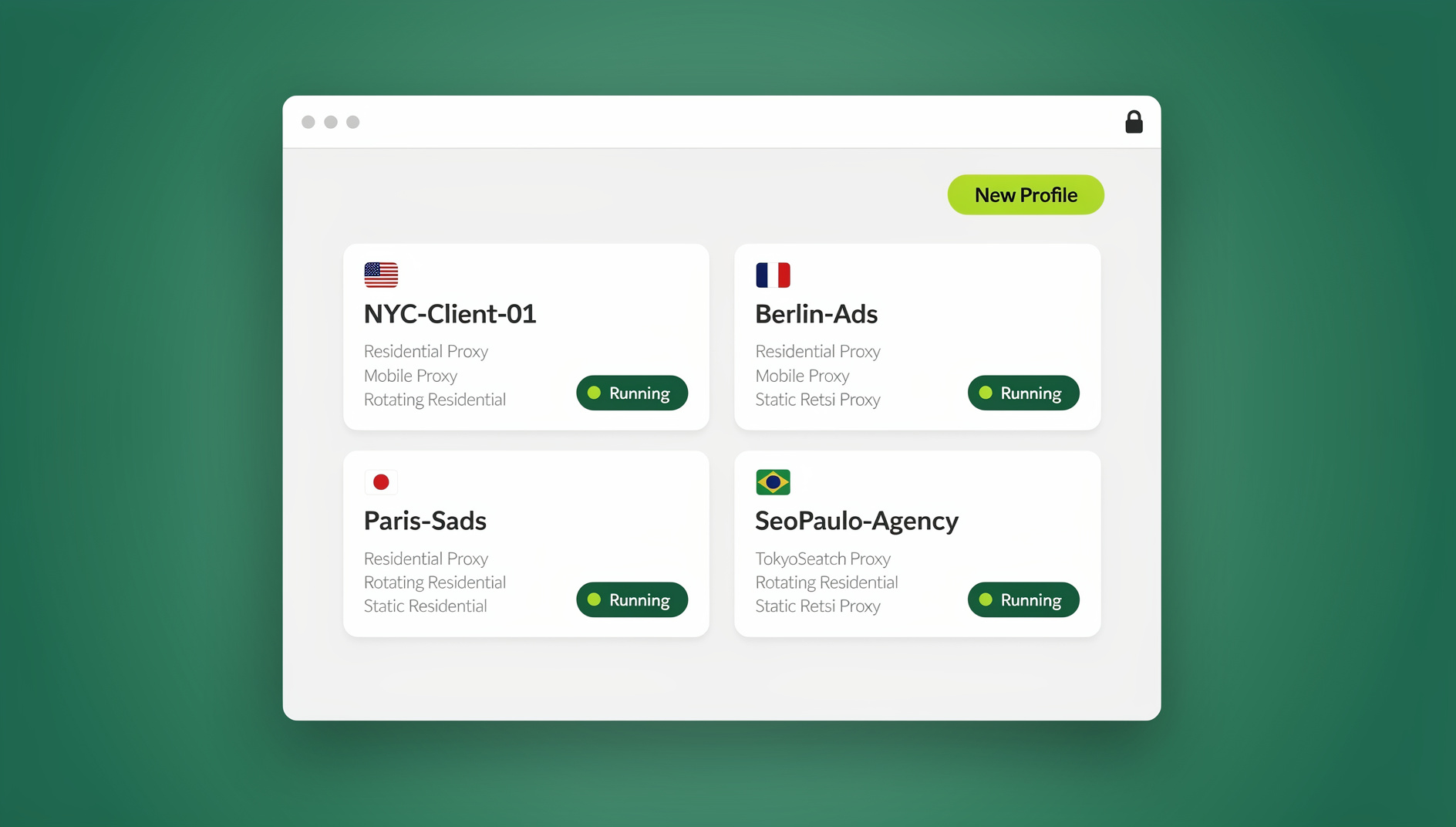
Picture a thick pane of glass between your computer and the open internet. You can click, scroll, type, and interact with everything exactly as normal, but nothing that lives on the page — scripts, exploits, tracking payloads — ever crosses over to your hard drive.
How Web Isolation Works
Not every isolation product works the same way. Depending on where the browsing session actually executes, web isolation falls into three broad categories.
1. Remote Browser Isolation (RBI)
This is the most common and most secure model in production today:
- The real browser instance runs on a remote server, not your laptop
- Websites render entirely on that remote machine
- Only a safe visual stream or reconstructed output reaches your device
- Web code — including malicious scripts — executes remotely and never touches your machine
- The session is destroyed after use, so nothing persists between visits
2. Local Browser Isolation
Isolation still happens, but on the device itself:
- The browser runs inside a local container, sandbox, or virtual machine
- The sandbox blocks access to the host operating system and file system
- Any threat is contained inside that sandbox boundary
- The container is wiped and recreated on a regular schedule
3. Clientless Browser Isolation
No agent, plugin, or install required on the endpoint:
- Traffic is routed through a cloud isolation gateway
- Pages are rendered remotely and delivered back as sanitized HTML
- Works from any browser on any device without setup
- Well suited to BYOD fleets and contractor or unmanaged devices
The Technology Behind Web Isolation
Pixel Pushing (Visual Streaming)
The most airtight approach available:
- The remote browser renders each page as a stream of video frames
- Only encoded pixels are sent to your device — never live code
- Zero web code reaches the endpoint, so even zero-day exploits stay contained on the server
Trade-off: higher bandwidth use and a small amount of added latency.
DOM Reconstruction
A middle ground between security and native feel:
- The remote browser processes the page first
- Active content — scripts, plugins, embedded objects — is stripped out
- A cleaned, reconstructed DOM is sent to your local browser as plain HTML/CSS
Trade-off: a handful of highly interactive sites may not render pixel-perfect.
Network-Level Isolation
- Traffic passes through a secure gateway before it ever reaches a browser
- Known threats are filtered and blocked at the network layer
- Content filtering and URL categorization happen inline
Trade-off: less granular than isolating at the browser level itself.
Why Web Isolation Matters in 2026
The browser has become the primary attack surface for most organizations, and traditional endpoint defenses were never designed to stop threats that arrive disguised as ordinary web pages.
| Threat | Traditional Defense | Web Isolation Defense |
|---|---|---|
| Phishing | Email filtering (misses a meaningful share of new lures) | Page renders remotely; credentials are never exposed to a live malicious script |
| Ransomware | Antivirus (reactive, signature-based) | Payload executes remotely and can’t reach or encrypt local files |
| Zero-day exploits | No defense until a patch ships | Exploit runs inside an isolated, disposable container — the device is unaffected |
| Drive-by downloads | Browser warnings (frequently dismissed by users) | Download happens in isolation and can be scanned before it ever reaches you |
| Watering hole attacks | URL reputation (can’t catch a compromised legitimate site) | Even trusted sites are isolated, so a compromise stays contained |
| Cryptojacking | Ad blockers (partial coverage) | Mining scripts burn server resources, not your battery or CPU |
A few figures explain why security teams keep pushing isolation up their priority list: the large majority of cyberattacks still start with a phishing link, the browser is now where most enterprise work actually happens, browser-based attacks have climbed sharply since 2020, and the average cost of a data breach continues to rise year over year. None of that is abstract risk — it’s the daily reality of anyone who opens a browser for work.
Top Web Isolation Solutions Compared
The vendors below sit on a spectrum from pure enterprise security to everyday account and privacy management — worth knowing before you pick one, since a side-by-side look at the wider best cloud browser options for 2026 shows how differently each category prices and packages the same underlying idea.
Zscaler Browser Isolation
- Part of the broader Zscaler Zero Trust Exchange platform
- AI-assisted policy that isolates only risky sites, leaving trusted traffic direct
- Pixel-based streaming for maximum containment
- Best for: enterprises already standardized on Zscaler
Menlo Security
- Isolation-first cloud security platform
- Its Elastic Isolation Core applies a zero-trust posture to all web content
- Built specifically to catch Highly Evasive Adaptive Threats (HEAT)
- Best for: high-security, compliance-heavy environments
Cloudflare Browser Isolation
- Runs on Cloudflare’s edge network across hundreds of data centers
- Draw-based remote rendering keeps latency low
- Integrates with Cloudflare Gateway and Access
- Best for: organizations already inside the Cloudflare Zero Trust stack
Send.win
Send.win takes a different angle than the enterprise RBI vendors above: instead of selling isolation as a standalone security product, it bakes isolation into a browser platform built for people who juggle many accounts, profiles, or client sessions. There are two ways to use it. The Sendwin Browser is a native, downloadable desktop app for Windows, macOS, and Linux — it’s local-first, so your profiles live on your machine with encrypted cloud sync keeping them backed up and portable. Alternatively, cloud browser sessions run entirely on Send.win’s infrastructure with zero local install, metered by cloud browsing time, which delivers the same separation-from-endpoint benefit as remote browser isolation without needing to install anything.
- Isolated, fingerprint-unique browser profiles for every account or client
- Built-in proxy assignment per profile for IP-level separation
- Cloud sync keeps sessions consistent across devices
- Best for: freelancers, agencies, and small teams that need account isolation and privacy more than they need a full enterprise security stack
Ericom Shield
- Clientless RBI with no endpoint software required
- Combines pixel and DOM rendering depending on the site
- Content Disarm and Reconstruction (CDR) for downloaded files
- Best for: organizations with a large number of unmanaged or contractor devices
Web Isolation for Different Users
Enterprise IT Teams
- Roll out RBI for every employee who touches external websites
- Auto-isolate links clicked from email
- Layer DLP policies on top to stop data exfiltration through the browser
- Log activity for audit and compliance requirements
- Extend protection to unmanaged contractor devices without issuing hardware
Small Businesses and Agencies
- Lean on cloud-based isolation to avoid building infrastructure you don’t need yet
- Prioritize isolating the highest-risk activity first: email links, unfamiliar sites, client logins
- Where the real need is running many client or brand accounts side by side without cross-contamination, a purpose-built cloud browser built for multi-login work often solves more of the day-to-day problem than a generic isolation gateway
- Pair isolation with URL filtering as a second layer
Individual Users and Freelancers
- Cloud browser sessions: browsing runs off-device by design, which is inherent remote browser isolation without any extra configuration
- Disposable sessions: spin up a throwaway profile for a one-off risky link or download
- Local sandboxing: tools like Windows Sandbox contain a session on-device
- Virtual machines: full OS-level separation when you need the strongest possible boundary
Implementation Best Practices
Policy-Based Isolation
Isolating every single request adds cost and, sometimes, latency — so mature deployments apply policy instead of blanket rules:
- Always isolate: uncategorized domains, high-risk categories, and any link clicked from an email
- Selective isolation: social media, personal webmail, general news sites
- Direct access: trusted SaaS you already control, like Microsoft 365 or Google Workspace, plus internal apps
- Block entirely: known-malicious categories and anything with no legitimate business purpose
File Handling Inside Isolation
- Content Disarm and Reconstruction (CDR): strip active content out of files before they land on the endpoint
- Sandboxed analysis: detonate the file in isolation first and watch what it does
- Read-only viewing: view a document inside the isolated session without ever downloading it
- Delayed delivery: hold a file for deeper analysis before releasing it to the user
Good session isolation discipline matters just as much for everyday multi-account work as it does for enterprise security — cookies, cached credentials, and browser fingerprints from one account should never bleed into another, whether the risk is malware or an accidental cross-login.
Web Isolation vs. Other Security Tools
| Feature | Web Isolation | Secure Web Gateway | EDR/Antivirus | VPN |
|---|---|---|---|---|
| Prevents zero-days | Yes | Signature-based only | Reactive | No |
| Blocks phishing | Content-level | URL-level | After execution | No |
| Stops malware downloads | Contained remotely | Known signatures | Known signatures | No |
| Built-in data loss prevention | Yes | Network-level only | No | No |
| User experience | Near-native | Some latency | Transparent | Some latency |
Notice that a VPN doesn’t appear anywhere near the top of that table for a reason: it hides your IP and encrypts the tunnel to a website, but it does nothing to stop malicious code that arrives once the connection is open. Web isolation and a VPN solve different problems and are frequently used together rather than as substitutes for one another.
🏆 Send.win Verdict
If you need enterprise-grade zero-day containment for thousands of managed endpoints, dedicated RBI platforms like Zscaler or Menlo Security are the right tool. But if your real problem is keeping dozens of client accounts, ad profiles, or social logins cleanly separated — with the side benefit of browsing that never touches your device when you use cloud sessions — Send.win is the more practical fit. Choose the native Sendwin Browser for a fast, local-first workflow with encrypted cloud sync, or spin up a cloud browser session when you want zero local footprint entirely. Paid plans start at $19/month, and the first card purchase is covered by a 7-day money-back guarantee. You can also try the free cloud demo at https://send.win/demo-browser/.
Try Send.win free today — set up your first isolated profile in minutes.
Frequently Asked Questions
Does web isolation slow down browsing?
Modern web isolation typically adds somewhere in the range of 10-50ms of latency, which is imperceptible for most everyday browsing. Providers with wide edge networks minimize the delay further by processing traffic at the data center nearest to you.
Can I use every website through a web isolation service?
Yes, in almost all cases. Current-generation remote browser isolation supports complex web apps, video streaming, and interactive content without issue. Older DOM-reconstruction-only methods occasionally struggle with highly dynamic, JavaScript-heavy sites.
Is web isolation expensive to adopt?
Enterprise RBI platforms generally run a few dollars per user per month on top of an existing security stack. Individuals and small teams looking for the isolation benefit without enterprise licensing can get most of the same protection from a cloud browser like Send.win, whose paid plans start at $19/month or $83.88/year, with the first card purchase covered by a 7-day money-back guarantee. You can also try the free cloud demo at https://send.win/demo-browser/.
Does web isolation replace antivirus software?
No. Web isolation is a complementary layer, not a replacement. It’s extremely effective against threats that arrive through a browser, but antivirus still covers other vectors — USB drives, locally executed files, and offline attacks — that isolation was never designed to touch.
What’s the difference between web isolation and a VPN?
A VPN encrypts your connection and masks your IP address, but any code on a page you visit still runs on your device. Web isolation moves the actual page execution off your device entirely, so a VPN protects the pipe while isolation protects the endpoint — they solve different halves of the problem.
Can web isolation stop every cyberattack?
No single control does. Web isolation closes off browser-based attack vectors specifically, but organizations still need email security, endpoint protection, access management, and security awareness training to cover the rest of a defense-in-depth strategy.
Does Send.win offer web isolation for individuals?
Send.win offers two modes that both deliver an isolation benefit: the native Sendwin Browser desktop app (Windows, macOS, Linux) with local-first profiles and encrypted cloud sync, and fully cloud-hosted browser sessions that run with zero local install and are metered by cloud browsing time. Either way, each profile keeps its own fingerprint, cookies, and proxy, so accounts stay cleanly separated.
Is remote browser isolation the same thing as a cloud browser?
They overlap but aren’t identical. Remote browser isolation is a security category built to contain threats; a cloud browser is a product category built around running sessions off-device, which happens to deliver isolation as a side effect. Send.win’s cloud browser sessions and RBI platforms like Zscaler both keep code off your endpoint, but Send.win is built around multi-account and profile management first, with isolation as the natural result.
Conclusion
Web isolation is quickly becoming a baseline security layer rather than an optional extra, because the browser is where the bulk of both work and risk now happens. By moving execution off the endpoint, it removes entire categories of attack — zero-days, drive-by downloads, sophisticated phishing — that signature-based tools were never built to stop.
For large enterprises, dedicated platforms such as Zscaler, Menlo Security, and Cloudflare offer full RBI stacks with policy engines and compliance tooling. For individuals, freelancers, and small teams, Send.win delivers the same core benefit — browsing that’s separated from your device, whether through the native Sendwin Browser or a cloud session — bundled with the profile management and privacy tools that this scale of user actually reaches for day to day.