The five most common social media scheduling mistakes are mindless cross-posting, publishing on autopilot at the wrong times, over-automating through sensitive moments, sharing logins insecurely across a team, and skipping UTM tracking. Each one is fixable with a workflow that keeps every account’s login separate, auditable, and easy to hand off — which is exactly the gap Send.win closes for teams juggling X, Instagram, Facebook, LinkedIn, TikTok, and YouTube at once.
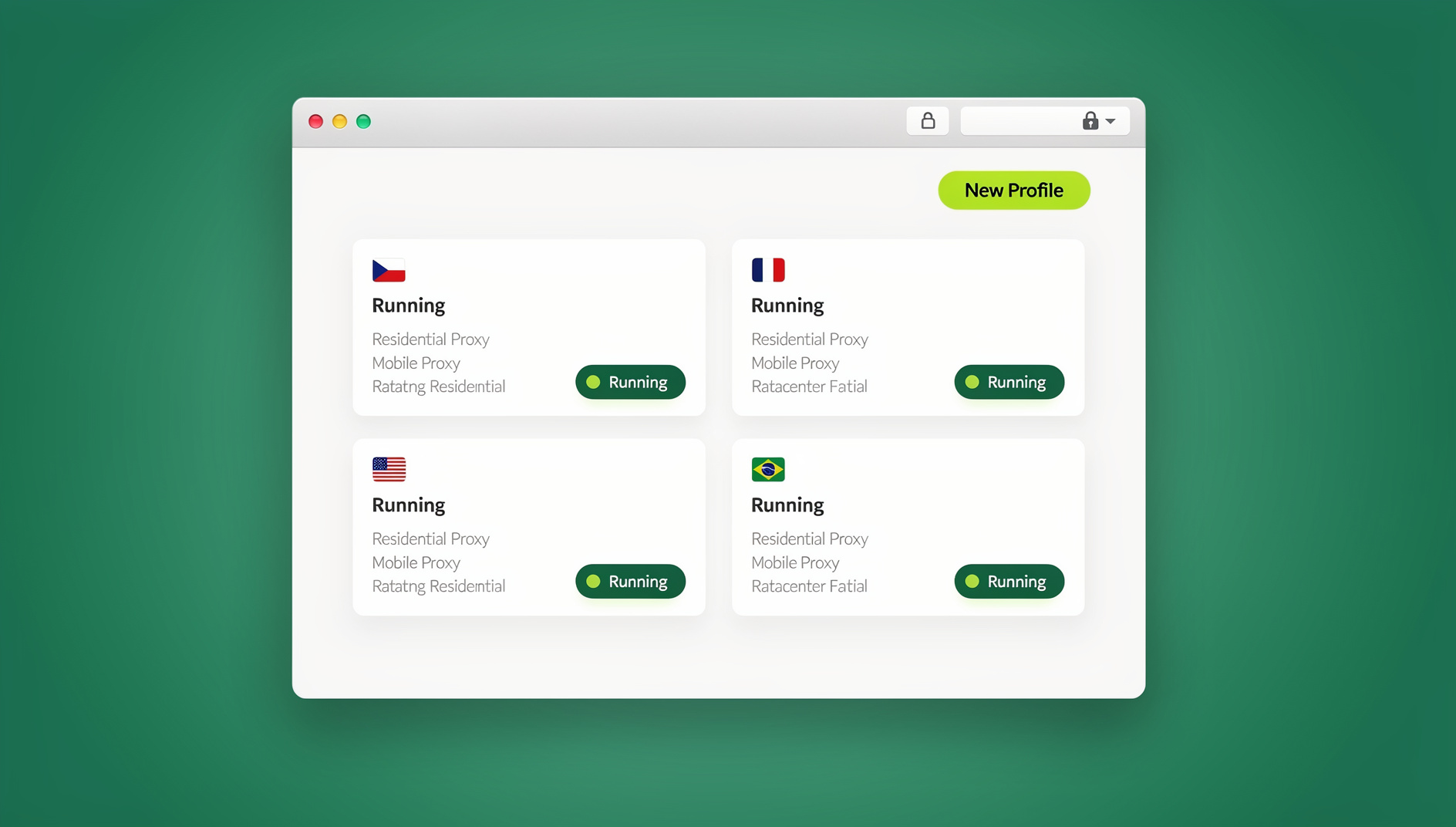
If you manage campaigns across half a dozen networks, you already know that scheduling tools are a lifesaver until they aren’t. Queue everything the same way, and you’ll quietly bleed reach, mistime posts, and eventually hand the wrong person the wrong password. Below are the five mistakes that do the most damage, how to fix each one, and how a session-isolated browser like Send.win removes the root cause rather than papering over the symptom.
Mistake #1: Mindless Cross-Posting (Same Content Everywhere)
Cross-posting saves time, but pushing identical content to every network ignores different algorithms, character limits, caption conventions, and audience expectations. The cost shows up as lower engagement, a repetitive-looking feed, and missed native features — LinkedIn documents, Instagram Reels, YouTube Shorts — that only work if you build for them specifically.
How to fix it
- Open a separate, isolated session for each brand account — LinkedIn Company Page, Instagram profile, TikTok account, and so on. Keeping cookies and storage separate per session means you can preview and tweak formatting per network without one login bleeding into another.
- Compare renders side by side. With each account live in its own tab, you can check how a caption, hashtag set, or thumbnail actually looks natively before you queue it — a longer explainer for LinkedIn, a visual-first carousel for Instagram, a tight thread for X.
- Rewrite for the platform’s real constraints — character limits, ideal post length, and hashtag norms — rather than trimming one master post to fit everywhere.
Mistake #2: Publishing at the Wrong Times (Set-and-Forget Scheduling)
Even strong content underperforms when it goes live while your audience is asleep. Public benchmarks are a reasonable starting point, but your own account’s historical engagement almost always tells a more accurate story — and that story differs by platform and region.
How to fix it
- Keep your analytics dashboard open in one tab and each social account logged in separately in its own tab, so you can cross-check historical engagement against current best-time benchmarks and adjust the queue per network instead of applying one schedule to everything.
- Treat a scheduling tool’s “recommended time” as a baseline, then refine it with your own results over a few weeks.
- If you serve multiple regions, route different sessions through different proxy locations so you can verify what a post looks like — and roughly when it will land — for an IST audience versus a PST audience without needing a separate VPN client for each check.
Mistake #3: Over-Automating During Sensitive Moments
Automated queues can go tone-deaf fast during breaking news, a service outage, or a brand crisis. The teams that handle this well pause or pivot scheduled posts immediately, coordinate messaging across channels, and monitor the conversation in real time rather than letting the queue run on autopilot.
How to fix it
- Keep a “crisis stack” ready: one isolated session per official channel (X, Facebook, Instagram, LinkedIn) plus a couple of listening tabs for search and mentions. Because each session is isolated, you can be logged into corporate, regional, and product accounts simultaneously without one login contaminating another.
- Grant a crisis-comms lead temporary access to the right session — an hour, a day, whatever the moment calls for — and let that access expire automatically instead of manually remembering to revoke it later.
- Blur or mask sensitive screens (billing, ads manager, brand-safety settings) before screen-sharing a session with a partner agency or a temporary responder.
Mistake #4: Weak Governance — Shared Passwords, Shadow Logins, Risky Devices
Passing passwords around in chat, borrowing a coworker’s laptop, or piling the whole team into one shared “brand” login creates an audit gap and raises the odds of an accidental post from the wrong account. It also means that when someone leaves the team, you’re stuck rotating a password everyone had.
How to fix it
- Share the session, not the password. Send.win lets you grant a teammate or contractor access to an already-logged-in profile without ever revealing the underlying credentials, and you can revoke that access instantly when the engagement ends. The approach for sharing accounts without passwords works the same way whether it’s a full-time employee or a two-week freelancer.
- Keep every login in its own encrypted profile. There’s no shared storage bleeding between tabs, so one compromised session doesn’t put every other account at risk.
- Standardize on multi-login profiles for teams instead of ad hoc device sharing — every teammate gets a clean, isolated profile per client or brand, with access you can audit and pull back at any time.
Mistake #5: Poor Tracking & Feedback Loops (UTMs, A/Bs, and Iteration)
If you don’t tag your links consistently, you can’t prove social ROI or learn which caption, creative, or time slot actually worked. Teams also frequently forget to run small, controlled variations per network, so every post is a one-off guess instead of a data point.
How to fix it
- Generate UTM-tagged links for every network and campaign (utm_source=linkedin&utm_medium=social&utm_campaign=fall_launch) and standardize the naming convention across the team so reports actually roll up cleanly.
- Use separate sessions to run quick copy and creative A/Bs — two caption variants on LinkedIn, two thumbnail crops on YouTube — without one variant’s cookies or cache polluting the other’s numbers.
- Pair region-specific proxy sessions with your analytics view when you need to validate that a geo-targeted post is actually rendering and tracking correctly for that audience.
How Send.win Fixes the Root Cause
Most of the mistakes above trace back to one structural problem: a single browser identity trying to hold six or more brand logins at once, shared across a team with no clean way to separate access. Send.win solves that at the browser layer instead of asking your scheduling tool to compensate for it.
Send.win runs in two modes, and most social teams end up using both. The Sendwin Browser is a native desktop app for Windows, macOS, and Linux — you download and install it once, it’s local-first for speed, and it keeps your profiles in sync through encrypted cloud storage so a session started on one machine is exactly where you left it on another. Cloud browser sessions run entirely on remote infrastructure with zero local install, which is the better fit for a quick task on a shared or unmanaged machine, or for handing a contractor access without ever installing anything on their device. Usage there is metered by cloud browsing time rather than a flat seat fee.
For teams that want to go further, Send.win’s paid plans start at $19/mo (Pro) or $49/mo (Team), and the first card purchase is covered by a 7-day money-back guarantee. That’s useful if you’re running repetitive QA checks across accounts (confirming a post rendered, a login still works, a page loaded correctly) — though the actual publishing itself should stay in your scheduler.
| Capability | Why it matters for scheduling ops |
|---|---|
| Isolated profile per account | No cookie bleed between brand logins; clean A/B testing of copy and creative |
| Session sharing without passwords | Hand off access to a teammate or agency without ever exposing the credential |
| Bring-your-own proxy per profile | Check regional rendering and timing without a separate VPN client |
| Blur sensitive screens before sharing | Hide billing, ads manager, and brand-safety panels during handoffs or screen shares |
| Encrypted cloud sync (desktop app) | Same profiles, same logins, on any machine you install it on |
| Cloud browser sessions | Zero-install access for quick tasks or unmanaged devices |
| Automation API | No |
Teams already managing multiple social profiles with Send.win report the same pattern: the mistakes above stop being a training problem and become a workflow default, because the tool makes the safe path the easy path.
A Send.win-Powered Scheduling Workflow
1. Plan and prep
- Define per-platform goals (awareness vs. conversion) and map content formats to each one.
- Draft a core message plus platform variants — caption length, hashtags, CTA — from one master calendar, customized per network before anything gets queued.
- Build UTM links for every network and campaign with a consistent naming convention.
2. Set up your workspace
- Open one profile per account — LinkedIn Company, Instagram, Facebook Page, X handle, TikTok, YouTube — each a clean, isolated session.
- Attach a proxy per profile if you’re handling geo-segmented pages, such as separate EMEA and APAC accounts.
- Invite collaborators by sharing a session link instead of a password, with an expiration window and sensitive areas blurred before handoff.
3. Schedule smart, not blind
- Cross-check your analytics against current best-time benchmarks by platform before queuing.
- Use your scheduler’s recommended times as a baseline, then improve on them through testing.
- Localize timing where it matters, using per-profile proxy locations to sanity-check regional rendering.
4. Monitor and adapt
- Keep replies and DMs visible across your isolated sessions in real time.
- If news breaks or an issue surfaces, pause the queue and pivot messaging per your crisis playbook.
- Once the moment passes, resume the normal cadence and log what worked.
5. Measure and iterate
- Pull performance by UTM and campaign to identify caption, creative, and time-slot winners.
- Duplicate the winning approach across profiles and iterate variants — new hooks, thumbnails, CTAs — quickly.
- Update your calendar heuristics per platform: shorter copy on X, a longer explainer on LinkedIn, a visual-first carousel on Instagram.
Once this loop is running, check out these productivity hacks for managing multiple social channels to trim even more time out of the weekly routine.
Platform-Specific Guardrails (Quick Reference)
| Platform | What works | What to avoid |
|---|---|---|
| Vertical video (Reels), on-brand Stories, carousel education, a hooky first line | Recycled feed-only static posts with no native format variety | |
| Value-first posts — frameworks, data, how-tos — plus native documents or carousel PDFs for depth | Straight cross-posts from X with no added context | |
| X (Twitter) | Concise copy, threads for narrative, media sized for the platform | Dumping Instagram-style hashtag blocks into the caption |
| A mix of short updates, link posts, and event-driven creative | Scheduling outside your audience’s actual active windows | |
| TikTok & YouTube Shorts | A hook in the first seconds, consistent posting cadence, repurposed long-form cuts | Publishing without A/B testing thumbnails and titles |
The 7-Point “No-Regrets” Scheduling Checklist
- Tailor every post per platform — caption, media, hashtags, links.
- Tag every outbound link with UTMs (source, medium, campaign).
- Pick times using benchmarks plus your own analytics, not gut feel.
- Run variants — A/B copy, thumbnail, first frame.
- Keep every login in its own isolated session when collaborating.
- Share access, never passwords, with blur and expiring windows.
- Pause the queue during a crisis, then debrief afterward.
Who Benefits Most From Send.win
- Marketers and advertisers: manage multiple ad and organic accounts safely, and test copy variants without cookie bleed between them.
- E-commerce sellers: operate multiple storefront logins with less ban risk from mixed identities.
- SEO and content teams: validate rankings and snippets from different locations using per-profile proxies.
- Agencies: keep every client’s accounts in a separate, auditable profile instead of one shared team login — the same principle behind solid multi-login profiles for teams.
- Developers and QA testers: isolate test sessions with a separate profile per account.
Send.win Pricing at a Glance
| Plan | Price | Profiles | Proxy bandwidth | Seats | |
|---|---|---|---|---|---|
| Pro | $19/mo ($6.99/mo billed annually — 63% off) | 150 | 5GB | Yes | 1 |
| Team | $49/mo ($20.99/mo billed annually — 57% off) | 500 | 20GB | Yes | 16 |
Both plans are paid — Pro at $19/mo or $83.88/yr, Team at $49/mo or $251.88/yr — and the first card purchase is covered by a 7-day money-back guarantee, so you can build out your full account list and run a real scheduling week before deciding which tier fits.
Getting Started in Minutes
- Sign up at send.win — paid plans start at $19/mo, with the first card purchase covered by a 7-day money-back guarantee.
- Choose Pro or Team based on how many accounts and seats you need.
- Download the Sendwin Browser for your always-on scheduling workstation, or spin up a cloud browser session for a quick task on a shared machine — then log in to each account in its own profile and start queuing with confidence.
🏆 Send.win Verdict
Every one of these five scheduling mistakes gets worse when one browser identity is stretched across six or more logins and a whole team shares the password. Send.win fixes that at the source: an isolated profile per account, session sharing instead of password sharing, and per-profile proxies for regional accuracy.
Try Send.win today — paid plans start at $19/mo, with the first card purchase covered by a 7-day money-back guarantee, and see how much cleaner your scheduling workflow gets this week.
Frequently Asked Questions
What is the biggest mistake people make when scheduling across multiple social networks?
Mindless cross-posting — pushing identical content to every platform without adjusting format, length, or tone — does the most quiet damage because it looks efficient while steadily lowering engagement on every network at once.
How many social media accounts can I realistically manage at once?
There’s no hard ceiling as long as each account has its own isolated login. Teams managing 10, 20, or more brand and client accounts do fine once every account lives in its own profile instead of one shared browser session.
Is it safe to share a social media login with a freelancer or agency?
Not by sending the password directly. Sharing the session itself — with the credential never exposed, an expiration window set, and sensitive screens blurred — gives a freelancer or agency exactly the access they need without creating a permanent security gap.
How does Send.win keep team access isolated and auditable?
Every account gets its own encrypted profile, so a teammate’s login for one brand’s page never bleeds into another account’s session. Access can be granted or revoked per person and per profile, which keeps a clear audit trail instead of everyone sharing one password indefinitely.
What’s the difference between the Sendwin Browser and cloud browser sessions?
The Sendwin Browser is local-first and installed on your machine, with encrypted cloud sync keeping your profiles consistent across devices. Cloud browser sessions run entirely in the cloud with zero local install and are billed by cloud browsing time — a good fit for quick, one-off tasks on a device you don’t want to install anything on.
How do UTM parameters help fix scheduling mistakes?
UTM tags turn every scheduled post into a measurable data point instead of a guess. Without them, you can’t tell which platform, caption, or time slot actually drove traffic, so you end up repeating whatever felt right rather than what the data shows.
Can I automate posting itself with Send.win?
Send.win has no automation interface — no API, SDK, headless mode or Selenium/Puppeteer/Playwright support on any plan — so it’s not a replacement for your dedicated scheduling and publishing tool.
What should I do during a social media crisis if posts are already scheduled?
Pause the queue immediately across every affected channel, keep each official account’s session open in its own tab so you can monitor replies in real time, and only resume the normal cadence once the situation has settled and you’ve debriefed what worked.