Send.win use cases come up constantly once people realize how much time they lose juggling logins, VPN toggles, and “which browser profile am I in?” moments every day. Back in 2022 we first wrote about five scenarios where Send.win could act as a lifesaver. In 2026, the tool has grown up — a native Desktop app for Windows, macOS, and Linux, a cloud browser that runs on Send.win’s servers in the EU, and far deeper proxy and team-sharing controls. This is a full rewrite of that original post: same five real-world personas, refreshed for exactly how Send.win works today, plus a bonus sixth use case for teams that didn’t exist in the original version.
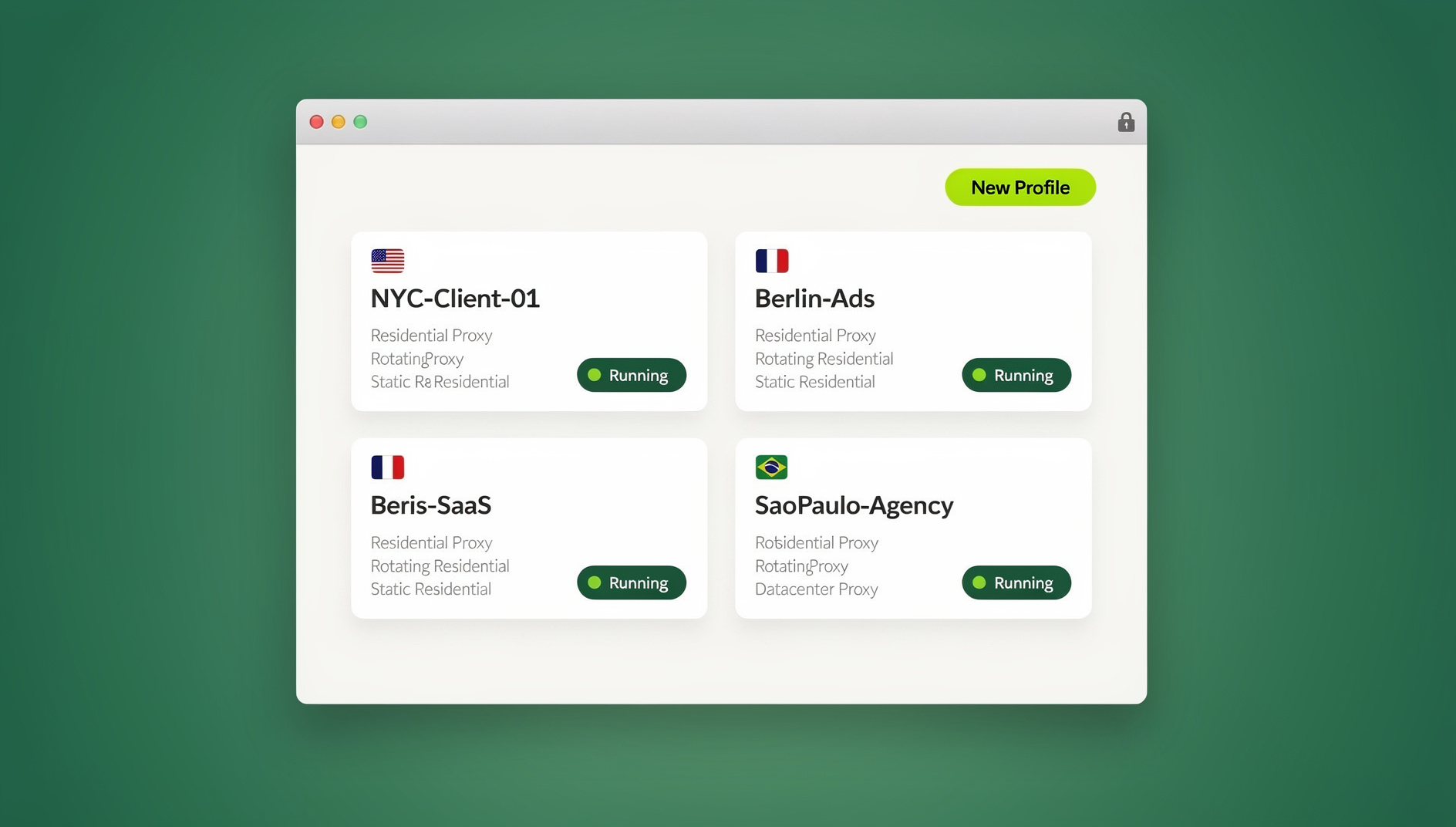
If you manage more than one account on any platform — ad accounts, marketplace stores, social profiles, or just a personal and a work login — the patterns below will almost certainly match something you already deal with weekly.
What Is Send.win, and Why Do These Use Cases Keep Coming Up?
Send.win is a browser profile manager built for people and teams who need to run several accounts on the same platform with each account kept separate. Instead of relying on Incognito windows or a pile of separate browser profiles, Send.win gives every account its own isolated session — a sandboxed browser environment with its own cookies, cache, local storage, and its own consistent browser fingerprint (canvas, WebGL, fonts, timezone, and more).
Each session can be assigned its own proxy (residential, datacenter, or mobile), so the account looks like it’s genuinely being accessed from a distinct device in a distinct location — not from the same machine as ten other accounts. That single design decision is why the same five use cases keep showing up whenever people ask “what is Send.win actually good for?”
- Session isolation — every profile has its own fingerprint, cookies, and storage, so platforms can’t correlate two accounts back to the same browser.
- Built-in proxy management — attach a residential, datacenter, or mobile proxy per session directly inside the app, no third-party proxy dashboard required.
- One-click session sharing — hand a teammate a fully logged-in session without ever revealing the password.
- Native Desktop app — a real installed client for Windows, macOS, and Linux, so profiles run as full native browser instances, plus optional cloud browser sessions if you’d rather not install anything locally.
5 Real-World Send.win Use Cases (Updated for 2026)
These are the five personas from our original post, rewritten with what actually matters for each of them today.
1. Digital Marketers Managing Multiple Ad Accounts
If you run paid campaigns for multiple clients or multiple brands, you’re almost certainly maintaining more than one ad account on Facebook, Google, or TikTok Ads. That’s good risk management — spreading spend and audience data across accounts means one suspended account doesn’t take your whole business down with it. The problem is that ad platforms have gotten aggressive about detecting accounts that look related: same device fingerprint, same IP, overlapping login times, similar behavior patterns.
With Send.win, each ad account runs in its own session with a distinct fingerprint and its own assigned proxy. To the platform, account A and account B look like they belong to two different people on two different devices — because from a technical standpoint, they effectively do. That’s a meaningfully different risk profile than switching Incognito tabs on the same physical machine. Marketers running client work through agencies get an added benefit here: our guide on how marketers and advertisers manage multiple ad accounts safely walks through the exact session and proxy setup agencies use to keep every client account cleanly separated.
2. Affiliate Marketers Scaling Campaigns Without Bans
Affiliate marketers live and die by account longevity. Platforms like Facebook, Google, and Instagram continuously refine how they detect linked accounts — down to subtle inconsistencies in login timing, device fingerprints, and content behavior across profiles. Once one account gets flagged as suspicious, the ban often cascades to related accounts, and appeals rarely succeed. That means starting over: rebuilding audience trust, ad history, and account age from zero.
The best practice for affiliates is to run multiple, fully segregated accounts per niche or product line — enough separation that a problem with one account never touches the others, but enough consistency within each account that it still looks like a genuine, single-owner profile over time. Send.win handles this by giving every session its own persistent fingerprint and proxy, so an account you log into today looks the same tomorrow (which matters — accounts that look “new” every session are themselves a red flag). For a deeper walkthrough of exactly how to structure this, see our guide on how to scale affiliate campaigns securely with Send.win.
3. E-commerce Sellers Running Multiple Store and Marketplace Accounts
Sellers on Amazon, eBay, Etsy, Flipkart, or Shopify frequently want more than one storefront — to test different product lines, protect margin across brands, or simply avoid a single point of failure. Marketplaces actively hunt for duplicate-seller signals, though, and a suspended account can mean frozen payouts and lost inventory listings on top of lost revenue.
Each Send.win session gives a seller account its own device fingerprint, cookie jar, and IP via an assigned proxy, so the marketplace has no technical signal linking Store A to Store B even though both are run from the same physical computer. That’s the difference between “one seller managing multiple compliant stores” and “one seller who looks like they’re running a ban-evasion operation.” Our detailed walkthrough on multi-account management for e-commerce sellers covers store-by-store proxy and session setup if you’re scaling past two or three stores.
4. Social Media Managers and Agencies Handling Client Profiles
Social media managers face two separate problems: keeping every client’s account isolated from the others, and sharing logged-in access with teammates or clients without ever handing over a password. Losing a client’s social account to a ban — after months of audience building — is one of the most damaging things that can happen to an agency relationship.
Send.win solves both problems in the same workflow. Each client gets its own session with its own fingerprint and proxy, so managing five, ten, or fifty client accounts from one laptop doesn’t create the “same device logging into everything” pattern platforms look for. And when a teammate or client needs access, you share the session directly — they get a fully logged-in browser tab, never the actual password, and you can revoke that access instantly if the relationship ends. Our post on how Send.win boosts productivity when managing multiple social profiles goes into the day-to-day workflow agencies actually use.
5. Everyday Users Who Want Privacy Plus Multiple Personal Logins
Not every use case is business-related. Plenty of Send.win users are just individuals who want a cleaner way to run a personal and work Gmail account side by side, keep a second Facebook or Reddit profile separate from their main one, or browse without every site building a cross-session profile on them.
For this group, the value is simpler: instead of juggling Incognito windows (which don’t actually mask your fingerprint) or maintaining several separate browser installs, you open a new Send.win session, and it behaves like a completely fresh, isolated browser — with its own proxy if you want one, and the option to blur sensitive parts of the screen before sharing a screenshot or screen-share. It’s the same underlying technology as the business use cases above, just applied to daily convenience and privacy instead of ban avoidance.
Bonus Use Case: QA Engineers and Developers Automating Testing (Team Plan)
What Powers These Use Cases: Core Send.win Features
| Feature | What It Does | Who Relies On It Most |
|---|---|---|
| Session isolation | Unique cookies, cache, local storage, and fingerprint per profile | All five personas above |
| Built-in proxy assignment | Attach residential/datacenter/mobile proxies per session, no external dashboard | Marketers, affiliates, sellers |
| One-click session sharing | Hand off a logged-in session without revealing the password | Agencies, teams, social managers |
| Native Desktop app | Installed client for Windows, macOS, and Linux running full native browser instances | Everyone — required for full functionality |
| Automation API | Not available — Send.win has no API, SDK, headless mode or Selenium/Puppeteer/Playwright support | QA teams, developers, growth teams |
| Screen/session blur | Mask sensitive on-screen info before sharing or screen-recording | Everyday users, support teams |
How to Get Started with Send.win: Step-by-Step
Getting from zero to your first isolated session takes about ten minutes. Here’s the current setup flow:
- Try the free cloud demo. Send.win has no free trial, but you can preview it in the cloud demo at https://send.win/demo-browser/ — a 3-minute preview without signup, or 10 minutes a day with a free account — before choosing a paid plan.
- Download the Desktop app. Send.win ships a native client for Windows, macOS, and Linux — this is where profiles actually run, so install it before creating your first session.
- Create your first session. Inside the app, spin up a new session for the account you want to isolate — it generates a distinct fingerprint automatically.
- Attach a proxy (optional but recommended). If the use case involves ad accounts, affiliate work, or marketplace selling, assign a residential or datacenter proxy to that session so the IP matches the fingerprint’s story.
- Log into the account inside that session. From this point on, that login lives entirely inside the isolated profile — it won’t mix with any other session’s cookies or storage.
- Repeat per account. Create one session per account you need isolated — client, store, or personal login.
- Share sessions with teammates as needed. Use the one-click share feature to hand off access without ever sending a password.
Send.win Pricing in 2026
| Plan | Price | Best For | Key Inclusion |
|---|---|---|---|
| Free Trial | No free trial; paid plans start at $19/mo, first card purchase covered by a 7-day money-back guarantee | Testing any use case above before committing | Full feature access on paid plans |
| Pro | $19/mo | Solo marketers, affiliates, sellers, everyday users | Multiple sessions, proxy assignment, Desktop app |
| Team | $49/mo | Agencies, QA/dev teams, multi-seat operations | Everything in Pro, plus multi-seat sharing |
🏆 Send.win Verdict
Whether you’re a digital marketer managing ad accounts, an affiliate scaling campaigns, a seller running multiple stores, an agency managing client social profiles, an everyday user who wants cleaner privacy, or a team keeping work sessions separate — the underlying need is the same: accounts that stay separate, organized, and easy to manage from one place. Send.win’s session isolation, built-in proxies, native Desktop app, and cloud browser cover all six use cases without forcing you to stitch together separate tools.
Try Send.win today — plans start at $19/month, with the first card purchase covered by a 7-day money-back guarantee, and see which of these use cases matches your workflow.
Frequently Asked Questions
What is Send.win used for?
Send.win is used to run multiple accounts on the same platform — ad accounts, marketplace stores, social profiles, or personal logins — without those accounts appearing linked. Each account gets its own isolated browser session with a unique fingerprint and optional proxy.
Do I need to install anything to use Send.win?
Yes. Send.win requires the native Desktop app (available for Windows, macOS, and Linux) for full functionality — sessions run as complete native browser instances through the installed client.
Can I try Send.win before paying?
No. Send.win has no free trial; paid plans start at $19/month, and the first card purchase is covered by a 7-day money-back guarantee. The only free option is the cloud demo at https://send.win/demo-browser/.
Does Send.win include proxies, or do I need to buy them separately?
Send.win includes built-in proxy assignment per session (residential, datacenter, or mobile), so you can attach a proxy directly inside the app without managing a separate proxy provider dashboard.
Can I share a Send.win session with a teammate without giving them my password?
Yes. Send.win’s one-click session sharing hands a teammate a fully logged-in session without ever exposing the underlying password, and access can be revoked at any time.
What does Send.win offer for teams?
Send.win does not offer an automation interface: there is no API, SDK, headless mode or Selenium/Puppeteer/Playwright support on any plan. Sessions are managed manually in the Desktop app or the cloud browser.
Is Send.win only for marketers, or is it useful for personal use too?
Both. While marketers, affiliates, sellers, and agencies make up a large share of use cases, plenty of everyday users run Send.win simply to keep a work and personal login separate or to browse with better privacy than an Incognito window provides.
How much does Send.win cost in 2026?
Send.win’s Pro plan is $19/month (or $83.88/year) and the Team plan — which adds multi-seat sharing — is $49/month (or $251.88/year). The first card purchase is covered by a 7-day money-back guarantee.