The most reliable way to manage multiple WhatsApp accounts in one browser is to give each account its own isolated session — separate cookies, separate local storage, separate device fingerprint — so WhatsApp Web treats them as independent logins instead of fighting over one. Chrome profiles and Firefox containers handle this for two or three accounts; a dedicated multi-session tool like Send.win handles it cleanly at any scale, without repeated QR scans or ban risk.
Why So Many People Now Run Multiple WhatsApp Accounts
WhatsApp has quietly become a primary business channel, not just a family group chat app. Support teams field customer questions on it, sales reps close deals over it, and solo founders run an entire storefront through a single chat thread. That means the same person often needs one number for personal life, a second for a side business, and sometimes a third or fourth for different clients or brands.
A freelance designer might keep client communication on one account and family chats on another. A social media manager could be juggling accounts for five different brands. An agency running WhatsApp-based customer support for multiple clients needs every conversation cleanly separated so nothing gets mixed up. In every one of these cases, the browser becomes the bottleneck — because WhatsApp Web was built with one active session in mind, not ten.
The Real Problems With Running Multiple WhatsApp Accounts in One Browser
WhatsApp officially supports linking up to four devices to one account, but that solves multi-device access to a single account — it does nothing for running several different accounts side by side in one browser. Try it the naive way (just opening more tabs) and you’ll immediately hit friction.
- Session conflicts and surprise logouts: A second tab pointed at web.whatsapp.com often kicks out the first, because both are reading the same cookies and local storage.
- QR code fatigue: Without session isolation, you’re re-scanning a QR code every time you switch, which is tedious for anyone managing more than two accounts.
- Cross-account data bleed: Shared cookies can leak identifiers between accounts, and WhatsApp’s anti-abuse systems are tuned to flag that kind of overlap.
- Notification chaos: Mixed chats and alerts from several accounts in one window make it easy to miss something important.
- Policy and ban risk: WhatsApp restricts one account per phone number and actively watches for patterns that look like unofficial bulk automation or spam, so sloppy multi-account setups can end in a suspension.
| Challenge | Impact | Typical Trigger |
|---|---|---|
| Session conflicts | Frequent unexpected logouts | Two accounts sharing one browser profile |
| QR re-scanning | Lost time every switch | No persistent, isolated session per account |
| Cross-account data bleed | Higher ban risk | Shared cookies/fingerprint across accounts |
| Notification overload | Missed messages | All accounts funneled into one window |
| Policy violations | Account suspension | Bulk messaging or spam-like automation patterns |
Native Browser Methods: Chrome Profiles and Firefox Containers
Before reaching for any third-party tool, it’s worth knowing what your browser already offers. These built-in options genuinely work for light multi-account use.
Chrome Profiles
Chrome’s profile system creates fully separate cookie jars and storage per profile, which is exactly what WhatsApp Web needs to treat two logins as distinct.
- Click the profile icon in the top-right corner of Chrome.
- Select “Add” to create a new profile and give it a name, like “Business WhatsApp.”
- Open web.whatsapp.com inside that profile and scan the QR code once.
- Repeat for each additional account you need.
It’s free and requires no setup beyond a few clicks. The tradeoff is that every profile opens in its own separate window, which gets cluttered fast once you’re past three or four accounts.
Firefox Multi-Account Containers
Firefox’s container tabs isolate cookies per tab rather than per window, which keeps your desktop tidier.
- Install the Multi-Account Containers extension.
- Create a container for each account, such as “Work WhatsApp” or “Client A.”
- Open web.whatsapp.com inside the container and log in once.
- Switch between containers as tabs, not windows.
This approach genuinely prevents cookie mixing between accounts, which lowers the chance of triggering WhatsApp’s abuse detection. Both native methods work fine for two to four accounts, but they scale poorly — no central dashboard, no proxy control, and no easy way to hand an account off to a teammate.
Third-Party Extensions: Useful, But Limited
A whole category of browser extensions exists around WhatsApp Web — bulk messaging tools, auto-reply add-ons, and CRM-style inboxes that pull multiple chats into one panel. They can genuinely speed up things like broadcast messages or formatting. But they come with real downsides: extra permissions granted to a third party, browser slowdown as more of them stack up, and — critically — most of them still run inside your single existing browser session rather than truly isolating each account’s fingerprint and cookies. If your goal is clean separation between accounts (not just a nicer inbox view), that’s the piece these tools generally don’t solve.
The Better Approach: Send.win for WhatsApp Session Management
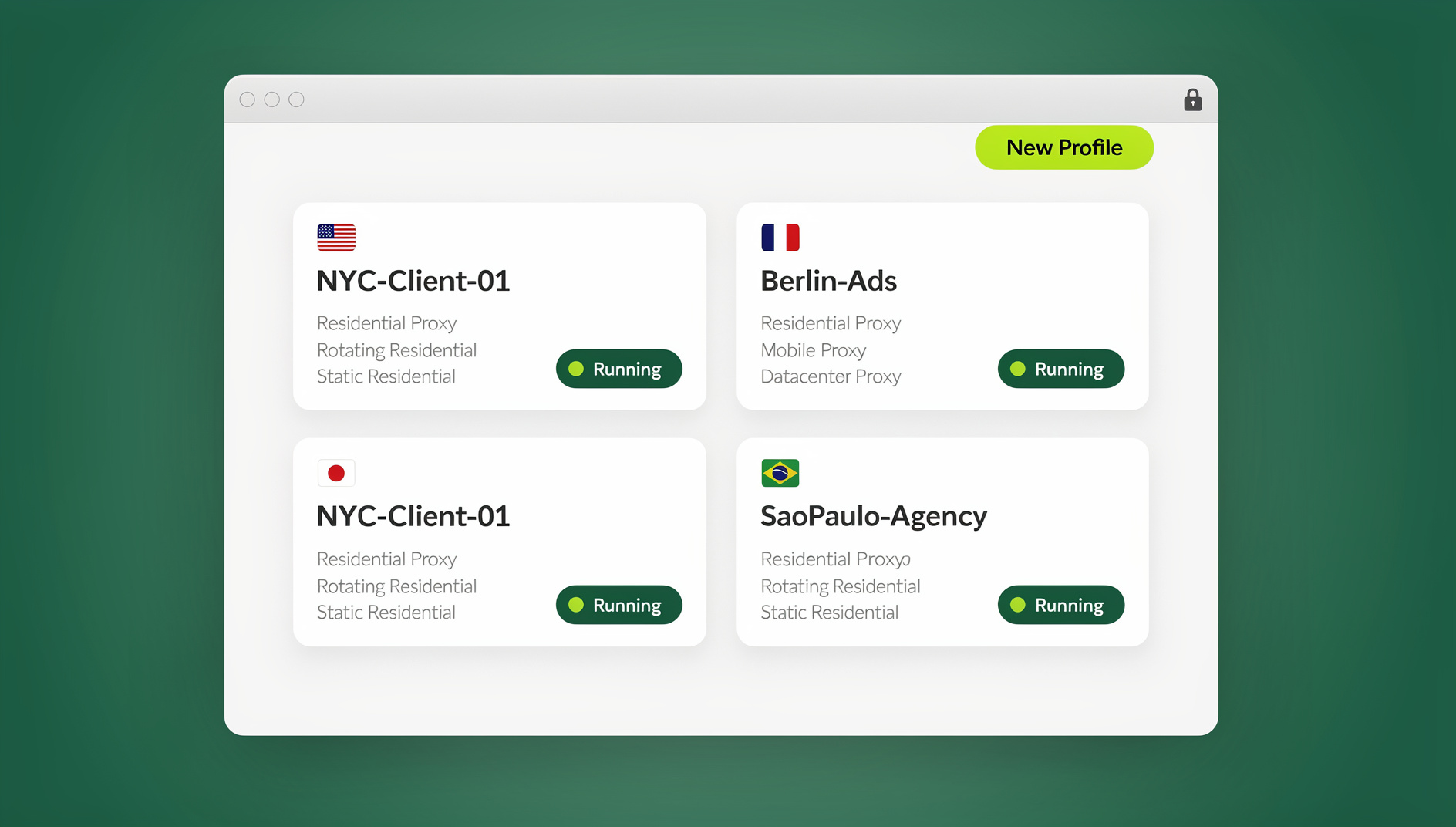
This is where Send.win fits in. Instead of stretching one browser session across several accounts, Send.win gives every account its own isolated environment — its own cookies, storage, and browser fingerprint — so WhatsApp Web sees each one as a genuinely separate, consistent login. There are two ways to run it, and which one you pick depends on how you like to work.
Sendwin Browser: A Native Desktop App
Sendwin Browser is a downloadable, local-first desktop application for Windows, macOS, and Linux. Each WhatsApp account gets its own persistent profile stored locally, with encrypted sync to the cloud so your sessions carry over if you switch machines. Because it runs natively on your device, it feels just like using a regular browser — you just have a row of named profiles to click between instead of one tab fighting for control.
Cloud Browser Sessions: Zero Local Install
If you’d rather not install anything, Send.win’s cloud browser sessions run the entire browsing environment remotely — you interact with it through your existing browser, and nothing touches your local machine. This is handy for a shared office computer, a Chromebook, or simply keeping a client’s WhatsApp session off your personal laptop entirely. Cloud sessions are metered by cloud browsing time rather than being unlimited, so they suit occasional or on-the-go use better than round-the-clock daily driving.
Setting Up WhatsApp Web in Send.win, Step by Step
- Sign up for Send.win’s 30-day free trial — no credit card required.
- Choose whether you want a local profile in Sendwin Browser or a cloud session, then create a new profile and name it (e.g., “WhatsApp — Client A”).
- Attach a proxy to that profile if you want a consistent, location-appropriate IP for that account — useful when an account is tied to a specific country.
- Open web.whatsapp.com inside the new profile and scan the QR code once; the session persists from then on.
- Repeat for each additional account. Every profile keeps its own login, cookies, and fingerprint, so switching between them doesn’t touch the others.
For agencies and teams, this same setup makes it simple to hand a WhatsApp profile to a teammate without ever sharing the underlying password — you grant access to the session itself, and you can revoke it just as easily later. That’s a meaningfully different workflow from emailing a login around, and it’s a big part of why multi-login browser tools have become standard for teams managing more than a handful of accounts.
Chrome Profiles vs. Firefox Containers vs. Extensions vs. Send.win
| Method | Session Isolation | Scales Past 5 Accounts | Proxy Support | Team Sharing |
|---|---|---|---|---|
| Chrome Profiles | Yes (per window) | Poorly — window clutter | No | No |
| Firefox Containers | Yes (per tab) | Limited | No | No |
| Third-party extensions | Partial | Varies | Rarely | Rarely |
| Send.win | Full, per profile | Yes | Yes, per profile | Yes, without passwords |
Staying Compliant: How to Avoid WhatsApp Bans While Running Multiple Accounts
None of this is about circumventing WhatsApp’s rules — it’s about running legitimate accounts cleanly enough that you never look suspicious to their systems in the first place. A few habits matter more than any tool:
- Use real, distinct phone numbers for each account rather than recycling one number across profiles.
- Keep messaging behavior human-paced; avoid sending identical bulk messages from several accounts in quick succession.
- Give each account proper session isolation so cookies and fingerprints don’t overlap between them — this is the single biggest factor in avoiding false-positive bans.
- Respect WhatsApp’s own multi-device limits and business account policies rather than trying to route around them, and check the rules on running multiple WhatsApp accounts on one device before scaling up.
Teams that need to script routine, repetitive browser tasks around their accounts can also use Send.win’s Automation API, available from the Pro plan up, which lets you drive the desktop app with standard tools like Selenium, Puppeteer, or Playwright — useful for things like automatically opening the right profile at the start of a shift, not for mass unsolicited messaging, which remains against WhatsApp’s terms regardless of what tool you use.
What’s Next for Multi-Account WhatsApp Management
WhatsApp keeps expanding official multi-device support, and businesses are leaning harder on it for customer service, sales, and even lightweight commerce. As that happens, the tools people use to manage several accounts cleanly — rather than working around WhatsApp’s design — will matter more, not less. Expect proxy-aware, isolation-first tools to keep gaining ground over simple browser tricks as the accounts-per-person number keeps climbing.
🏆 Send.win Verdict
Chrome profiles and Firefox containers are fine for two or three WhatsApp accounts, but they run out of road fast — no proxy control, no team sharing, and a cluttered desktop of separate windows. Send.win solves the actual problem, true session isolation, whether you run it as the native Sendwin Browser desktop app or as a zero-install cloud session, with proxies and password-free sharing built in.
Try Send.win free today — start your 30-day free trial, no credit card required.
Frequently Asked Questions
Can I run multiple WhatsApp accounts in one browser without any extra tools?
Yes, for a small number of accounts. Chrome profiles or Firefox’s Multi-Account Containers isolate cookies well enough to run two to four WhatsApp Web sessions side by side. Beyond that, a dedicated multi-session tool becomes worth it for the proxy control and cleaner management.
Is it safe to use a third-party tool for WhatsApp multi-account management?
It’s safe as long as the tool genuinely isolates each session’s cookies and fingerprint and you still follow WhatsApp’s own policies — using real numbers, avoiding spam-like bulk sends, and not violating their one-account-per-number rule.
How many WhatsApp accounts can I manage with Send.win?
There’s no hard cap on the number of profiles you can create; the Pro plan includes 150 profiles and the Team plan includes 500, which covers everything from a solo freelancer juggling a few clients to an agency running dozens of brand accounts.
What happens if WhatsApp flags an account used for multi-account management?
Flags almost always trace back to shared cookies, shared fingerprints, or spam-like sending patterns rather than the mere act of running multiple accounts. Proper session isolation and sensible sending behavior are the real defense, not any specific tool.
Are there free ways to manage multiple WhatsApp accounts?
Yes — Chrome profiles and Firefox containers are both free and built into the browser. They lack proxy support and team-sharing features, but they cover basic personal-and-business separation for most individual users.
Does WhatsApp officially support running separate accounts in one browser?
Not directly. WhatsApp’s official multi-device feature lets one account be used across up to four linked devices, but running several distinct accounts in a single browser is a workaround that relies on session isolation, whether through browser profiles or a dedicated tool.
Do I need the desktop app or the cloud version of Send.win for WhatsApp?
Either works. The Sendwin Browser desktop app suits people who want a fast, local, everyday driver for their WhatsApp profiles with encrypted cloud backup. Cloud browser sessions suit occasional use, shared computers, or situations where you’d rather not install anything locally.
Can I hand off a WhatsApp account to a teammate without giving them my password?
Yes. Send.win lets you share access to a specific session directly, so a teammate can use the account without ever seeing the underlying login credentials, and you can revoke that access at any time.