Canvas fingerprinting is a browser tracking method that reads tiny, hardware-level differences in how your device renders a hidden HTML5 Canvas image, then hashes those pixels into an identifier that can re-recognize you with over 99% accuracy — even after you clear cookies, switch to incognito, or install a new browser. Stopping it isn’t about disabling Canvas (that breaks half the web); it’s about giving every browser profile its own consistent, believable rendering fingerprint instead.
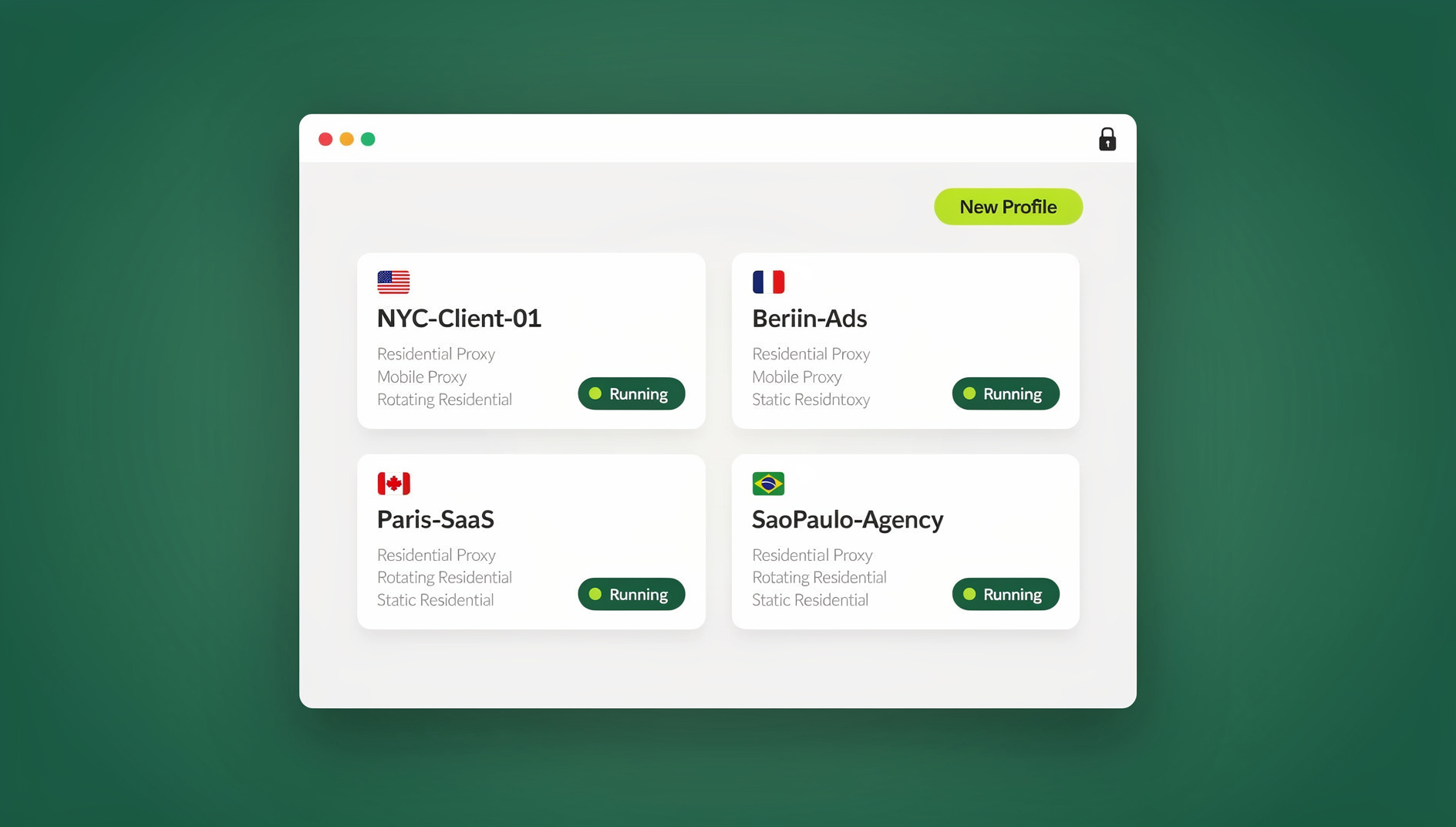
Below, we break down exactly how canvas fingerprinting works, where it’s used against you, which blocking methods actually hold up, and how Send.win approaches the problem differently by isolating fingerprints at the profile level rather than trying to strip the Canvas API out of the browser entirely.
What Is Canvas Fingerprinting?
Canvas fingerprinting exploits the HTML5 <canvas> element — a drawing surface originally built for games, charts, and image editing in the browser. When a script asks two different machines to render the exact same shapes, text, and gradients, the pixel output is never byte-for-byte identical. Differences in GPU, graphics drivers, operating system, installed fonts, and anti-aliasing settings all leave a signature in the final image, even when the browser version and screen resolution match perfectly.
Why the Canvas API Is Exploitable
- It’s available in every modern browser by default, with no permission prompt
- It exposes raw pixel data to any script that asks for it
- It can’t be disabled without breaking charts, games, video editors, and CAPTCHAs
- It was never designed with tracking in mind, so there’s no built-in throttling or consent gate
That combination — universal availability, no permission requirement, and genuine hardware-level uniqueness — is why canvas fingerprinting became one of the most widely deployed tracking techniques on the web, alongside its close cousin, WebGL fingerprinting, which reads similar variation out of your graphics pipeline.
How Canvas Fingerprinting Works, Step by Step
Step 1: Draw a Hidden Image
A script silently renders a complex composition off-screen — mixed fonts, emoji, gradients, curves, and transparency layers — designed specifically to maximize rendering variation between devices. You never see this happen; there’s no visible canvas element on the page.
Step 2: Extract the Pixel Data
The script calls canvas.toDataURL() or context.getImageData() to pull the exact RGB value of every rendered pixel. This produces a long string of raw image data unique to how your specific hardware and software stack rendered that scene.
Step 3: Hash It Into a Fingerprint
That pixel data is run through a hashing function (commonly MD5 or SHA-256) to compress it into a short, comparable string — something like a4e7b2c9f8d3e1a5... — that becomes your canvas fingerprint.
Step 4: Store and Match on Return Visits
The hash is stored server-side and compared against future visits. If it matches, the site knows it’s the same device — regardless of whether you cleared cookies, used a private window, or logged out and back in under a different account.
Why Canvas Fingerprinting Is So Hard to Escape
1. It’s Rooted in Real Hardware
Unlike a cookie, a canvas fingerprint isn’t something stored and deletable — it’s regenerated fresh from your GPU, driver version, OS, and font set every single time. There’s nothing to “clear.”
2. It’s Extremely Unique
Academic research (Gómez-Boix et al., 2018) found canvas rendering unique enough that only roughly 1 in 10,000 devices share an identical fingerprint — a higher uniqueness rate than most cookie-based identifiers achieve on their own.
3. It’s Persistent
Your canvas fingerprint stays constant across sessions, browsers, and even after cookie deletion. It only changes if you update graphics drivers, swap GPU hardware, or change operating systems — events that happen rarely and are entirely outside your control as a privacy measure.
4. It’s Invisible by Design
There’s no permission dialog, no visible canvas rendering, and no browser warning. It runs silently on the vast majority of high-traffic websites, often bundled inside analytics or ad-tech scripts you never explicitly loaded.
Where Canvas Fingerprinting Actually Gets Used
Ad Networks and Analytics Platforms
Ad tech uses canvas fingerprinting to track users across publisher sites without relying on third-party cookies, which browsers increasingly block by default. It’s become a favored workaround precisely because regulators have historically focused disclosure rules on cookies, not rendering-based identifiers.
E-Commerce Platforms
Marketplaces like Amazon and eBay use device fingerprints, canvas included, to detect when the “same device” is logging into multiple seller or buyer accounts — a core signal in enforcing one-account-per-person policies and catching ban evasion.
Social Media Platforms
Facebook, Instagram, and TikTok lean on canvas and related fingerprint signals to link business pages back to personal accounts, flag suspected fake accounts, and detect ad-account policy violations even when the accounts share no login credentials or IP address.
Bot Detection and QA Automation
Canvas output consistency is also a common bot-detection signal: automated browsers running headless Chrome, Selenium, or Puppeteer often render canvas scenes with tell-tale artifacts that differ from a real consumer device. If you’re building or testing automated workflows, it’s worth understanding this overlap — our guide to Selenium browser fingerprint detection covers how anti-bot systems use canvas and related signals to flag automated traffic.
How to Detect Canvas Fingerprinting on a Site
You can catch canvas fingerprinting scripts in the act using your browser’s own DevTools. Open the Console tab and paste this snippet before loading a page:
// Intercept canvas toDataURL calls
const originalToDataURL = HTMLCanvasElement.prototype.toDataURL;
HTMLCanvasElement.prototype.toDataURL = function() {
    console.warn('Canvas read detected!', this);
    return originalToDataURL.apply(this, arguments);
};
If you see console warnings fire as the page loads, without you interacting with any visible canvas element, that site is fingerprinting. Third-party tools can also help: CanvasBlocker (a Firefox add-on) actively detects and randomizes canvas reads, Trace surfaces which tracking technologies a page is using, and uBlock Origin can block known fingerprinting script domains outright via filter lists.
Methods to Block Canvas Fingerprinting — and Where They Fall Short
Method 1: Dedicated Anti-Fingerprint Extensions
How it works: Extensions like Canvas Defender inject random noise into canvas output before it’s read.
| Pros | Cons |
|---|---|
| Changes your canvas hash each session | Only protects canvas — leaves WebGL, audio, and font fingerprinting untouched |
| Sites generally keep functioning | The noise pattern itself can be detected by sophisticated scripts |
| Simple to install | Every browser profile still shares the same underlying randomization seed |
Method 2: Built-In Browser Settings
Firefox’s privacy.resistFingerprinting flag (set via about:config) adds noise to canvas output and standardizes several other browser characteristics. It works, but it can break sites that depend on canvas rendering for legitimate features, and — somewhat ironically — using a setting that almost nobody else enables can make your traffic stand out as unusual on its own.
Brave’s Shields, set to “Strict” fingerprinting blocking, randomizes canvas output per session out of the box and requires no configuration. It’s a reasonable default for casual browsing, though it still shares other fingerprint components (fonts, screen, hardware concurrency) across every tab in that same browser instance.
Method 3: Disabling Canvas Entirely
You can block the Canvas API outright, which does stop canvas fingerprinting completely — but it breaks charts, games, image editors, and some CAPTCHAs, and it makes you conspicuously rare, since almost nobody browses with canvas fully disabled. That rarity is itself a fingerprint. Not recommended for regular use.
The Real Problem With All of the Above
1. Single-Vector Protection
Every method above protects canvas and nothing else. Trackers combining canvas with WebGL, audio context, and font enumeration still get a usable fingerprint even when canvas alone is randomized — which is why browser fingerprinting protection has to account for the full signal set, not one API in isolation. If you’re new to the underlying concept, it’s worth reading what a browser fingerprint actually consists of before picking a defense.
2. The Noise Itself Is Detectable
Sites that expect a specific canvas output for a known browser/OS combination can flag mismatches or telltale noise patterns as suspicious — sometimes triggering more scrutiny than having no protection at all.
3. It Doesn’t Solve Multi-Profile Isolation
Browser extensions apply per browser instance, not per profile. If you’re running multiple accounts side by side, every one of those accounts still shares the same canvas randomization seed inside that browser — which defeats the entire point of trying to keep accounts from being linked.
How Send.win Approaches Canvas Fingerprinting
Send.win gives each browser profile its own consistent rendering fingerprint rather than layering noise onto a single shared browser instance. You can run it two ways:
- Sendwin Browser — a native desktop app for Windows, macOS, and Linux that you download and install. It’s local-first, meaning your profiles and sessions live on your machine, with encrypted cloud sync so you can pick up the same profiles from another device.
- Cloud browser sessions — run entirely in Send.win’s cloud with zero local install. You open a session in your regular browser tab, and it’s metered by cloud browsing time rather than a subscription seat.
In both modes, each profile is a separate, isolated environment: its own cookies, its own storage, and its own consistent set of rendering characteristics across canvas, WebGL, fonts, and other surfaces — so a script reading canvas output on Monday and again on Friday, from the same profile, sees the same believable signature, while a different profile shows a genuinely different one. That’s the part single-extension noise injection can’t replicate: consistency within a profile and separation between profiles, at the same time.
For teams doing this at scale — running the same workflow across dozens of isolated profiles — Send.win’s Automation API (available from the Pro plan and up) lets you drive the Sendwin Browser locally with standard Selenium, Puppeteer, or Playwright scripts, so QA and account-management automation can run against real isolated profiles instead of a single shared browser fingerprint.
Send.win Pricing
Send.win offers a 30-day free trial with no credit card required. After that:
- Pro — $19/mo ($6.99/mo billed annually): 150 profiles, 5GB proxy bandwidth, Automation API included
- Team — $49/mo ($20.99/mo billed annually): 500 profiles, 20GB proxy bandwidth, Automation API, 16 seats
Canvas Fingerprinting Protection Compared
| Protection Method | Canvas Coverage | Multi-Profile Isolation | Detection Risk | Website Compatibility |
|---|---|---|---|---|
| No protection | Fully trackable | N/A — same fingerprint everywhere | N/A | Perfect |
| Canvas Defender / similar extension | Noise added | Shared per browser | Noise pattern can be flagged | Good |
| Firefox resistFingerprinting | Noise added | Shared per browser | Unusual setting stands out | May break some sites |
| Brave Strict Shields | Randomized per session | Limited to one browser instance | Low | Good |
| Disable Canvas API entirely | Fully blocked | N/A | Very high (extreme rarity) | Breaks many sites |
| Send.win (per-profile isolation) | Consistent, isolated per profile | Up to 500 isolated profiles (plan-dependent) | Low | Perfect |
Testing Your Own Canvas Fingerprint
BrowserLeaks Canvas Test
- Visit browserleaks.com/canvas and note your current canvas hash
- Open a new, separate Send.win profile
- Visit the same test page from that profile
- Confirm the hash is different from your first result
AmIUnique Canvas Check
- Visit amiunique.org
- Check the “canvas fingerprint” section of the report
- Repeat from a second profile and compare — the values should differ
Good protection looks like: a different hash per profile, no console warnings about noise being injected, and every canvas-dependent feature on the page (charts, games, editors) still working exactly as expected.
Canvas Fingerprinting and Multi-Account Management
Canvas fingerprinting is especially punishing for anyone running more than one account on the same platform. The failure pattern is simple: you log into Account A, the platform records a canvas hash; you log into Account B in the same browser, and it records the same hash; the platform links the two accounts by device signature and suspends both — regardless of different emails, passwords, or even different IP addresses.
The fix isn’t hiding your device — it’s making each account genuinely look like it belongs to a separate one. Pairing isolated canvas output with a properly configured multi-account browser setup means Account A lives in Profile 1 with its own fingerprint, Account B lives in Profile 2 with a different one, and the platform has no rendering-level signal connecting them.
🏆 Send.win Verdict
Canvas fingerprinting can’t be “deleted” like a cookie because it’s generated fresh from your actual hardware every time a site asks for it. Noise-injecting extensions help a little but only cover one browser instance and one tracking vector, which is exactly why they fail the moment you need several isolated identities at once. Send.win solves the real problem — giving every profile, whether in the native Sendwin Browser or a cloud session, its own consistent, isolated fingerprint surface across canvas, WebGL, and fonts — so accounts stay separated and sites keep working normally.
Try Send.win free today — start your 30-day trial, no credit card required.
Frequently Asked Questions
Can I completely prevent canvas fingerprinting?
You can’t stop a site from attempting to read your canvas output, but you can make the result useless for tracking by ensuring your profile presents a consistent, isolated fingerprint that doesn’t leak back to your other identities. That’s the approach Send.win takes at the profile level rather than trying to block the API outright.
Does incognito or private browsing mode stop canvas fingerprinting?
No. Private browsing only affects local history, cookies, and cache — it has zero effect on canvas fingerprinting, which is generated from your hardware and software stack, not your browsing history.
Is canvas fingerprinting illegal?
No, canvas fingerprinting itself is legal in most jurisdictions, though regulations like GDPR increasingly require sites to disclose tracking methods, including fingerprinting, in their privacy policies. Legality aside, you’re free to take steps to protect your own privacy.
Will blocking canvas break the websites I use?
Fully disabling the Canvas API will break charts, games, image editors, and some CAPTCHAs. Approaches that randomize output at the profile level, rather than blocking the API, avoid this problem because the canvas still renders — it just renders a consistent, isolated result per profile.
Do VPNs protect against canvas fingerprinting?
No. VPNs mask your IP address and location; they have no effect on canvas rendering, which depends entirely on your device’s GPU, drivers, OS, and fonts, not your network path.
How is canvas fingerprinting different from cookie tracking?
Cookies are files stored by your browser that you can delete at any time. Canvas fingerprints aren’t stored locally at all — they’re recalculated from your hardware every time a script asks, which is exactly why clearing cookies or history has no effect on them.
Does Send.win block canvas fingerprinting or randomize it?
Send.win doesn’t attempt to disable the Canvas API, since that breaks legitimate site functionality. Instead, each profile — whether run through the native Sendwin Browser or a cloud session — presents its own consistent rendering fingerprint, isolated from your other profiles, so tracking scripts can’t link separate identities together.
What’s the fastest way to check my current canvas fingerprint?
Visit browserleaks.com/canvas or amiunique.org in your current browser to see your canvas hash, then repeat the test from a separate profile to confirm the two don’t match.