Anonymous browsing means separating your online identity across sessions so sites can’t link your activity, fingerprint your device, or trace your IP back to a single source. Incognito tabs and system-wide VPNs don’t actually do this — they hide history locally while your browser fingerprint and network identity stay exposed. Real anonymous browsing requires isolated environments with independent network identities, which is exactly what Send.win is built to deliver, whether you run it as a native desktop app or spin up a cloud browsing session.
What Anonymous Browsing Actually Requires
“Anonymous browsing” gets thrown around loosely, but it boils down to three concrete requirements. Miss any one of them and you’re not really anonymous — you’re just hiding your browser history from your own device.
- Identity isolation: cookies, local storage, cache, and login sessions from one profile should never bleed into another. Open ten accounts on the same platform and each one should behave like it’s on a completely different computer.
- Network identity control: your IP address and apparent location should be assignable per profile, not tied to a single system-wide VPN tunnel that every tab shares.
- Reduced tracking surface: the less code that executes locally with access to your real device fingerprint, the fewer signals adtech and anti-fraud systems have to stitch your sessions together.
Incognito mode, separate OS-level user profiles, and even a second installed browser all fail the first requirement in subtle ways — they still share the same machine, the same canvas and WebGL rendering signatures, and often the same local IP. A single browser fingerprint can tie “private” tabs right back to your everyday browsing, no cookies required.
Why Incognito, Profiles, and Plain VPNs Fall Short
Each of the common workarounds solves one piece of the puzzle and ignores the rest. The table below breaks down where they succeed and where they quietly leak.
| Method | Isolates cookies/logins | Controls IP per profile | Resists fingerprinting | Setup effort |
|---|---|---|---|---|
| Incognito / private tab | Partial (session only) | No | No | None |
| Separate browser profiles | Yes | No (shared IP) | Weak | Low |
| System-wide VPN | No | Yes, but one IP for everything | No | Medium |
| Manual proxy + browser extension | Partial | Yes, per browser | Weak | High |
| Send.win (native app or cloud session) | Yes, per profile | Yes, per profile | Strong | Low |
A system-wide VPN is genuinely useful for general privacy, but it’s a blunt instrument for multi-account work: every tab, every profile, every login shares the exact same exit IP. If you’re running five client ad accounts or comparing SERPs from three regions, one VPN tunnel can’t give you three different apparent locations at once. That’s a job for per-profile network assignment, not a single always-on tunnel.
How Send.win Delivers Real Anonymous Browsing
Send.win gives you two ways to browse anonymously, and you can mix both depending on the task.
The Sendwin Browser (native desktop app)
This is a downloadable, native application for Windows, macOS, and Linux. It’s local-first, meaning your profiles and browsing data live on your own machine by default, with encrypted cloud sync so your session library follows you between devices without ever being stored unencrypted on someone else’s server. Each profile inside the app is its own isolated container — separate cookies, separate cache, separate storage — so opening a dozen accounts on the same platform doesn’t cross-contaminate a single one of them.
Cloud browser sessions
If you’d rather not install anything, or you need to work from a machine you don’t fully trust, Send.win also runs sessions entirely in the cloud. Nothing executes on your device — the browser runs remotely and streams to you, isolating your local hardware from whatever the page throws at it. Cloud sessions are metered by cloud browsing time, so they’re ideal for occasional or high-risk browsing (unfamiliar links, disposable research tasks) rather than being your only mode day to day.
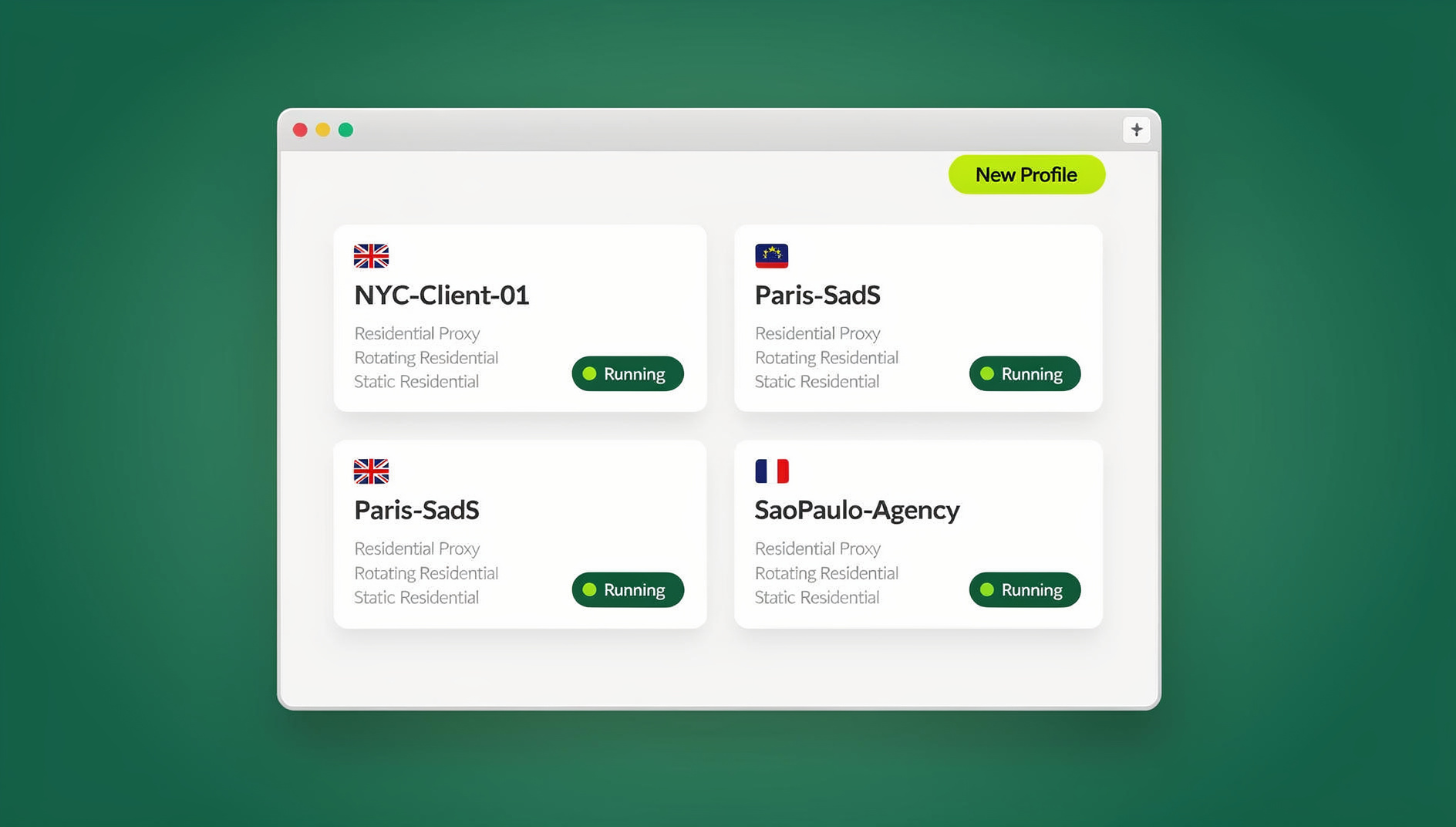
Both modes give every profile its own cookie jar, its own cache, and the option to attach an independent proxy, so the isolation and IP control that “true” anonymous browsing requires are built in rather than bolted on.
Masking Your IP the Right Way
IP masking only matters if it’s consistent and attributable to the right profile. Assign a proxy to a single Send.win profile and every request from that profile — page loads, embedded trackers — goes out through that same address every time. Switch to a different profile and you get a completely different network identity, without touching a system setting or restarting a VPN client.
This matters more than people expect for consistency. A site that sees your IP jump between three countries in the same session flags that as suspicious far faster than a login that’s simply “from Germany” every single time. If you’re deciding between a full VPN and per-profile proxies for this kind of work, it’s worth understanding the tradeoffs covered in this proxy vs. VPN comparison before you commit to one approach for every account.
Blocking Trackers Starts With Isolation, Not Filters
Ad blockers and tracker-blocking extensions are reactive: they maintain lists of known trackers and hope the list stays current. Send.win’s approach is architectural — because every profile is sandboxed, a tracker that successfully identifies you inside one profile has no way to correlate that identity with any other profile, even if you’re logged into related accounts on the same platform.
Two of the sneakiest tracking vectors are worth calling out specifically, because neither is solved by clearing cookies:
- Canvas and WebGL fingerprinting, where a site reads how your GPU renders invisible graphics to generate a near-unique device signature.
- WebRTC leaks, where your real IP address slips out through a browser API even while a proxy or VPN is technically active on the visible connection.
Because Send.win profiles are genuinely separate environments rather than shared-browser tricks, they don’t inherit the same fingerprint or leak the same underlying IP across profiles. If you want the deeper mechanics of how fingerprinting works and what actually defeats it, this WebRTC leak protection guide walks through the failure modes in detail.
Session Isolation for Multi-Account Work
Most people who search for anonymous browsing aren’t trying to disappear from the internet entirely — they’re trying to run several accounts on the same platform without one bleeding into another, or without a platform’s anti-fraud system linking accounts that should stay separate. That’s a session isolation problem as much as a privacy one, and it’s worth reading up on how session isolation protects multi-account data if you’re managing storefronts, ad accounts, or client logins side by side.
In practice this looks like:
- Create a separate Send.win profile for each account or client.
- Attach a proxy to each profile that matches the account’s expected region.
- Switch between profiles instantly instead of logging out and back in.
- Share a profile with a teammate for a time-boxed window when you need a second set of eyes, without ever handing over the password.
Automation Without Giving Up Isolation
If part of your anonymous-browsing workflow involves repetitive tasks — checking rankings across regions, verifying account states, running QA scripts — Send.win has no automation interface: no API, SDK, headless mode or Selenium/Puppeteer/Playwright support on any plan. Your manual sessions still run against isolated profiles, so each profile keeps its own separate cookies, storage and fingerprint.
Who Actually Needs This
Marketers and agencies
Running Meta, Google, and TikTok ad accounts for multiple clients from one machine used to mean constant logouts or a pile of local browser profiles. With isolated profiles and per-profile proxies, each client’s account stays cleanly separated, and approvals can be shared as a time-boxed session instead of a shared password.
E-commerce sellers
Marketplace platforms actively look for shared signals between “unrelated” seller accounts. Isolated profiles with region-matched proxies keep each storefront’s network identity consistent and distinct from the others.
SEO professionals
Rank and SERP checks are only meaningful if they reflect what a real local user sees. Region-matched profiles let you check five markets in parallel instead of toggling a VPN five times in a row.
Developers and QA teams
Disposable sessions are ideal for reproducing bugs or opening unfamiliar links without risking the local machine — spin one up, test, and discard it.
Remote workers and everyday privacy-conscious users
Keeping work and personal accounts genuinely separate, and being able to grant a collaborator temporary access without ever sharing a password, covers most of what casual “anonymous browsing” searches are really after.
Send.win Pricing
Send.win has no free trial, but the first card purchase is covered by a 7-day money-back guarantee, so you can test full isolation and proxy assignment before committing. You can also preview it for free with the cloud demo at send.win/demo-browser.
| Plan | Monthly | Billed annually | Profiles | Proxy bandwidth | Seats | |
|---|---|---|---|---|---|---|
| Pro | $19/mo | $6.99/mo | 150 | 5GB | Yes | 1 |
| Team | $49/mo | $20.99/mo | 500 | 20GB | Yes | 16 |
Neither plan includes an Automation API, so scripted workflows aren’t available on any tier — Team simply scales up profile count, bandwidth, and seats for larger teams managing accounts collaboratively.
Getting Started
- Try the free cloud demo. Preview it at send.win/demo-browser — a 3-minute preview without signup, 10 minutes a day with a free account.
- Pick your mode. Download the native Sendwin Browser for Windows, macOS, or Linux for day-to-day work, or launch a cloud browsing session for zero-install, higher-risk browsing.
- Create your first profiles. Set up one profile per account or task, attach a proxy where region accuracy matters, and start switching between them instantly.
🏆 Send.win Verdict
Anonymous browsing isn’t about hiding your history — it’s about isolating identities and controlling your network footprint per account. Incognito tabs and blanket VPNs can’t do that; per-profile isolation with independent proxies can. Send.win delivers this through a native desktop app for day-to-day multi-account work and cloud browsing sessions for zero-install, disposable tasks, with each profile keeping its own separate cookies, storage and fingerprint.
Try Send.win today — the first card purchase is covered by a 7-day money-back guarantee.
Frequently Asked Questions
Is anonymous browsing the same as private/incognito mode?
No. Incognito mode only stops your own device from saving history and cookies after you close the tab. It does nothing to change your IP address or hide your browser fingerprint, so sites can still track and identify you within that session.
Does a VPN make my browsing anonymous?
A VPN masks your IP address, but it applies to your whole system at once, which means every tab and every account shares the same apparent location. It also does nothing about browser fingerprinting, so it’s a partial solution rather than complete anonymity.
Do I need to install anything to use Send.win?
You have a choice. Download the native Sendwin Browser for Windows, macOS, or Linux for local-first work with encrypted cloud sync, or launch a cloud browsing session directly with nothing installed on your device.
Can I run automated scripts against my isolated profiles?
No. Send.win has no automation interface: no API, SDK, headless mode or Selenium/Puppeteer/Playwright support on any plan, so scripted tasks are not possible.
How does IP masking work with Send.win?
Attach a proxy to an individual profile and every request from that profile routes through that address consistently. Different profiles can use different proxies simultaneously, unlike a system-wide VPN.
Does isolating profiles actually stop fingerprinting?
Isolation prevents cross-profile correlation — a tracker that fingerprints you in one profile can’t link that fingerprint to another profile’s activity, which is the main way sites connect accounts that are supposed to be separate.
What’s the difference between the native app and cloud sessions?
The native Sendwin Browser runs locally with your data stored on-device and synced to the cloud in encrypted form. Cloud sessions run entirely on remote infrastructure and stream to your screen, so nothing executes locally — useful for disposable or higher-risk browsing, and metered by cloud browsing time rather than a flat monthly allowance.
Is there a free trial before I commit to a paid plan?
No, Send.win has no free trial. Paid plans are Pro at $19/mo or $83.88/yr and Team at $49/mo or $251.88/yr, and the first card purchase is covered by a 7-day money-back guarantee. The only free option is the cloud demo at send.win/demo-browser.