Sharing a password over Slack or email is the fastest way to lose track of who actually has access to what. The safer approach is to share sessions safely instead: hand a teammate a live, already-logged-in session with one click, set an expiry timer, and revoke access the moment the task is done — without anyone ever seeing the real password. Send.win builds exactly this into its one-click session sharing feature.
The Real Cost of Sharing Passwords at Work
Security bodies like NIST and the UK’s National Cyber Security Centre (NCSC) have spent years warning about the same pattern: password reuse, informal sharing over chat, forced resets, and “shared team logins” all create openings that attackers know how to exploit. Guidance increasingly pushes organizations toward reducing reliance on passwords altogether and replacing awkward human workarounds with technical controls.
If you’ve ever rotated a team password after someone left, discovered a contractor still had access months later, or created a “just for convenience” shared login, you’ve already felt these tradeoffs firsthand.
Credential sprawl
Once a password leaks or gets reused on another site, attackers can test it at scale across dozens of services. Best practice now recommends screening against known-breach lists rather than forcing frequent rotations that just produce weaker, more memorable passwords.
Social-engineering resets
Attackers routinely trick support desks into resetting credentials, and even multi-factor authentication can be sidestepped when recovery flows are weak. Every shared password is one more target for this kind of attack.
No audit trail
A shared login blurs “who did what.” That’s painful during an incident, and it’s even more painful when an auditor or compliance officer asks for a clean access log and you don’t have one.
What Send.win Actually Is
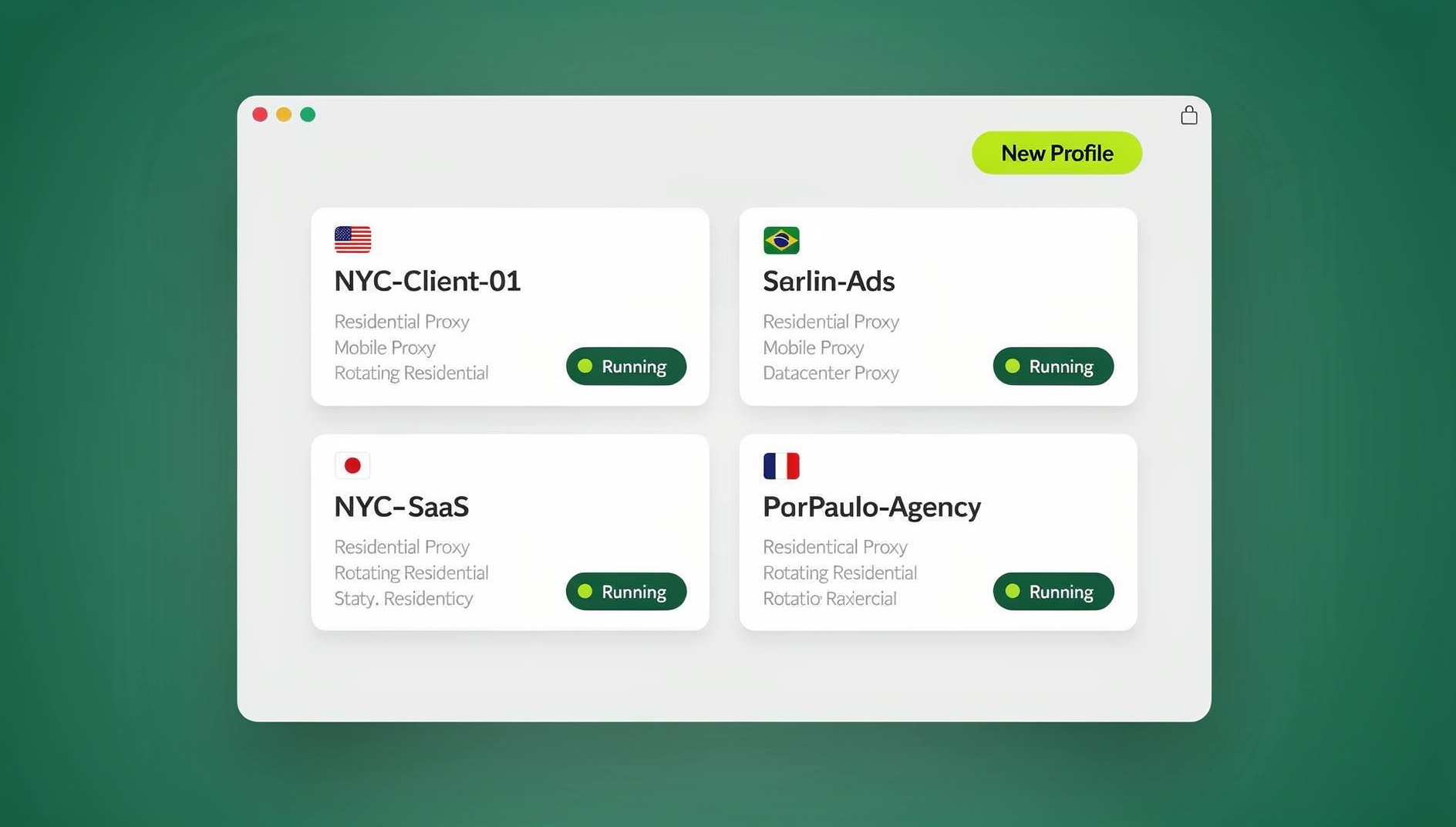
Send.win gives you two ways to work without ever handing out a password. The first is Sendwin Browser, a native desktop app for Windows, macOS, and Linux that runs locally on your machine but keeps your profiles synced and encrypted in the cloud. The second is a cloud browser session — a browsing environment that runs entirely on Send.win’s servers, needs zero local install, and is metered by cloud browsing time rather than tied to your device at all.
Either way, every login lives in its own isolated profile. You can open several accounts on the same site side by side without cookies or storage bleeding between them, and — critically for this article — you can grant someone else temporary access to a specific session without ever telling them the underlying password. Send.win has no free trial; paid plans start at $19/month, and your first card purchase is covered by a 7-day money-back guarantee. You can also preview the workflow for free in the cloud demo at https://send.win/demo-browser/.
How One-Click Session Sharing Works
The workflow is deliberately short, because the whole point is removing friction that tempts people back toward pasting passwords into chat.
- Open a profile or launch a cloud session from your Send.win dashboard, choosing a region and attaching a proxy if the task needs one.
- Log into the target site inside that isolated profile, and navigate to the exact page your teammate or contractor needs.
- Click “Share session” and send the unique link that’s generated. This concept of session isolation is what makes it safe to hand the link over — the recipient only ever touches that one contained profile.
- Apply guardrails: set a session timer (30 minutes, an hour, a day), blur sensitive elements like billing or analytics widgets, or block certain pages outright.
- Revoke or extend access with one click the moment the task wraps up.
This is the same pattern teams use when they want to share app access without passwords — links and roles instead of secrets, with a log of who used what and when.
Password Risks You Can Avoid, Side by Side
The table below lines up the old workarounds against what changes when you move to session sharing instead.
| Old way | What goes wrong | Send.win upgrade |
|---|---|---|
| Shared team password in a password manager | No per-user traceability; one leak exposes everyone | Share the session state, not the secret; revoke on demand |
| Screen-sharing or handing over a laptop | Clumsy, insecure, and gives the recipient no autonomy | An isolated profile they can drive themselves, inside your guardrails |
| One pooled browser profile for the whole team | Cookies and fingerprints leak across accounts; easy to link and flag | Per-profile isolation with clean, separate containers |
| Full-tunnel VPN for geo checks | Blunt instrument that can break unrelated apps and attribution | Per-session proxies plus regional endpoints |
Security Under the Hood, in Plain English
Send.win keeps each profile in its own sandboxed container so cookies, local storage, and cached credentials from one account never touch another. When you’re working inside a cloud browser session, the page itself executes on Send.win’s servers — what reaches your device is just an interactive stream, so a malicious script on a site you’re forced to open never actually runs on your local machine. That containment is exactly what makes it reasonable to grant a contractor or vendor temporary access to a live session: they’re working inside a fenced-off environment, not your actual browser.
Teams building this into a broader remote-work policy often pair it with the kind of secure session sharing for remote teams practices that keep contractors, freelancers, and distributed employees productive without ever widening the blast radius of a single leaked credential.
Who Gets the Most Value From Session Sharing
Send.win’s own use-cases breakdown points at a handful of groups where this matters most: marketers and advertisers, e-commerce sellers, SEO professionals, developers and QA testers, and everyday power users juggling several personal accounts.
Marketers and advertisers
Manage several ad accounts, verify creative across regions, and hand off approvals to a freelancer or agency partner without ever sharing the actual ad account password. Blur sensitive spend or performance numbers before you hand a session over for review.
E-commerce sellers
Run multiple storefronts or regional accounts without risky profile overlap between them. Give a support agent or auditor a time-boxed session for a specific task while keeping payout and billing pages off-limits entirely.
SEO professionals
Open several isolated sessions from different regions to compare search results, localized pricing, and content variations side by side, without installing a VPN client on every machine on the team.
Developers, testers, and remote teams
Reproduce a logged-in bug fast by keeping an admin session and a customer session open in parallel, then hand the exact state to a teammate — no staging account to reset, no password to pass along. This is the same reasoning behind giving a teammate access to a shared browser instead of shared credentials when several people need to touch the same tool.
Everyday power users
From finance dashboards to travel portals, keep personal and side-project accounts cleanly separated and switchable with one click, instead of juggling private windows or a second browser install.
Automation Without Sharing Credentials
Getting Started With Session Sharing
Setting this up for the first time takes only a few minutes, and there’s nothing to install if you start with a cloud browser session. Create an account, choose whether you want a downloadable Sendwin Browser profile or a fully cloud-hosted session, and log into the site or tool you need to share. From there, the same one-click flow applies whether you’re onboarding a new hire, handing a task to a freelancer, or letting an auditor review a dashboard for an afternoon: generate the link, set the timer, apply any blur or block rules, and send it over. Paid plans start at $19/mo, and your first card purchase is covered by a 7-day money-back guarantee, so it’s easy to pilot this with one team or one recurring handoff before rolling it out more broadly.
Many teams start by replacing just one recurring pain point — the shared social media login, the vendor who needs a single afternoon of dashboard access, the contractor who only needs read access to an analytics account — and expand from there once they see how much friction disappears once nobody has to remember, rotate, or nervously guard a shared password.
Send.win Pricing
Send.win has no free trial, but paid plans start at $19/month and your first card purchase is covered by a 7-day money-back guarantee, so you can test session sharing and profile isolation before committing to a plan. You can also try the free cloud demo at https://send.win/demo-browser/.
- Pro — $19/month or $83.88/year: 150 profiles and 5GB of proxy bandwidth.
- Team — $49/month or $251.88/year: 500 profiles, 20GB of proxy bandwidth, and 16 seats for the whole team.
Best-Practice Checklist for Secure Session Sharing
- Never send passwords over chat or email. Default to a session link with a timer and page-level protection instead.
- Keep MFA enabled on the underlying services, and limit admin-level actions to the smallest possible group of people.
- Screen for compromised credentials and retire shared logins wherever you still find them.
- Audit access regularly. Revoke stale session links and rotate proxies or endpoints as your policies require.
- Train your help desk on social-engineering red flags, especially around password reset requests.
🏆 Send.win Verdict
If your team is still passing passwords around in chat, that’s unnecessary risk you don’t need to carry. Send.win lets you share sessions safely instead — grant one-click access to a live, isolated profile, time-box it, blur or block whatever shouldn’t be visible, and revoke it the second the task is finished. Whether you’re running the native Sendwin Browser or a fully cloud-hosted session, the password itself never has to leave your hands.
Try the Send.win cloud demo — a 3-minute preview without signup, 10 minutes a day with a free account.
Frequently Asked Questions
What’s the difference between the Sendwin Browser and a cloud browser session?
The Sendwin Browser is a native app you download for Windows, macOS, or Linux; it runs locally on your machine while keeping profiles synced and encrypted in the cloud. A cloud browser session runs entirely on Send.win’s servers with no local install at all, and usage is metered by cloud browsing time. Both support the same one-click session sharing feature.
Can I see who accessed a shared session, and for how long?
Yes. Time-boxed session links replace the old shared-credential model, which gave you no identity granularity at all. Because each shared session is tied to a link rather than a password, you get much clearer visibility into who used it and when.
Does session sharing work for contractors or outside vendors?
Yes — that’s one of the more common uses. You can hand a contractor a time-limited link into a single isolated profile, blur or block the pages they don’t need, and revoke the link the moment the engagement ends, without ever changing the underlying account password.
What happens when my plan ends?
You’ll need to choose Pro or Team to keep using Send.win. No credit card is required to start the trial, so there’s no automatic charge if you decide not to continue.
Does Send.win offer an automation interface?
No. Send.win has no automation interface — no API, SDK, headless mode or Selenium/Puppeteer/Playwright support on any plan. Team adds more profiles, more proxy bandwidth, and 16 seats for larger groups.
How many profiles do I get on each plan?
Pro includes 150 profiles with 5GB of proxy bandwidth. Team includes 500 profiles with 20GB of proxy bandwidth and 16 seats, which suits agencies or larger operations teams managing many accounts at once.
Is session sharing safer than using a password manager’s “share” feature?
A password manager can share the credential itself, which still means the recipient could reuse or expose it later. Sharing a Send.win session instead means the recipient works inside a live, logged-in profile without ever learning the password, and you can revoke that access instantly and independently of the account’s actual credentials.