Running one great Airbnb listing is a part-time job. Running two, ten, or fifty is a business — and the moment you cross from “host” to “portfolio operator,” the way you log in, hand off access, and keep every listing’s calendar, pricing, and messaging in sync becomes the thing that actually determines whether you scale smoothly or burn out. This guide covers how to manage multiple Airbnb accounts the right way in 2026: what Airbnb’s policy actually allows, which account structure fits your business, the platform tools worth turning on, and the multi-login stack — including where a tool like Send.win fits — that keeps a growing team logged in safely without ever handing out a shared password.
Airbnb’s Official Stance on Multiple Host Accounts
Before you touch any tooling, get the policy question settled. Airbnb expects every user to represent themselves accurately, but it explicitly permits professional hosts to maintain more than one account for legitimate business reasons — separating brands, regions, ownership entities, or tax jurisdictions all qualify. What Airbnb does not permit is using a second (or third, or tenth) account to dodge a suspension, rebuild a banned listing under a new identity, or otherwise circumvent enforcement action. That distinction — legitimate operational separation versus evasion — is the line every multi-account host needs to stay clearly on the right side of.
If your only goal is letting other people help you run listings you already own, you usually don’t need a second account at all. Airbnb’s co-hosting and hosting team permissions let you grant scoped access — messaging only, calendar only, full operational control — without ever creating a duplicate profile or sharing your login credentials.
Choose the Right Account Structure for Your Portfolio
Most hosts default to whichever structure they started with, but it’s worth revisiting the decision once you’re past a handful of units. There are really only two sane options.
One Account + Co-Hosts and Teams (Best for Most)
If every listing shares the same owner entity or brand, keep it simple: one primary account, with co-hosts (up to ten per listing) handling messaging, calendars, and day-to-day operations. Co-hosts can be paid automatically through Airbnb’s co-host payout options, and Professional Hosting Tools give you multi-calendar views and bulk editing across every listing under that one account.
This structure centralizes your reputation and Superhost progress in a single account — since Superhost status is calculated account-wide, splitting listings across accounts unnecessarily can actually dilute the performance history that helps you rank.
Multiple Host Accounts (For Distinct Brands, Regions, or Ownership)
Property managers who operate across countries, manage listings for different ownership groups, or run genuinely distinct brands often split accounts deliberately — for banking, tax, legal, or positioning reasons. Airbnb permits this for professional hosts, provided each account passes its own KYC (identity) verification and payouts route to the correct underlying entity.
| Factor | One Account + Co-Hosts | Multiple Host Accounts |
|---|---|---|
| Best for | Single owner/brand, growing team | Multiple brands, owners, or regions |
| Reputation | Centralized Superhost history | Separate review/reputation per account |
| Payouts | Split via routing rules | Native separation by entity |
| Admin overhead | Lower — one login, one dashboard | Higher — separate logins, separate KYC |
| Login/security challenge | Team permission sprawl | Multiple credentials to protect and rotate |
Airbnb Features Every Multi-Property Host Should Master
Professional Hosting Tools
Turning on Airbnb’s Professional Hosting Tools (“Pro tools”) unlocks the features that make managing many listings feasible in the first place:
- Multi-calendar: a horizontal strip view across every listing, filterable by city, team owner, or custom tag.
- Rule-sets: layer pricing, minimum-stay, and check-in/out rules over specific date ranges — essential for events and seasonality. Note that Smart Pricing overrides rule-sets, so disable it wherever a rule-set is active.
- Teams and permissions: grant granular access (calendar-only, messaging-only, full pricing control) per team member or co-host.
- Quality/Insights: track five-star ratings by category so a quality dip on one property doesn’t quietly compound across the portfolio.
Messaging That Scales
Airbnb’s Messages tab centralizes every guest conversation for a given account, with Quick Replies and Scheduled Quick Replies (automated sends triggered by booking, check-in, or checkout) that save real hours every week. Worthwhile templates to automate include a pre-arrival “how to find us” message with the smart-lock code, an arrival-day parking and Wi-Fi note, a mid-stay check-in, and a checkout reminder for guests plus a cleaner-facing note.
Calendar Sync That Prevents Double-Bookings
If you cross-list a property (say, an entire home alongside its individual private rooms), link the internal calendars so a booking on one blocks the others automatically. Airbnb supports iCal import/export for syncing against other channels, though iCal typically refreshes only every few hours — for anything mission-critical, an API-connected channel manager gives faster, more reliable two-way sync.
Unifying Your Multi-Account Workflow
Once you’re running multiple Airbnb accounts, or Airbnb alongside Vrbo and Booking.com, the real challenge stops being any single platform and becomes building one “pane of glass” across all of them. A property management system (PMS) or channel manager — many of them official Airbnb API Partners — consolidates inboxes, calendars, tasks, and pricing across every account and channel you operate.
| Tool category | Examples | What it solves |
|---|---|---|
| Unified inbox / PMS | Hospitable, Uplisting, Guesty, Lodgify | One queue for guest messages across accounts and channels |
| Dynamic pricing | PriceLabs, Beyond, Wheelhouse | Algorithmic rate pushes beyond Airbnb’s Smart Pricing |
| Turnover scheduling | Turno (TurnoverBnB) | Auto-assigns cleaners from new bookings |
| Secure multi-login | Send.win | Isolated sessions per account, shared without passwords |
Revenue Engine: Pricing, Availability, and Demand
Airbnb’s built-in Smart Pricing is a reasonable starting point, but professional operators typically graduate to purpose-built dynamic pricing software once they have more than a few units. PriceLabs offers daily algorithmic rate pushes with dynamic minimum stays; Beyond pulls real-time, hyper-local market data; Wheelhouse layers strategy-driven pricing on top of rich market analytics. Pair whichever tool you choose with rule-sets so minimum stays tighten automatically around high-demand dates while pricing stays elastic everywhere else.
Track these KPIs weekly across the portfolio: average daily rate, occupancy, and RevPAR trendlines by market; lead-time shifts heading into peak season; gap-night fill rates; and quality ratings, since even small rating dips can quietly erode search placement and pricing power across every listing in the account.
Compliance, Trust, and Risk Reduction
Identity and KYC checks apply to hosts, co-hosts, and guests alike — incomplete or unverifiable details can limit payouts and permissions, so keep every profile’s legal name, date of birth, and business details aligned with the entity actually receiving funds. Airbnb can suspend or deactivate accounts and remove listings for policy violations, and circumventing enforcement by spinning up a replacement account is explicitly prohibited and risks action across your entire portfolio, not just the flagged listing. If you use recording devices or noise sensors to deter parties, disclose them and stay within local law. AirCover for Hosts provides a baseline of damage protection, but pair it with region-appropriate short-term-rental insurance rather than relying on it alone.
The Real Bottleneck: Secure Multi-Login for Teams
Almost every operational recommendation above assumes someone — you, a co-host, a virtual assistant, a cleaner-coordinator — is actually logged into the right account at the right moment. That’s where most multi-property operations quietly lose time and introduce risk: shared spreadsheets of passwords, browser profiles that leak cookies between accounts, or a single laptop juggled between five different logins over the course of a day.
Why Password Sharing Fails at Scale
Handing a co-host or VA a raw password means you’ve lost visibility into who’s logged in, when, and from where. It also means that offboarding someone requires a password reset across every account they touched — and forgetting even one creates a standing security gap. A multi-login browser solves this at the root by giving each account its own isolated environment and letting you grant or revoke access without ever exposing the underlying credential.
How Send.win Fits a Multi-Account Airbnb Operation
Send.win is built around exactly this problem, and it offers three distinct ways to work depending on who on your team needs access and from where:
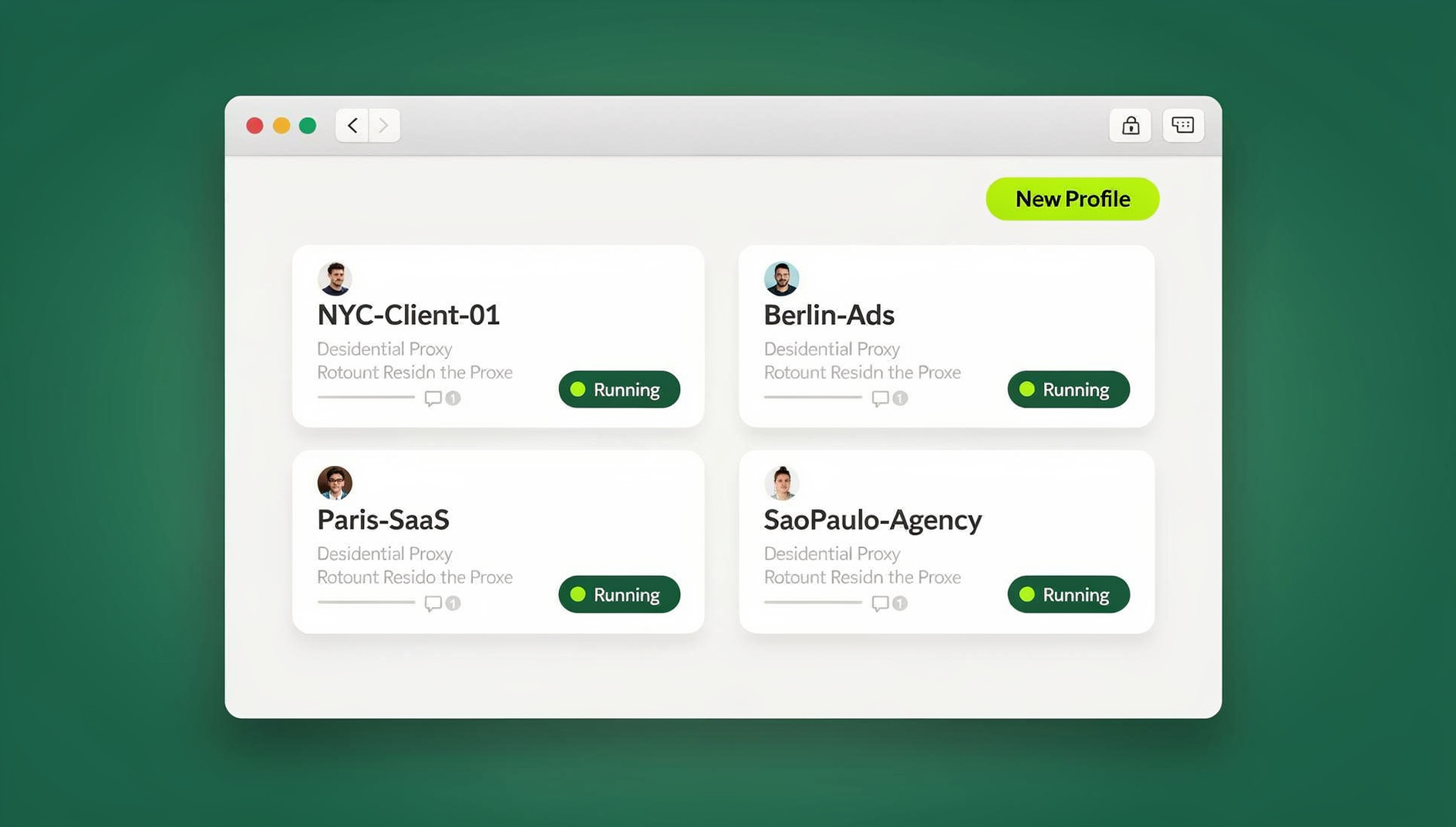
- Desktop app: a native Windows, macOS, and Linux client that’s the primary way most hosts and property managers run their day-to-day profiles locally — each Airbnb account gets its own isolated browser profile with a unique fingerprint, so nothing bleeds between your accounts even when they’re open side by side on the same machine.
- Cloud browser sessions: for co-hosts, VAs, and cleaning coordinators who need to jump into a specific Airbnb account from wherever they’re working — a shared laptop, a different city, a device with nothing installed — cloud sessions run the profile entirely in the browser with no local install required. It’s metered by monthly cloud browsing time on paid plans, alongside cloud sync and profile sharing, which is exactly the “access from anywhere” mode a distributed host team actually needs, rather than a desktop-only workaround.
- Team plan: Send.win’s Team plan supports managing dozens of listings through isolated browser profiles, each with its own cookies, storage, sessions, fingerprint settings and proxy — useful once your portfolio outgrows manual pricing adjustments.
Every profile also gets built-in proxy support, so you can keep session locations consistent for each account, plus share accounts without passwords when handing a session to a co-host or contractor — they get working access to the account, not the credential itself, and you can revoke it instantly.
| Scenario | Use the Desktop app | Use Cloud browser sessions |
|---|---|---|
| You personally manage 5-20 listings from your main computer | ✔ Best fit | Optional backup |
| A remote VA needs access to one account, no install allowed | — | ✔ Best fit |
| A cleaner-coordinator logs in from a shared tablet | — | ✔ Best fit |
| You want to script bulk rule-set updates (Team plan) | No | No |
Why Session Isolation Matters Specifically for Airbnb
Airbnb’s own fraud and quality systems watch for signals that look like account-linking or ban evasion, so it genuinely matters that each of your accounts presents as a clean, distinct browsing environment rather than sharing cookies, cache, or a fingerprint with the others. Session isolation keeps every account’s storage completely separate — this is a compliance safeguard as much as a convenience feature, and it’s precisely why Send.win’s own compliance guidance is explicit: use it to streamline authorized multi-account operations, never to evade a suspension or misrepresent who’s behind an account.
As your team grows past one or two co-hosts, multi-login profiles for teams let everyone work in parallel — one person on guest messaging, another adjusting pricing, a third handling a turnover checklist — without anyone stepping on anyone else’s session or needing their own separate device.
Current Send.win Pricing (2026)
Send.win has no free trial; paid plans start at $19/month (Pro) or $49/month (Team), and your first card purchase is covered by a 7-day money-back guarantee. You can also preview the workflow with the free cloud demo at https://send.win/demo-browser/ before committing:
- Pro — $19/month: 150 profiles and 5GB of proxy bandwidth, suited to hosts running a growing but still hands-on portfolio.
- Team — $49/month: 500 profiles, 20GB bandwidth, and 16 seats — the right tier once you have co-hosts, VAs, and cleaners all needing their own access level.
Step-by-Step: Standing Up a Compliant Multi-Account Operation
- Decide your structure. Default to one account plus co-hosts/teams unless you have a documented business reason (brand, tax, region) for separate accounts.
- Verify identities and business details. Complete KYC for every host profile, matching legal names and business details to the payout entity.
- Turn on Professional Hosting Tools. Unlock multi-calendar, rule-sets, teams, tasks, fees, and Insights.
- Build your automations. Set up Quick Replies and Scheduled Quick Replies covering the full guest journey from booking to checkout.
- Unify your view. Pick a PMS/channel manager with a unified inbox and multi-calendar, then connect your Airbnb accounts via OAuth/API.
- Price like a pro. Pair rule-sets with a dynamic pricing tool and review KPIs weekly, adjusting ahead of major events and seasonality.
- Lock in operational excellence. Integrate smart locks for time-bound codes, keep a backup entry method documented, and automate cleaning assignments.
- Harden your multi-login workflow. Move logins to Send.win so each account runs in its own isolated session — Desktop app for your own daily driving, Cloud browser sessions for anyone on the team working remotely or without a company laptop.
Advanced Tactics for Portfolio Growth
Brand Architecture and Listing Optimization
Position each brand with distinct photography, messaging, and amenity sets. Airbnb’s own guidance on how search works emphasizes speed-to-reply, high-impact photos, accurate listing details, and fair, transparent pricing as the signals that move you up in results.
Rule-Sets for Seasonality and Events
Build rule-sets that raise minimum stays and prices around festivals or conferences, while still allowing gap-night discounts between confirmed bookings to keep the calendar full.
Calendar Linking for Composite Units
If a property can be sold as a whole unit or as separate rooms, link the calendars so a booking on one configuration correctly blocks the others.
Response-Rate Guardrails
Combine scheduled automation with fast account-switching to keep response time under an hour across every account — Airbnb has been explicit that response speed influences search ranking.
Risk Management Across Many Front Doors
- Policy hygiene: keep every account aligned with Airbnb policy; never stand up a replacement account for one that’s been suspended.
- Insurance and damage: pair AirCover with appropriate short-term-rental insurance for your jurisdiction.
- Access logs and audits: smart locks and PMS audit trails show exactly who accessed what, and when.
- Payout resilience: use split payouts and routing rules per listing to cleanly separate owner draws from management fees.
- Quality protection: monitor category ratings in Insights — small, early dips compound fastest across a large portfolio.
🏆 Send.win Verdict
Managing multiple Airbnb accounts safely is fundamentally a login-management problem as much as an operations one — every co-host, VA, and cleaner-coordinator needs the right level of access without ever touching a shared password or bleeding cookies between accounts. Send.win covers both ends of that: the Desktop app for hosts running their portfolio locally day to day, and Cloud browser sessions for a distributed team that needs to jump into an account from anywhere with zero install. Add built-in proxies, per-profile fingerprint isolation, and one-click session sharing, and it’s a clean fit for any multi-property Airbnb operation that wants to scale without cutting policy corners.
Try the free Send.win cloud demo — a 3-minute preview without signup (10 minutes a day with a free account), and see how much friction disappears once every Airbnb account has its own clean, isolated session.
Frequently Asked Questions
Can you have multiple Airbnb accounts?
Yes. Professional hosts may maintain more than one account for legitimate business reasons — separating inventory, regions, or brands all qualify. What you cannot do is create additional accounts to skirt enforcement action or a ban. If a single account can cover your needs, use co-hosts and teams instead of multiplying accounts unnecessarily.
What’s the safest way to give staff or co-hosts access?
Use Airbnb’s Teams (Pro tools) and Co-Host permissions for role-based access first. Where you need session-level access beyond what Airbnb’s native permissions cover — say, a VA managing a separate ad or supplier account tied to your business — share the session through a tool like Send.win instead of handing out the raw password.
How do I unify messaging across multiple Airbnb accounts?
Airbnb centralizes messages within a single account, but it doesn’t merge inboxes across separate accounts. To get one unified queue across accounts and channels, connect a PMS with a unified inbox, such as Hospitable, Uplisting, Guesty, or Lodgify.
How can I prevent double-bookings across listings?
Link overlapping listings’ internal calendars directly in Airbnb, use iCal for cross-platform sync, and consider an API-connected channel manager if you need faster, more reliable two-way updates than iCal’s multi-hour refresh cycle provides.
Do smart locks work across a multi-property portfolio?
Eligible hosts can connect one smart lock per listing to Airbnb for auto-generated, time-bound access codes that activate for the reservation window and deactivate at checkout. Availability depends on your market and lock model, so check compatibility before standardizing hardware across a portfolio.
Is it against Airbnb’s policy to use a browser tool like Send.win?
No — using a secure multi-login tool to organize legitimate, authorized accounts is a workflow choice, not a policy violation. The line Airbnb draws is around using any tool, including multi-login software, to evade a suspension or misrepresent who controls an account. Used to streamline authorized operations, session isolation is a compliance safeguard, not a workaround.
Should I use the Send.win Desktop app or Cloud browser sessions for my Airbnb team?
It depends on who’s logging in. If you personally manage the portfolio from one main computer, the Desktop app gives you fast, native performance with all your profiles saved locally. If you have co-hosts, VAs, or cleaning coordinators who need access from different devices or locations without installing anything, Cloud browser sessions are the better fit — many multi-property teams end up using both simultaneously.
What’s the fastest way to reduce response-time risk across many accounts?
Combine Scheduled Quick Replies for predictable touchpoints (booking confirmation, pre-arrival, checkout) with fast account-switching for anything that needs a human reply, so no account sits unanswered while you’re logged into another one.
Your Day-1 Execution Checklist
- Turn on Professional Hosting Tools (multi-calendar, rule-sets, teams, tasks).
- Add co-hosts and assign scoped team permissions.
- Build Quick Replies and Scheduled Quick Replies for the core guest journey.
- Implement dynamic pricing plus rule-sets for seasonality and events.
- Link overlapping calendars and set up iCal sync to any other channels.
- Integrate smart locks or document a clear manual-access protocol.
- Centralize operations with a PMS (unified inbox, tasks, reporting) and Turno for cleaning schedules.
- Move logins to Send.win — Desktop app for your own daily use, Cloud browser sessions for the rest of the team — for isolated, password-free multi-account access.
Final Word
Managing multiple Airbnb accounts well is less about juggling logins and more about system design: a clear account structure, properly scoped permissions, a unified inbox and calendar, reliable automation, and revenue discipline layered on top. Stay aligned with Airbnb’s policies, automate everything that’s repeatable, keep a relentless focus on quality signals — and make sure the login layer underneath all of it is actually secure. When you’re ready to put your multi-account workflow on rails, spin up Send.win and give every account its own clean, isolated session. Your team, your future self, and your Account Health dashboard will all thank you.