Can You Run Multiple Airbnb Accounts Legally?
Yes — you can manage multiple Airbnb accounts legally as long as each one ties to a genuine, distinct business need: separate legal entities, separate property owners, or separate geographic markets, not an attempt to dodge a ban or manipulate reviews. Airbnb’s Terms of Service assume one account per person, but co-hosting and documented business-entity accounts are both accepted paths for property managers running dozens of units. This guide covers the legitimate scenarios, Airbnb’s actual policy line, and the technical setup that keeps every account healthy.
Why Hosts and Property Managers Need Multiple Airbnb Accounts
Property Management Companies
Professional property managers often oversee listings for several different owners. Each owner typically wants their properties under their own Airbnb account for legal, tax, and brand-separation reasons — the property manager operates the account, but ownership stays distinct.
Business Structure Requirements
Real estate investors using separate LLCs for liability protection generally need a separate Airbnb account per entity to keep financial records and liability boundaries clean. Mixing entities under one account undermines the legal separation the LLC structure exists to provide.
Geographic Market Separation
Hosts operating across multiple cities or countries sometimes need separate accounts to comply with local short-term rental regulations that require licensing under a specific local business entity.
Brand Differentiation
Hosts running different property types — luxury vacation homes alongside budget apartments — often keep separate accounts so each brand builds its own review history and attracts the right kind of guest.
What Airbnb’s Terms of Service Actually Allow
Airbnb’s policy generally expects one account per user, but it explicitly recognizes legitimate business needs through its co-hosting system. The practical distinction breaks down into three tiers:
- Clearly authorized: Using Airbnb’s co-host feature to manage properties for other account holders
- Gray area, generally accepted with documentation: Separate accounts tied to different legal business entities for genuine operational reasons
- Against the Terms of Service: Creating multiple personal accounts to evade a suspension or manipulate reviews
Airbnb’s Co-Host Feature
The built-in co-hosting system lets a property manager access and operate listings on another user’s account — calendar management, booking details, guest messaging, pricing, and revenue-share configuration — all without needing a separate login.
Legitimate Methods for Multi-Account Management
Method 1: Co-Hosting (Official Route)
The safest approach by far. The property owner adds you as a co-host, granting full operational access while the listing stays under their own account and their own name on Airbnb’s books.
Method 2: Separate Business Entity Accounts
When co-hosting doesn’t fit the business structure, a separate account per legal entity provides clean separation — each with its own registered email, phone number, payment method, and a fully separate session isolation so the accounts never share cookies or login state.
Method 3: Property Management Software
Platforms like Guesty, Hostaway, and Lodgify integrate directly with Airbnb’s API and manage listings across multiple connected accounts from a single dashboard.
| Software | Multi-Account Support | Channel Management | Starting Price |
|---|---|---|---|
| Guesty | Unlimited | Airbnb, VRBO, Booking.com | Custom pricing |
| Hostaway | Multiple | 40+ channels | $100/mo+ |
| Lodgify | Multiple | Major OTAs | $17/mo+ |
| iGMS | Multiple | Airbnb, VRBO | $20/listing/mo |
Setting Up Isolated Browser Environments for Each Account
Never access more than one Airbnb account from the same default browser session. Airbnb correlates browser fingerprinting, cookie history, and IP address patterns to detect accounts that look like they’re operated by the same person from the same device.
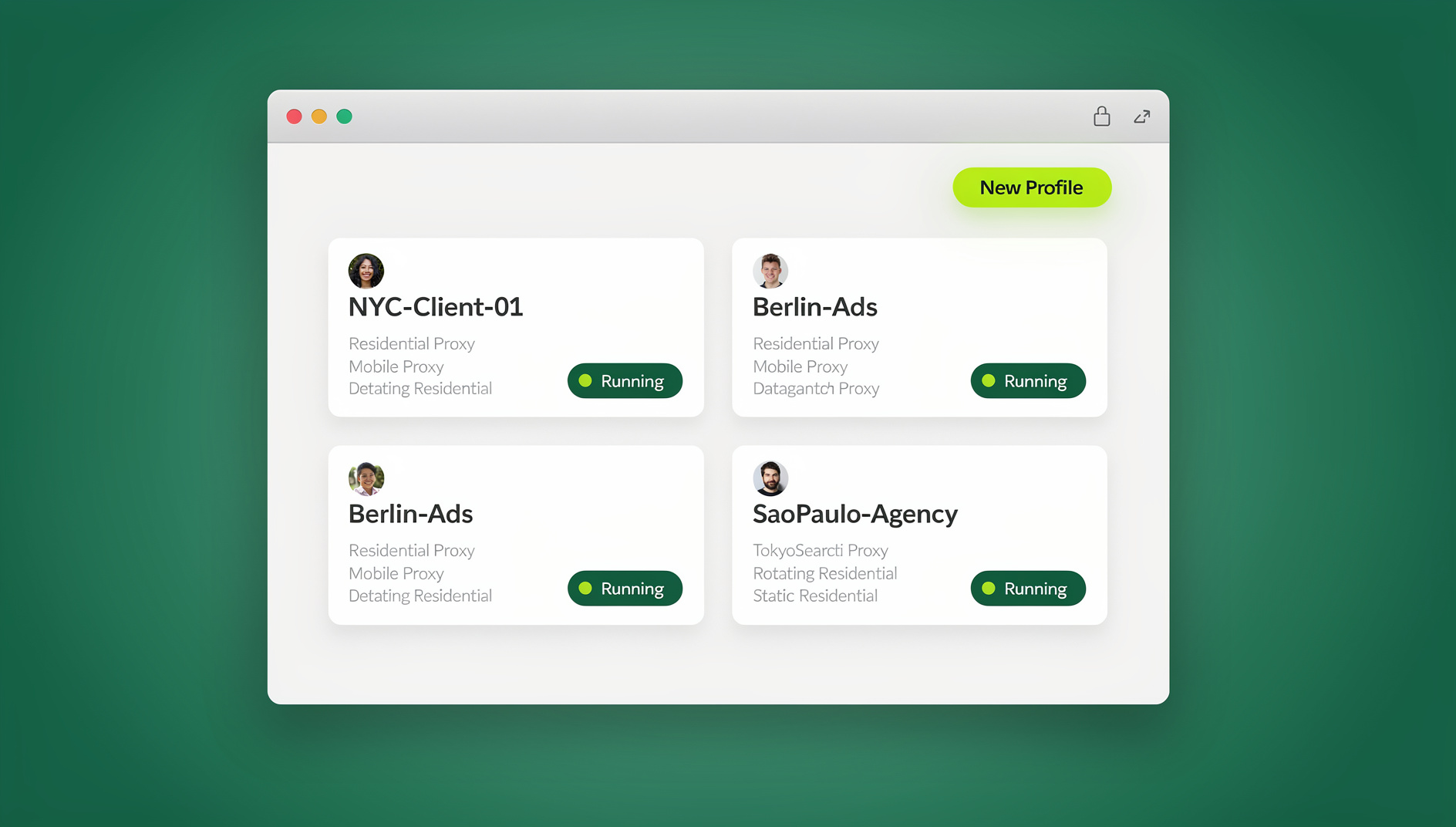
For each account, use a dedicated environment with a unique fingerprint, an isolated cookie and local-storage container, a dedicated IP address, and a timezone consistent with the property’s actual location. Send.win’s browser isolation technology — through either the native Sendwin Browser desktop app or a no-install cloud browser session — handles all of this automatically, running each account in its own isolated container rather than requiring you to hand-configure a separate physical device per entity. If you’re new to the underlying concept, our multi-login browser guide walks through how profile isolation works in more detail.
Step-by-Step: Setting Up a New Business-Entity Account
Step 1: Confirm the Business Reason
Before creating a new account, document why it needs to exist separately: a new LLC, a new property owner requiring their own account, a new regulatory jurisdiction, or a distinct brand identity. Airbnb’s trust and safety team is far more likely to leave a legitimate business-entity account alone than one that looks like an unexplained duplicate of an existing profile.
Step 2: Register with Distinct Identity Details
Use a unique email address on a different provider than your other accounts, a phone number that isn’t tied to any existing Airbnb login, and a payment method registered to the specific business entity. Reusing any of these across accounts is one of the fastest ways to get them correlated.
Step 3: Build the Isolated Browser Profile First
Create the dedicated browser profile — unique fingerprint, its own cookies and cache, a matching residential proxy, and a timezone consistent with the property’s region — before you ever log into the new account for the first time. Signing up from an already-tainted session defeats the purpose of the isolation.
Step 4: Complete Listings and Verification Gradually
Add photos, descriptions, and pricing over a few sessions rather than all at once, and complete identity verification promptly. A brand-new account that instantly publishes 20 listings in one sitting reads very differently to Airbnb’s systems than one that ramps up naturally over a week or two.
Step 5: Document Everything for Support Escalations
Keep a simple record — business registration documents, the property owner agreement, or the co-hosting arrangement — so that if Airbnb support ever flags the account, you can quickly demonstrate the legitimate business reason behind it.
Common Mistakes and How to Avoid Them
- Registering every account with the same email domain: spread registrations across different providers (Gmail, Outlook, a business domain) rather than reusing one inbox with aliases.
- Sharing a single payment card across unrelated entities: each business entity should have its own payout and billing method to avoid both platform flags and messy bookkeeping.
- Logging into several accounts back-to-back from one browser: even a few minutes of overlap on a shared session is enough to leave a correlating cookie trail.
- Copy-pasting the same listing description across accounts: near-identical text across “unrelated” accounts is a pattern Airbnb’s systems are specifically built to catch.
- Ignoring response-time and cancellation metrics on secondary accounts: a newer or smaller account still needs the same guest-facing discipline as your main one, or it drags down your overall hosting reputation.
Managing Guest Communication Across Multiple Accounts
- Notification routing: email forwarding rules that funnel messages into one unified inbox while keeping reply paths tied to the correct account
- Response templates: customized per property or account so replies still feel personal
- Check-in automation: scheduled messages for pre-arrival info and door codes
- Response time target: aim for under 1 hour across every account — Airbnb’s ranking algorithm rewards fast responders
Calendar Synchronization
Prevent double bookings by exporting an iCal feed from each account, importing every feed into one master calendar, enabling two-way sync through your property management software, and building in buffer days between back-to-back bookings.
Financial Management Across Multiple Accounts
- Separate bank accounts per business entity for clean payout tracking
- Consistent bookkeeping of income and expenses per property and account
- Tax compliance: each account’s legal entity should match its tax filings — Airbnb issues 1099 forms per account
- Dynamic pricing tools like PriceLabs or Beyond, connected independently to each account
Safe Automation Across Multiple Accounts
Airbnb, like most marketplaces, distinguishes between helpful automation and behavior that looks like account abuse. A few guidelines keep multi-account automation on the right side of that line:
- Automate messaging templates, not manipulation: scheduled check-in instructions and FAQ responses are fine; anything designed to solicit off-platform payment or manufacture reviews is not.
- Keep pricing automation per-account: dynamic pricing tools should read and write to one account’s calendar at a time rather than cross-referencing performance between accounts in a way that implies shared control.
- Log in with human-paced timing: avoid scripting logins that hit several accounts within seconds of each other from the same IP.
Scaling a Multi-Account Operation
When to Add a New Account
- Expanding into a new market under a different business entity
- A property owner requires listings under their own account
- Legal or tax structure requires a clean separation
- Testing a new property category under a fresh brand identity
Team Structure for Scale
| Role | Accounts Covered | Responsibilities |
|---|---|---|
| Operations Manager | All | Oversight, strategy, issue escalation |
| Guest Experience Rep | 3-5 per rep | Guest communication, check-in/out |
| Revenue Manager | All | Pricing, promotions, optimization |
| Maintenance Coordinator | By region | Cleaning, repairs, inspections |
Comparison: Ways to Manage Multiple Airbnb Accounts
| Solution | Isolation Level | Best For | Cost |
|---|---|---|---|
| Co-hosting (official) | N/A — one shared account | Managing an owner’s existing listing | Free (revenue share agreed with owner) |
| Property management software | API-level, not browser-level | Coordinating bookings/pricing across accounts | $17-$100+/mo |
| Default browser, manual logins | None — shared fingerprint and IP | A single side account, low risk tolerance | Free |
| Send.win isolated profiles | Full — unique fingerprint, cookies, and IP per account | Multiple entities, agencies, cross-market hosts | From $6.99/mo (Pro, annual) |
🏆 Send.win Verdict
Co-hosting handles the simplest case, and property management software like Guesty or Hostaway is worth it once you’re coordinating bookings across many listings. Neither one solves the browser-level problem: logging into several distinct Airbnb accounts from the same device leaves a shared fingerprint and IP trail that Airbnb can correlate. Send.win gives each account its own isolated profile — unique fingerprint, cookies, and IP — through either the native Sendwin Browser desktop app or a cloud browser session with no install required.
Try Send.win today — plans start at $19/month, and your first card purchase is covered by a 7-day money-back guarantee. You can also preview it free in the cloud demo.
Frequently Asked Questions
Will Airbnb ban me for having multiple accounts?
Airbnb may suspend accounts it identifies as unauthorized duplicates. Accounts tied to different legitimate business entities, each with proper documentation and a clear distinct purpose, are generally accepted rather than flagged.
Can I use the Airbnb app for multiple accounts?
The mobile app only supports one logged-in account at a time. Managing several accounts through isolated browser sessions on the web is generally faster and safer than repeatedly logging in and out of the app.
What’s the best property management software for multiple Airbnb accounts?
Guesty is the common choice for large-scale operations. For smaller portfolios of 5-20 properties, Hostaway or iGMS typically offer better value while still supporting management across multiple connected Airbnb accounts.
How do I handle taxes across multiple Airbnb accounts?
Each account should map to a specific business entity with its own tax ID, since Airbnb issues separate 1099 forms per account. Work with a CPA experienced in short-term rental accounting to keep the filings clean.
How do I maintain Superhost status across several accounts?
Superhost criteria are evaluated separately per account: a 4.8+ rating, under 1% cancellation rate, 90%+ response rate, and 10+ completed stays per year. There’s no way to average performance across accounts — each has to independently qualify.
Do I need separate browser profiles for each Airbnb account?
It’s the safest practice once you’re running more than one or two accounts. Airbnb’s fraud detection correlates fingerprints, cookies, and IP addresses across logins, so isolated profiles — one per account — meaningfully reduce the chance of accounts being flagged as linked.
How much does a browser isolation tool like Send.win cost?
Send.win has no free trial. The Pro plan is $19/month or $83.88/year, and the Team plan is $49/month or $251.88/year for larger teams needing more seats and shared profiles. The first card purchase is covered by a 7-day money-back guarantee, and the only free option is the cloud demo at https://send.win/demo-browser/.
Is running multiple Airbnb accounts more work than co-hosting?
Slightly, yes — each account needs its own login, isolated browser profile, and bookkeeping. But for property managers handling different legal entities or cross-border markets, the extra setup is usually smaller than the compliance risk of forcing everything under one account that doesn’t match the legal ownership structure.
Bottom Line
Learning to manage multiple Airbnb accounts comes down to matching the method to the actual business reason behind it. Start with Airbnb’s co-hosting feature wherever it fits, move to separate entity accounts only when the business structure genuinely requires it, and pair that with proper browser isolation and property management software so every account stays organized, compliant, and free of the fingerprint overlap that triggers platform reviews.