Why Manage Multiple Twitter/X Accounts?
Running multi account Twitter setups safely means giving each account its own browser fingerprint, cookies, and IP so X never sees them as connected — because linked accounts are what actually trigger suspensions, not the number of accounts itself. Agencies, brand managers, and creators routinely run 10-50+ accounts this way. Below: X’s real rules on multiple accounts, what actually gets accounts banned, and the isolated-profile setup that keeps client and personal accounts safe at scale.
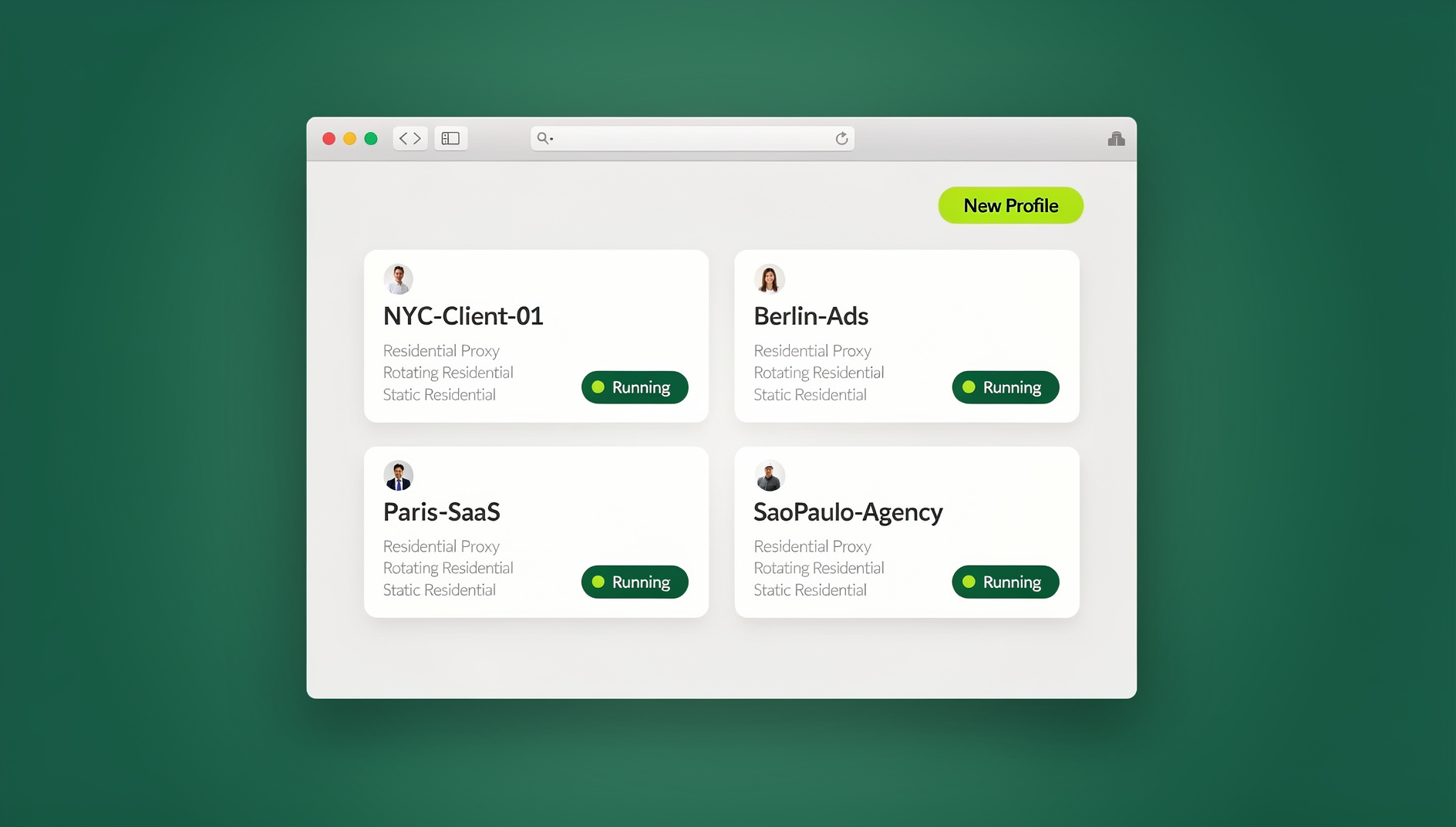
Common reasons for multi-account management:
- Agency management: handle 10-50+ client Twitter accounts from one team
- Brand separation: a main brand account, a support account, and a personal brand account
- Niche accounts: content curation accounts for different topics or industries
- Regional accounts: location-specific accounts for local marketing
- Testing: QA-ing new features before rolling them out on main accounts
- Community building: separate accounts for different communities or projects
Twitter/X Multi-Account Rules
What’s Allowed
X’s Terms of Service permit multiple accounts as long as:
- Each account represents a distinct identity or purpose
- Accounts don’t coordinate to manipulate trends or conversations
- Accounts don’t mass-follow or mass-unfollow as a coordinated group
- Each account uses a unique email and phone number
What Gets You Banned
| Violation | Detection Method | Consequence |
|---|---|---|
| Coordinated inauthentic behavior | Pattern analysis across accounts | All linked accounts suspended |
| Artificial engagement (like/RT rings) | Graph analysis of interactions | Suspension + permanent ban |
| Same fingerprint creating many accounts | Browser/device fingerprinting | New accounts auto-suspended |
| Same IP for multiple accounts | IP correlation + timing analysis | Verification challenges + suspension |
| Spam behavior (identical posts across accounts) | Content similarity detection | Account restrictions + suspension |
| Evading suspension with new accounts | Device + behavior fingerprinting | Immediate permanent ban |
Methods for Managing Multiple Twitter Accounts
Method 1: Twitter’s Built-in Account Switching
X allows adding up to 5 accounts in the mobile app: tap your profile picture, hit the “+” icon, and add an account. Switching is a single tap.
- Pros: simple, official, no extra tools needed
- Cons: capped at 5 accounts, same device fingerprint, same IP — X can tell they’re connected
Method 2: X Pro (formerly TweetDeck)
X Pro offers multi-column management: view multiple timelines side by side, schedule posts for different accounts, and monitor mentions and DMs across all of them.
- Pros: a genuinely professional workflow with real-time monitoring
- Cons: requires X Premium, every account is linked to one profile, same fingerprint and IP
Method 3: Social Media Management Tools
Platforms like Hootsuite, Buffer, and Sprout Social let you schedule and publish across multiple accounts, view per-account analytics, and manage team access with roles.
- Pros: professional features, team support, built-in analytics
- Cons: pricey ($99-299/month), API-based posting can look automated, limited mostly to posting and analytics rather than natural engagement
Method 4: Isolated Browser Profiles (Recommended)
Each Twitter account lives in its own isolated browser profile: unique fingerprint, separate cookies and localStorage, and a different proxy/IP per account. To X, each one looks like a completely independent user.
- Pros: maximum isolation, no account linking, scales to any number of accounts
- Cons: requires initial setup per profile
Setting Up Multi Account Twitter with Browser Profiles
Step-by-Step Setup
- Create a browser profile for each Twitter account
- Assign a unique proxy to each profile — residential proxies work best
- Keep locations consistent (don’t hop between countries daily)
- Avoid datacenter proxies — X flags them quickly
- Log into Twitter/X inside each profile with its corresponding account
- Verify the account — complete phone verification if prompted
- Use each profile naturally — browse, engage, and post like a real user rather than relying purely on API tools
Profile Organization
Naming Convention:
  Twitter-ClientA-MainBrand
  Twitter-ClientA-Support
  Twitter-ClientB-CEO
  Twitter-Personal-Tech
  Twitter-Personal-Gaming

Proxy Assignment:
  Client A accounts → US residential (same city)
  Client B accounts → UK residential
  Personal accounts → Your real location
Content Strategy for Multiple Accounts
The Golden Rule: Unique Content Per Account
Never post identical content across accounts — X’s spam detection is specifically built to catch this pattern.
| Strategy | Risk Level | Recommendation |
|---|---|---|
| Identical posts across accounts | Very High | Never do this |
| Same topic, different wording | Medium | Vary significantly and post at different times |
| Completely unique content per account | Low | Best practice |
| Retweeting between your own accounts | Very High | Avoid — creates a visible connection |
| Accounts liking each other’s posts | Medium | Occasionally fine, don’t make it a pattern |
Posting Schedule Best Practices
- Stagger posting times — don’t post from every account in the same minute
- Vary engagement patterns — different reply styles, different hashtag habits
- Maintain account-specific personality — each account should have its own voice
- Engage with different communities — each account should follow and interact with different people
X Premium and Multi-Account Considerations
Verification Across Multiple Accounts
- Each X Premium subscription needs its own payment method or account
- Verified accounts get a boost in search and recommendations
- Think about which accounts actually benefit from verification
- Not every account needs Premium — prioritize client-facing and high-visibility ones
Automation for Multi Account Twitter
Safe Automation Practices
- Schedule posts using the official API or approved third-party tools
- Auto-reply cautiously — generic auto-replies read as spammy
- Monitor mentions with notification tools instead of manually checking every account
- Never automate follows or unfollows — this is the fastest route to suspension
The safest automation is the kind that saves you time on repetitive, low-risk tasks — scheduling a post you already wrote, or getting notified about a DM — rather than the kind that tries to simulate organic engagement. X’s detection systems are specifically tuned to catch behavior that looks automated but is dressed up to look human, so half-measures tend to be riskier than either fully manual engagement or fully transparent, official-API scheduling.
API Rate Limits to Know
Twitter API v2 Rate Limits (per-app, per-15-min):
  Tweet creation: 200 tweets
  Tweet lookup: 300 requests
  User lookup: 300 requests
  Follow: 400 requests
  Search: 300 requests (Basic) / 450 (Pro)

Per-User Rate Limits:
  Tweets per day: 2,400 (1,000 for new accounts)
  DMs per day: 500
  Follows per day: 400
  Likes per day: 1,000
Team Management for Agency Twitter Operations
Role-Based Access
| Role | Access Level | Can Do |
|---|---|---|
| Account Manager | Full | Post, reply, DM, settings, billing |
| Content Creator | Post only | Draft and schedule tweets |
| Community Manager | Engage | Reply, like, retweet, DM |
| Analyst | Read only | View analytics and reports |
With cloud browser profiles, team access gets simpler — you can share the browser session without sharing passwords. Team members work inside the pre-authenticated Twitter account without ever seeing the actual login credentials.
Common Multi-Account Problems and Solutions
| Problem | Cause | Solution |
|---|---|---|
| Phone verification on every login | IP changes or fingerprint mismatch | Use a consistent proxy and browser profile |
| Account locked after creation | Created too fast or from a suspicious IP | Wait 24h between new accounts, use residential IPs |
| Shadow ban (reduced reach) | Automated behavior detected | Reduce posting frequency, engage naturally |
| Multiple accounts suspended together | Accounts linked by IP/fingerprint | Use isolated browser profiles with unique fingerprints |
| Can’t add a phone number | Number already used on another account | Use a unique phone number per account, or a VoIP number |
Which Method Should You Use?
The right approach depends almost entirely on how many accounts you’re running and who else needs access to them:
| Your situation | Best method | Why |
|---|---|---|
| 1-5 personal accounts, no client work | Twitter’s built-in switching | Free, official, fast enough for casual use |
| A handful of accounts you personally own, need scheduling | X Pro | Multi-column monitoring in one login session |
| Posting/analytics only, no manual engagement needed | Hootsuite/Buffer/Sprout | Purpose-built scheduling and reporting dashboards |
| 6+ accounts, client work, or any risk of accounts being linked | Isolated browser profiles | Unique fingerprint and IP per account — no visible connection between them |
Most agencies end up running a hybrid: isolated browser profiles for the accounts that must never be linked (competing clients, accounts in the same niche), and a scheduling tool layered on top for the lower-risk publishing work. The isolation layer is what actually prevents a ban from cascading across accounts — the scheduling tool alone doesn’t protect against that.
Legal and Policy Notes for Agencies
- Get written authorization from each client before managing their account — this protects you if a dispute arises later
- Document which team member accessed which account and when, especially when using shared sessions
- Keep a clear separation between accounts you manage for competing clients in the same industry — even legitimate management can look suspicious if X’s systems detect cross-account interaction patterns
- Review each client’s own brand guidelines for tone and posting frequency before automating anything
None of this is optional paperwork — if a client account gets suspended and there’s a dispute over who posted what, a clear access log and a signed authorization are what protect your agency’s reputation and, in some cases, its contract.
🏆 Send.win Verdict
The accounts that get suspended together are almost always the ones sharing a fingerprint or IP — not the ones simply existing. Send.win gives every Twitter/X account its own isolated profile with a unique browser fingerprint, run through the native Sendwin Browser desktop app or a no-install cloud browser session, plus one-click session sharing so agency teammates can work an account without ever seeing its password.
Try Send.win today — paid plans start at $19/mo, and your first card purchase is covered by a 7-day money-back guarantee.
Frequently Asked Questions
How many Twitter accounts can one person have?
X doesn’t publish an official maximum, but each account needs a unique email and phone number. In practice, managing more than 20 accounts by hand gets difficult. With isolated browser profiles, the technical side scales easily — the real limit becomes how much content and engagement time you have.
Will Twitter ban me for having multiple accounts?
Not automatically. X allows multiple accounts for legitimate purposes like brand management, client work, or separating personal and professional identities. Bans happen for coordinated inauthentic behavior — using accounts to artificially boost each other, manipulate trends, or spam.
Do I need a different phone number for each account?
For best results, yes. X uses phone numbers as identity anchors, so if several accounts share a number and one gets suspended, the others can get flagged too. Options include separate SIM cards, VoIP numbers (Google Voice, TextNow), or a virtual phone number service.
Can I use the same email for multiple accounts?
No — every X account needs a unique email address. The Gmail “+” trick ([email protected]) technically works, but X may recognize the pattern. Genuinely separate email addresses are the safer bet.
What proxies work best for Twitter/X?
Residential proxies, because they look like real home internet connections. Avoid datacenter proxies (frequently blocked) and free proxies (unreliable and often unsafe). Keep each account on a consistent proxy from the same geographic region to avoid triggering location-based security checks.
Is X Pro (TweetDeck) safe for managing client accounts?
It’s fine for scheduling and monitoring, but every account added to X Pro shares the same login session, device fingerprint, and IP address. That’s acceptable for a handful of accounts you own, but risky for unrelated client accounts you want to keep clearly separate.
What’s the safest way to onboard a new client’s Twitter account?
Create a dedicated isolated browser profile for that account before logging in for the first time, assign it a residential proxy matching the client’s real location, and avoid logging into any other account from that same profile. This keeps the new account from ever being fingerprint-linked to your other clients.
Conclusion
Managing multi account Twitter operations safely comes down to isolation between accounts. X’s built-in switching and X Pro work fine for a handful of accounts you personally own, but they link everything to the same device fingerprint. For professional management — agencies handling client accounts, marketers running niche accounts, or anyone managing more than 5 accounts — isolated browser profiles with unique fingerprints and proxies are essential.
Cloud browser platforms like Send.win make this straightforward: create a profile per account, assign a proxy, log in, and each Twitter/X account runs in its own isolated environment. Paired with unique content per account and natural engagement patterns, this keeps every account safe while you scale your social media reach.