
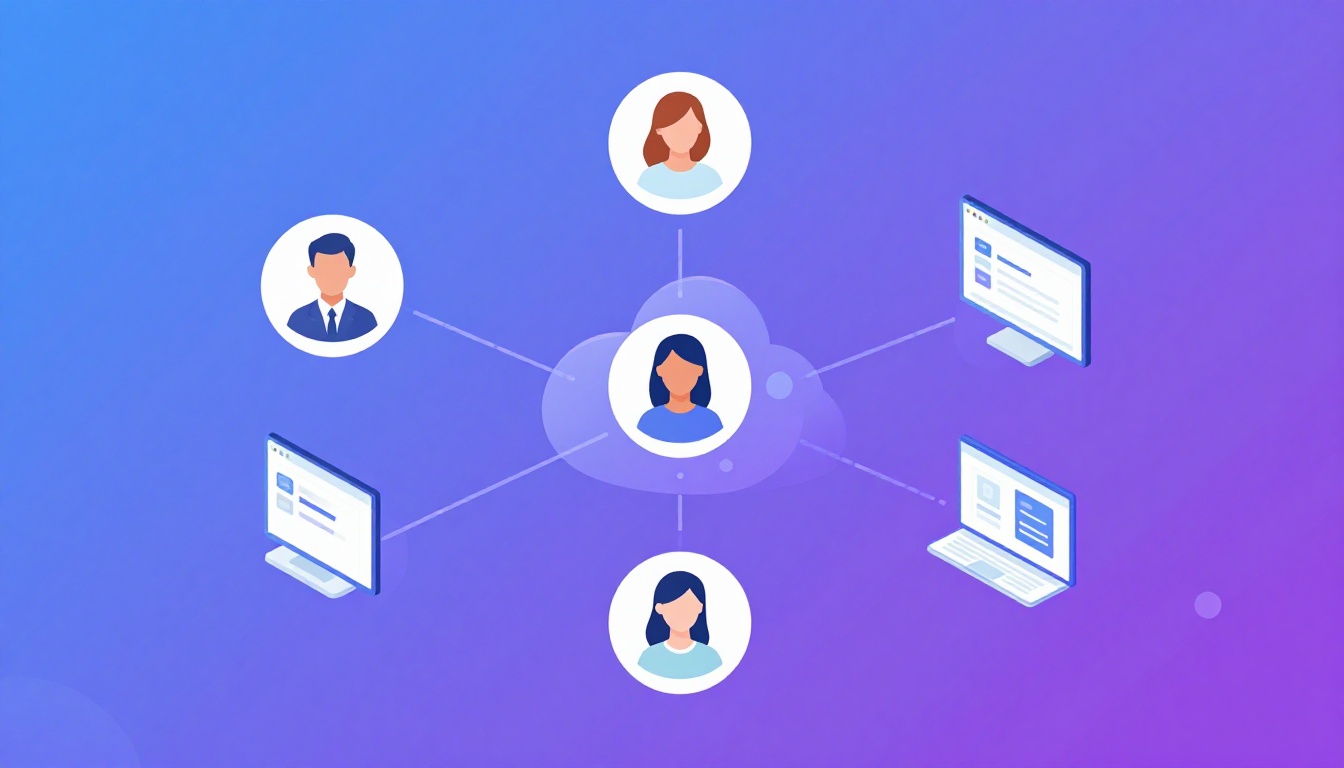
Why You Need a Multiple Social Media Account Manager
Managing a single social media profile is straightforward, but when your workflow demands juggling five, ten, or even fifty accounts across platforms like Instagram, Facebook, Twitter, TikTok, and LinkedIn, you need a dedicated multiple social media account manager strategy. Without proper tools and processes, you risk account suspensions, mixed-up posts, and security nightmares.
Whether you’re a social media agency handling client accounts, a brand managing regional pages, or a marketer running promotional campaigns across multiple profiles, this guide covers everything you need to manage multiple social media accounts efficiently and safely in 2026.
The Challenges of Managing Multiple Social Media Accounts
Before diving into solutions, let’s understand why managing multiple accounts is inherently difficult — and why basic approaches fail.
Platform Detection and Account Linking
Social media platforms actively detect and flag users managing multiple accounts from the same device or IP address. They use a combination of techniques including browser fingerprinting, IP tracking, device identification, and behavioral analysis. Getting caught means account suspensions, reduced reach, or permanent bans.
Content Mix-Ups and Brand Safety
Posting the wrong content to the wrong account is every social media manager’s nightmare. When you’re switching between 20 client accounts in a single browser, accidental cross-posting becomes almost inevitable. A misfired post can damage a brand’s reputation in seconds.
Credential Overload
Each account requires unique login credentials. Managing dozens of usernames and passwords leads to security vulnerabilities — weak passwords, password reuse, or storing credentials in insecure places. Two-factor authentication adds another layer of complexity when managing accounts at scale.
Session Conflicts
Most social media platforms allow only one active session per account type. Logging into Account B automatically logs out Account A, creating a frustrating cycle of constant re-authentication. This wastes hours of productive time every week.
Types of Multiple Social Media Account Managers
The market offers several categories of tools, each with distinct advantages and limitations.
1. Social Media Management Platforms
Tools like Hootsuite, Buffer, and Sprout Social let you schedule posts and manage content across connected accounts from a single dashboard. They’re excellent for content scheduling but don’t solve the account isolation problem — you still need to maintain separate, unlinked profiles.
2. Browser Profile Solutions
Antidetect browsers and multi-profile solutions create isolated browsing environments for each account. This approach provides true session isolation, preventing platforms from linking your accounts. Send.win is a leading cloud-based solution in this category.
3. Virtual Machines and RDP
Running separate virtual machines for each account provides complete isolation but is extremely resource-intensive and expensive to scale beyond a few accounts.
4. Mobile Device Farms
Some agencies maintain dozens of physical phones, each logged into different accounts. While this provides genuine device fingerprints, it’s expensive, hard to manage, and doesn’t scale efficiently.
Best Practices for Multiple Social Media Account Management
Use Dedicated Browser Profiles for Each Account
The most critical practice is ensuring complete browser isolation between accounts. Each social media account should run in its own browser profile with unique fingerprints, cookies, and sessions. Send.win makes this effortless by providing cloud-based browser profiles that can be created in seconds.
Implement a Proxy Strategy
Each account profile should use a different IP address, ideally matching the geographic location associated with the account. Residential proxies provide the most natural-looking IP addresses. Send.win includes built-in proxy support, eliminating the need for separate proxy subscriptions.
Organize Accounts with Clear Naming Conventions
Create a consistent naming system for your browser profiles: [Client]-[Platform]-[Account Type]. For example: “AcmeCorp-Instagram-Main” or “ClientB-Twitter-Support”. This prevents confusion when managing dozens of accounts.
Schedule Regular Security Audits
Monthly reviews of account access, credential strength, and team permissions help prevent security breaches. Remove access for departed team members immediately, rotate passwords quarterly, and monitor for unusual login activity.
Use Content Calendars per Account
Each account should have its own content calendar to prevent mix-ups. Tools like Notion, Airtable, or dedicated social media planners help keep content organized and properly tagged for each profile.
Platform-Specific Management Tips
Instagram Multiple Account Management
Instagram limits you to 5 accounts in the native app and actively monitors for multi-account usage. For managing more accounts, use isolated browser profiles. Key considerations:
- Maintain consistent posting patterns per account (avoid identical timing across accounts)
- Use different creative styles to prevent visual pattern detection
- Never follow the same accounts from multiple profiles simultaneously
- Stagger engagement activities across accounts
Facebook and Meta Business Suite
Meta’s detection systems are among the most sophisticated. They track device IDs, browser fingerprints, and behavioral patterns extensively. Use separate browser profiles with distinct fingerprints for each Facebook account and avoid accessing multiple accounts over the same network without proper proxy isolation.
Twitter/X Account Management
Twitter allows multiple accounts but monitors for coordinated behavior. Avoid posting identical or near-identical content across accounts, don’t use multiple accounts to amplify the same tweets, and maintain distinct engagement patterns.
LinkedIn Multiple Profiles
LinkedIn strictly prohibits multiple personal profiles. Business Pages, however, can be managed by multiple team members. For managing multiple LinkedIn Business Pages, use a Chrome multi-account solution to keep sessions isolated.
TikTok Account Management
TikTok’s algorithm heavily relies on device fingerprinting. Each account should run in a browser profile with a unique canvas fingerprint, WebGL hash, and screen resolution to avoid detection.
How Send.win Simplifies Multi-Account Social Media Management
Send.win was purpose-built for professionals who manage multiple accounts across platforms. Here’s how it addresses every challenge:
| Challenge | Send.win Solution |
|---|---|
| Account linking detection | Each profile has unique fingerprints — canvas, WebGL, audio, fonts |
| IP detection | Built-in residential proxy per profile |
| Session conflicts | Cloud profiles maintain independent sessions |
| Resource consumption | Cloud-based — no local RAM/CPU impact |
| Team collaboration | Share profiles with role-based permissions |
| Cross-device access | Access any profile from any device |
| Credential management | Sessions saved in cloud — no repeated logins |
Setting Up a Multi-Account Social Media Workflow
Step 1: Audit Your Current Accounts
List every social media account you manage, including the platform, account name, purpose, and current access method. Identify which accounts are at risk because they share devices, IPs, or browser sessions.
Step 2: Create Isolated Browser Profiles
Using Send.win, create a separate cloud browser profile for each account. Assign a unique proxy to each profile matching the account’s target geography.
Step 3: Migrate Sessions
Log into each social media account from its dedicated browser profile. The session will be saved automatically. From this point forward, only access each account through its assigned profile.
Step 4: Set Up Team Access
If working with a team, assign profiles to team members using Send.win’s collaboration features. Set appropriate permission levels — some team members may only need posting access while managers need full account control.
Step 5: Establish Posting and Engagement Routines
Create per-account schedules for posting, engaging, and monitoring. Stagger activities across accounts to maintain natural behavior patterns that platforms expect.
Common Mistakes to Avoid
- Using the same browser for multiple accounts: Even in different tabs, platforms can detect shared browser fingerprints
- Sharing proxies across accounts: Each account should have its own dedicated IP address
- Copy-pasting identical content: Platforms flag duplicate content across accounts as spam or coordinated behavior
- Logging into accounts too rapidly: Switching between accounts in seconds creates suspicious patterns
- Neglecting anonymous browsing practices: Even with isolated profiles, maintain good privacy hygiene
Scaling Your Social Media Management
As your account portfolio grows, automation becomes essential. Here’s how to scale effectively:
Automate Content Scheduling
Use scheduling tools in combination with your isolated browser profiles. Tools like Buffer or Later handle content queuing while Send.win handles account isolation.
Build Standard Operating Procedures
Document procedures for common tasks: creating a new account, onboarding a client, handling a flagged account, transferring account ownership. SOPs ensure consistency as your team grows.
Monitor Account Health
Track metrics like engagement rate, follower growth, and any platform warnings. An unexpected drop in reach or a shadow ban could indicate that your accounts have been flagged — address isolation issues immediately.
Frequently Asked Questions
What is the best multiple social media account manager?
For account isolation and security, Send.win is the best choice because it provides true browser profile isolation in the cloud. For content scheduling, combine it with tools like Buffer or Hootsuite.
Can I manage multiple social media accounts on one phone?
The native apps allow limited multi-account support (e.g., Instagram allows 5 accounts), but they share device fingerprints. For secure management, use isolated browser profiles through a cloud-based solution.
How many social media accounts can I manage safely?
With proper isolation (unique browser fingerprints and IPs per account), there’s no practical limit. Send.win users regularly manage 50+ accounts without issues.
Do I need a VPN for managing multiple social media accounts?
A VPN alone isn’t enough — it changes your IP but not your browser fingerprint. Use an antidetect browser or cloud-based profile solution like Send.win that handles both IP and fingerprint isolation.
Will using a multiple social media account manager get me banned?
Not if you use proper isolation techniques. Account bans happen when platforms detect the same fingerprint, IP, or behavioral patterns across multiple accounts. With isolated profiles, each account appears to be used by a different person on a different device.
Conclusion
Being an effective multiple social media account manager requires more than just organizational skills — it requires proper technical infrastructure. The combination of isolated browser profiles, dedicated proxies, and structured workflows ensures your accounts remain safe while your productivity soars.
Send.win provides the foundation for secure multi-account management by offering cloud-based browser isolation that scales effortlessly. Whether you’re managing 5 accounts or 500, the right tools make all the difference between efficient growth and account disasters.
How Send.win Helps You Master Multiple Social Media Account Manager
Send.win makes Multiple Social Media Account Manager simple and secure with powerful browser isolation technology:
- Browser Isolation – Every tab runs in a sandboxed environment
- Cloud Sync – Access your sessions from any device
- Multi-Account Management – Manage unlimited accounts safely
- No Installation Required – Works instantly in your browser
- Affordable Pricing – Enterprise features without enterprise costs
Try Send.win Free – No Credit Card Required
Experience the power of browser isolation with our free demo:
- Instant Access – Start testing in seconds
- Full Features – Try all capabilities
- Secure – Bank-level encryption
- Cross-Platform – Works on desktop, mobile, tablet
- 14-Day Money-Back Guarantee
Ready to upgrade? View pricing plans starting at just $9/month.
Related Products & Resources
- Chrome Multi Account Multi Account Management Guide 2026
- Multiple Amazon Accounts Multi Account Management Guide 2026
- Firefox Multi Account Containers Multi Account Management Guide 2026
- Multiple Amazon Accounts Complete Guide To Safe Multi Store Operations 2026
- Browser For Ads Management Complete Guide To Multi Account Advertising 2026