What “Managing Multiple Utility Accounts” Actually Involves
The fastest way to manage multiple utility accounts is to pair a bill-aggregation app — Prism or Rocket Money — with isolated login sessions for each provider portal, so autopay, cookies, and saved payment methods never collide between electricity, gas, water, and internet accounts. Homeowners typically juggle 5-8 providers; property managers and adult children handling a parent’s bills can be responsible for 20-50+ accounts across different billing cycles and login credentials.
A single-family homeowner usually has it easy: electricity, gas, water/sewer, internet, and maybe a streaming bundle or two. Renters add insurance and parking. But the moment you scale past one household — a second property, an aging parent’s utilities, or a portfolio of rental units — the problem stops being “which app tracks my bills” and becomes “how do I keep dozens of separate provider logins from stepping on each other.” That second problem is the one most utility apps quietly ignore, and it’s the one this guide focuses on.
Comparing the Top Utility Management Platforms
Every platform below solves a different piece of the puzzle — aggregation, negotiation, payment, or per-property tracking. Most households end up combining two of them rather than relying on a single app.
| Platform | Core Strength | Bill Pay | Pricing | Best For |
|---|---|---|---|---|
| Rocket Money | Negotiates lower rates on your behalf | No direct pay | Free (basic) → $6-12/mo premium | Cutting bills with zero effort |
| Prism | Connects directly to 11,000+ billers | Yes, in-app | Free | Paying every bill from one dashboard |
| Mint (via Credit Karma) | Spending trend analysis | No | Free (ads) | Tracking utility spend inside a full budget |
| Arcadia | Clean-energy matching, multi-property electricity | Partial | Free → $10/mo | Electricity specifically, green energy |
| Zoho Books | Multi-entity, per-property expense tracking | Yes | Free → $15-40/mo | Property managers billing owners/tenants |
| Buildium / AppFolio | Full property-management suite with utility billing | Yes | Custom (per-unit pricing) | 3+ rental properties |
Rocket Money’s standout feature is that it actually calls your electric, internet, and cable providers and negotiates on your behalf, keeping a cut (typically 30-60%) of whatever it saves you — average reported savings run around $620/year, with zero effort on your part. Prism takes a different approach: instead of inferring bills from your bank feed, it connects directly to the billers themselves, so it shows the real amount owed and confirms when a payment actually posts. That distinction matters more than it sounds — bank-feed apps like Mint can be a day or two behind, which is exactly when autopay failures go unnoticed.
The Property Manager’s Multiplied Problem
Everything gets harder once you’re managing utilities for more than one address. A property manager overseeing even a modest 10-unit building runs into problems a single homeowner never sees:
- Utility transfers between tenants — when a tenant moves out, the account has to be closed or transferred fast enough that there’s no coverage gap (which creates liability) but not so fast that the outgoing tenant is billed for someone else’s usage.
- Common-area utilities — hallway lighting, parking-lot power, pool pumps, and elevators get billed to the building itself, completely separate from individual unit accounts.
- RUBS (Ratio Utility Billing System) — dividing a single building-level bill among tenants by square footage or occupant count, which most consumer bill-tracking apps have no concept of.
- Different providers per property — a portfolio spread across two or three cities means two or three completely different electric, gas, and water companies, each with its own portal, login rules, and autopay quirks.
Purpose-built property-management platforms handle this far better than consumer apps. Buildium and AppFolio both track utility accounts per property and can automate RUBS-based billing back to tenants. SimpleBills goes a step further and specializes specifically in tenant utility billing, connecting directly to providers and calculating each tenant’s share automatically. For large portfolios, Conservice offers full-service utility procurement, billing, and sustainability reporting — effectively outsourcing the entire problem.
Why Utility Portal Logins Get Messy
Aggregators solve the “what do I owe and when” question, but they rarely eliminate the need to log into the actual provider portal — for dispute resolution, move-in/move-out service changes, detailed usage history, or updating a payment method. That’s where most people’s workflow quietly breaks down: logging into 15-30 different utility portals from the same browser means shared cookies, autofill collisions, and session timeouts bleeding across accounts, especially with smaller regional utilities that reuse the same white-label authentication vendor.
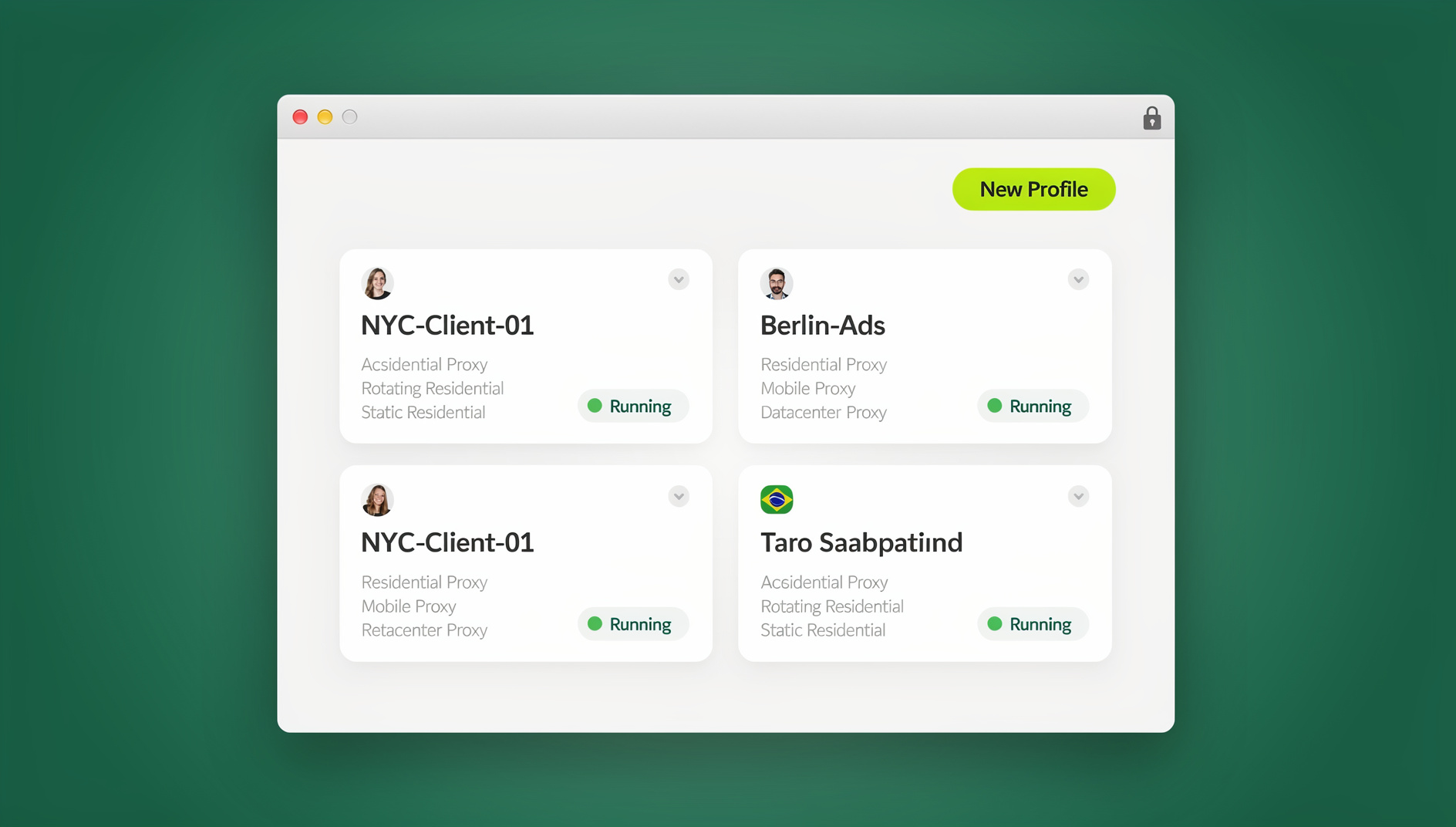
This is essentially the same problem agencies and e-commerce sellers solve with a multi-login browser — one browser session per account, so nothing bleeds between them. In Send.win, each utility provider gets its own isolated profile inside Sendwin Browser (the native desktop app): separate cookies, separate saved logins, and separate autofill data, so a payment-method update on one property’s electric account can never accidentally overwrite another’s. That kind of session isolation is what stops autopay from failing silently after you thought you’d just updated the card on one account.
For adult children managing a parent’s utilities remotely, or a property manager who needs to hand off portal access to a new assistant without sharing the actual password, Send.win’s cloud browser sessions are the better fit — they run entirely in the cloud with no local install, so anyone with the shared link can access the right provider portal from any device, without ever seeing the underlying credentials.
Building a Utility Management Stack That Actually Holds Up
For Homeowners (1-2 Properties)
- Install Prism for free bill aggregation and direct in-app payment.
- Add Rocket Money specifically for its bill-negotiation service — let it work on your electric, internet, and cable rates in the background.
- Put every recurring utility on credit-card autopay where the provider allows it, to earn 1-2% cash back on what is typically $3,000-5,000/year in combined utility spend.
- Review spending quarterly, ideally inside a single managing multiple accounts dashboard rather than five separate provider apps.
For Property Managers (3+ Properties)
- Run utility tracking through a PMS with billing support — Buildium or AppFolio — rather than a consumer bill tracker.
- Create one isolated browser profile per property’s utility logins so a session on one account never leaks into another.
- Enable autopay everywhere possible, then verify monthly that payments actually posted rather than trusting silent success.
- Revisit and renegotiate rates annually across the whole portfolio, not just when a bill spikes.
- Consider SimpleBills or Conservice once RUBS calculations across multiple buildings become a manual spreadsheet exercise.
Autopay and Automation, Done Carefully
Autopay is the single biggest lever for reducing the mental overhead of managing multiple utility accounts, but it fails in ways that are easy to miss until a shutoff notice arrives:
- Credit card autopay is generally preferable where accepted, since it earns cash back on money you were spending anyway.
- Bank (ACH) autopay is the better default when a provider charges a convenience fee for card payments.
- Autopay can fail silently — an expired card or a bank account that was closed after a move rarely triggers an obvious alert from the utility itself. Use Prism or Rocket Money’s payment-confirmation view specifically to catch this before a late fee or disconnection notice does.
- Budget billing, offered by most electricity and gas providers, averages your annual usage into a flat monthly charge — useful for smoothing seasonal heating/cooling spikes across a portfolio of properties with predictable operating costs.
Renters, Homeowners, and Multi-Property Owners Need Different Stacks
Not every household needs the same setup, and over-engineering a two-provider renter situation with property-management software is wasted effort. The right stack scales with how many addresses and providers you’re actually responsible for:
- Renters (2-4 accounts): Electricity, internet, and maybe renter’s insurance. A single free aggregator like Prism is usually enough; separate browser profiles are overkill at this scale.
- Homeowners (5-8 accounts): Add gas, water/sewer, trash, and possibly solar or a home-security subscription. This is where combining an aggregator with a negotiation service (Rocket Money) starts paying for itself.
- Multi-property owners and adult children managing a parent’s bills (10-20 accounts): Different providers per address, plus the emotional and legal complexity of managing someone else’s utilities. Isolated browser profiles per property start mattering here, since login mix-ups have real consequences — you don’t want to accidentally update the payment method on your own account instead of your parent’s.
- Property managers (20-50+ accounts): Full PMS integration (Buildium, AppFolio) plus isolated portal access per property is no longer optional; it’s the only way to avoid autopay and login errors at this volume.
Common Mistakes People Make Managing Multiple Utility Accounts
A few recurring mistakes account for most of the utility-management headaches we see:
- Using one bank account’s autopay for everything and never verifying it. A single expired card can silently fail across 10+ accounts simultaneously if they all draw from the same source.
- Staying logged into multiple provider portals in the same browser tab group. One session timeout or an autofill mix-up can apply a payment-method change to the wrong property.
- Forgetting to transfer or close utilities during a tenant move-out. Even a two-day gap can create a liability question about who was responsible for service during the interim.
- Never revisiting negotiated rates. Promotional rates from internet and cable providers typically expire after 12-24 months and quietly roll into a much higher standard rate.
- Treating every utility bill as fixed. Electricity and gas rates in deregulated markets can often be shopped around annually for real savings, not just negotiated down.
Cutting Utility Costs Across Every Account
| Strategy | Typical Savings | Effort Required |
|---|---|---|
| Rate negotiation (Rocket Money) | 10-25% on negotiable bills | Zero — they do it |
| Provider comparison shopping | 5-15% in deregulated markets | Annual review |
| Smart thermostat | 10-15% on heating/cooling | One-time setup |
| LED lighting upgrade | $75-150/year per property | One-time install |
| Professional energy audit | 10-20% on electricity | One-time assessment |
| Off-peak usage shifting | 5-15% on time-of-use plans | Behavioral change |
🏆 Send.win Verdict
Bill aggregators handle the “what’s due and when” half of managing multiple utility accounts, but the login side — keeping 15-50 provider portals from tangling their cookies and autofill — is a separate problem they were never built to solve. Send.win closes that gap: isolated profiles in Sendwin Browser (or cloud sessions with no install needed) keep each utility provider’s login completely separate, so autopay settings on one property never bleed into another.
Try the free Send.win cloud demo — no signup needed for a 3-minute preview, with Pro plans starting at $19/month or $83.88/year.
Frequently Asked Questions
What is the best free app to manage all household utility bills?
Prism is the strongest free option — it connects directly to more than 11,000 billers, shows real-time payment status, and lets you pay most utilities from inside the app. Rocket Money’s free tier tracks bills well but reserves negotiation and cancellation for paid subscribers.
Can I pay every utility from a single platform?
Prism comes closest, since it supports direct payment to most major utility providers from any linked bank account. Some smaller regional or municipal utilities aren’t integrated and will still require you to pay through their own portal.
How do property managers handle utilities across multiple tenants?
Most use RUBS (ratio utility billing) or submetering, dividing a building-level bill by unit square footage or occupant count. Platforms like SimpleBills and Conservice automate this by connecting directly to providers and calculating each tenant’s share.
Why does autopay sometimes fail without warning?
An expired card or a closed bank account rarely generates an obvious alert from the utility itself — the first sign is often a late fee or disconnection notice. Checking a payment-confirmation view in Prism or Rocket Money monthly catches this before it becomes a problem.
Is it worth paying for Rocket Money’s premium tier?
If you have several negotiable bills (internet, cable, cell phone), yes — the negotiation service typically nets hundreds of dollars a year even after their 30-60% cut, for effort that would otherwise mean calling each provider yourself.
How many utility accounts is “too many” to manage manually?
Most people hit friction somewhere between 8 and 15 accounts — the point where remembering which login goes with which property or provider becomes genuinely error-prone. That’s typically when isolated browser profiles per account start paying for themselves.
Do I need separate browser logins if I already use a bill aggregator?
Yes, for anything the aggregator can’t do directly — disputes, service transfers for move-ins/move-outs, and detailed usage history all require the actual provider portal. Isolated sessions just stop those portal logins from interfering with each other.
Conclusion
The strongest way to manage multiple utility accounts combines bill aggregation (Prism), automated cost reduction (Rocket Money), and property-level tracking (Buildium or AppFolio) into one layered system. For anyone logging into a dozen or more provider portals directly — property managers especially — isolated browser sessions prevent the account mix-ups that aggregators alone can’t catch.