The best Toby alternatives for saving, organizing, and sharing tab collections are Workona, Session Buddy, OneTab, Raindrop.io, Tab Session Manager, Chrono Session, and Sendwin. Each replaces Toby’s static bookmark grid with something sharper — project workspaces, crash-proof session capture, instant memory relief, or, with Sendwin, fully isolated, shareable login sessions for teams juggling multiple accounts on the same site.
What Toby does well (and where teams outgrow it)
Toby popularized the idea of a tab collection: a curated set of links you save once and reopen in a click, instead of hunting through browser history or a messy bookmarks bar. For solo users and small teams with a handful of static reference links, that’s genuinely useful.
The friction shows up once workflows get more demanding. Toby’s free plan caps how many tabs and collections you can save, so heavy users hit a ceiling faster than expected. More importantly, Toby treats everything as a link — it has no concept of separate logins. If your “tab collection” is really a dozen client social accounts, several ad accounts, or three marketplace storefronts that all require different credentials on the same domain, a bookmark manager simply can’t hold that state. You still end up logging in and out, or juggling separate browser profiles by hand.
What to look for in a Toby alternative
Before you commit to a replacement, weigh each option against these criteria:
- One-click capture and restore. You want to save every open tab in a window and bring it all back later, ideally with naming, tags, and search. Session Buddy and Tab Session Manager are standouts here.
- Performance and memory footprint. Tools like OneTab collapse dozens of tabs into a single list, which matters a lot if your laptop struggles past 50 open tabs.
- Account and session isolation. If your collection really means multiple logins on the same site — client dashboards, ad accounts, social profiles — you need true session isolation, not just bookmarks. This is where a tool built around session isolation earns its keep, since each login gets its own cookies and storage instead of fighting over one browser profile.
- Team sharing and collaboration. Look for read-only versus editable collections, role-based access, and links you can hand teammates without a lengthy setup.
- Recovery and reliability. Autosave and crash recovery matter for researchers and anyone who lives in dozens of tabs during a sprint.
- Cross-browser and cross-device support. If you move between Chrome, Edge, and Firefox, or need mobile access, prioritize tools with broad platform coverage.
- Import and export. Migrating away from Toby (or backing up your current setup) should be a simple JSON or HTML export, not a manual copy-paste job.
- Privacy and security. For client work, look for encryption, scoped sharing, and — for multi-account workflows — the option to route sessions through their own proxy.
- Pricing that fits actual usage. Freemium limits are fine for individuals but restrictive for teams; model your monthly tab and collection volume before committing to a paid tier.
Best Toby alternatives at a glance
| Tool | Best for | Standout feature | Team sharing | Starting price |
|---|---|---|---|---|
| Workona | Project-based browsing | Spaces that show only the tabs for your current project | Shared spaces | Free tier; paid plans for larger teams |
| Session Buddy | Save/restore and crash recovery | Searchable session archive | Basic export/import | Free |
| OneTab | Instant memory relief | Collapses all tabs into one list | Shareable list links | Free |
| Raindrop.io | Long-term bookmark libraries | Full-text search across saved pages/PDFs | Shared collections | Free tier; Pro paid |
| Tab Session Manager | Automated session capture | Autosave rules, tags, cloud sync | Export/import | Free |
| Chrono Session | Lightweight modern sharing | Quick save-and-share sessions | Shareable sessions | Free |
| Sendwin | Multi-account teams | Isolated sessions with secure, password-free sharing | Time-boxed session sharing | Pro $19/mo or $83.88/yr; 7-day money-back guarantee on first card purchase |
Deep dive: how each alternative compares
Workona (Chrome, Edge, Firefox)
Best for: project-based browsing where each workspace maps to a client or initiative.
Workona corrals tabs into Spaces, so switching context hides irrelevant tabs and restores only what you need for the phase you’re in. That structure cuts down on the cognitive load of a sprawling new-tab dashboard, and it pairs well with Google Drive and other cloud apps. A product manager might keep “Discovery,” “Roadmap,” and “Launch” spaces, opening only the PRD, Jira board, and Figma file relevant to whichever phase they’re in that day. If Workona’s own limits eventually cramp your style, it’s worth browsing Workona alternatives for tab workspace management before assuming you’re stuck.
Session Buddy (Chrome)
Best for: researchers and developers who repeatedly save and restore tab sets and need reliable crash recovery.
Save your current window as a named collection, search across everything you’ve saved, and restore exactly what you had — even after a restart wipes your open tabs mid-flow. It’s less visual than Toby, more operational, and it earns its keep the day your browser crashes during a research sprint.
OneTab (Chrome, Firefox)
Best for: immediate memory relief and simple “save for later” lists.
Click the icon and OneTab collapses every open tab into a single list, often cutting memory use dramatically. Restore tabs individually or all at once, and name or share the resulting list. It isn’t a project system or a dashboard — it’s a fast de-bulker that keeps your links safe when your browser starts to choke. If you’ve outgrown it, there’s a full rundown of OneTab alternatives for decluttering tabs worth comparing.
Raindrop.io (Chrome, Firefox, Safari, Edge, plus native apps)
Best for: a cross-device bookmark manager that doubles as a tab collection library.
Raindrop.io goes deep on organization — collections, tags, filters, full-text search over saved pages and PDFs — and ships polished mobile and desktop apps. Unlike Toby’s ephemeral tab groups, Raindrop.io treats links as knowledge assets you annotate and revisit for months, which suits teams building a long-lived research library rather than a daily working set.
Tab Session Manager (Chrome, Edge, Firefox)
Best for: power users who want autosave rules, tagging, and fine-grained control over session behavior.
TSM autosaves on close or at set intervals, supports tab groups, lets you tag and name sessions, and syncs to the cloud, with keyboard shortcuts for fast saving and restoring. You’re managing “sessions” more than “collections” here — a better fit if you like automation over manual curation.
Chrono Session (Chrome)
Best for: a lightweight, modern take on session saving with sharing built in.
Chrono Session keeps the experience clean, emphasizing shareable sessions over a new-tab dashboard. It’s a reasonable middle ground if Toby feels dated but you don’t need heavyweight project management.
Why Sendwin is the strongest Toby alternative for multi-account teams
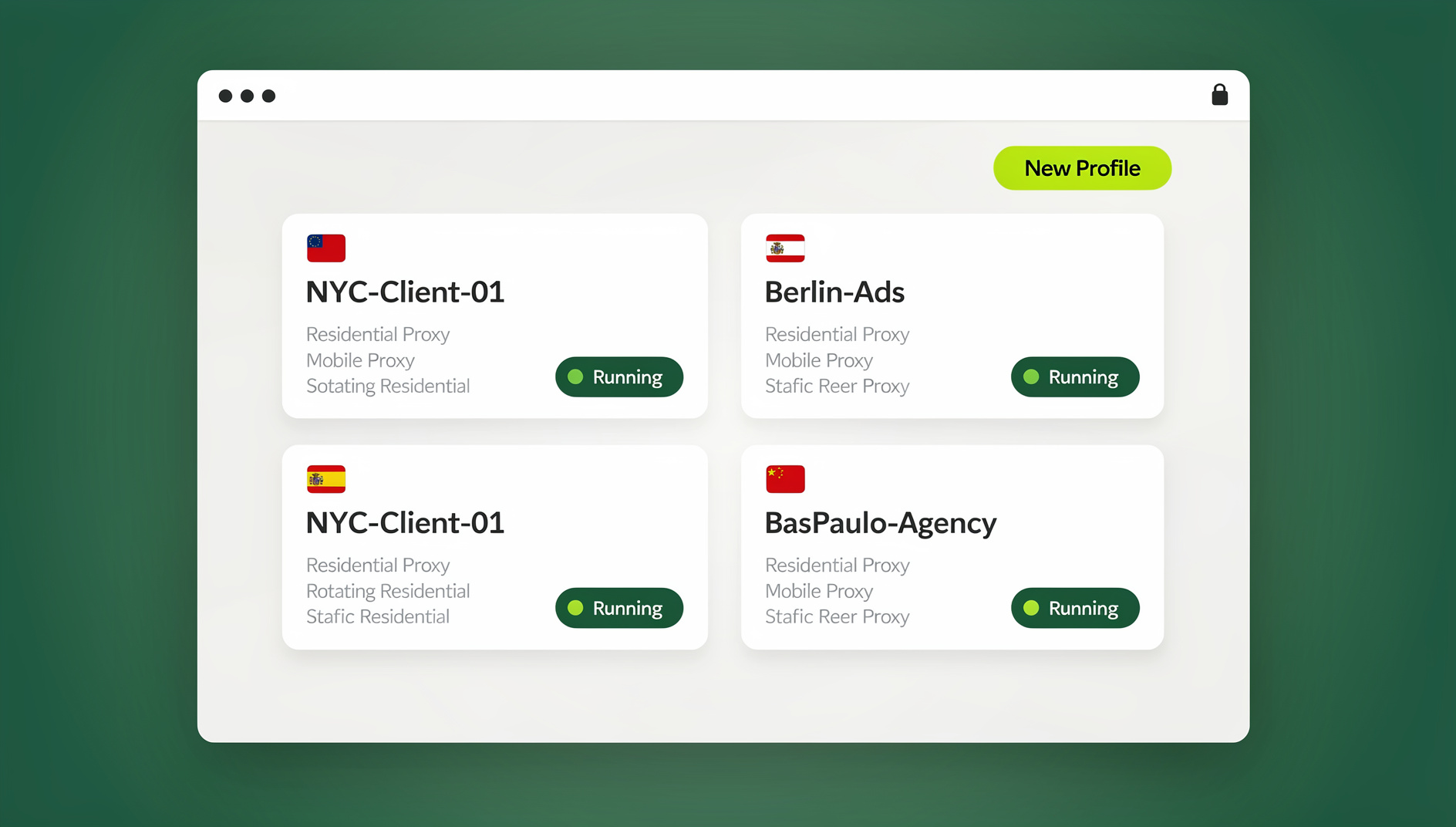
If your “tab collection” is really a set of logged-in accounts — a dozen client social profiles, several ad accounts, multiple marketplace stores — a bookmark-style tool runs out of road the moment you need to be signed into more than one identity at once. Sendwin approaches the problem differently from everything above: instead of saving links, it gives each workflow its own isolated browser session, with its own cookies, local storage, and, optionally, its own proxy.
Sendwin ships in two ways, depending on how you want to work. The Sendwin Browser is a native, downloadable desktop app for Windows, macOS, and Linux — it’s local-first, so your sessions live on your own machine, with encrypted cloud sync keeping them backed up and available across your other devices. Alternatively, you can spin up a cloud browser session that runs entirely on Sendwin’s infrastructure, with zero local install, metered by cloud browsing time. That second mode is especially handy for handing a teammate instant access to a live, authenticated workflow without asking them to install anything.
Standout advantages over a classic tab manager:
- Session-level isolation, not link bookmarking. Each session behaves like a separate browser profile, ideal for agencies managing many brands or sellers running multiple storefronts.
- Secure, password-free sharing. Invite a teammate into a live session as if they were already logged in, grant time-boxed access, and revoke it whenever you’re done. If you want the exact steps, the walkthrough on how to share sessions with your team covers the whole flow.
- Cross-device continuity. Encrypted cloud sync keeps desktop sessions consistent across machines; cloud sessions need no local footprint at all.
Pick Sendwin over a classic tab tool when you run dozens of social or ad accounts that need different cookies or regions open in parallel, when you need to hand off a logged-in workflow — a ticketing queue, an admin dashboard, an analytics panel — without ever sharing a password, or when you want session links that let teammates start working immediately rather than just a page to bookmark.
| Plan | Price | Profiles | Proxy bandwidth | Automation | Seats |
|---|---|---|---|---|---|
| Free trial | $0 for 30 days, no credit card | — | — | — | — |
| Pro | $19/mo ($6.99/mo billed annually — 63% off) | 150 | 5GB | Included | 1 |
| Team | $49/mo ($20.99/mo billed annually — 57% off) | 500 | 20GB | Included | 16 |
The research behind tab overload and context switching
Tab overload isn’t just a feeling — it’s a well-documented behavior pattern. People routinely use open tabs as a filing system, a to-do list, and a memory aid all at once, and the result is exactly the overload it sounds like. Tools that group and resurface tabs cut down on that load because everything you need for a task shows up in one place instead of scattered across forty open windows.
Multitasking research points the same direction: every context switch carries a small cognitive tax, and the more often you jump between unrelated tasks, the more that tax adds up over a day. Tab collections work because they reduce switches — staging exactly the resources you need for the one thing you’re doing right now, rather than forcing you to hunt for them mid-task. Lightweight de-cluttering, the kind OneTab specializes in, reclaims both memory and attention with a single click, which is why it remains popular even among people who also use a heavier project tool.
Real-world workflows
Case 1: Research sprint (product discovery)
A PM, two designers, and a researcher use Workona for structured Spaces and Raindrop.io for long-term saves. The PM opens a “Discovery” space — customer interviews, past tickets, competitor pages, a Miro board — while the team saves enduring resources to Raindrop.io with tags and full-text search, keeping transient working tabs inside the current space. The result: fewer re-opens, fewer link hunts, and a faster “pick up where we left off” the following week.
Case 2: Client services (multi-account social and ads)
An agency lead with four community managers uses Sendwin for session isolation and sharing. Each Monday, the lead sets up live sessions — X, Facebook, Google Ads — per client, then shares specific sessions with time-boxed access to each manager. No passwords change hands and no one accidentally posts from the wrong account. Managers jump straight into authenticated dashboards, and the lead reviews everything end-to-end without chasing down logins.
Case 3: Incident response (engineering)
An on-call engineer and an SRE use Session Buddy to capture every tab open during an incident, then Sendwin to isolate admin sessions across regions. The team saves an “Incident-1234” session bundling dashboards, logs, and runbooks, and shares a Sendwin session for privileged admin access without ever sharing credentials — leaving behind a portable, auditable bundle for the post-mortem.
How to migrate from Toby
Export from Toby
- Open Toby, go to Account, then Export, and choose JSON (or whichever format is currently supported).
- Save the export file somewhere you’ll remember — this is your collections backup.
Import into your new tool
- Workona: recreate collections as Spaces. Import bookmarks where possible, or open your exported links and add them to the right space manually.
- Raindrop.io: use Import, which supports bookmarks, HTML, and JSON, then tag and organize as you go.
- Session Buddy / Tab Session Manager: open the links from your export, then save the current window as a session; TSM also supports autosave going forward.
- Sendwin: convert link lists into session profiles by opening each set inside its own Sendwin session — either in the desktop app or a cloud session — signing in once, and saving that live session rather than just the URL. From there you can share the working session itself with teammates.
Pro tips for faster tab organization (works with any tool)
- Name collections for outcomes, not topics. “Publish Q4 newsletter” beats “Email links.”
- Time-box recurring work. Save a “Daily Standup” or “Friday Admin” set so routine workflows start with one click.
- Archive aggressively. Move finished collections to an archive folder every Friday and keep the active list short.
- Use keyboard shortcuts. Session Buddy and Tab Session Manager both support hotkeys for faster save and restore.
- Turn logins into sessions. Wherever credentials are involved, use Sendwin to convert a bookmark into an isolated, shareable working session instead.
🏆 Send.win Verdict
Toby, Workona, Session Buddy, OneTab, Raindrop.io, Tab Session Manager, and Chrono Session all handle static tab collections well — pick whichever matches your workflow style. But if your daily tab set actually means multiple logins on the same site, none of them can help, because they save links, not sessions. Sendwin is built for exactly that gap: isolated sessions you can run from a native desktop app or entirely in the cloud, shared with teammates without ever handing over a password. For agencies, e-commerce sellers, and anyone managing more than one account per platform, it’s the one alternative that solves a problem bookmarks structurally can’t.
Try Send.win today — plans start at $19/mo, and your first card purchase is covered by a 7-day money-back guarantee.
Frequently asked questions
What’s the best Toby alternative overall?
For most teams, Workona (project spaces) or Session Buddy (session capture) are the closest matches to Toby’s core idea. For multi-account or secure team sharing, Sendwin is the better fit.
Which option is best for saving tabs quickly and freeing up memory?
OneTab. One click collapses everything into a single list and frees up memory instantly.
How do I share tab collections with my team?
Toby and Workona share link collections directly. Sendwin instead shares logged-in sessions, so teammates can work instantly without ever seeing a password.
Can I open multiple accounts on the same site side-by-side?
Yes, with Sendwin. Each session is isolated like a separate browser profile, which is ideal for client work and e-commerce accounts on the same platform.
Which tool helps most after a crash?
Session Buddy and Tab Session Manager both focus on recovery and autosave, so a crash or restart doesn’t cost you your open tabs.
Do I need to install anything to use Sendwin?
You have a choice. Download the native Sendwin Browser desktop app for Windows, macOS, or Linux for a local-first setup with encrypted cloud sync, or skip installation entirely and launch a cloud browser session that runs on Sendwin’s infrastructure and is billed by cloud browsing time.
Is there a free way to try Sendwin before paying?
No. Sendwin has no free trial. Paid plans start at Pro $19/mo or $83.88/yr, and the first card purchase is covered by a 7-day money-back guarantee. The only free option is the cloud demo at https://send.win/demo-browser/.
Can I automate opening my saved sessions?
No. Sendwin has no automation interface: no API, SDK, headless mode or Selenium/Puppeteer/Playwright support on any plan.
The bigger picture
It’s tempting to treat the browser as a never-ending to-do list until performance drops and stress spikes. The fix isn’t only fewer tabs — it’s better-shaped work: partition by project with Workona, save and restore precisely with Session Buddy or Tab Session Manager, offload and reclaim memory with OneTab, build a searchable library with Raindrop.io, and turn anything that involves a login into a secure, shareable session with Sendwin. That layered approach matches what’s known about attention and context switching — minimize the jumps, reduce the load, and keep only what the current task actually needs in front of you.