An Amazon seller account suspended notice is one of the scariest emails an e-commerce business owner can receive. One day you’re fulfilling orders and watching your Buy Box percentage climb; the next, your listings are gone, your funds are on hold, and Amazon’s Seller Performance team has locked you out with a form-letter explanation that barely tells you what actually happened.
This guide has been fully updated for 2026 to reflect how Amazon’s enforcement systems actually work today — including the machine-learning models that now flag “related accounts” faster and more aggressively than they did when this article was first published. We’ll walk through the top 10 reasons Amazon suspends seller accounts, the three official stages of enforcement, exactly what to do in the first 48 hours after a suspension, and how to structure your operations (including multi-account setups) so you never end up here in the first place. If you’re already staring down a suspension notice right now, our companion Amazon account suspended recovery playbook walks through the reinstatement process in more depth.
What Does an Amazon Seller Account Suspension Actually Mean?
An Amazon seller account suspension means Amazon has temporarily removed your selling privileges on some or all marketplaces while it investigates a suspected policy violation. You’ll typically lose the ability to create new listings, and existing listings may be deactivated. Depending on the severity, your available funds can also be frozen for up to 90 days while Amazon confirms there are no outstanding customer claims against you.
Amazon notifies you through the Performance Notifications section of Seller Central and by email. The notice usually cites a policy (Section 3 of the Business Solutions Agreement is a common reference point) but rarely spells out the specific order, listing, or event that triggered it — which is exactly why so many sellers get stuck writing appeals that address the wrong problem.
The Three Stages of Amazon Enforcement
Not every suspension is permanent, and not every stage carries the same appeal rights. Understanding where you stand changes how you should respond.
| Stage | What It Means | Can You Appeal? |
|---|---|---|
| Suspension | Selling privileges are paused pending investigation or a required Plan of Action (POA). | Yes — this is the normal appeal process most sellers go through. |
| Denied | Your appeal or POA was rejected as insufficient. You can revise and resubmit. | Yes, but you typically get limited attempts before escalation is required. |
| Account Termination / Ban | Amazon has determined the violation is severe enough that it will not review further appeals through normal channels. | Rarely — usually only through the Account Health Reinstatement team or, in extreme cases, arbitration. |
The good news: the overwhelming majority of suspensions are stage one — recoverable with a clear, specific Plan of Action. Let’s look at why they happen in the first place.
Top 10 Reasons Your Amazon Seller Account Gets Suspended
These are the causes that account for the vast majority of suspension notices reported by sellers, in roughly the order Amazon’s automated systems flag them.
1. High Order Defect Rate (ODR)
Your Order Defect Rate combines negative feedback, A-to-z Guarantee claims, and chargebacks into a single percentage. Amazon requires this to stay under 1%. Even if a defect originates during shipping and isn’t technically “your fault,” Amazon still holds the seller of record responsible. Track ODR weekly in Seller Central’s Account Health dashboard, not just when you get a warning — by the time you’re notified, the damage is usually already baked into a rolling 60-day window.
2. Fake or Manipulated Reviews
Amazon has sued thousands of sellers globally for review manipulation and continues to run automated detection that cross-references reviewer IP patterns, purchase history, and timing anomalies. If you or an agency you hired is generating incentivized or fabricated five-star reviews, the account-level risk is severe and often results in a permanent ban rather than a recoverable suspension, because Amazon treats review fraud as intentional deception rather than a process failure.
3. Copyright and Intellectual Property Infringement
Using someone else’s product photos, brand copy, or trademarked terms in your listings is one of the fastest routes to suspension. Unlike most other violations, IP complaints often require you to get the rights holder to formally retract the claim before Amazon will reinstate you — which is why sellers frequently need legal help to resolve these. Always license or originally produce your listing images and copy, and run new ASINs through a trademark search before you list.
4. Selling Restricted or Prohibited Products
Amazon’s restricted products list is long, changes frequently by category, and includes items that require pre-approval (certain supplements, electronics, and prescription-adjacent goods, for example). Set a recurring monthly reminder to re-check the restricted and gated-category policies for anything new in your catalog before you list it — “I didn’t know it was restricted” is not a defense Amazon accepts.
5. Dropshipping Policy Violations
Amazon does permit dropshipping, but only if you are the seller of record on every packing slip, invoice, and piece of correspondence — and you remain responsible for accepting and processing customer returns. Sellers get suspended when a supplier’s branding shows up on packaging, when a third party’s name appears on an invoice, or when a supply-chain disruption leaves the seller unable to fulfill or refund an order at all.
6. Operating Multiple Seller Accounts Without Authorization
This is, behind the scenes, one of the most common — and most misunderstood — suspension triggers. Amazon’s “related accounts” policy doesn’t just look at who registered an account; it looks at technical signals like shared IP addresses, device fingerprints, cookies, and payment details across accounts. If Amazon’s system links two accounts it didn’t know were related, both can be suspended even if each one, on its own, has a clean record. We cover the legitimate ways to run multiple Amazon accounts safely later in this guide.
7. Paid Reviews and Review Manipulation Schemes
Separate from outright fake reviews, paid review services (where a seller compensates a third party in cash, product credit, or discounts in exchange for a review) are explicitly banned under Amazon’s Community Guidelines. Even reviews that appear organic can trigger suspension if Amazon’s fraud detection ties the reviewer account back to a paid review network.
8. Inauthentic or Counterfeit Complaints
Amazon takes any customer claim that a product is “not authentic as described” extremely seriously, even when the complaint is baseless. A cluster of these complaints — sometimes triggered by confused customers or, occasionally, by bad-faith competitors — can trigger an automatic suspension pending proof of authenticity (invoices from your last 365 days of inventory purchases). Keep clean, dated supplier invoices on file at all times; it’s the single fastest way to get reinstated from an inauthenticity claim.
9. Price-Fixing and Collusion
Coordinating with a competitor to hold prices at an agreed level — even informally, even over a private message — is a serious violation that can trigger suspension and, in some documented cases, regulatory attention beyond Amazon itself. If a competitor undercuts you, the compliant response is to compete on value, bundling, or fulfillment speed, not backroom pricing agreements.
10. Data Manipulation via Bribed Employees
Amazon has documented cases, concentrated in specific regions, where sellers paid Amazon employees or contractors for competitor data or to delete negative feedback. Any seller found complicit — even as the party who initiated contact — faces suspension, review suppression, and in serious cases, legal exposure. This one has a simple rule: if an “insider” offers to fix your account for a fee, it’s a scam or a violation waiting to end your business either way.
How Amazon Actually Detects “Related” Accounts
Because reason #6 above trips up so many otherwise-compliant sellers, it’s worth explaining the mechanics. Amazon’s fraud and abuse systems don’t just check the name on your business license — they build a fingerprint of every session that touches Seller Central, including:
- IP address and network: logging into two “unrelated” accounts from the same home or office Wi-Fi is a strong linking signal.
- Browser and device fingerprint: canvas rendering, WebGL, fonts, screen resolution, and dozens of other signals combine into a fingerprint that’s often more identifying than an IP address alone.
- Cookies and local storage: logging into a second account in the same browser profile leaves traceable session artifacts even after logout.
- Payment and shipping details: shared bank accounts, cards, or return addresses are an obvious tell.
This is exactly why agencies, VAs, and sellers who legitimately operate more than one storefront run into trouble even when they’ve done nothing dishonest — a shared laptop or office network can accidentally link two accounts that Amazon never should have connected in the first place.
Can You Legitimately Run Multiple Amazon Seller Accounts?
Yes — Amazon does permit multiple accounts for valid business reasons: separate brands, separate legal entities, or a documented business need for regional separation, provided you disclose the relationship and request approval through Seller Central. What Amazon doesn’t tolerate is undisclosed duplication used to evade a prior suspension or manipulate the marketplace (fake competing listings, review farming, or gaming the Buy Box).
For agencies and multi-brand operators with authorized, separate accounts, the practical challenge is technical hygiene: keeping each account’s browser session, cookies, IP, and device fingerprint cleanly isolated so Amazon’s automated systems never mistake two legitimate, distinct businesses for a policy violation. This is where a purpose-built multi-login browser earns its keep instead of juggling multiple laptops or constantly clearing cookies.
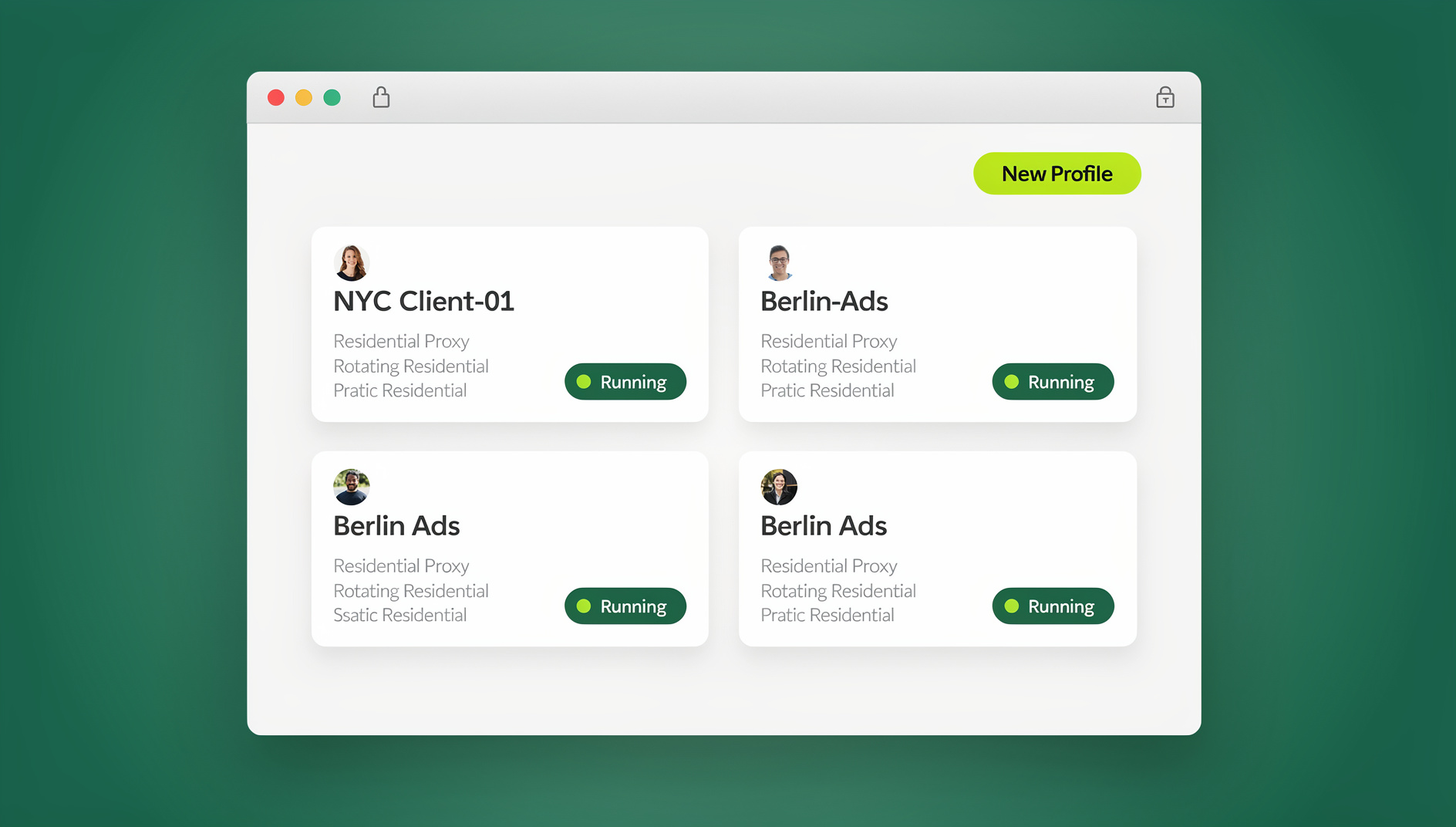
Send.win, a browser profile manager built for exactly this problem, gives each browser profile its own isolated fingerprint, cookie jar, and local storage, plus a dedicated residential or datacenter proxy per profile so every seller account is accessed from a separate device and network — because, functionally, it is. Send.win runs as a native Sendwin Browser desktop app for Windows, macOS, and Linux, so agencies running dozens of client accounts get persistent, isolated profiles that survive reboots and don’t leak state between sessions. For teams that don’t want a local install at all, Send.win also offers cloud browser sessions that run entirely in the cloud. Team plans also support secure session sharing, so a VA or agency staffer can operate a client’s account without ever seeing the underlying password.
Multi-Account Approaches Compared
| Approach | Fingerprint Isolation | Separate IP per Account | Team-Safe Access | Automation Support |
|---|---|---|---|---|
| Separate laptops/devices | Yes, but expensive and hard to scale | Only if paired with separate networks | No — no built-in sharing | No |
| Clearing cookies / private browsing | No — device and canvas fingerprint unchanged | No | No | No |
| Consumer VPN | No — browser fingerprint still identical | Partial, and often flagged as datacenter traffic | No | No |
| Send.win (browser profile manager) | Yes — unique fingerprint per profile | Yes — built-in proxies per profile | Yes — password-free session sharing | No |
What To Do the Moment Your Amazon Seller Account Is Suspended
Panic is the natural reaction, but the first 48 hours matter more than anything else you’ll do during the appeal process. Work through these steps in order:
- Read the notice line by line. Note the exact policy cited and any specific order IDs or ASINs referenced — this tells you what Amazon believes actually happened.
- Pull your Account Health dashboard. Cross-reference recent ODR spikes, policy violations, or IP complaints against the timing of the suspension.
- Gather evidence before you write anything. Supplier invoices, shipping confirmations, correspondence with customers — anything that documents you were following policy.
- Write a root-cause-specific Plan of Action (POA). Generic templates get denied. State exactly what happened, why it happened, what you’ve already fixed, and what process prevents recurrence.
- Submit through the Performance Notifications appeal form — not by emailing [email protected] directly unless the notice specifically instructs you to.
- If denied, revise — don’t resubmit the same POA. Amazon’s reviewers can see prior submissions; resubmitting unchanged text reads as non-compliance.
- Escalate to the Account Health Reinstatement team if you’ve been denied twice and believe the decision is factually wrong.
Writing a Plan of Action That Actually Gets Approved
A strong POA has exactly three sections: root cause (specific, not “we’ll try harder”), corrective actions already taken (with dates and evidence), and preventive measures going forward (a process change, not a promise). Reviewers read hundreds of these a day — specificity is what separates an approval from a form-letter denial.
How to Prevent Amazon Seller Account Suspension: A 2026 Checklist
| Risk Area | Prevention Tactic |
|---|---|
| Order Defect Rate | Check Account Health weekly; address negative feedback and A-to-z claims within 24 hours. |
| Reviews | Never incentivize reviews; use Amazon Vine or the Request a Review button only. |
| Listing content | Only use licensed or original photos and copy; run new ASINs through a trademark check. |
| Restricted products | Re-check category and gating policies monthly before listing new SKUs. |
| Dropshipping | Ensure your business appears on every packing slip and invoice; own the returns process. |
| Multi-account risk | Disclose legitimate related accounts to Amazon; isolate browser sessions, IPs, and fingerprints per account. |
| Authenticity | Retain 365 days of dated supplier invoices for every ASIN you sell. |
| Pricing | Never coordinate pricing with competitors, even informally. |
🏆 Send.win Verdict
Most Amazon suspensions tied to “related accounts” aren’t caused by bad intent — they’re caused by shared IPs, browsers, and device fingerprints linking accounts Amazon was never told were connected. If you or your agency legitimately manages more than one Amazon storefront, Send.win gives every profile its own fingerprint, proxy, and cookie jar, backed by a native Desktop app for persistent isolation. It won’t fix a genuine policy violation, but it removes the technical mistakes that turn honest multi-brand sellers into accidental suspension statistics.
Try Send.win today — plans start at $19/mo, with a 7-day money-back guarantee on your first card purchase, and see how clean account isolation should look.
Frequently Asked Questions
How long does an Amazon seller account suspension typically last?
There’s no fixed timeline — some sellers are reinstated within days after a single strong Plan of Action, while others go weeks or months through multiple appeal cycles. The speed depends almost entirely on how specific and evidence-backed your POA is, not how long you wait.
Will Amazon tell me exactly why my account was suspended?
Amazon cites a policy section but rarely names the specific order, listing, or event. You’ll need to cross-reference your Account Health dashboard and recent activity to identify the likely root cause before you write your appeal.
Can I open a new Amazon seller account after being suspended?
Generally no — creating a new account after a suspension without Amazon’s explicit approval is itself a policy violation and will usually result in the new account being suspended as a “related account” as well.
Does having multiple Amazon accounts always get you suspended?
No. Amazon permits multiple accounts for legitimate business reasons (separate brands or entities) as long as you disclose the relationship and get approval. Suspensions happen when accounts are undisclosed, used to evade a prior suspension, or technically linked (shared IP, device, or payment details) without authorization.
What is the fastest way to get reinstated after a suspension?
Submit a root-cause-specific Plan of Action with dated supporting evidence on your first attempt. Generic or vague POAs almost always get denied and cost you another review cycle — often the biggest source of delay is resubmitting the same weak appeal twice.
Is dropshipping actually against Amazon’s rules?
No, dropshipping itself is allowed. Violations happen when a third party’s branding appears on packaging or invoices, or when the seller can’t fulfill returns and refunds directly — Amazon requires you to remain the visible seller of record at every step.
Can a browser profile manager like Send.win help me avoid a suspension?
No, and it shouldn’t be used that way. Send.win is designed to keep legitimately separate, Amazon-authorized accounts technically isolated so they aren’t mistakenly linked — it’s not a workaround for accounts that were suspended for genuine policy violations, which require a real Plan of Action to resolve.
How much does Send.win cost for agencies managing multiple Amazon accounts?
Send.win has no free trial. The Pro plan is $19/mo (or $83.88/yr), and the Team plan is $49/mo (or $251.88/yr) — well below the cost of separate hardware or a suspension-related revenue loss. The first card purchase is covered by a 7-day money-back guarantee, and the only free option is the cloud demo at https://send.win/demo-browser/.