Schedulers vs. Isolated Browsers for Multi-Account Social
No single social media management tool for multiple accounts does everything well — the best setup pairs an API scheduler (Buffer, Metricool, Hootsuite, or similar) for content publishing and analytics with an isolated cloud browser like Send.win for native engagement, DM replies, and ad account access. Schedulers only cover roughly half of what an agency actually does day to day; the other half requires logging into the real platform, and that’s where account-linking risk creeps in.
Why This Decision Is Harder Than the Review Sites Make It Look
Choosing the right tool can make or break a marketing agency juggling a dozen client accounts. Pick wrong, and you waste hours a week on manual workarounds. Pick well, and a chaotic multi-client operation turns into a streamlined, profitable machine.
Here’s what most comparison articles won’t tell you: content scheduling, native engagement, account security, and team delegation each demand different capabilities, and no platform on the market nails all four. The agencies that scale smoothly are the ones that stop looking for one tool and build a stack instead.
Five Things to Evaluate Before You Commit
1. Number of Supported Accounts
Some tools cap you at five profiles on their entry plan. If you’re running 20+ client accounts, you need enterprise pricing or an unlimited-profile tier — always work out the true cost per managed account before comparing sticker prices.
2. Platform Coverage
Does the tool actually support Facebook, Instagram, X, LinkedIn, TikTok, Pinterest, YouTube, and Google Business Profile — or does it excel on two or three platforms while offering thin, half-finished integrations everywhere else?
3. Scheduling vs. Native Engagement
Most social tools handle scheduled publishing through official APIs only. They can’t reply to Instagram Stories, join a Twitter Space, or post inside a Facebook Group — anything that requires a real, logged-in session. For that kind of work you need actual browser access, and browser access introduces exactly the security risk API-only tools were built to avoid.
4. Team Collaboration
Can you assign specific accounts to specific team members? Is there an approval workflow? Can a junior hire be stopped from accidentally publishing to the wrong client’s feed?
5. Account Security and Isolation
This is the one nearly every comparison article skips entirely. When your team logs into client accounts natively for engagement work, is that login isolated — or is it quietly linking a browser fingerprint across a dozen unrelated client accounts?
The Top Tools, Compared Honestly
| Tool | Best For | Accounts | Starting Price | Native Engagement |
|---|---|---|---|---|
| Buffer | Simple scheduling for solopreneurs | Unlimited (paid) | $6/channel/mo | ❌ |
| Hootsuite | Enterprise teams with approval workflows | 50+ (enterprise) | $99/mo | Limited |
| Sprout Social | Agencies that sell on analytics and reporting | 10+ per plan | $249/mo | Limited |
| Later | Visual-first Instagram and TikTok planning | 6 per plan | $25/mo | ❌ |
| Metricool | Budget-friendly all-in-one for small agencies | 15+ (premium) | $22/mo | ❌ |
| Agorapulse | Inbox management and moderation | 10+ per plan | $69/mo | Partial (inbox only) |
| SocialBee | Content recycling and evergreen scheduling | 25+ (pro) | $29/mo | ❌ |
| Send.win | Secure native engagement across every platform | Unlimited profiles | $6.99/mo (Pro, annual) | ✅ Full |
Buffer: Best for Solopreneurs
Buffer is the go-to for freelancers and individual creators managing their own accounts. Its clean interface makes scheduling across Facebook, Instagram, X, LinkedIn, and Pinterest effortless, and the per-channel pricing is transparent at $6/month per social channel.
The honest limitation: Buffer offers minimal team collaboration on its lower tiers and no native engagement at all. You can schedule a post, but you can’t reply to a DM or engage with followers from inside Buffer itself.
Hootsuite: Best for Enterprise Teams
Hootsuite is strongest with large teams and complex approval chains. Its Streams feature lets you monitor multiple feeds at once, and the built-in approval workflow stops junior staff from publishing without a manager’s sign-off.
The honest limitation: Hootsuite’s pricing has drifted aggressively enterprise-focused. The $99/month Professional plan supports a single user, and Team plans start at $249/month — prohibitive for a small agency still building its client roster.
Sprout Social: Best for Analytics-Driven Agencies
Sprout Social produces the most presentation-ready analytics reports in the category. If your agency wins and keeps clients through data storytelling, it’s genuinely hard to beat on that front.
The honest limitation: at $249/month per seat, Sprout is the most expensive option on this list by a wide margin — a five-person agency pays $1,245/month before a single client account is even added.
Later: Best for Visual-First Brands
Later built its reputation on the Instagram grid preview and drag-and-drop visual calendar, and it’s still the fastest way to plan a cohesive Instagram or TikTok feed before anything goes live.
The honest limitation: Later caps you at 6 social sets on its starter plan, which makes it a poor fit the moment you’re managing more than a couple of client brands, and like Buffer, it offers zero native engagement.
Metricool: Best Budget All-in-One
Metricool packs scheduling, analytics, and even basic ad management into one dashboard at a price small agencies can actually afford — $22/month for 15 profiles is hard to beat on a pure cost-per-account basis.
The honest limitation: the interface feels more crowded than Buffer’s, and Metricool’s analytics depth still lags well behind Sprout Social’s for agencies that need presentation-ready client reports.
Agorapulse: Best for Inbox and Moderation
Agorapulse’s unified social inbox is its strongest feature — replies, comments, and mentions across every connected platform land in one queue, which is closer to native engagement than most schedulers get.
The honest limitation: that inbox access is still routed through the platform’s API, so it can’t handle Stories replies, Twitter Spaces, or anything requiring a genuine logged-in session the way a real browser can.
SocialBee: Best for Content Recycling
SocialBee’s category-based content recycling is purpose-built for agencies that need to keep evergreen posts circulating without manually re-scheduling them every few weeks.
The honest limitation: at 25+ profiles on its Pro tier, SocialBee scales well on paper, but it shares the same API-only ceiling as the rest of this list — no native engagement, no ad account access.
The Missing Piece Every Scheduler Shares
Every tool above solves content scheduling through official platform APIs — the easy, safe, automated slice of social media management. But agencies generate most of their actual value through native engagement: replying to DMs, leaving thoughtful comments, managing ad accounts, joining a Twitter Space, or showing up in an Instagram Story.
None of these API-based tools touch that work. Native engagement means logging into the real account through a real browser, and that’s where the security problem starts. If your team logs into 20 client accounts from the same office browser, they build a web of shared cookies, shared IPs, and shared browser fingerprints that platforms actively use to link those accounts together. One policy strike on Client A can cascade into restrictions across every account sharing that fingerprint.
This is exactly the gap that isolated managing multiple social profiles workflows are built to close — each client’s native session runs in its own sandboxed environment instead of one shared browser.
The Hybrid Stack: Scheduler Plus Browser Isolation
The real best social media management tool for multiple accounts isn’t a single product — it’s two tools working together:
- An API scheduler (Buffer, Metricool, Hootsuite, or similar) for content scheduling, queue management, and analytics reporting.
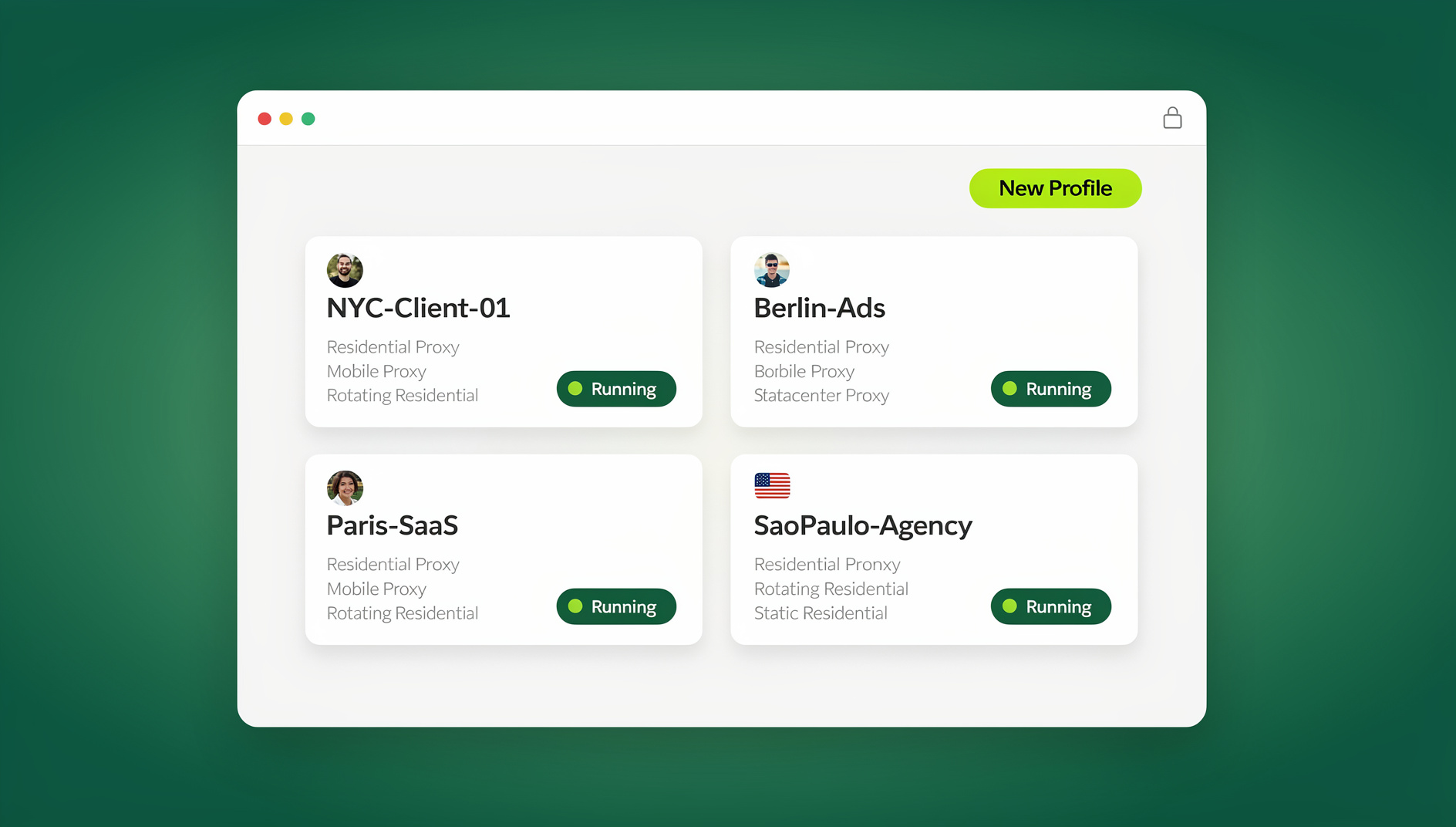
- An isolated browser (Send.win) for native engagement, DM management, ad account access, and anything that requires actually logging into the platform.
This pairing gives you automated content distribution through safe, official APIs, plus full native access through isolated sessions that keep one account’s problems from ever touching another’s. It’s also what makes it realistic to compare social media management software honestly — the scheduler and the security layer are solving two completely different problems, not competing for the same job.
Matching Your Stack to Your Agency’s Size
| Agency Size | Recommended Scheduler | Security Layer |
|---|---|---|
| Solo (1–5 accounts) | Buffer ($6/channel) | Basic browser profile hygiene |
| Small agency (5–15 accounts) | Metricool or SocialBee ($22–29/mo) | Send.win (essential) |
| Mid-size agency (15–30 accounts) | Agorapulse or Hootsuite ($69–99/mo) | Send.win (critical) |
| Enterprise (30+ accounts) | Sprout Social ($249+/mo) | Send.win (mandatory) |
Don’t Forget Geography and Proxies
One detail almost every comparison article skips entirely: the physical location behind each login matters just as much as the fingerprint attached to it. If a client’s brand is registered in Toronto but your team logs in from a data center IP in Frankfurt, that mismatch alone can trigger a review — independent of anything the account actually posted. Whatever stack you land on, make sure each isolated profile can be paired with a proxy that matches the account’s real-world region, not just a generic residential IP picked at random.
This matters more for some platforms than others. Instagram and TikTok tend to be forgiving about minor geographic drift; ad platforms and marketplaces are not. Building proxy-region matching into your workflow from day one saves you from re-litigating a client’s account history months later.
Delegating Access Without Handing Out Client Passwords
Whatever scheduler you land on, never give a team member a client’s raw password. Session sharing lets a teammate get full native engagement access through an isolated browser profile while you keep total control of the underlying credentials — and you can prevent an account from being flagged for multiple logins in the first place by keeping every session isolated instead of shared across a device.
🏆 Send.win Verdict
No scheduler on this list can safely handle native engagement across a dozen client accounts, and that’s not a knock on them — it’s simply not what they’re built for. Send.win fills that exact gap: unlimited isolated profiles, each with its own fingerprint and session, available through the native Sendwin Browser desktop app or a no-install cloud browser session for teams working from anywhere.
Try Send.win free today — 30 days, no credit card required, and pair it with whichever scheduler already fits your workflow.
Frequently Asked Questions
Can one tool handle everything?
No. Scheduling tools can’t do native engagement, and browser isolation tools don’t schedule content. The agencies that scale combine both rather than searching for a single tool that does it all.
What’s the cheapest way to manage 20+ accounts?
Metricool at $22/month for 15 profiles, paired with Send.win for native engagement, is one of the more cost-effective professional stacks available right now.
Do I need browser isolation for every single account?
For platforms with aggressive anti-fraud enforcement — Facebook, Amazon, TikTok — yes. For lower-risk platforms like Pinterest or a personal LinkedIn profile, you can sometimes get away with sharing an environment, but isolating every session is always the safer default.
Does Send.win schedule posts like Buffer or Hootsuite?
No — Send.win isn’t a scheduler, and it isn’t trying to be one. It’s the isolated browser layer that sits underneath your native login sessions, which is a different job from queueing content for publication.
Is Send.win a browser extension I install alongside my scheduler?
No. Send.win runs as either the native Sendwin Browser desktop app or as a cloud browser session you can open with no local install at all — there’s no browser extension involved in either mode.
How much does Send.win cost compared to the schedulers on this list?
Send.win starts with a 30-day free trial and no credit card required, then Pro runs $6.99/month billed annually and Team runs $20.99/month billed annually — both plans include the Automation API, not just the higher tier.
Will isolating sessions slow my team down?
Not meaningfully. Switching between isolated profiles takes about as long as switching browser tabs, and the time saved from never dealing with a cascading account restriction far outweighs the few extra seconds per switch.
The Bottom Line
The best social media management tool for multiple accounts isn’t a single product you can buy off a pricing page — it’s a deliberate pairing of an API scheduler for automated content distribution and an isolated cloud browser platform like Send.win for secure native engagement. That hybrid stack is what actually protects client accounts while letting an agency scale past the point where one shared browser can safely hold everyone’s logins.