If you searched for a “multi login chrome extension” a few years ago, you were probably just trying to switch between a couple of social accounts without logging out every time. That world has changed. In 2026, juggling multiple accounts is a full-time operational problem — agencies run 50+ ad accounts, e-commerce sellers manage a dozen marketplace stores, and freelancers bounce between client logins all day. A simple browser extension that swaps cookies is no longer enough, and it isn’t safe enough either. This guide breaks down the best multi-login browser alternatives available today, what actually separates them, and how to pick the right one for your workflow.
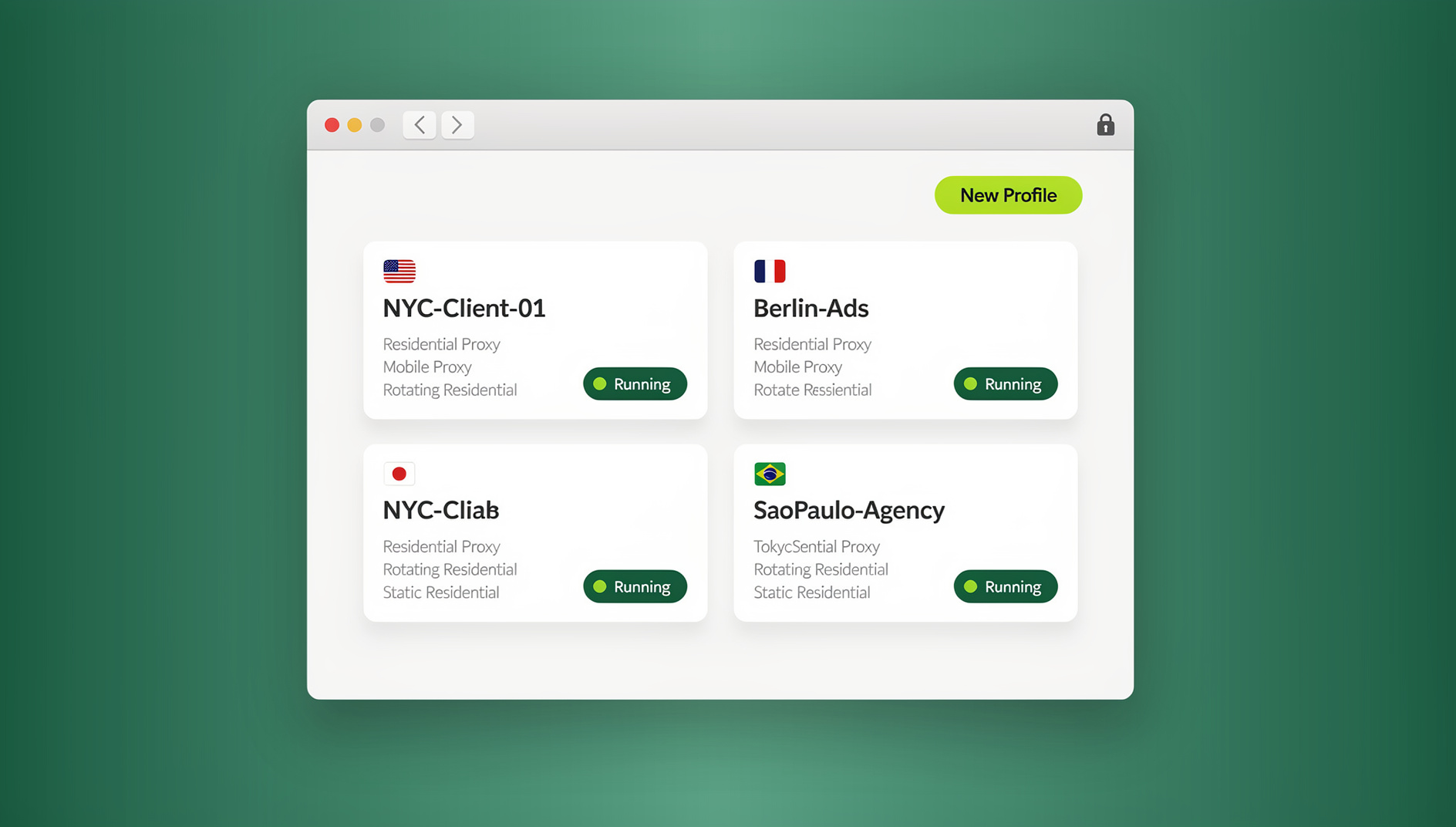
What Happened to the Old “Multi Login Extension”?
The original multi-login chrome extensions worked by storing separate cookie jars for each account and letting you flip between them from a dropdown next to the address bar. That was fine for casual use — one person managing two Instagram accounts, say — but it fell apart at scale. Every profile still shared the same browser fingerprint (same canvas hash, same WebGL renderer, same fonts, same screen resolution), so platforms like Amazon, Facebook, and Google could still link the accounts together behind the scenes even though the cookies were separate. Extensions also couldn’t attach a unique proxy per profile, couldn’t share access with a team without handing over a password, and offered zero automation support.
That’s why the market moved from “multi login extensions” to full multi-login browsers — standalone applications (not just a Chrome add-on) purpose-built to give every profile its own isolated fingerprint, its own proxy, and its own session, with team-sharing and automation layered on top.
What Is a Multi-Login Browser (and How Is It Different)?
A multi-login browser is software that creates dozens or hundreds of independent browser “profiles,” each with its own cookies, local storage, and — critically — its own unique digital fingerprint. Instead of relying on incognito mode or a cookie-swapping extension, each profile looks like a genuinely different device to the websites you visit.
Browser Fingerprint Isolation
Every profile gets its own canvas fingerprint, WebGL signature, audio context hash, font list, screen resolution, timezone, and hardware concurrency value. This is the piece a simple extension can never replicate, because fingerprinting happens at the browser-engine level, not the cookie level.
Built-In Proxy and Team Management
Modern multi-login browsers bundle residential, datacenter, or mobile proxies directly into each profile, so you don’t need to source and configure proxies separately. Team plans also let you share specific profiles with teammates or freelancers without ever revealing the underlying password — you grant access, and you can revoke it instantly.
Automation-Ready Architecture
The other big shift: these platforms now expose an Automation API so QA teams and growth teams can drive isolated profiles with Selenium, Puppeteer, or Playwright scripts instead of clicking through hundreds of accounts by hand. This is a feature a browser extension structurally cannot offer.
What to Look for in a Multi-Login Alternative in 2026
Before comparing specific tools, it helps to know which criteria actually matter. Here’s the checklist we used to evaluate every option below:
- True fingerprint isolation — not just cookie separation, but unique canvas/WebGL/audio fingerprints per profile
- Built-in proxy support — residential, datacenter, and mobile options without needing a third-party proxy provider
- Native desktop app — a real Windows/macOS/Linux client, not just a web dashboard that opens a hosted tab
- Team sharing controls — invite teammates to specific profiles with role-based permissions, no password sharing
- Automation API — Selenium, Puppeteer, and Playwright support for QA, scraping, and scaled account management
- Transparent pricing — a real free trial and clear per-profile or per-seat costs, not “contact sales”
- Cross-platform support — works the same on Windows, macOS, and Linux
If you want a deeper breakdown of how these tools stack up feature-by-feature, our multi-login tools compared guide walks through pricing tiers and ease-of-use in more detail.
Best Multi-Login Browser Alternatives Compared (2026)
Here’s how the leading options stack up side by side:
| Tool | Best For | Built-In Proxies | Desktop App | Automation API | Starting Price |
|---|---|---|---|---|---|
| Send.win | Agencies, freelancers, e-commerce sellers | Yes | Windows / macOS / Linux | No | $19/mo |
| Multilogin | Enterprise ad agencies | Yes | Windows / macOS / Linux | Yes | $99/mo |
| GoLogin | Freelancers on a budget | Yes | Windows / macOS / Linux | Limited | $24/mo |
| AdsPower | Facebook/Google ads management | Yes | Windows / macOS | Yes | $9/mo |
| Incogniton | Small teams, e-commerce | Yes | Windows / macOS | Limited | $28.79/mo |
| VMLogin | Ad verification, price comparison | Partial | Windows only | No | $59/mo |
1. Send.win
Send.win is built around three ideas: true browser isolation, unique fingerprints per profile, and making team collaboration painless. Every profile runs its own isolated environment with built-in residential, datacenter, or mobile proxies, so you don’t need to manage a separate proxy subscription. The native Desktop app (available for Windows, macOS, and Linux) gives you full local performance instead of a laggy hosted browser tab, and profiles can be shared instantly with teammates without ever exposing a password. Pricing starts at $19/mo for the Pro plan and $49/mo for the Team plan, with the first card purchase covered by a 7-day money-back guarantee. There is no free trial; the only free option is the cloud demo at https://send.win/demo-browser/.
2. Multilogin
Multilogin is one of the original names in this space and remains popular with larger ad agencies that need enterprise-grade fingerprint spoofing. It’s powerful, but pricing climbs quickly once you need more than a handful of profiles, and the learning curve is steeper than newer tools. If you’re specifically evaluating this platform, our dedicated Multilogin alternatives comparison covers the feature-for-feature differences in depth.
3. GoLogin
GoLogin appeals to freelancers and solo operators who want fingerprint protection without an enterprise price tag. It covers the basics well — cookie isolation, fingerprint masking, proxy support — but team-sharing features are more limited than Send.win or Multilogin. For a closer look at how it holds up against competitors, see our GoLogin alternatives breakdown.
4. AdsPower
AdsPower leans heavily into Facebook and Google ads workflows, with built-in automation for ad account management and encrypted data storage. It’s competitively priced and works well for agencies focused specifically on paid media, though its broader e-commerce and general-purpose tooling is thinner than Send.win’s.
5. Incogniton
Incogniton targets small teams and e-commerce sellers who need multiple isolated profiles without a steep price jump. It handles the core fingerprint-and-proxy fundamentals well, though its automation API and team permission controls are less developed. If you’re comparing it directly against other tools, our Incogniton alternatives guide has the full rundown.
6. VMLogin
VMLogin is geared toward ad verification, price comparison, and general anonymous data collection. It offers the core anti-detect fundamentals but is Windows-only, has no automation API, and its team collaboration features are minimal compared to newer platforms.
Step-by-Step: Moving From a Chrome Extension to a Real Multi-Login Browser
Switching from a cookie-based extension to a proper multi-login browser takes less time than most people expect. Here’s the process using Send.win as the example:
- Try the free cloud demo. Send.win offers a 3-minute preview without signup, or 10 minutes a day with a free account, so you can test fingerprint isolation and proxy performance before paying anything.
- Download the Desktop app. Install the native Windows, macOS, or Linux client — this is what actually renders your isolated profiles locally, rather than relying purely on a hosted browser tab.
- Create your first profile. Assign it a unique fingerprint configuration (OS, browser version, screen resolution, timezone) and attach a proxy — residential, datacenter, or mobile, depending on the platform you’re logging into.
- Log into the target account inside that profile. From this point on, that profile’s cookies, local storage, and fingerprint stay locked to it — no cross-contamination with your other accounts.
- Duplicate the workflow for each additional account. Create one profile per account you manage, whether that’s five social media logins or two hundred marketplace stores.
- Invite teammates where needed. On the Team plan, share specific profiles with VAs, freelancers, or teammates directly — they get working access without ever seeing the password.
Desktop App vs Browser Extension: Why It Matters for Security
A browser extension runs inside your existing Chrome install, which means it inherits every extension permission risk, every Chrome update quirk, and shares its process space with whatever else you have installed. A dedicated Desktop app, by contrast, runs as its own isolated application — Send.win’s native Windows, macOS, and Linux client keeps each profile’s fingerprint, cookies, and cache fully separated from your everyday browser and from every other profile you run. That isolation is exactly what prevents platforms from correlating “Profile A” and “Profile B” back to the same underlying machine, which is the whole point of using a multi-login tool in the first place.
It’s also worth understanding how this compares to a related but distinct approach — remote browser isolation runs the browsing session on a remote server entirely, rendering only pixels back to your device. Multi-login browsers instead run locally through the desktop app while still isolating fingerprints per profile, which tends to give a snappier day-to-day experience for account management work.
Who Actually Needs a Multi-Login Alternative?
This category isn’t just for antidetect specialists. In practice, the buyers fall into a few recurring groups:
- E-commerce sellers running multiple Amazon, eBay, Etsy, or Shopify stores who need each storefront to look like it’s operated from a genuinely separate device
- Marketing agencies managing dozens of client ad accounts across Facebook, Google, and TikTok without accounts getting flagged for shared activity
- Social media managers handling multiple client profiles across Instagram, LinkedIn, and X without constant re-logins
- QA and testing teams who need to simulate different devices, locations, and sessions for cross-browser and cross-region testing
- Affiliate marketers running geo-targeted campaigns that need distinct fingerprints and proxy locations per campaign
- Freelancers and VAs who need secure access to client accounts without ever being handed the actual password
If your workflow touches any of these use cases, our multi-login browser guide covers the safety practices worth pairing with whichever tool you choose.
Pricing Comparison: What You Actually Pay in 2026
Pricing is often the deciding factor once the feature sets look similar. Here’s where Send.win sits relative to the market:
| Plan | Price | Profiles | Proxy Bandwidth | Automation API | Team Seats |
|---|---|---|---|---|---|
| Free Trial | $0 / 30 days | Limited | Included | No | 1 |
| Pro | $19/mo | 150 | 5GB | No | 1 |
| Team | $49/mo | 500 | 20GB | Yes | 16 |
Send.win’s first card purchase is covered by a 7-day money-back guarantee, and add-ons (extra bandwidth or extra profiles) scale in small increments rather than forcing you into the next tier up. Compared to Multilogin’s enterprise pricing or VMLogin’s Windows-only $59/mo plan, Send.win’s Team tier is priced well below what most competitors charge.
🏆 Send.win Verdict
If you’re evaluating multi-login browser alternatives in 2026, Send.win covers the criteria that matter most: genuine per-profile fingerprint isolation, built-in proxies, and a native Desktop app for Windows, macOS, and Linux — all at a lower entry price than Multilogin, Incogniton, or VMLogin. It’s a strong fit whether you’re managing five social accounts or five hundred marketplace stores.
Try Send.win today — start with the free cloud demo, no signup required, and see how isolated profiles compare to your old extension setup.
Frequently Asked Questions
Is a multi-login browser the same thing as a multi login chrome extension?
No. A chrome extension only separates cookies within the same browser, so every profile still shares one underlying fingerprint. A multi-login browser is a standalone application that gives each profile its own unique fingerprint, proxy, and isolated session, which is what actually prevents platforms from linking your accounts together.
Which multi-login browser alternative is best for beginners?
Send.win and GoLogin both have relatively low learning curves, but Send.win adds a free cloud demo and a native desktop app, making it easier to test before committing to a paid plan.
Do I need a proxy for every profile in a multi-login browser?
Yes, in most cases. Pairing a unique proxy (residential, datacenter, or mobile) with each isolated fingerprint prevents platforms from correlating profiles by IP address even when the browser fingerprint is already unique.
Can I automate logins and scraping with these tools?
On platforms with an Automation API, yes. You can connect Selenium, Puppeteer, or Playwright scripts directly to isolated profiles for scaled QA testing, scraping, or account management, instead of clicking through each profile manually. Send.win does not offer an automation interface on any plan.
Is it safe to share account access with freelancers using a multi-login browser?
Yes, this is one of the core advantages over password sharing. Team plans let you grant a freelancer or teammate access to a specific profile without ever revealing the underlying password, and you can revoke that access instantly when the engagement ends.
Do multi-login browsers work on Mac and Linux, or just Windows?
It depends on the tool. Send.win, Multilogin, and GoLogin all ship native desktop apps for Windows, macOS, and Linux. VMLogin, by contrast, is Windows-only, which is worth checking before you commit if you run a mixed-OS team.
What happens to my accounts if I stop using a multi-login browser?
Your accounts remain exactly as they are — the tool only manages the browsing environment, not the accounts themselves. If you switch tools or cancel a subscription, you’ll simply need to log back into each account through a regular browser or a new profile elsewhere.
How much does a good multi-login alternative cost in 2026?
Entry-level plans typically run $9-$25/mo for a few hundred profiles, with team plans that add an Automation API and more seats landing between $25-$35/mo. Enterprise-focused tools like Multilogin can run significantly higher, often $99/mo or more, for expanded profile limits and dedicated support.