How to Delete Tweets by Date Range Across Multiple X Accounts
To delete tweets by date range across multiple managed X accounts, download each account’s data archive first, then run a bulk-deletion tool such as TweetDeleter or Redact with a date filter, executing it inside a separate isolated browser session per client account so OAuth tokens never cross-contaminate. For agencies running 10 or more accounts, pair archive-based filtering with the X API’s delete endpoint (roughly 50 requests per 15-minute window) so large backlogs clear without hammering rate limits or logging into the wrong dashboard by mistake.
Why Old Tweets Become a Liability
A tweet from 2019 rarely ages well. Tone shifts, brand positioning changes, and a joke that landed five years ago can resurface at the worst possible moment when a journalist, competitor, or angry customer digs it up. For social media managers and agencies handling brand reputation across dozens of client accounts, old tweets are not just clutter — they are a standing liability that grows every day the account stays active.
The scale problem is what makes this hard. A single account with five years of consistent daily posting can accumulate 5,000 to 15,000 tweets. Multiply that across 20 client accounts and an agency is looking at 100,000 to 300,000 individual tweets that need review and, in many cases, deletion. Manual review at that volume is simply not possible — this has to be a systematic, tool-assisted process.
Who Needs This Workflow
- Social media agencies managing brand voice and reputation across many client X accounts.
- PR teams doing a pre-launch or crisis-response sweep of a client’s historical posting.
- In-house marketers cleaning up a corporate account before a rebrand or acquisition.
- Personal brands who inherited years of unfiltered posting and want a cleaner public timeline.
Step 1: Download the Archive Before You Delete Anything
Before a single tweet is deleted, download the full data archive for every account involved. This is the only safety net you have — once a tweet is deleted through the API or a third-party tool, X does not offer any built-in way to bring it back.
How to Request the Archive
- Log into the X account you are cleaning up. Managing several client logins from the same machine is exactly where a multi-login browser earns its keep, since each account opens in its own isolated profile instead of sharing cookies and cached sessions.
- Navigate to Settings → Your Account → Download an archive of your data.
- Click Request archive and confirm your password when prompted.
- Wait for the email notification — this typically takes 24 to 48 hours per account.
- Download the archive and store it in a client-specific, access-controlled folder in your team’s cloud storage.
The archive includes every tweet, retweet, reply, direct message, and media file tied to the account, delivered in both JSON and browsable HTML format. Keep it even after deletion is complete — some clients will ask for a record of what was removed and when.
Step 2: Choose a Bulk Deletion Tool
Dedicated tweet-deletion tools handle date filtering, keyword filtering, and rate-limit pacing far better than manual API scripting for most agencies. Here is how the four most common options compare on the features that actually matter for date-range cleanup.
| Tool | Date Range Filter | Engagement/Keyword Filter | Archive Import | Pricing |
|---|---|---|---|---|
| TweetDelete | Yes — delete anything older than a set date | Keyword and retweet filters | No | Free (limited) to $5.99/mo |
| Semiphemeral | Yes — fine-grained date selection | Engagement threshold, thread-aware | Yes | Free, self-hosted |
| Redact | Yes — calendar-based selection | Preview before deletion, multi-platform | No | Free (limited) to $19/mo |
| TweetDeleter | Yes — precise range filtering | Keyword, media type, engagement level | Yes | Free (5/mo) to $19/mo (unlimited) |
For most agencies, TweetDeleter or Redact cover the basics well enough without touching code. Semiphemeral is the strongest option if a client wants very specific rules (for example, “keep anything with more than 20 likes, delete everything else older than a year”) and you have someone comfortable self-hosting a small script.
Step 3: Running Deletions Across Multiple Managed Accounts
The actual bottleneck for agencies is rarely the tool — it is coordinating the same tool safely across many logins without mixing up client data or triggering X’s automated abuse detection. A repeatable workflow looks like this:
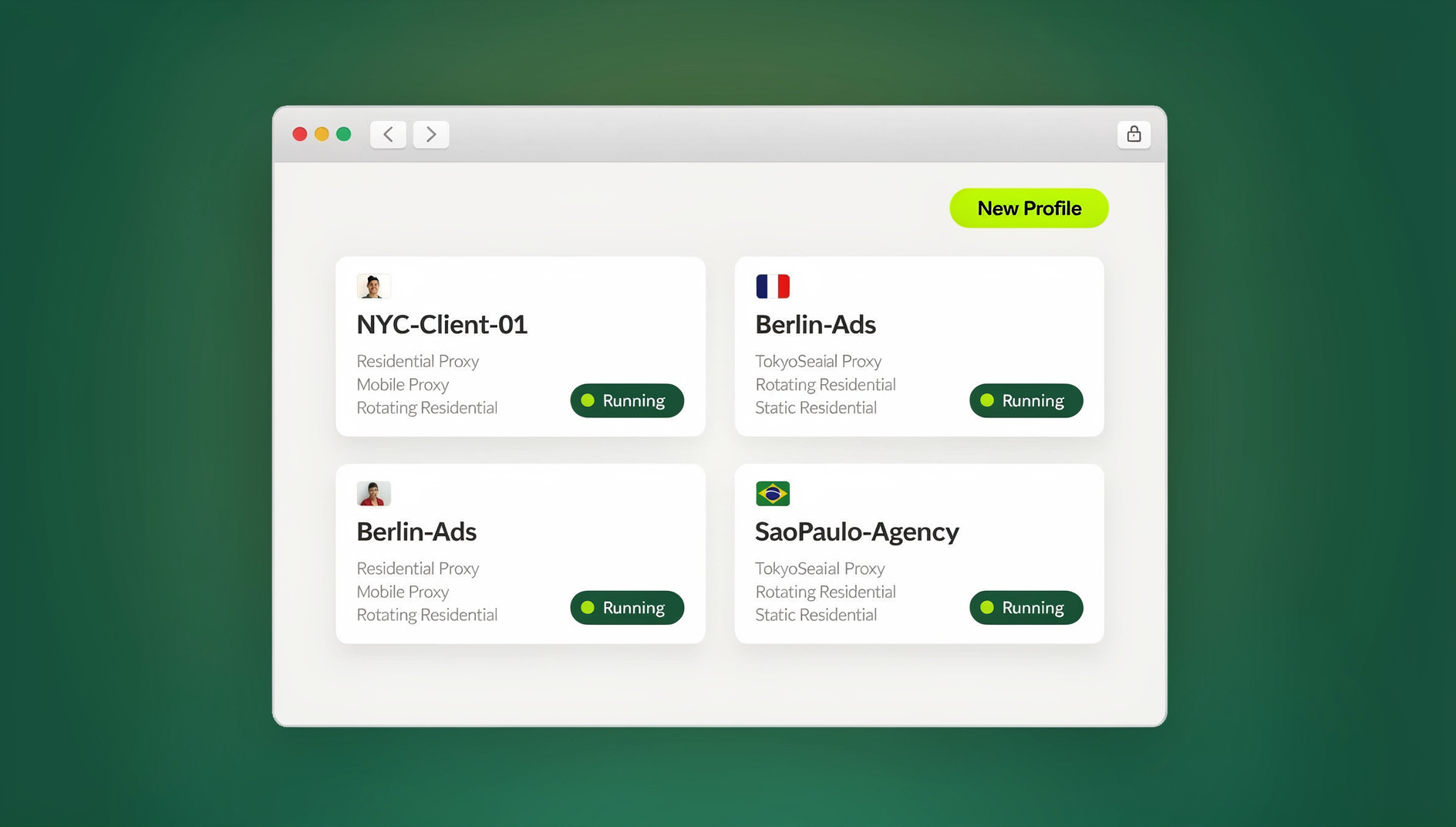
- Open an isolated session per client. Whether you run Sendwin Browser as your native desktop client or spin up a cloud browser session with no install required, each client’s X login stays in its own sandboxed profile with its own cookies, cache, and local storage — so a deletion tool connected to Client A’s OAuth token cannot accidentally touch Client B’s timeline.
- Download the archive for every account before beginning any deletions, and store archives in per-client folders.
- Define deletion criteria per client. Retention preferences are rarely identical: one client wants everything older than 12 months gone, another wants only low-engagement retweets removed, a third wants full retention for archival value.
- Execute inside the correct isolated profile, connect the deletion tool via OAuth, apply the client-specific criteria, and run the job.
- Log the outcome — which account, what criteria, how many tweets removed, and the date — so you have an audit trail if a client asks later.
Agencies that skip the isolated-session step are the ones who end up with a support ticket titled “why did you delete my client’s viral tweet from 2021” — because a stale OAuth token from the wrong browser tab reached the wrong account. If you regularly juggle client logins this way, our guide on how to manage multiple X accounts from one browser covers the underlying session-management setup in more depth.
Keeping Third-Party Tool Access Secure
Connecting any bulk-deletion tool to a client’s X account means handing it write access to their timeline. That deserves the same caution you would apply to any third-party integration:
- Use OAuth, never passwords. Legitimate deletion tools authenticate through X’s OAuth flow — they never ask for the account’s actual password. Treat any tool that requests a password directly as a red flag.
- Read the permission screen. OAuth authorization pages list exactly what the app can do. Tweet deletion requires read and write access — nothing more should be requested.
- Revoke access when the job is done. Once deletions are complete, remove the app’s access from Settings → Security → Apps and sessions rather than leaving a standing connection.
- Keep sessions apart. Running each client’s deletion job through its own session isolation setup prevents OAuth tokens from different clients from ever sharing browser state.
Using the X API Directly
Agencies with developer resources can skip third-party tools entirely and drive deletions straight through the X API v2. This gives the most granular control over date-range filtering, but it comes with hard rate limits to plan around.
Rate Limits to Expect
- Delete tweet endpoint: roughly 50 requests per 15-minute window, per user access token.
- Practical throughput: around 200 tweets deleted per hour, per account, once you account for pacing and retries.
- For a 5,000-tweet account: expect roughly 25 hours of continuous, rate-limited deletion.
Archive-Based Deletion Pipeline
The most efficient developer approach combines the downloaded archive with the API rather than pulling tweet history through the API itself:
- Parse the archive’s
tweets.jsfile to extract tweet IDs and timestamps offline. - Filter tweet IDs by date range, engagement metrics, or keyword content in a script — no API calls needed for this step.
- Feed the filtered ID list to the delete endpoint with rate-limit-aware pacing between calls.
- Log every deletion (tweet ID, timestamp, account) for the audit trail.
What to Delete vs. What to Keep
Good Candidates for Deletion
- Outdated promotional content — expired offers, discontinued products, old pricing.
- Tweets with clearly negative engagement (ratio’d posts, controversial takes that no longer reflect the brand).
- Low-performing content that adds nothing to the profile’s overall narrative.
- Retweets of accounts that have since become controversial or been deleted.
- Tweets linking to broken URLs or deleted media.
Content Worth Preserving
- High-engagement evergreen tweets still receiving organic impressions.
- Tweets embedded in third-party articles or referenced elsewhere — deleting these creates a broken-link experience for someone else’s readers.
- Customer service interactions that demonstrate responsiveness over time.
- Milestone announcements and brand-story tweets that anchor the account’s history.
Auto-Delete Policies for Ongoing Management
Rather than treating this as a one-time cleanup, most agencies move to a rolling auto-delete policy once the initial backlog is cleared. This keeps the timeline consistently clean without repeating the full workflow every quarter.
| Account Type | Recommended Policy |
|---|---|
| Brand accounts | Delete tweets older than 18 months with fewer than 10 engagements |
| Personal brands | Delete retweets older than 6 months, keep original tweets |
| Customer support accounts | Delete all tweets older than 12 months |
| News or media accounts | Keep everything — archival value outweighs cleanup benefit |
Privacy and Compliance Considerations
Tweet deletion sometimes moves from “nice to have” to “legally required” depending on the client’s industry:
- GDPR: If tweets contain personal data about EU citizens who have requested deletion, the request must be honored on the timeline, not just in your internal records.
- Regulated industries: Financial services and healthcare clients often have documented retention policies that require deletion after a specific window — check the client’s compliance team before assuming a general rule applies.
- Legal holds: During active litigation, tweets may be subject to a legal hold. Do not delete anything from an account under hold without explicit sign-off from counsel, regardless of how old or embarrassing the content looks.
🏆 Send.win Verdict
Bulk tweet deletion is a tool problem, but running it safely across a dozen-plus client accounts is a session-management problem — and that’s where most agencies actually get burned. Send.win gives every client account its own isolated profile, whether you run it through Sendwin Browser on your desktop or spin up a cloud browser session with no install, so OAuth tokens, cookies, and login state never bleed between accounts while you clean up years of tweet history.
Try the Send.win cloud demo — a 3-minute preview without signup, or 10 minutes a day with a free account, to see how cleanly your client accounts stay separated during bulk cleanup.
Frequently Asked Questions
Can I recover a tweet after it’s been deleted?
No. Once a tweet is removed through the API or a third-party deletion tool, X does not offer a way to restore it. This is exactly why downloading the full archive before deletion is non-negotiable — it is your only backup. Third-party caches like Google or the Wayback Machine may retain a copy temporarily, but you cannot rely on that.
How long does bulk deletion actually take?
Expect roughly 200 to 500 tweets deleted per hour per account, depending on the tool and current API rate limits. An account with 10,000 tweets typically takes 20 to 50 hours to fully process. Most tools run this in the background, so it is common to kick off a job overnight and check results the next day.
Will deleting old tweets hurt my engagement or reach?
Deleting low-performing old tweets has no meaningful negative impact on engagement. If anything, a curated timeline tends to improve how new visitors perceive the account, which can lift the follow-through rate on profile visits.
Is it safe to connect a third-party deletion tool to a client’s account?
It is safe as long as the tool authenticates through X’s official OAuth flow rather than asking for a password directly, and you revoke its access once the job is finished. Running the connection inside an isolated browser session for that specific client adds another layer of protection against token mixups.
Should I delete tweets by date range or by engagement level?
Most agencies combine both — a date cutoff (for example, “nothing older than 18 months”) layered with an engagement floor (“unless it still has 10+ likes”). Pure date-based deletion is faster to set up; adding an engagement filter protects evergreen content that happens to be old.
Can I automate ongoing tweet deletion instead of doing periodic cleanups?
Yes — tools like TweetDelete and TweetDeleter support an auto-delete mode that continuously removes tweets older than a set threshold. This is generally a better long-term approach than quarterly manual sweeps, since it prevents the backlog from ever growing large again.
What should I do if a client’s account is under legal hold?
Pause all deletion activity for that account immediately and confirm the scope of the hold with the client’s legal counsel before touching anything. Legal holds override normal cleanup schedules regardless of how old or low-performing the flagged content is.
Conclusion
A reliable approach to delete tweets by date range across multiple managed X accounts comes down to three pieces working together: an archive downloaded before anything is removed, a bulk deletion tool matched to the client’s specific retention criteria, and isolated browser sessions that keep each account’s OAuth tokens and cookies from ever touching another client’s login. Layer a rolling auto-delete policy on top once the initial backlog is cleared, and ongoing timeline hygiene becomes a 20-minute weekly check rather than a recurring multi-day project.