
The best money management apps for multiple accounts are Monarch Money, YNAB, Copilot, Empower, Rocket Money, and Simplifi — each pulls checking, savings, credit cards, and investment accounts into one dashboard so you stop logging into five separate banking apps to check your balance. Monarch Money wins for households sharing finances, YNAB for disciplined zero-based budgeting, and Empower for free investment tracking. Below is a full breakdown of pricing and features, plus how to keep individual banking logins secure while you switch between accounts.
Why You Need a Multi-Account Money Management App
The average person juggles 5-8 financial accounts — checking, savings, one or two credit cards, a brokerage account, and a loan or two. Without a unified view, that means logging into multiple banking apps individually, copying balances into a spreadsheet, and hoping nothing slips through the cracks. A dedicated aggregator connects all of it into a single dashboard, automatically categorizes transactions, tracks spending against budgets, and gives you a real-time net worth number instead of six different numbers you have to add up yourself.
Below are the six apps worth considering in 2026, ranked by how well they handle multiple linked accounts specifically — not just single-account budgeting.
What to Look For in a Multi-Account Money App
Before comparing individual apps, it helps to know which features actually matter once you’re linking more than two or three accounts:
- Institution coverage — the aggregator (usually Plaid, MX, or Finicity under the hood) needs to reliably connect to every bank, credit union, and brokerage you use, not just the big national names.
- Shared or household access — if you split finances with a partner, look for apps that support a shared login without merging your entire transaction history into one undifferentiated feed.
- Categorization accuracy — the app should learn your merchant patterns instead of asking you to re-categorize the same coffee shop every week.
- Net worth and cash flow visibility — a single number that updates automatically as balances change across every linked account.
- Security architecture — read-only, bank-grade encrypted connections with no ability to move money.
1. Monarch Money — Best Overall
| Feature | Details |
|---|---|
| Account connections | 11,000+ institutions via Plaid and MX |
| Shared access | Couples can share one subscription |
| Budgeting | Category budgets with rollover |
| Net worth | Real-time across all linked accounts |
| Cash flow forecast | Predicts upcoming income and expenses |
| Investments | Portfolio tracking and allocation |
| Recurring detection | Auto-identifies subscriptions and recurring bills |
| Pricing | $14.99/mo or $99.99/yr |
Why it’s #1: Monarch Money is the spiritual successor to Mint (which shut down in 2024), but with meaningfully better execution. It connects to more institutions, has a cleaner interface, and includes features Mint never had — collaborative budgeting for couples, cash flow forecasting, and investment tracking. The shared access feature is particularly valuable for households managing a mix of joint and individual accounts.
Standout Features
- Smart categorization: the app learns your transaction patterns. Categorize “Whole Foods” as “Groceries” once, and it auto-categorizes every future Whole Foods transaction.
- Budget rollover: if you under-spend on dining out in January, the remaining balance rolls into February, which reflects how real budgeting actually works.
- Goal tracking: set savings goals tied to specific accounts and track progress visually.
2. YNAB (You Need A Budget) — Best for Disciplined Budgeting
| Feature | Details |
|---|---|
| Account connections | Direct import or manual entry |
| Methodology | Zero-based budgeting (every dollar gets a job) |
| Multi-account | All accounts visible in one budget |
| Debt payoff | Built-in debt reduction tracking |
| Reports | Spending, net worth, income vs. expense |
| Pricing | $14.99/mo or $109/yr (34-day free trial) |
Why it excels: YNAB’s zero-based budgeting approach forces intentionality — every dollar in every linked account is assigned to a specific job. When your paycheck lands, you allocate: $2,000 to rent, $600 to groceries, $200 to savings, $100 to entertainment. No dollar sits unassigned. This methodology has been shown to cut overspending by 20-30% in the first year for people who stick with it.
3. Copilot — Best for Apple Users
| Feature | Details |
|---|---|
| Platforms | iOS, iPadOS, macOS (no Android/Windows) |
| Account connections | Banks, credit cards, investments, crypto, loans |
| AI categorization | ML-powered transaction classification |
| Investments | Portfolio performance, allocation, dividends |
| Real estate | Property value tracking via Zillow |
| Pricing | $14.99/mo or $69.99/yr |
Why it excels: Copilot has the most polished, native-feeling interface of any money management app on this list. It leans heavily on Apple’s design language — haptic feedback, SwiftUI animations, widget integration. If you live inside the Apple ecosystem, nothing else comes close on user experience, though the lack of an Android or Windows client rules it out for mixed-device households.
4. Empower — Best for Investors
| Feature | Details |
|---|---|
| Account connections | Banks, brokerages, 401(k), IRA, crypto |
| Fee analyzer | Identifies hidden investment fees |
| Retirement planner | Monte Carlo simulation for retirement projections |
| Asset allocation | Visual breakdown by sector, geography, asset class |
| Net worth | Real-time across all accounts |
| Pricing | Free (dashboard) — advisory services: 0.49-0.89% AUM |
Why it excels: Empower’s free dashboard is the best investment-tracking tool available at any price. The fee analyzer alone can save thousands per year by surfacing excessive 401(k) and mutual fund fees you’d otherwise never notice. The retirement planner runs Monte Carlo simulations across thousands of possible market outcomes based on your current trajectory — a feature usually reserved for paid financial-advisor software.
5. Rocket Money — Best for Bill Negotiation
| Feature | Details |
|---|---|
| Account connections | Via Plaid |
| Bill negotiation | Concierge service negotiates lower bills |
| Subscription tracking | Identifies and cancels unwanted subscriptions |
| Smart savings | Automated micro-savings |
| Budgeting | Category-based budgets |
| Pricing | Free (basic) → $6-12/mo (premium) |
Why it excels: Rocket Money’s unique value proposition is its bill negotiation service — a team contacts your internet, phone, cable, and insurance providers and negotiates lower rates on your behalf, keeping a percentage of the savings. Average users save around $620 per year through negotiations alone, with zero effort beyond linking accounts and approving the negotiation.
6. Simplifi by Quicken — Best for Cash Flow
| Feature | Details |
|---|---|
| Account connections | Banks, credit cards, investments, loans |
| Cash flow calendar | Day-by-day income and expense visualization |
| Spending plan | Dynamic budget based on bills and income |
| Watchlists | Custom spending category alerts |
| Pricing | $5.99/mo or $47.88/yr |
Why it excels: Simplifi’s cash flow calendar shows exactly which days of the month your balance will run tight based on upcoming bills and expected income — useful for anyone juggling irregular pay dates across multiple linked accounts.
Feature Comparison Matrix
| Feature | Monarch | YNAB | Copilot | Empower | Rocket | Simplifi |
|---|---|---|---|---|---|---|
| Bank connections | 11,000+ | Yes | Yes | Yes | Yes | Yes |
| Budgeting | Strong | Strongest | Strong | Basic | Strong | Strong |
| Investments | Yes | No | Yes | Strongest | No | Yes |
| Shared access | Yes | Yes | No | No | No | No |
| Bill negotiation | No | No | No | No | Yes | No |
| Free tier | No | Trial only | No | Yes | Yes | No |
| Android | Yes | Yes | No | Yes | Yes | Yes |
Keeping Your Banking Sessions Secure Across Multiple Accounts
How Account Aggregation Works
These apps connect to your bank accounts through secure intermediaries — primarily Plaid, MX, and Finicity. These services establish read-only connections using bank-grade encryption (256-bit AES). None of the apps above can move money, initiate transfers, or change account settings; they can only read balances and transaction history.
Browser Security for Financial Portals
While your aggregator app gives you the unified view, you’ll still log into individual banking, brokerage, and credit card portals directly whenever you need to make a transfer, dispute a charge, or update account settings. Doing that repeatedly from one browser profile creates browser fingerprinting overlap across five or six financial institutions — something some fraud-detection systems read as suspicious multi-account activity from a single device, occasionally triggering an unnecessary account lock or step-up verification.
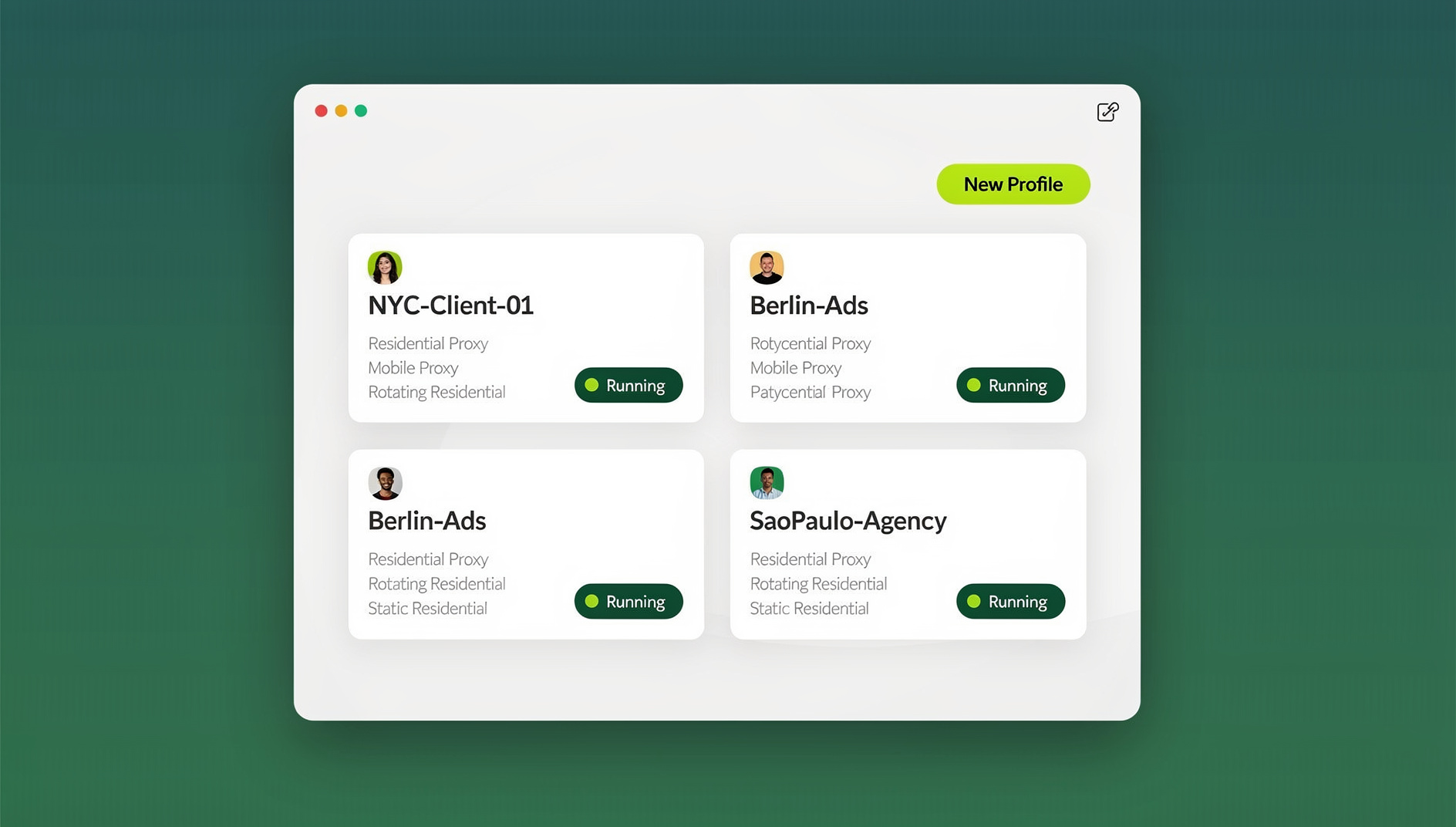
Send.win’s Sendwin Browser — the native desktop app — creates a separate, isolated profile for each banking or brokerage login, so cookies, cache, and fingerprint markers never bleed between sessions. That’s useful if you’re managing a joint account, a business account, and a personal account across different institutions and want each one to look, to the bank’s fraud system, like it’s coming from its own consistent device. Pair that with proper session isolation and you remove the cross-contamination an aggregator app can’t fix on its own — it’s read-only by design, so the actual browser-level risk sits entirely outside its scope.
If you occasionally need to check a banking portal from a shared or unfamiliar device, Send.win’s cloud browser sessions run that login remotely with no local install and no local footprint left behind afterward. And for households or small businesses where a bookkeeper or partner needs access to a shared operating account, a multi-login browser setup lets you share that access without emailing a password around — closing a gap that plain private-browsing basics don’t actually solve.
Choosing the Right App for Your Situation
For Couples and Families
Monarch Money is the clear winner, with shared access, collaborative budgeting, and comprehensive multi-account support built specifically for households.
For Strict Budgeters
YNAB has the best methodological approach to budgeting. Its zero-based system builds the most financial discipline of anything on this list.
For Investors
Empower is unbeatable for investment tracking, and its dashboard is free. Pair it with a dedicated budgeting app for complete coverage.
For Saving Money Passively
Rocket Money actively reduces your bills through negotiation and surfaces forgotten subscriptions, delivering savings without requiring any behavior change on your part.
Step-by-Step: Setting Up Multi-Account Tracking Securely
- Pick your primary app based on your situation above — don’t try to run two aggregators side by side; it just doubles the maintenance work for no extra insight.
- Connect one institution at a time and verify the permission screen shows read-only access before approving — every legitimate aggregator will show this explicitly.
- Set category rules early for your recurring transactions (rent, subscriptions, payroll) so the app’s categorization engine has a clean baseline to learn from.
- Enable balance and large-transaction alerts so you catch problems within hours instead of at month-end review.
- Keep your actual banking logins on an isolated browser profile, separate from general browsing, so fraud systems see a consistent device fingerprint per institution.
- Review your linked-institution list quarterly and revoke access for any account you’ve closed or no longer use — aggregators keep read access alive until you explicitly cut it.
Send.win Verdict
Money management apps like Monarch, YNAB, and Empower solve the “unified view” problem — but they’re intentionally read-only, which means the actual security risk in managing multiple financial accounts still lives at the browser level, every time you log into a bank or brokerage portal directly. Send.win’s Sendwin Browser gives each institution its own isolated profile so fingerprints and cookies never cross-contaminate, while cloud browser sessions let you check a portal safely from any device without installing anything locally.
Try Send.win today — paid plans start at $19/mo, and your first card purchase is covered by a 7-day money-back guarantee.
Frequently Asked Questions
Are money management apps safe to use?
Yes. Reputable apps use bank-level encryption and connect through regulated intermediaries (Plaid, MX, Finicity) with read-only access. They cannot initiate transactions. The security risk from not having visibility across accounts — missed fraud, surprise overdrafts — typically exceeds the marginal risk of connecting a legitimate aggregator.
What happened to Mint?
Intuit shut down Mint in March 2024, pointing former users toward Credit Karma. Monarch Money, YNAB, and Copilot all built migration tools for former Mint users and have absorbed most of Mint’s user base since.
Can I use these apps for business accounts?
Most personal finance apps will let you connect a business bank account, but they’re not built for business accounting — invoicing, payroll, tax tracking. For that, use dedicated multi-account management tools like QuickBooks or Xero alongside a personal finance app for the household side.
Do I need a separate browser for online banking?
You don’t strictly need one, but keeping banking logins on an isolated profile — separate from social media, shopping, and general browsing — reduces the chance that a shared cookie or fingerprint trips a fraud alert across accounts, especially if you manage several accounts at the same institution or across multiple banks.
How many bank accounts can these apps connect?
There’s no hard cap on any of the six apps above — Monarch users routinely link 15-20+ accounts across checking, savings, credit cards, brokerages, and loans. The practical limit is how many your specific institutions support through Plaid, MX, or Finicity, not the app itself.
Is Monarch Money worth paying for over free alternatives like Empower?
If investment tracking is your only need, Empower’s free dashboard covers it well. Monarch earns its subscription cost through budgeting, shared household access, and cash flow forecasting — features Empower’s free tier doesn’t offer at all.
Will connecting my accounts to an aggregator hurt my credit score?
No. These apps use read-only connections that don’t perform credit inquiries. A hard credit pull only happens when you actively apply for new credit, which is unrelated to linking existing accounts for viewing purposes.
Can couples use the same money management subscription?
Yes, with Monarch Money or YNAB specifically — both support shared household access under one subscription. Copilot, Empower, and Simplifi are built around single-user accounts, though some allow view-only sharing with limitations.
Conclusion
The best money management apps for multiple accounts in 2026 center on Monarch Money for comprehensive household finance, YNAB for disciplined budgeting, Copilot for Apple-native polish, Empower for free investment tracking, and Rocket Money for passive savings through bill negotiation. Whichever you pick handles the aggregated view — but for the actual banking portal logins behind that view, isolating each institution’s session through Send.win’s Sendwin Browser, or a cloud browser session when you’re on a device you don’t want to install anything on, closes the one gap these read-only aggregators were never designed to cover.