Send.win vs SessionBox: Which Multi-Login Browser Actually Wins in 2026?
If you manage more than one account on the same platform — social media profiles, ad accounts, marketplace stores, or client logins — you’ve probably run into the same wall: your regular browser was never built for it. Cookies collide, sessions log each other out, and platforms flag “suspicious activity” the moment they notice two accounts sharing one fingerprint. That’s the exact problem Send.win vs SessionBox comparisons try to solve, and it’s why both tools show up constantly in searches for multi-login browser software.
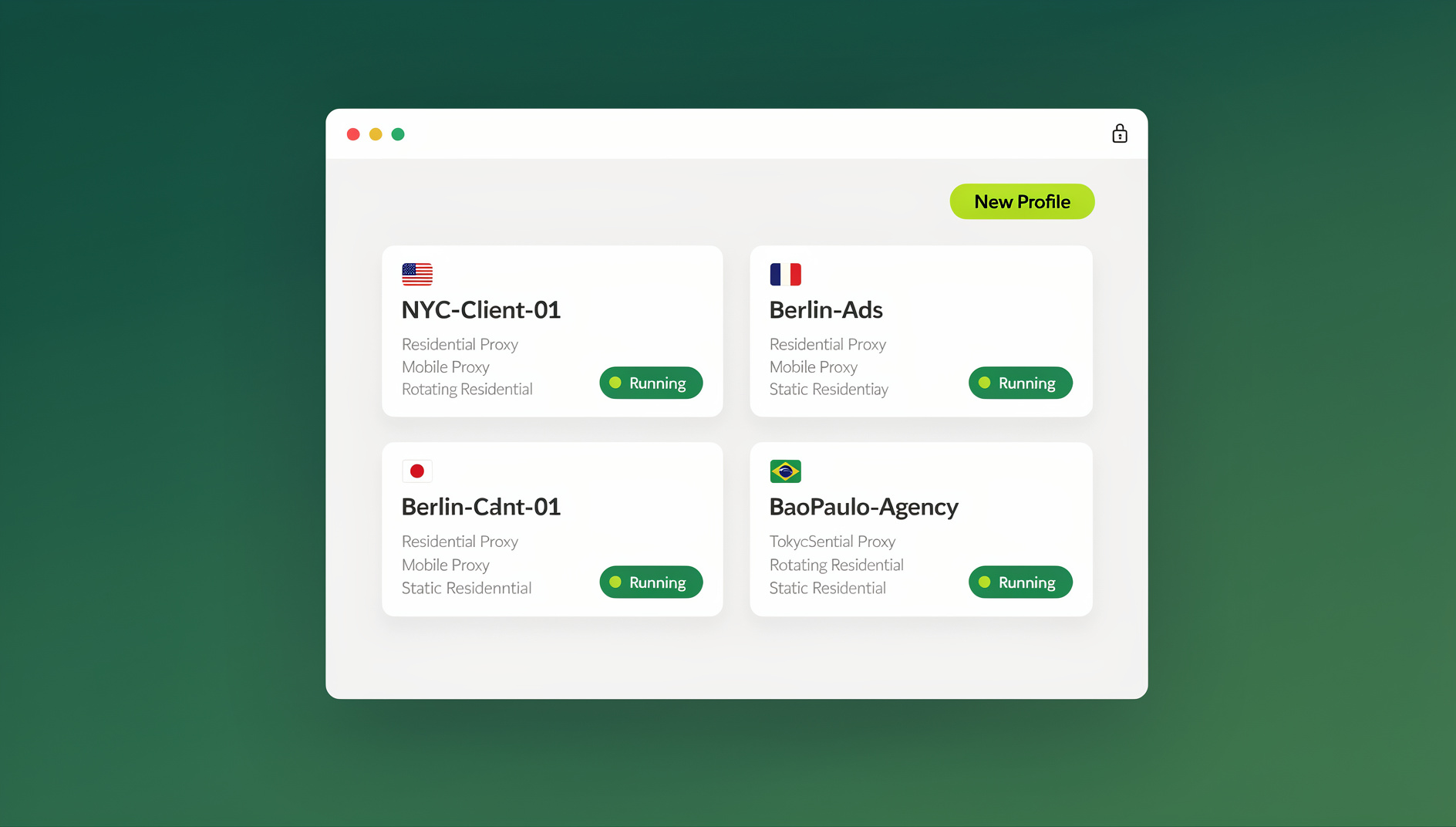
This guide breaks down what each tool actually does in 2026, where they genuinely differ, and which one makes more sense depending on whether you’re a solo freelancer juggling three Gmail inboxes or an agency running fifty client ad accounts in parallel. We’ll cover fingerprinting technology, proxy handling, desktop apps, automation support, team features, and current pricing — not just a feature checklist, but the practical trade-offs that actually affect your day-to-day workflow.
What Is Send.win?
Send.win is a browser profile manager built for people and teams who need to run many isolated account profiles. Instead of relying on your operating system’s single browser fingerprint, Send.win keeps a unique, consistent fingerprint for every profile you create — covering canvas, WebGL, fonts, screen resolution, timezone, and more — so each profile keeps its own separate browser identity.
Key building blocks of the platform include:
- Browser isolation per profile — every account gets its own sandboxed session, so cookies, local storage, and cache never leak between profiles.
- Unique fingerprints — each profile is assigned its own believable hardware and browser signature, reducing the chance of platforms linking accounts together.
- Built-in proxies — residential, datacenter, and mobile proxy options are available directly inside the dashboard, with geo and timezone auto-matching, so you don’t need to source and configure proxies separately.
- Native desktop app — Send.win ships a real desktop client (Sendwin Browser) for Windows, macOS, and Linux, giving profiles better performance and stability than a tab-based tool.
- Team sharing — profiles and sessions can be shared with teammates without ever handing over the underlying password, with role-based access and activity logs.
In short, Send.win positions itself less as a “tab manager” and more as a full browser profile management platform — the same category as tools like Multilogin or GoLogin, but with a simpler pricing structure.
What Is SessionBox?
SessionBox is a browser extension (available for Chrome, Firefox, and Edge) that lets you open multiple isolated sessions of the same website inside separate tabs, without needing separate browser profiles or incognito windows. Each “session” gets its own cookie jar and local storage, so you can, for example, stay logged into two Gmail accounts or three Amazon seller accounts at the same time in the same browser window.
SessionBox’s core strengths are:
- Session-level isolation — cookies and local storage are separated per tab/session rather than requiring a whole new browser profile.
- Lightweight setup — because it’s an extension, installation is quick and doesn’t require downloading a separate desktop application.
- Session sharing — sessions can be shared with teammates, similar in spirit to Send.win’s team-sharing model.
- Bookmarking and tab organization — convenience features aimed at people juggling a lot of open tabs and logins.
Where SessionBox is comparatively limited is fingerprinting depth and automation. It focuses primarily on cookie/session separation rather than the deeper browser and device fingerprint (canvas, WebGL, audio context, fonts) that platforms increasingly use to detect duplicate accounts. It also doesn’t ship a native desktop client or a documented automation API for tools like Selenium or Playwright — it’s built and consumed as a browser extension, full stop.
Send.win vs SessionBox: Quick Comparison Table
| Feature | Send.win | SessionBox |
|---|---|---|
| Core approach | Browser profile manager with per-profile fingerprints | Browser extension with per-session cookie isolation |
| Fingerprint masking | Canvas, WebGL, fonts, timezone, screen & more, per profile | Primarily cookie/local storage separation |
| Built-in proxies | Yes — residential, datacenter, mobile, with geo-matching | Not built in; you bring your own proxy setup |
| Native desktop app | Yes — Windows, macOS, Linux | No — extension only |
| Team/session sharing | Yes, with roles and activity logs | Yes, session-sharing links |
| Automation API (Selenium/Puppeteer/Playwright) | Not offered | Not offered |
| Free trial | No free trial; paid plans with a 7-day money-back guarantee on the first card purchase, plus a free cloud demo | Limited free tier historically; varies by current plan |
| Starting price | Pro from $19/mo ($6.99/mo billed annually — 63% off) | Subscription-based, extension-tier pricing |
Key Differences Between Send.win and SessionBox
1. Browser Fingerprinting and Profile Isolation
This is the single biggest architectural difference. SessionBox separates cookies and local storage per session, which stops accounts from logging each other out inside the same browser window — useful, but it doesn’t change the underlying device fingerprint. If a platform fingerprints canvas rendering, WebGL parameters, installed fonts, or audio stack behavior, sessions running through the same browser can still look like they’re coming from the same machine. Send.win, by contrast, generates a distinct, consistent fingerprint per profile specifically to prevent that kind of cross-account linking, which matters a lot more for anyone managing accounts on platforms with aggressive anti-multi-accounting detection (marketplaces, ad networks, ticketing sites, and social platforms). If fingerprinting resistance is your primary concern, it’s worth reading a deeper breakdown of browser fingerprinting protection before choosing a tool.
2. Proxy Handling
Send.win bundles residential, datacenter, and mobile proxies directly into the dashboard, with automatic geo and timezone matching per profile — so a profile assigned a UK residential IP will also show a UK timezone and locale automatically. SessionBox doesn’t include this; you’re expected to source and manage your own proxy pool and configure it per session, which adds setup overhead and a second monthly bill if you don’t already have proxies.
3. Desktop App vs Extension-Only
Send.win runs as a native desktop application on Windows, macOS, and Linux, giving you dedicated windows per profile, better resource isolation, and more stable long-running sessions than a browser tab can offer. SessionBox is extension-only, which is lighter to install but ties you to whatever performance and memory limits your existing browser imposes, and can get sluggish once you’re running many sessions at once.
4. Team Collaboration and Session Sharing
Both tools let you share access without handing over a password, but Send.win’s team model goes further with role-based permissions and activity logs, which matters once you’re not the only person touching an account. Agencies managing several people across the same set of client accounts tend to need this level of control. Our team browser guide covers how role-based sharing works in practice.
5. Automation Support
This is where the two tools differ most for technical teams. Send.win does not offer an automation interface — no API, SDK, headless mode or Selenium/Puppeteer/Playwright support on any plan — so scripted actions aren’t part of its workflow; profiles are driven manually. SessionBox has no equivalent automation surface either; it’s built purely for manual, human-driven browsing. If your workflow involves any scripted browser testing or automated account interaction, neither tool covers it. For more on why automated browsing gets flagged in the first place, see this guide on Selenium browser fingerprint detection.
6. Pricing
Send.win has no free trial. Paid plans are Pro at $19/mo or $83.88/yr and Team at $49/mo or $251.88/yr, and the first card purchase is covered by a 7-day money-back guarantee. The only free option is the cloud demo at https://send.win/demo-browser/ — a 3-minute preview without signup, 10 minutes a day with a free account. SessionBox has historically used its own subscription tiers built around number of sessions and team seats rather than proxy bandwidth or fingerprint profiles — since extension-based pricing structures change independently of browser profile manager pricing, always check SessionBox’s current plans directly before comparing dollar-for-dollar.
How to Get Started With Send.win (Step-by-Step)
If you decide Send.win’s approach fits your use case better, getting your first profiles running takes only a few minutes:
- Try the free cloud demo. Open the demo at https://send.win/demo-browser/ — a 3-minute preview without signup, or 10 minutes a day with a free account.
- Install the desktop app. Download the native client for Windows, macOS, or Linux so profiles run in their own dedicated windows rather than browser tabs.
- Create your first profile. Give it a name, choose an operating system/browser fingerprint template, and Send.win generates the unique canvas, WebGL, and font signature automatically.
- Attach a proxy. Pick a built-in residential, datacenter, or mobile proxy and let Send.win auto-match the timezone and locale, or bring your own proxy if you prefer.
- Log into your account inside that profile. From this point on, that profile’s cookies, cache, and fingerprint stay isolated from every other profile you run.
- Repeat for each account you manage, then organize profiles into folders or tags if you’re running dozens at once.
- Invite teammates (optional). Share specific profiles with role-based permissions instead of distributing passwords.
For a closer walkthrough of the session-creation flow specifically, our Send.win session tutorial covers the dashboard in more detail.
Which One Should You Choose?
Neither tool is objectively “bad” — they’re solving overlapping but not identical problems. Here’s a rough way to think about it:
- Pick SessionBox if all you need is to stay logged into two or three accounts on the same site inside one browser window, you don’t need proxies or automation, and you want the lightest possible extension install.
- Pick Send.win if you’re managing accounts on platforms that actively fingerprint devices (marketplaces, ad platforms, social networks), if you need built-in proxies with geo-matching, or if you want a native desktop app instead of a browser extension.
For most people comparing the two seriously — especially anyone running more than a handful of accounts — the deeper fingerprinting and built-in proxy stack tend to matter more than SessionBox’s lighter install. If you want a broader shortlist beyond just these two, our best browser profile manager comparison walks through several alternatives side by side.
🏆 Send.win Verdict
Send.win wins this comparison for anyone managing accounts on platforms that actively fingerprint devices. Its per-profile fingerprint settings, built-in proxies with geo-matching, and native desktop app give it real technical depth that a cookie-isolation extension like SessionBox simply wasn’t built to match.
Try Send.win today — paid plans start at $19/mo, the first card purchase is covered by a 7-day money-back guarantee, and you can preview it free in the cloud demo.
Frequently Asked Questions
Is Send.win the same thing as SessionBox?
No. Send.win is a browser profile manager with per-profile fingerprint settings, built-in proxies, and a native desktop app. SessionBox is a browser extension focused on separating cookies and local storage per session inside your existing browser.
Does SessionBox mask browser fingerprints like canvas or WebGL?
SessionBox primarily isolates cookies and local storage per session rather than masking deeper fingerprint signals such as canvas rendering, WebGL parameters, or audio context. Platforms that fingerprint at that level can still potentially link sessions run through the same underlying browser.
Can I use Send.win without installing anything?
Send.win requires the native desktop app for full functionality — it isn’t a bookmarklet or purely web-based tool. The desktop client is available for Windows, macOS, and Linux and installs in a few minutes.
Does Send.win include proxies, or do I need to buy my own?
Send.win includes built-in residential, datacenter, and mobile proxy options directly in the dashboard, with automatic geo and timezone matching per profile. You can also bring your own proxies if you prefer.
Can I automate logins or testing with either tool?
Send.win does not offer an automation interface — no API, SDK, headless mode or Selenium/Puppeteer/Playwright support on any plan. SessionBox does not offer a comparable automation API either — it’s designed for manual, human-driven browsing only.
How much does Send.win cost compared to SessionBox?
Send.win has no free trial. Paid plans are Pro at $19/mo or $83.88/yr and Team at $49/mo or $251.88/yr, and the first card purchase is covered by a 7-day money-back guarantee. SessionBox uses its own separate subscription tiers, so it’s worth checking their current pricing page directly for an apples-to-apples comparison.
Which tool is better for agencies managing client accounts?
Send.win tends to be the stronger fit for agencies because of its role-based team sharing, activity logs, built-in proxy management, and higher profile limits on the Team plan — all things that matter once several people are touching the same set of client accounts.
Is Send.win safe to use for platforms with strict anti-multi-accounting rules?
Send.win’s per-profile fingerprint isolation is specifically designed to reduce the risk of platforms linking separate accounts to the same device. That said, always review the terms of service of any platform you use it with — no tool can override a platform’s own account policies, and responsible use is on the user.
Conclusion
Both Send.win and SessionBox solve a version of the same problem: managing more than one account without your browser working against you. But they solve it at different depths. SessionBox is a convenient, lightweight extension for keeping a handful of sessions separated inside one browser window. Send.win is a full browser profile manager — separate cookies, storage and fingerprint settings per profile, built-in proxies, a native desktop app, and team sharing. If your accounts live on platforms that actively look for duplicate-device signals, or if your team needs to organise work beyond manual clicking, Send.win’s architecture is built for exactly that job. The free cloud demo is the fastest way to see which approach actually fits how you work.