Human capital management software has quietly become the operating system of every serious HR department. What used to be a spreadsheet, a filing cabinet, and a payroll clerk is now a single platform that hires, pays, schedules, and develops your entire workforce — and in 2026, choosing the wrong one is an expensive mistake that can take years to unwind. This guide breaks down what HCM software actually does, the platforms worth shortlisting this year, how to evaluate them without getting lost in sales decks, and a login-management problem almost nobody talks about until it bites them: what happens when your HR team, agency, or PEO needs to operate inside a dozen different HCM systems at once.
What Is Human Capital Management (HCM) Software?
Human Capital Management (HCM) software is a category of enterprise platforms that manage the full employee lifecycle — recruiting, onboarding, payroll, benefits, time and attendance, performance reviews, and workforce analytics — in one connected system instead of a patchwork of disconnected tools. The term is broader than “HR software” or “payroll software” because it treats employees as a strategic asset to be developed, not just administrative records to be processed.
A true HCM suite typically bundles three layers:
- Core HR / HRIS — the employee system of record: personal data, org charts, compliance documents, and job history.
- Talent management — recruiting, onboarding, learning, performance reviews, and succession planning.
- Workforce management — scheduling, time tracking, payroll, and labor cost analytics.
Some vendors specialize in one layer (a scheduling-first tool like Deputy, for example), while others — Workday, UKG, and Rippling among them — try to own the whole stack. Neither approach is universally “better”; it depends on company size, industry, and how much you want to consolidate versus best-of-breed.
Why Workforce Management Matters More in 2026
Running a business today means managing a workforce that is more distributed, more contingent, and more heavily regulated than it was even three years ago. A modern company might have full-time employees in one country, contractors in five others, hourly shift workers, and a handful of agency staff — all of whom need to be paid correctly, scheduled fairly, and tracked for compliance purposes. Manual processes simply do not scale to that complexity.
Three forces are driving HCM adoption in 2026 specifically:
- Compliance pressure. Pay transparency laws, overtime rules, and worker classification audits (contractor vs. employee) are tightening across the US, EU, and UK, and the penalties for getting it wrong on a spreadsheet are severe.
- AI-assisted HR operations. Most 2026-era platforms now embed AI for resume screening, shift-scheduling optimization, and attrition prediction, turning HCM software from a system of record into a system of insight.
- Distributed and hybrid teams. Remote and hybrid work means HR teams increasingly manage people they never see in person, which makes self-service portals, digital onboarding, and automated attendance tracking non-negotiable.
Core Modules Every Modern HCM Platform Should Have
Payroll and Compensation
Automated payroll calculation, tax filing, multi-state or multi-country compliance, and compensation benchmarking. This is the module businesses are least willing to compromise on, since payroll errors directly damage employee trust.
Talent Acquisition and Onboarding
Applicant tracking, interview scheduling, offer letters, e-signatures, and digital onboarding checklists that get a new hire productive on day one instead of week three.
Time and Attendance
Clock-in/clock-out tracking, shift scheduling, overtime alerts, and geofenced mobile check-ins for field or retail workers.
Performance Management
Goal setting (often OKR-based), continuous feedback tools, 360-degree reviews, and succession planning dashboards.
Benefits Administration
Open enrollment workflows, carrier connections, and self-service benefits selection that cuts down HR’s manual data entry during enrollment season.
Analytics and People Data
Headcount trends, turnover risk scoring, pay equity analysis, and DEI reporting dashboards that turn HR from a cost center into a strategic function leadership actually listens to.
Top Human Capital Management Software Platforms in 2026
Here’s an updated look at the platforms most worth evaluating this year, based on what each one does best.
| Platform | Best For | Standout Feature | Typical Fit |
|---|---|---|---|
| Workday HCM | Large enterprises | Deep financial + HR data integration | 1,000+ employees |
| Rippling | Fast-growing companies | Unified HR, IT, and finance in one system | 10–2,000 employees |
| ADP Workforce Now | Payroll complexity | Best-in-class multi-state/country payroll | 50–5,000 employees |
| UKG Dimensions / Pro | Shift-based workforces | AI-powered scheduling and labor forecasting | Retail, healthcare, manufacturing |
| BambooHR | Small and mid-size businesses | Simple, friendly HRIS with fast setup | Under 500 employees |
| Dayforce (Ceridian) | Real-time payroll needs | Continuous pay calculation engine | Mid-market to enterprise |
| Paylocity | Employee engagement | Built-in community and rewards features | Mid-market |
| Paycor | SMB leadership development | Manager coaching tools baked into workflows | Under 1,000 employees |
| Deputy | Hourly and shift workers | Simple scheduling + labor cost forecasting | Retail, hospitality, healthcare |
| Bitrix24 | All-in-one office suites | HR bundled with CRM and collaboration tools | SMBs wanting one vendor |
| NICE WFM Suite | Contact centers | Advanced forecasting for call volume staffing | Customer support operations |
| Skedulo | Deskless field teams | Mobile-first dispatch and scheduling | Field service businesses |
Notice what none of these platforms do particularly well: help the humans running them switch cleanly between multiple client accounts, regional instances, or test environments without constant re-logins, session conflicts, or password sharing. That gap becomes very real the moment your organization operates more than one HCM tenant — which is exactly where a growing number of HR operations, PEOs, and IT teams have started reaching for a dedicated multi-login browser alongside their HCM stack.
How to Choose the Right HCM Software: A Step-by-Step Framework
- Map your headcount and complexity first. A 40-person startup and a 4,000-person multi-country enterprise have almost nothing in common in terms of what “good” HCM software looks like. Don’t shortlist Workday if you’re BambooHR-sized, and vice versa.
- List your non-negotiable compliance requirements. Multi-state payroll tax filing, EU works-council reporting, or I-9/E-Verify support can eliminate half your shortlist immediately.
- Separate “must-have” modules from “nice-to-have.” Most teams overspend on performance-management bells and whistles before nailing payroll and time tracking, which is where the real operational risk lives.
- Run a live data-migration test. Before signing anything, ask the vendor to import a sample of your real (anonymized) employee data and show you exactly how the migration behaves.
- Check integration depth, not just integration count. A vendor claiming “200+ integrations” that are all shallow Zapier-style triggers is worse than one with five deep, native integrations to the tools you actually use.
- Pilot with a single department or location. Roll HCM software out to one team for 60–90 days before a company-wide switch — this catches edge cases (union rules, shift patterns, local tax quirks) cheaply.
- Plan for how your team will actually log in and work day-to-day. This is the step almost everyone skips, and it’s the one that causes the most quiet frustration six months post-launch.
The Overlooked Problem: Managing Multiple HCM Logins Safely
Here’s a scenario that’s more common than vendors like to admit: an HR consultancy, PEO, or staffing agency manages payroll and HR administration for a dozen different clients, each with its own Workday, ADP, or Rippling tenant. Or a single large company runs separate regional instances of the same HCM platform for its US, EU, and APAC entities. Or an internal HR-tech team needs to test onboarding flows across multiple sandbox and production accounts without cross-contaminating cookies and sessions.
In every one of these cases, the standard workaround — juggling multiple browser profiles, incognito windows, or constantly logging in and out — creates real risk. Session bleed between client accounts can expose the wrong client’s payroll data on the wrong screen. Shared logins passed around a team via Slack or a spreadsheet are a security incident waiting to happen. And background checks or fraud-detection systems inside some HCM platforms can flag unusual login patterns when the same IP or fingerprint jumps between a dozen unrelated company accounts in a single afternoon.
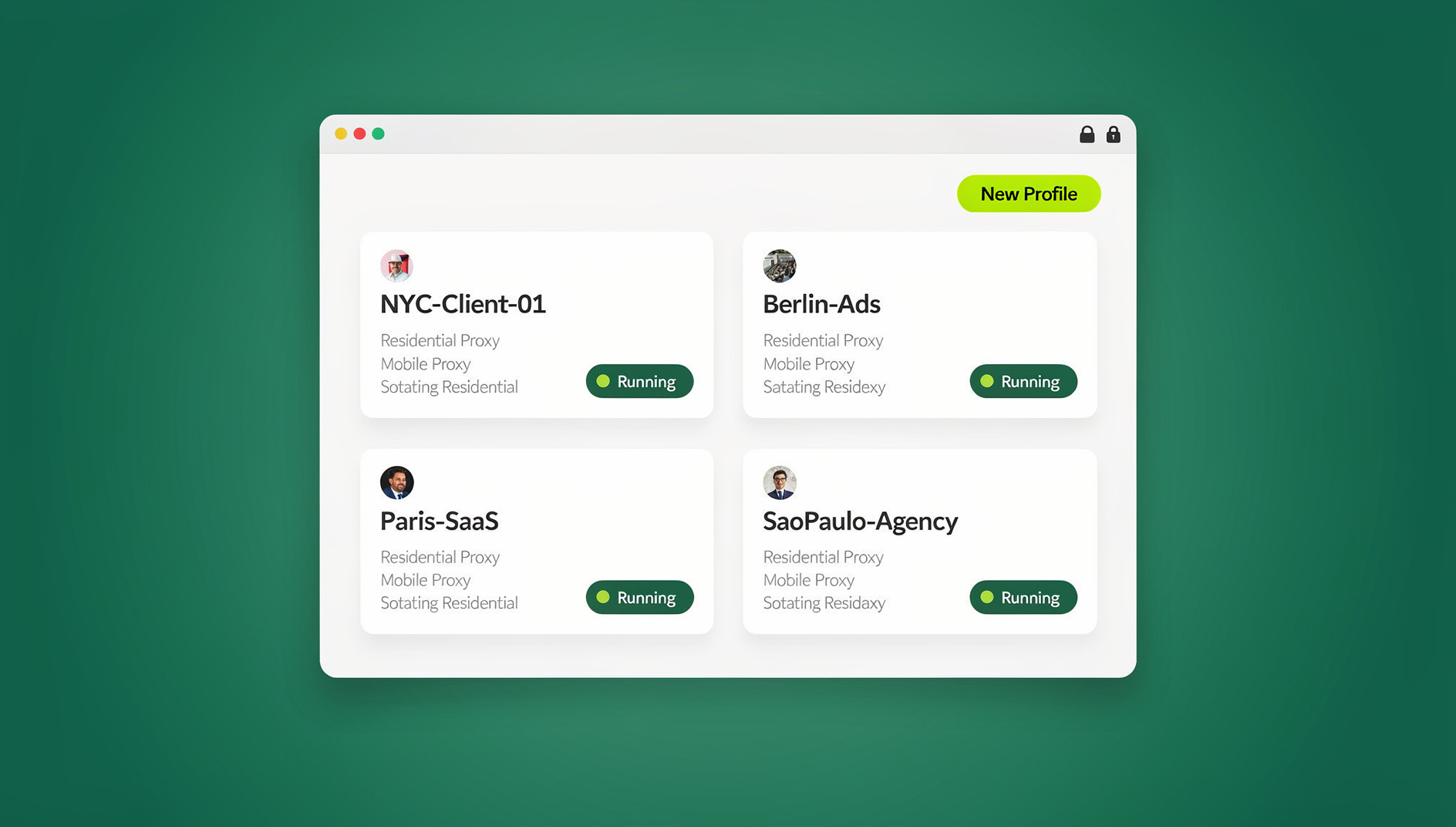
This is precisely the kind of operational friction that a multi-login browser was built to solve. Instead of one browser identity shared across every tenant, each client or region gets its own isolated profile — separate cookies, separate cache, a unique fingerprint, and (if needed) its own residential or datacenter proxy so the account’s location matches where that client actually operates.
What Send.win Adds to an HCM-Heavy Workflow
Send.win is a browser profile manager built for exactly this kind of multi-account complexity. For HR operations teams, PEOs, and IT admins juggling several HCM tenants, it brings a few specific capabilities:
- Browser isolation per client or entity. Every HCM login gets its own sandboxed profile so cookies, cached sessions, and saved data for Client A never leak into Client B’s tab.
- Unique fingerprints per profile. Each profile presents its own distinct browser fingerprint, avoiding the “why is one IP logging into 12 different company payroll systems” pattern that trips fraud detection.
- Built-in proxies. Match each client’s or region’s expected geography and timezone, which matters when an HCM vendor’s fraud system checks whether a login location is consistent with the account’s registered address.
- Team sharing without password sharing. Instead of texting a teammate the ADP password for Client B, an admin can grant session access directly inside Send.win — sharing accounts without passwords and revoking access instantly when someone leaves the account or the company.
- A native Desktop app. Send.win ships a dedicated Windows, macOS, and Linux desktop client, so HR admins running a dozen HCM tabs alongside payroll spreadsheets and email get a stable, dedicated workspace instead of another browser tab competing for memory.
None of this replaces your HCM platform — it sits underneath it, making the day-to-day experience of operating multiple accounts inside that platform faster and safer. Teams that have standardized on multi-login profiles for teams report far fewer accidental cross-client mistakes than teams relying on manual browser-profile switching.
HCM Software vs. Multi-Login Browser Tools: How They Fit Together
| Need | Handled By |
|---|---|
| Payroll calculation, tax filing, compliance | Your HCM platform (Workday, ADP, Rippling, etc.) |
| Performance reviews, learning, succession planning | Your HCM platform’s talent modules |
| Isolating client/region logins so sessions never cross-contaminate | A multi-login browser like Send.win |
| Sharing HCM portal access across a team without shared passwords | Send.win’s team browser access controls |
| Automating repetitive testing or provisioning tasks across accounts | No |
| Matching each account’s expected login geography | Send.win’s built-in residential/datacenter proxies |
Organizations that run this pairing well typically treat their HCM platform as the system of record and Send.win as the access layer that keeps every login — internal, client-facing, or sandbox — cleanly separated. For PEOs and multi-entity companies especially, secure session sharing across a distributed HR team turns out to be just as important as the HCM software itself.
🏆 Send.win Verdict
Human capital management software will always be the system of record for payroll, benefits, and people data — but it was never built to solve the login-management chaos of running multiple HCM tenants across clients, regions, or departments. If your HR, IT, or agency team is juggling several client HCM accounts, regional instances, or sandbox environments, Send.win gives every login its own isolated profile, unique fingerprint, and matching proxy, plus team-wide access sharing without passing around passwords, and a native Desktop app for a stable daily workspace.
Try Send.win today — plans start at $19/month, and your first card purchase is covered by a 7-day money-back guarantee. You can also preview it free in the cloud demo, and see how much cleaner multi-account HR operations can be.
Frequently Asked Questions
What is the difference between HCM software and HRIS?
An HRIS (Human Resources Information System) is typically the core employee database — personal records, job history, and compliance documents. HCM software is broader: it includes the HRIS layer plus talent management (recruiting, performance, learning) and workforce management (scheduling, time tracking, payroll). In practice, most vendors today market their product as “HCM” even if it started as a narrower HRIS.
How much does human capital management software cost in 2026?
Pricing varies widely by vendor and company size. Small-business-focused tools like BambooHR or Paycor often run $6–$12 per employee per month. Mid-market platforms like Paylocity, Dayforce, or UKG typically range from $10–$20 per employee per month depending on modules selected. Enterprise platforms like Workday are usually quoted per contract based on employee count and modules, often starting in the tens of thousands of dollars annually.
Which HCM software is best for a small business?
For companies under roughly 500 employees, BambooHR, Paycor, and Deputy (for shift-based teams) are generally the fastest to implement and the friendliest for teams without a dedicated HR-tech function. Rippling is also a strong option for fast-growing startups that want HR, IT, and finance tools unified from day one.
Can HCM software help with worker classification and compliance?
Yes — most modern platforms include tools to flag contractor vs. employee misclassification risk, track multi-state tax nexus, and generate the documentation needed for audits. This is one of the strongest reasons to move off spreadsheets in 2026, given how aggressively worker classification is being enforced in several jurisdictions.
How does a multi-login browser like Send.win relate to HCM software?
Send.win doesn’t replace HCM software — it solves a different problem. If your team, agency, or PEO needs to log into multiple HCM accounts (different clients, regions, or sandbox environments) without cross-contaminating sessions or sharing passwords, Send.win gives each account its own isolated browser profile, fingerprint, and optional proxy, plus team access controls.
Does Send.win require installing software, or is it fully cloud-based?
Send.win offers a native Desktop app for Windows, macOS, and Linux, which most teams use for day-to-day multi-account work, alongside cloud-synced profiles that can be accessed and shared across a team. The desktop app is required for full functionality, including proxy routing and fingerprint isolation.
What is Send.win, and who is it for?
Send.win is a browser profile manager for professionals and teams. Each profile keeps its own cookies, storage, sessions, fingerprint settings and proxy, so teams juggling multiple accounts can keep their work organised and separate rather than clicking through each profile manually.
How much does Send.win cost?
Send.win has no free trial. The Pro plan is $19/month or $83.88/year, and the Team plan is $49/month or $251.88/year. The first card purchase is covered by a 7-day money-back guarantee, and the only free option is the cloud demo at https://send.win/demo-browser/ — a 3-minute preview without signup, or 10 minutes a day with a free account.
Should a mid-size HR team even worry about multi-login tools?
If your team only ever logs into a single company’s HCM instance, probably not — a normal browser is fine. But the moment you manage more than one client, entity, region, or sandbox account inside the same HCM vendor, session conflicts and password-sharing risk grow fast, and that’s exactly when a dedicated multi-login browser starts paying for itself.