Is Send.win worth it? Short answer: if you manage more than two or three online accounts on the same platform — social profiles, ad accounts, marketplace stores, client logins — the math works out in your favor almost every time. The longer answer depends on how many profiles you run, what a single suspended account actually costs you, and whether you’re paying for proxies, browser extensions, and password managers separately when one tool could replace all three. This guide breaks down the real 2026 numbers so you can decide for yourself instead of taking anyone’s word for it.
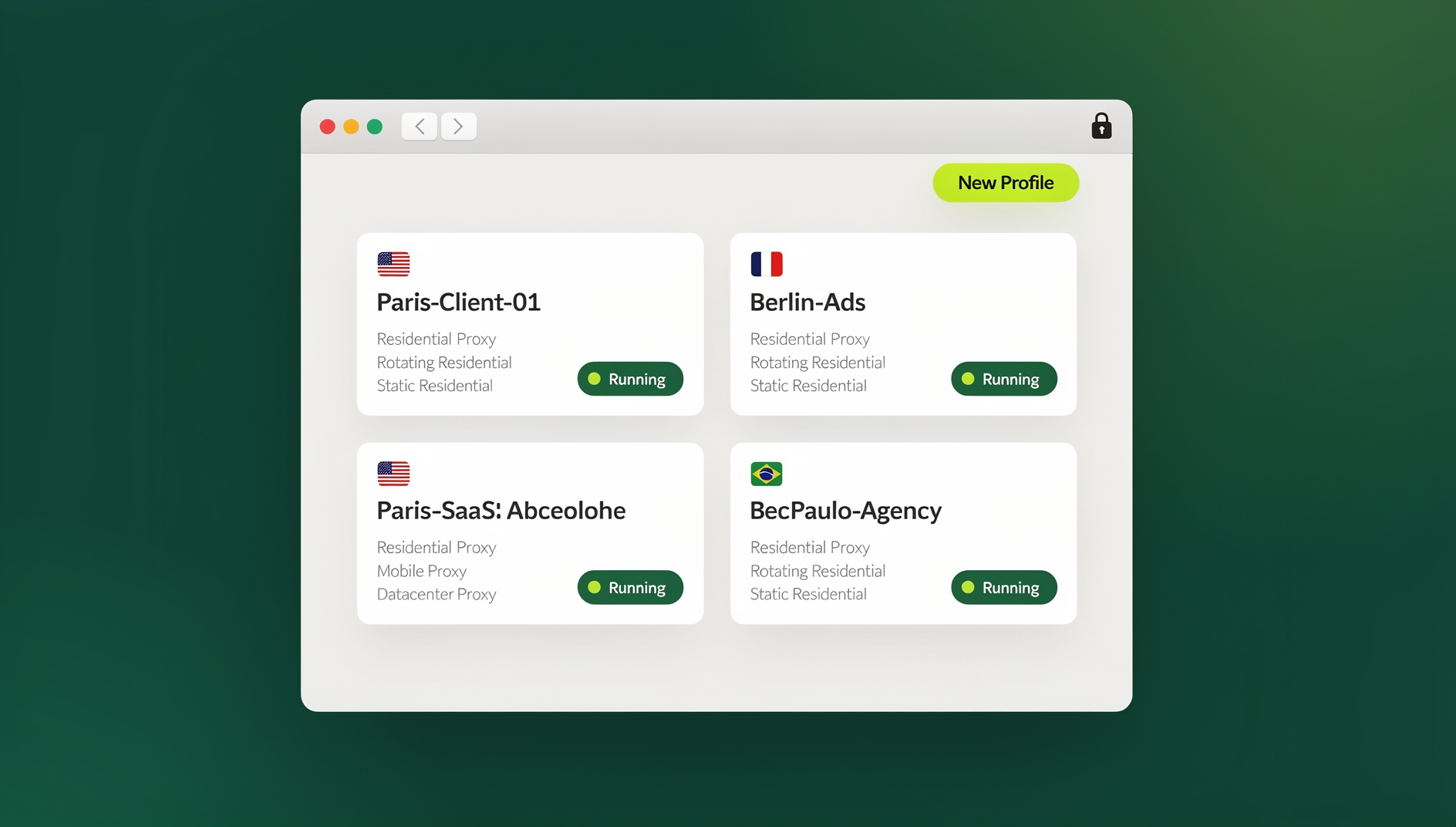
A lot goes into evaluating Send.win in 2026. It ships as a full native desktop app for Windows, macOS, and Linux called Sendwin Browser, plus the option to run a browsing session entirely in the cloud with zero local install. It has a considered pricing structure, with plans starting at $19/mo for Pro and $49/mo for Team, and the first card purchase is covered by a 7-day money-back guarantee. If you’re evaluating whether to pay for it, you’re evaluating a genuinely capable, full-featured product built for people who manage multiple accounts at scale.
What Send.win Actually Is Today
Send.win is a browser profile manager built for people and teams who need to operate multiple accounts on the same website with separate cookies, storage and sessions. Each profile gets its own isolated browser fingerprint — canvas, WebGL, fonts, screen resolution, timezone, and more — so that each profile keeps its own consistent browser identity. Profiles can be paired with built-in residential, datacenter, or mobile proxies, shared with teammates without ever exposing the underlying password, and now run either through the native Sendwin Browser desktop app or through a cloud browser session with no local install required.
That last point matters more than it sounds. A native desktop app means profiles launch faster, hold up better under heavy multi-tab workloads, and don’t depend on any browser staying open in the background to keep working. For anyone running 20, 50, or 200 profiles a day, that reliability is itself part of the ROI calculation — a crashed browser tab mid-campaign costs real money.
The Real Cost of Not Having This
Before pricing, it helps to frame the actual alternative. Without a dedicated multi-login browser, most people fall back on one of three workarounds, and all three carry hidden costs:
- Multiple physical devices or VMs — expensive, slow to scale, and still leaves you sharing an IP block or hardware fingerprint across “different” accounts.
- Incognito windows and browser profiles — free, but they share the same canvas/WebGL/font fingerprint and the same IP, which is exactly what platforms use to link accounts together.
- Manual password sharing across a team — creates security risk, breaks audit trails, and falls apart the moment someone changes a password without telling the group.
Each of these has a downstream cost: a banned Amazon seller account can mean thousands of dollars in inventory and lost sales. A flagged ad account can wipe out an entire campaign’s spend and history. A leaked shared password can lock an entire team out of a client account overnight. Those are the real numbers “is Send.win worth it” should be measured against — not just the monthly subscription fee.
Send.win Pricing in 2026: What You Actually Get
Send.win has no free trial, but the first card purchase is covered by a 7-day money-back guarantee, and you can preview it for free in the cloud demo at https://send.win/demo-browser/ before paying anything.
| Plan | Monthly Price | Annual Price | Profiles | Proxy Bandwidth | Automation API | Seats |
|---|---|---|---|---|---|---|
| Free Trial | $0 for 30 days | — | Limited | Included | No | 1 |
| Pro | $19/mo | $6.99/mo | 150 | 5GB | No | 1 |
| Team | $49/mo | $20.99/mo | 500 | 20GB | Yes (Selenium/Puppeteer/Playwright) | 16 |
Need more than the plan includes? Add-ons are priced at roughly $6 per extra GB of proxy bandwidth and $0.05 per extra profile beyond your plan’s limit — so scaling up doesn’t mean jumping to the next pricing tier immediately.
The number that tends to surprise people evaluating cost is what’s already bundled into that price: proxy bandwidth is included, not billed by a separate provider. If you’re currently paying for a browser profile manager license and a separate residential proxy subscription, folding both into one Send.win plan is often where the real savings show up.
Where the Value Actually Comes From
1. Unique Fingerprints Per Profile
This is the core function and the reason most people look at Send.win in the first place. Every profile you create gets its own consistent, isolated fingerprint that persists across sessions, so a platform sees stable, distinct “devices” instead of one browser juggling five logins. That’s the difference between accounts that survive scrutiny and accounts that get flagged for looking suspiciously identical.
2. Built-In Proxies (No Separate Bill)
Because bandwidth is bundled into the Pro and Team plans, you’re not stitching together a proxy provider, an anti-detect browser, and a password manager from three different vendors with three different invoices. That consolidation is worth real money on its own, especially once you account for the time spent managing multiple subscriptions.
3. The Native Desktop App
Windows, macOS, and Linux users run Send.win through Sendwin Browser, a dedicated native desktop client, or through a cloud browser session that needs no local install at all. For heavy users — agencies running dozens of profiles simultaneously, e-commerce sellers juggling multiple storefronts — the desktop app’s stability under load is a meaningful reliability upgrade, not just a nice-to-have.
4. Team Sharing Without Passwords
Sessions can be shared with teammates with a single click, without ever revealing the underlying password. That removes one of the most common security failure points in agencies and teams: someone leaving the company (or a client relationship ending) no longer means rotating a dozen shared passwords by hand.
5. Cloud Browser Sessions for Scale
The Team plan supports collaborative workflows across profiles, letting teams organise and share sessions instead of clicking through them manually. If you’re running QA testing, scraping, or repetitive account tasks across dozens of profiles, this is the feature that turns Send.win from “a browser tool” into genuine infrastructure — the kind of capability that matters once you’re operating well beyond a handful of manual profiles.
Calculating Your Own ROI
Rather than take a generic “it’s worth it” verdict at face value, run the numbers for your own situation. A simple framework:
| Variable | Ask Yourself |
|---|---|
| Cost of one banned/suspended account | Lost revenue, lost ad spend, time to rebuild trust/history |
| Time spent switching browsers/devices manually | Hours per week × hourly value of your time |
| Current spend on separate proxies + browser tool | What are you paying today across multiple vendors? |
| Risk of shared-password security incidents | Cost of a lockout, breach, or client trust issue |
Example: an agency managing 15 client ad accounts on Pro at $19/month is paying roughly $150/year. If avoiding a single flagged ad account saves even one client’s $2,000 monthly ad budget from being frozen for a week, the subscription has paid for itself many times over — before counting the proxy costs it also replaced.
Is Send.win Worth It, By Use Case?
E-Commerce Sellers
Multi-store Amazon, eBay, Etsy, or Shopify operators depend on accounts staying unlinked to avoid marketplace bans triggered by suspected policy violations. This is one of the clearest ROI cases — a well-documented deep dive on avoiding account bans and boosting sales walks through exactly how sellers structure multi-store operations safely.
Social Media Managers & Agencies
Agencies juggling dozens of client accounts across platforms benefit from both the fingerprint isolation and the password-free session sharing — onboarding and offboarding team members no longer means rotating credentials across every client account.
Affiliate & Ad Marketers
Running parallel ad accounts to test creative or scale campaigns is exactly the scenario platforms are built to detect and shut down. Isolated profiles with dedicated proxies are close to a requirement here, not a luxury.
Freelancers & Solo Operators
Even a single freelancer managing a handful of client logins and their own accounts gets meaningful value from one-click, password-free session switching — no more re-entering credentials or worrying about cross-contaminating a client’s session with a personal one.
Everyday Privacy Users
For someone with one or two accounts and no ban risk to worry about, the free trial is worth testing, but the ROI case is weaker — this is where Send.win’s value scales with how many accounts and how much risk you’re actually managing.
Send.win vs the Alternatives: Is It Worth Switching?
If you’re currently on another multi-login browser tool and weighing whether to switch, the comparison usually comes down to three things: whether proxies are bundled or billed separately, how the pricing scales as you add profiles, and whether the vendor ships a real desktop app or depends entirely on a browser extension. Send.win’s combination of included bandwidth and a native desktop client is a genuinely different value proposition than tools that charge extra for each of those pieces individually. For a full breakdown of how it stacks up feature-by-feature, see this multi-login browser comparison, and if you want the other side of the argument, this roundup of Send.win alternatives covers where competing tools might fit better for specific budgets or workflows.
Where Send.win Might Not Be Worth It
- You genuinely only use one account per platform — there’s no fingerprint isolation problem to solve.
- You need mobile-only workflows — Sendwin Browser and cloud browser sessions cover Windows, macOS, and Linux, but heavy mobile-native use cases may need a different tool.
- You’re not willing to learn even basic profile management — there’s a small learning curve to setting up profiles and proxies correctly the first time.
Outside of those edge cases, the 7-day money-back guarantee on your first card purchase removes most of the downside risk of finding out for yourself.
🏆 Send.win Verdict
Is Send.win worth it? For anyone managing more than a couple of accounts on the same platform, yes — the math is straightforward. Bundled proxy bandwidth alone often offsets the subscription cost versus paying for proxies separately, and keeping accounts separate and organised can pay for a full year of Pro or Team many times over. Add the native desktop app for reliability and cloud browser sessions for teams that need to work beyond manual clicking, and Send.win earns its cost for anyone whose business depends on multiple accounts staying separate and online.
Try Send.win today — plans start at $19/mo, the first card purchase is covered by a 7-day money-back guarantee, and you can preview it free in the cloud demo before you pay a cent.
Frequently Asked Questions
Is Send.win worth it for a single person managing just two accounts?
It can be, but the ROI is smaller than for teams or high-volume users. If those two accounts carry real financial or professional risk if banned or linked, the isolation and proxy bundling still justify the Pro plan’s cost. If the accounts are low-stakes, the free cloud demo is enough to decide.
Does Send.win really include proxies, or is that a separate cost?
Proxy bandwidth is bundled into both the Pro (5GB) and Team (20GB) plans. If you exceed your plan’s bandwidth, additional usage is billed at roughly $6/GB rather than requiring a whole new subscription tier.
What’s the difference between the Pro and Team plans?
Pro is built for individuals: 150 profiles, 5GB of proxy bandwidth, and a single seat. Team adds more scale (500 profiles, 20GB bandwidth) and 16 seats for collaborative work.
Do I need to use the desktop app, or can I use Send.win without installing anything?
Send.win isn’t a browser extension — it’s a native desktop app called Sendwin Browser (Windows, macOS, Linux), and you can also run a full browsing session entirely in the cloud with no local install at all. The desktop app generally performs better under heavy, daily multi-profile workloads, while cloud browser sessions are a good fit for lighter, occasional, install-free use.
Does Send.win offer an Automation API?
No — Send.win does not offer an Automation API, SDK, headless mode, or Selenium/Puppeteer/Playwright support on any plan. It’s a browser profile manager for manual work, with isolated profiles that each keep their own cookies, storage, sessions, fingerprint settings and proxy.
How does Send.win compare on price to other browser profile managers?
Pricing varies across the market, but Send.win’s advantage is less about being the cheapest sticker price and more about what’s bundled: proxy bandwidth and team session sharing come included rather than billed as add-ons, which changes the total cost of ownership compared to tools that charge for each piece separately.
Can I test Send.win before committing to a paid plan?
There’s no free trial, but the first card purchase is covered by a 7-day money-back guarantee, and the free cloud demo lets you set up real profiles, test proxy performance, and run your actual workflow before deciding whether to upgrade.
Is Send.win worth it for teams, specifically?
This is where the value case is strongest. Password-free session sharing removes a major security liability, the Team plan’s 16 seats support real collaborative workflows, and cloud browser sessions let technical members work beyond manual tasks — all under one subscription instead of stitching together separate tools for proxies, password sharing, and browser fingerprinting.