Malware isolation is a security strategy that runs untrusted files, links, and web pages inside a disposable, sandboxed environment — so if something malicious executes, it never touches your real device, files, or network. Rather than trying to detect every threat before it runs, isolation assumes some malware will slip through and makes sure it has nowhere to go once it does. Cloud browser sessions and sandboxed native apps, including Send.win, are now the most practical way to apply this principle at scale, for individuals and teams alike.
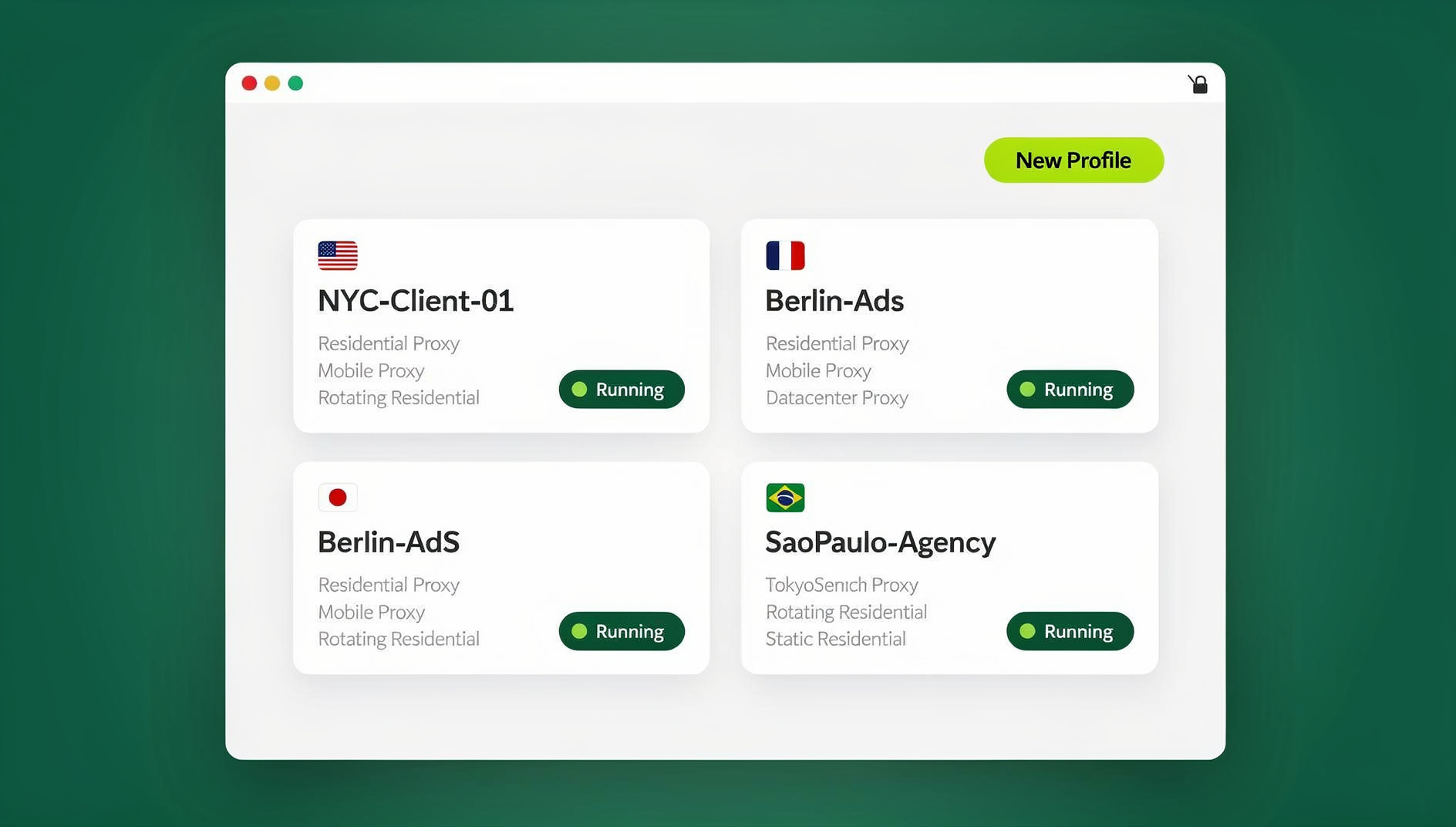
What Is Malware Isolation?
Malware isolation contains malicious software in a restricted environment where it cannot access, damage, or exfiltrate data from your real systems. Instead of relying solely on detection — which fails against new, unknown threats — isolation ensures that even if malware executes, it’s trapped in a disposable container with no path back to your actual files, network, or operating system.
This represents a shift from “detect and respond” to “contain and neutralize.” With hundreds of thousands of new malware variants discovered every day, detection-only approaches are fighting a losing battle. Isolation makes the outcome of detection largely irrelevant — whether a threat is caught or not, it cannot escape its sandbox.
How Malware Isolation Works
The Containment Principle
- All untrusted content (files, web pages, email attachments) runs inside a disposable container.
- The container has no access to the host OS, local file system, or network resources beyond what’s explicitly permitted.
- If malware executes inside the container, it can only damage the disposable environment itself.
- The container is destroyed after the session ends — malware dies with it.
- A fresh container is created for the next session, always starting clean.
Isolation Technologies Compared
| Technology | Isolation Level | Overhead | Best Use Case |
|---|---|---|---|
| Virtual Machines (VMs) | Hardware-level | High (4-8 GB per VM) | Malware analysis, deep forensic isolation |
| Containers (Docker) | OS-level | Low (100-500 MB) | App sandboxing, dev environments |
| Micro-VMs | Hardware-level | Very low (boot in ms) | Per-task isolation (e.g., Firecracker) |
| Browser process sandboxing | Process-level | Minimal | Site-level isolation inside one browser |
| Application sandboxing | Process-level | Minimal | Running untrusted local apps safely |
| Cloud/remote browser sessions | Server-level | None on your device | Web browsing, account management, high-risk links |
Types of Malware That Isolation Stops
Web-Based Threats
- Drive-by downloads: malicious code that executes just by visiting a webpage
- Exploit kits: automated tools that probe browser vulnerabilities
- Malvertising: malware delivered through legitimate-looking ad networks
- Cryptojacking scripts: hidden cryptocurrency miners running inside a web page
- Browser-based scareware: fake lock screens and warnings triggered by JavaScript
File-Based Threats
- Macro malware: malicious macros hidden in Office documents (Word, Excel)
- PDF exploits: embedded JavaScript or shellcode inside PDF files
- Archive bombs: compressed files designed to exhaust system resources on extraction
- Executable masquerading: files with deceptive extensions such as invoice.pdf.exe
Email-Based Threats
- Phishing attachments: infected documents sent via email
- Malicious links: URLs leading to exploit kits or credential-harvesting pages
- HTML email exploits: malicious code embedded directly in the email body
Malware Isolation Methods You Can Use Today
1. Browser Isolation
Browser isolation is the highest-impact form of malware isolation for most people, since the browser is the entry point for the majority of infections. There are two practical approaches:
- Local browser sandboxing: modern browsers isolate individual sites into separate processes, limiting what a compromised tab can touch on your machine.
- Cloud browser sessions: the page actually renders on a remote server, and only the visual output streams to your screen — malicious code never touches your device at all. This is one of the two ways Send.win lets you browse: an entirely cloud-run session with zero local install, metered by cloud browsing time, which is ideal for opening suspicious links or unfamiliar sites without risk.
Send.win’s other mode, the Sendwin Browser, is a native desktop app for Windows, macOS, and Linux that keeps your profiles local-first with encrypted cloud sync — useful when you want isolated, separate browser profiles for different accounts on your own machine, backed up and synced across devices without exposing one profile to another. For account-heavy workflows, pairing that with session isolation between profiles means a compromised session in one profile can’t reach the cookies or credentials stored in another.
2. Document Isolation (CDR)
Content Disarm and Reconstruction handles file-based threats before a document ever reaches your real environment:
- Receive the document (PDF, DOCX, XLSX)
- Open it inside an isolated sandbox to extract the visual content
- Strip all active content — macros, scripts, embedded objects
- Reconstruct a clean version of the document
- Deliver the sanitized file to the user
3. Application Sandboxing
- Windows Sandbox: a lightweight, disposable VM built into Windows 10/11 Pro for running untrusted apps
- macOS App Sandbox: per-application isolation with restricted system access
- Firejail (Linux): a SUID sandbox program built on Linux namespaces
- Qubes OS: an entire operating system architected around application isolation
4. Network Isolation
- Microsegmentation: divides networks into isolated zones so malware can’t move laterally
- DMZ (demilitarized zone): keeps public-facing services separate from internal networks
- East-west firewalls: monitor and restrict traffic between internal segments
- Zero Trust Network Access: every connection is verified, regardless of source
How to Implement Malware Isolation
For Individuals and Remote Workers
| Level | What to Do | Example Tools | Typical Cost |
|---|---|---|---|
| Basic | Rely on browser built-in process isolation | Chrome, Edge, Firefox site isolation | Free |
| Moderate | Run risky browsing sessions in a disposable local sandbox | Windows Sandbox (Win 10/11 Pro) | Free |
| Advanced | Move high-risk browsing to a cloud session or isolated profile | Send.win cloud sessions or Sendwin Browser | From $19/mo (or $83.88/yr); 7-day money-back guarantee on first card purchase |
| Maximum | Run an entire OS designed around per-app isolation | Qubes OS | Free (dedicated hardware) |
For Teams and Organizations
- Isolate high-risk browsing first — start with the users most exposed to phishing and unvetted links
- Isolate email links and attachments so nothing opens directly on an employee’s machine
- Add CDR for documents arriving from external senders
- Segment the network with microsegmentation and zero-trust policies
- Standardize on isolated browser profiles per account so one compromised login can’t cascade into others
- Train employees on why isolation exists and how to work within it, since social engineering still requires user awareness
Malware Isolation for Multi-Account Security
If you or your team manage many online accounts — ad platforms, client logins, social profiles, marketplaces — malware isolation protects the entire portfolio, not just one login. A keylogger running inside one isolated profile can’t read credentials typed into a different profile. Stolen cookies from one session can’t be replayed to hijack another. And because each profile is contained, the risks of running multiple accounts from a single device — cross-contamination, accidental logouts, one bad click taking down every login — drop sharply.
This also changes how teams can safely delegate access. Instead of handing out a password that lets a contractor’s malware-laced laptop touch your real account, you can share sessions without sharing passwords, revoking access instantly if something looks wrong. Combined with remote browser isolation for anything unverified, a compromised device or a risky click no longer means a compromised account.
Cloud browser platforms like Send.win build this in by default — cloud sessions run entirely on remote infrastructure, and desktop profiles in the Sendwin Browser are still kept separate from one another, so even a worst-case infection in one profile doesn’t put the rest of your accounts at risk.
Malware Isolation vs. Traditional Antivirus
| Aspect | Traditional Antivirus | Malware Isolation |
|---|---|---|
| Detection method | Signature matching, heuristics | Containment — detection isn’t required |
| Zero-day protection | Limited | Strong, by design |
| False positives | Common (blocks safe files) | Rare (everything untrusted is treated equally) |
| Performance impact | Higher (constant background scanning) | Low, especially with cloud/remote processing |
| Update frequency | Must update signatures constantly | No signature updates needed |
| Complementary? | Yes — the two work best together for defense in depth | |
Where Send.win Fits Into a Malware Isolation Strategy
Send.win offers two distinct ways to put isolation into practice, and it’s worth being precise about what each one does. The Sendwin Browser is a native, downloadable desktop app for Windows, macOS, and Linux. It’s local-first, meaning your browsing happens on your own machine, but every profile is kept separate and your data syncs to the cloud in encrypted form — so a problem in one profile stays contained to that profile. Cloud browser sessions, by contrast, run entirely on Send.win’s servers with no local install at all; only the rendered page reaches your screen, and usage is metered by cloud browsing time. That mode is the strongest isolation option for genuinely risky browsing, since malicious code never executes on your hardware.
Pricing is straightforward: Pro at $19/mo ($83.88/yr) with 150 profiles, 5GB of proxy bandwidth, or Team at $49/mo ($251.88/yr) with 500 profiles, 20GB of bandwidth, and 16 seats for larger groups. The first card purchase is covered by a 7-day money-back guarantee, and there is no free trial.
🏆 Send.win Verdict
Malware isolation works best when it’s built into how you already browse, not bolted on as an extra step. Send.win gives you both ends of that spectrum — a native desktop app with encrypted, isolated profiles for everyday multi-account work, and fully cloud-hosted sessions for anything you don’t fully trust. That combination covers the browser-based attack surface that causes most real-world infections, without the overhead of enterprise remote-browser-isolation platforms.
Try the Send.win cloud demo — a 3-minute preview without signup, 10 minutes a day with a free account.
Frequently Asked Questions
Does malware isolation replace antivirus software?
No. Isolation and antivirus are complementary layers. Antivirus catches malware from non-browser sources like USB drives, local files, and direct downloads, while isolation handles the browser-based attack surface. Best practice is to run both together for defense in depth.
Can malware escape from an isolation container?
Container and VM escape vulnerabilities exist but are rare and get patched quickly once found. Hardware-level isolation (VMs, micro-VMs) is generally stronger than OS-level isolation (containers). Cloud-based isolation adds an extra layer — even in the unlikely event malware escapes the container, it’s on a remote server, not your device.
Does malware isolation slow down browsing?
Modern solutions add minimal latency. Local process sandboxing has negligible impact, and cloud-based sessions typically add well under a second of round-trip delay for most sites. For day-to-day browsing, documents, and web apps, the experience is close to direct, unisolated browsing.
What about malware that requires user interaction to run?
Social engineering — tricking someone into deliberately running something malicious — can still work inside an isolated environment. What changes is the blast radius: the malware can’t reach local files, spread to other systems, or persist after the session ends. User education still matters alongside technical isolation.
Is malware isolation expensive to set up?
It ranges from free, using built-in browser sandboxing or Windows Sandbox, to a modest monthly fee for cloud browsing or dedicated remote-isolation tools. Send.win’s Pro plan starts at $19/mo ($83.88/yr), which is far cheaper than the cost of recovering from a single serious malware incident.
Do I need isolation if I already use a VPN?
A VPN encrypts and reroutes your traffic; it does nothing to stop malicious code from executing once a page loads or a file opens. Isolation and a VPN solve different problems and are commonly used together — one protects the connection, the other contains what runs on it.
How is malware isolation different from just using separate browser profiles?
Separate profiles keep cookies and logins apart, which helps, but if the browser process itself gets compromised, a profile boundary alone may not hold. Real isolation adds a harder boundary — either sandboxing at the OS level or moving the entire session to a remote server — so a compromise in one context genuinely cannot reach another, instead of relying on the browser to keep its own internal walls intact.
Should individuals bother with malware isolation, or is it just for enterprises?
Individuals managing several accounts — freelancers, marketers, sellers, remote workers — benefit just as much as large teams. A single infected profile can otherwise cascade into every account logged in on the same device; isolating profiles and risky browsing prevents that cascade regardless of how many people are on the account.
Conclusion
Malware isolation is effective because it removes the need to catch every threat before it runs. By keeping untrusted content in disposable, contained environments — whether that’s a cloud browser session or an isolated local profile — you make the outcome of any single infection far less damaging. For anyone juggling multiple accounts, tools like Send.win’s native desktop app and cloud browser sessions combine that isolation with practical, everyday account management, so security and convenience don’t have to trade off against each other.