The best productivity app stack isn’t one all-in-one platform — it’s a lean set of specialized tools that each do a single job well and connect cleanly with the rest. This guide walks through 15 tested apps across browsing, tasks, docs, calendar, communication, and security, anchored by Send.win, the browser profile manager that keeps every login, proxy, and shared session organized so the rest of your stack runs faster and safer.
How We Chose These Apps
Fifteen tools is already a lot to consider, so every pick on this list had to clear four bars before it made the cut.
- Utility over hype: Every app solves a real, recurring problem instead of chasing a trend.
- Cross-platform and team-friendly: Works on the devices and operating systems people actually use, solo or in a group.
- Automation-ready: Connects to common automation platforms so repetitive clicks can be eliminated.
- Privacy and security by default: Sensible defaults for sensitive, regulated, or client-facing work.
Send.win: The Browser That Anchors the Stack
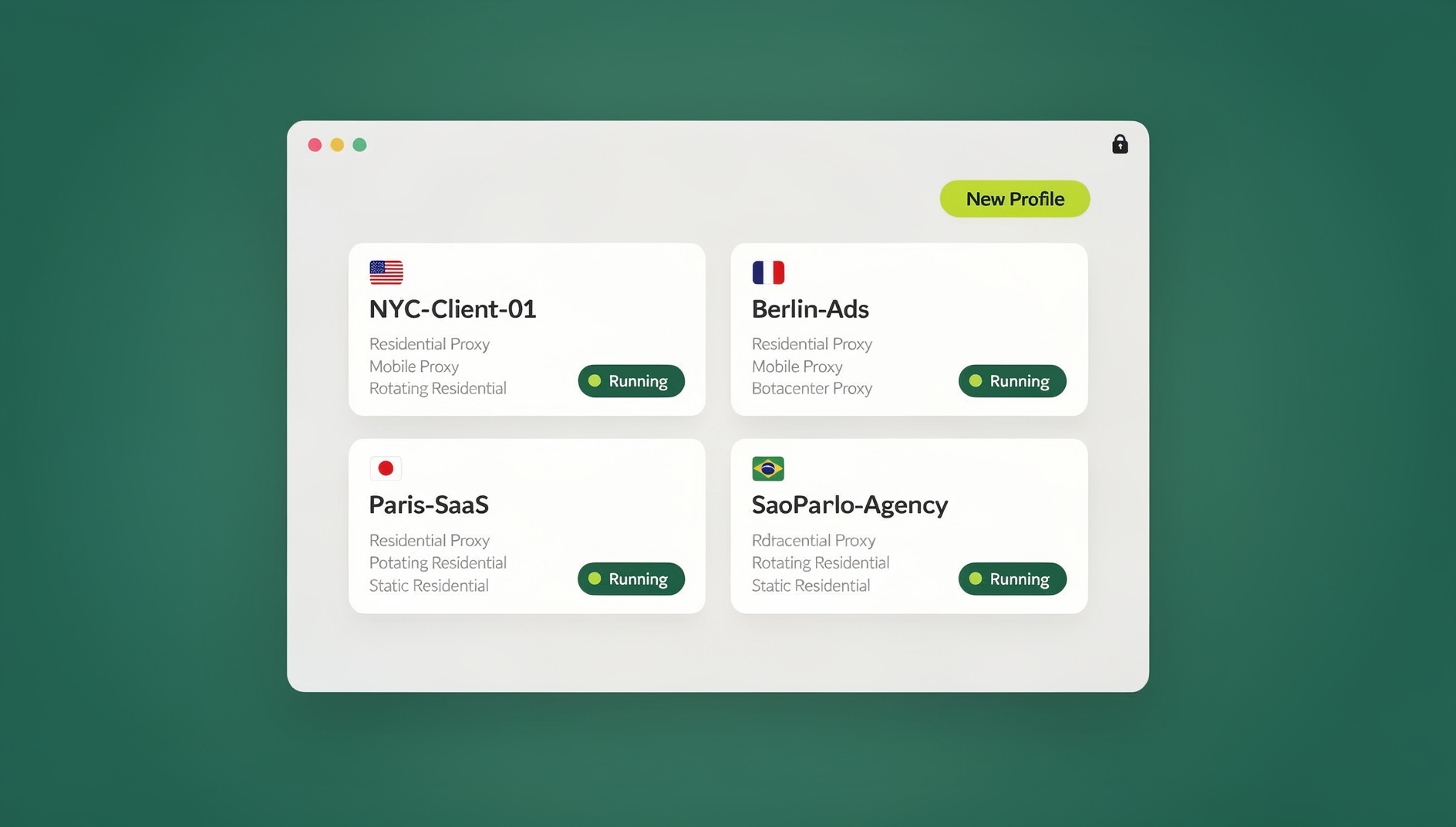
If your day involves switching between multiple accounts — ad platforms, social profiles, storefronts, analytics dashboards, or client logins — Send.win is the piece that makes everything else in this list run smoother. It gives you two ways to work: the Sendwin Browser, a native desktop app for Windows, macOS, and Linux that’s local-first with encrypted cloud sync, and cloud browser sessions that run entirely on remote infrastructure with zero local install, billed by cloud browsing time. Pick the desktop app when you want your profiles to live on your own machine with sync in the background; pick a cloud session when you want a disposable, fully isolated browser you can spin up and share in seconds.
Both modes give each login its own isolated profile, so cookies, cache, and fingerprints never bleed between accounts. When a teammate or client needs access, you can share app access without passwords instead of handing over a login — Send.win streams the session while the credential stays put.
What Makes Send.win Different
- Unlimited multi-login: Run as many accounts side by side as your plan’s profile allowance supports, without conflicts.
- Per-profile isolation: Safely A/B test copy, compare competitor flows, or manage parallel campaigns without cross-contamination.
- Bring-your-own proxy support: Attach your own proxies for IP and location control, with bandwidth allowances built into each plan.
- Protect sensitive pages: Gate account and billing screens so they aren’t visible without explicit permission.
- Share sessions, not passwords: Give a teammate or contractor a live, working session without ever exposing the credential.
- Blur sensitive regions: Mask parts of a shared or recorded session that shouldn’t be visible.
- Strong encryption: Profile data is encrypted both on the device and in cloud sync.
Who Gets the Most From Send.win
Marketers and advertisers run multiple ad accounts and preview geo-targeted creatives without cross-account risk. E-commerce sellers operate several storefronts while keeping sessions cleanly separated. SEO professionals check rankings from different locations and test landing pages in a fresh profile every time. Developers and QA teams reproduce bugs in isolated states and parallelize testing using disposable cloud environments for QA testing. Remote teams lean on multi-login profiles built for teams to keep client work cleanly separated and to hand off access without ever sharing a password.
Send.win Pricing (2026)
Send.win offers a straightforward two-tier structure plus a no-credit-card trial, so you can test the workflow before committing.
| Plan | Monthly | Billed Annually | Profiles | Proxy Bandwidth | Automation | Seats |
|---|---|---|---|---|---|---|
| Pro | $19/mo | $6.99/mo | 150 | 5 GB | Included | 1 |
| Team | $49/mo | $20.99/mo | 500 | 20 GB | Included | 16 |
There is no free trial: plans start at $19/mo (Pro) or $49/mo (Team), and your first card purchase is covered by a 7-day money-back guarantee. You can also preview the cloud browser free at the Send.win demo. Pricing and feature allowances can change, so confirm the current details on the Send.win pricing page before you buy.
Getting Started in 3 Steps
- Sign up: Create your account and choose a paid plan — Pro at $19/mo or Team at $49/mo — with the first card purchase covered by a 7-day money-back guarantee.
- Choose your mode: Download the Sendwin Browser for a local-first desktop app, or launch a cloud session straight from the dashboard.
- Create your first profile: Log into an account, name the profile, and attach a proxy if you need one.
The Other 14 Apps That Complete the Stack
None of these are meant to be used all at once. Pick five to eight that map to your actual workflow — the goal is a lean productivity software setup for solo makers and small teams alike, not a shelf of apps you open once and forget.
Todoist — Tasks and Light Projects
Todoist captures to-dos in natural language, organizes them by project and label, and keeps recurring work on schedule without extra overhead. It’s powerful enough for small teams but stays simple for a single user. It’s best for individuals and small teams who need frictionless capture and reliable recurring tasks. Quick tip: pair it with Send.win so you can maintain separate ad or client task views while you test campaigns in isolated profiles.
Notion — Notes, Docs, and a Lightweight Wiki
Notion is an all-in-one workspace for notes, documents, databases, and light project management, with built-in AI for drafting and search. It works well as a team wiki or a client hub. It suits teams that want docs, knowledge, and lightweight planning in one place. Quick tip: keep separate Notion workspaces open for different clients at the same time using isolated Send.win profiles.
Google Calendar — The Time Backbone
Google Calendar remains the default scheduling tool for most teams because it’s reliable, integrates everywhere, and keeps your day visible across devices. It’s best for anyone managing a heavy meeting load who depends on broad integrations. Quick tip: open work, personal, and client calendars in separate Send.win profiles to avoid double-booking or cross-account mix-ups.
Trello — Visual Boards for Workflows
Trello’s drag-and-drop kanban boards suit content pipelines, sprint backlogs, and campaign stages, and stay simple enough for non-technical teammates to pick up quickly. It’s best for teams that prefer a visual, card-based system over a Gantt chart. Quick tip: keep a “review” list where each card links to a fresh Send.win session for a clean, logged-in preview.
Slack — Team Communication and Work OS
Slack is where day-to-day coordination happens for most teams — channels, direct messages, huddles, search, and a growing set of workflow automations. It’s best for cross-functional teams that need to coordinate in real time. Quick tip: use Send.win to keep multiple Slack workspaces open simultaneously without constant sign-out and sign-in loops, which is especially useful for agencies juggling client workspaces.
Miro — Whiteboards for Brainstorms and Mapping
Miro gives you a flexible canvas for customer journeys, sprint planning, and mind maps, with solid real-time collaboration. It’s best for remote teams running design or strategy workshops. Quick tip: launch Miro inside a Send.win session with a location-specific proxy attached when you need to validate how localized content actually renders.
Google Docs — Real-Time Writing and Collaboration
Google Docs is still the standard for collaborative writing, with comments, version history, and Workspace-wide AI assistance built in. It’s best for proposals, SOPs, and shared specs that need multiple editors. Quick tip: keep different Google accounts open in separate Send.win profiles so you never accidentally comment or edit from the wrong identity.
Zapier — No-Code Automation and AI Agents
Zapier connects your other tools, moving data and triggering actions across thousands of integrations, and increasingly layers AI into those workflows. It’s best for ops, marketing, and sales teams that want automation without an engineering lift. Quick tip: use Zapier to auto-create Trello cards or Todoist tasks whenever your team posts in a specific Slack channel.
Make (formerly Integromat) — Visual Automation Scenarios
Make is a more technical, visual automation builder with branching logic, iterators, and detailed data mapping for complex scenarios. It’s best for advanced, multi-system workflows and monitoring automations. Quick tip: pair Make with Send.win so a scenario can rotate proxies and open pre-configured links for QA checks across different locales.
Grammarly — AI Writing and Communication Assistant
Grammarly goes beyond grammar checks, helping you draft, refine, and adjust tone across apps and websites. It’s best for marketers, founders, and anyone who writes constantly for different audiences. Quick tip: polish outreach copy in Grammarly, then preview the final landing page inside an isolated Send.win session for a true first-time-visitor check.
Toggl Track — Time Tracking and Reporting
Toggl Track offers fast time capture across devices along with detailed reports, project tracking, and billable rates. It’s best for agencies and independents who bill by the hour or simply want clarity on where their time goes. Quick tip: track how much time Send.win actually saves you by timing the account-switching you no longer have to do manually.
Calendly — Scheduling Without the Back-and-Forth
Calendly lets you share your availability once and let people book directly into your calendar, complete with reminders and routing. It’s best for sales, success, and recruiting roles that schedule externally all day. Quick tip: keep client-specific Calendly links and their linked Google accounts open in different Send.win profiles to avoid mixing up bookings.
Readwise Reader — Tame Information Overload
Readwise Reader collects articles, PDFs, newsletters, and videos into one inbox, then lets you read, highlight, and sync notes back to your knowledge base. It’s best for founders, PMs, and researchers who synthesize a lot of reading. Quick tip: use separate Send.win profiles to keep a personal Reader account and a research-client account cleanly siloed.
Bitwarden — Passwords and Passkeys, Locked Down
Bitwarden is an open-source password manager with end-to-end encryption, passkey support, and broad device coverage. It’s best for anyone who cares about account security, which is to say everyone. Quick tip: store your own credentials in Bitwarden, but reach for Send.win’s session sharing whenever you need to hand someone access without ever revealing the underlying password.
Sample Mini-Stacks You Can Copy
Rather than adopting all 15 tools, most people do better picking a role-based mini-stack and expanding from there.
| Role | Core Apps |
|---|---|
| Solo marketer | Send.win, Todoist, Google Docs, Slack, Zapier |
| E-commerce operator | Send.win, Trello, Calendly, Toggl Track, Bitwarden |
| SEO and content team | Send.win, Notion, Google Docs, Grammarly, Miro |
| Product and engineering | Send.win, Trello or Notion, Slack, Make or Zapier |
Pro Workflows: How Send.win Supercharges the Rest of Your Stack
One-click clean-room reviews
Open a fresh Send.win profile or disposable cloud session to preview a landing page as a first-time visitor — no cookies, no cache, no history. Share that session link with a stakeholder for a live review, and blur anything that shouldn’t be visible.
Client-by-client isolation
Keep a separate profile for each client’s Google Calendar, Docs, Slack, and Notion. You’ll never have to wonder which account you’re commenting from.
Geo-testing at speed
Attach your own proxy to a profile for local SERP checks, ad previews, or compliance checks, and switch locations without touching your actual network setup.
Secure collaboration without shared passwords
When a contractor needs temporary access, share the session instead of the login. Set an expiry so access ends automatically, and blur anything sensitive before you hand it over.
Automating repetitive logins
Setup Guide: From Zero to a Working Stack in About an Hour
- Install the daily drivers: Start your Send.win trial and set up Todoist, Google Calendar, and Slack (or Docs/Notion for writing and knowledge).
- Add collaboration and thinking tools: Bring in Miro for brainstorming and Trello for kanban pipelines if your work is visual.
- Wire up automation: Start with a couple of Zapier recipes (Slack to Todoist, forms to sheets to Trello), then move to Make once your workflows get more complex.
- Layer in AI writing help: Add Grammarly for drafting, tone, and rewrite assistance across the apps you already use.
- Track time and book meetings: Set up Toggl Track for billable hours and Calendly for external scheduling.
- Capture knowledge and secure access: Add Readwise Reader for research intake and Bitwarden for your passwords and passkeys.
- Harden with Send.win conventions: Create one profile per client or project, name it clearly, attach the right proxy, and set an expiry on any session you share.
🏆 Send.win Verdict
A productivity app stack is only as strong as its weakest link, and for anyone juggling more than one account, that weak link is usually the browser. Send.win fixes it by giving every login its own isolated profile, whether you run the native Sendwin Browser locally or spin up a disposable cloud session, and it layers in proxy support and password-free sharing so the rest of your stack — Todoist, Slack, Zapier, and everything else on this list — actually gets used instead of gathering dust.
Try the Send.win cloud demo — a 3-minute preview without signup, 10 minutes a day with a free account.
FAQ
Do I really need all 15 tools?
No. Pick five to eight that map to your actual workflow: Send.win for multi-account browsing, one task app, one notes or docs app, a calendar, a communication tool like Slack, and a password manager for the credentials you keep yourself.
Isn’t running multiple accounts a ban risk?
It can be if sessions, cookies, or IPs get mixed together. Send.win’s per-profile isolation and proxy support help keep accounts clean and separate, which is considerably safer than juggling browser profiles manually on one machine. Always respect the terms of service of the platforms you use.
Should I use the Sendwin Browser or a cloud session?
Use the Sendwin Browser, the native desktop app for Windows, macOS, and Linux, when you want your profiles stored locally with encrypted cloud sync in the background. Use a cloud browser session when you want a fully disposable, zero-install browser you can spin up and share instantly, billed by cloud browsing time.
Is there a free trial for Send.win?
No. Send.win has no free trial; paid plans start at $19/mo for Pro or $49/mo for Team, and the first card purchase is covered by a 7-day money-back guarantee. You can preview it first with the free cloud demo at send.win/demo-browser.
Can I automate logins across my stack with Send.win?
No. Send.win has no automation interface — no API, SDK, headless mode or Selenium/Puppeteer/Playwright support on any plan.
Zapier or Make — how do I choose?
Start with Zapier for quick wins through templates and broad app coverage. Move to Make once you need complex branching, iterators, or heavy data mapping. Many teams end up using both for different jobs.
Why keep a password manager if Send.win can share sessions?
Session sharing is ideal when you shouldn’t reveal a credential to someone else. A password manager like Bitwarden is still essential for your own unique logins, recovery codes, and passkeys — the two tools solve different problems.
Will this stack work for a small team, not just solo users?
Yes. Every tool on this list scales from solo use to small teams. Slack, Google Workspace, and Notion are already team-ready, and Send.win’s Team plan adds 16 seats, 500 profiles, and 20GB of proxy bandwidth so multiple people can share the isolation and access-sharing model as you grow.
A productivity stack works when it’s frictionless. Send.win gives you a safer, faster way to juggle the accounts, logins, and locations your work actually requires, and a lightweight set of task, doc, and communication tools around it turns that stack into something you use every day rather than abandon after a week. Confirm current plan details on the Send.win pricing page, then start your plan and build your own version of this stack.