
A cloud browser is transforming how we access the internet by moving the entire browsing experience from your local device to remote cloud servers. Instead of installing Chrome or Firefox on your computer, you access a fully functional browser that runs in the cloud, streams to your device, and protects your privacy in ways traditional browsers simply cannot.
In this comprehensive 2026 guide, we’ll explore what cloud browsers are, how they work, their key benefits, and why Send.win has emerged as the leading cloud browser solution for professionals who need secure, accessible, and isolated browsing experiences.
What is a Cloud Browser?
A cloud browser is a web browser that runs entirely on remote servers in the cloud, rather than on your local device. When you use a cloud browser:
- The browser engine (rendering, JavaScript execution, etc.) runs on cloud servers
- Your input (clicks, keystrokes) is sent to the cloud
- The browser output is streamed back to you as video
- Your local device only displays the stream – like watching Netflix
This architecture creates a complete separation between your local environment and your browsing activity, offering unprecedented privacy and security benefits.
How Cloud Browsers Work
The Cloud Browser Architecture
Understanding how cloud browsers work helps explain their powerful benefits:
Step 1: Remote Browser Initialization
When you start a cloud browser session:
- A fresh browser instance launches on a cloud server
- The browser is fully isolated in its own container
- You can configure fingerprint, proxy, and settings
- No installation needed on your device
Step 2: Interactive Streaming
As you browse:
- Your mouse movements and clicks are sent to the cloud
- The cloud browser processes these inputs
- Web pages load on the cloud server
- The rendered page streams back to you as video
- Latency is typically 30-100ms (imperceptible)
Step 3: Session Persistence
Your browsing session is maintained:
- Cookies and login sessions are saved
- Browser history is preserved
- You can disconnect and reconnect
- Your session continues where you left off
Key Benefits of Cloud Browsers
1. Complete Privacy Protection
The primary advantage of cloud browsers is privacy:
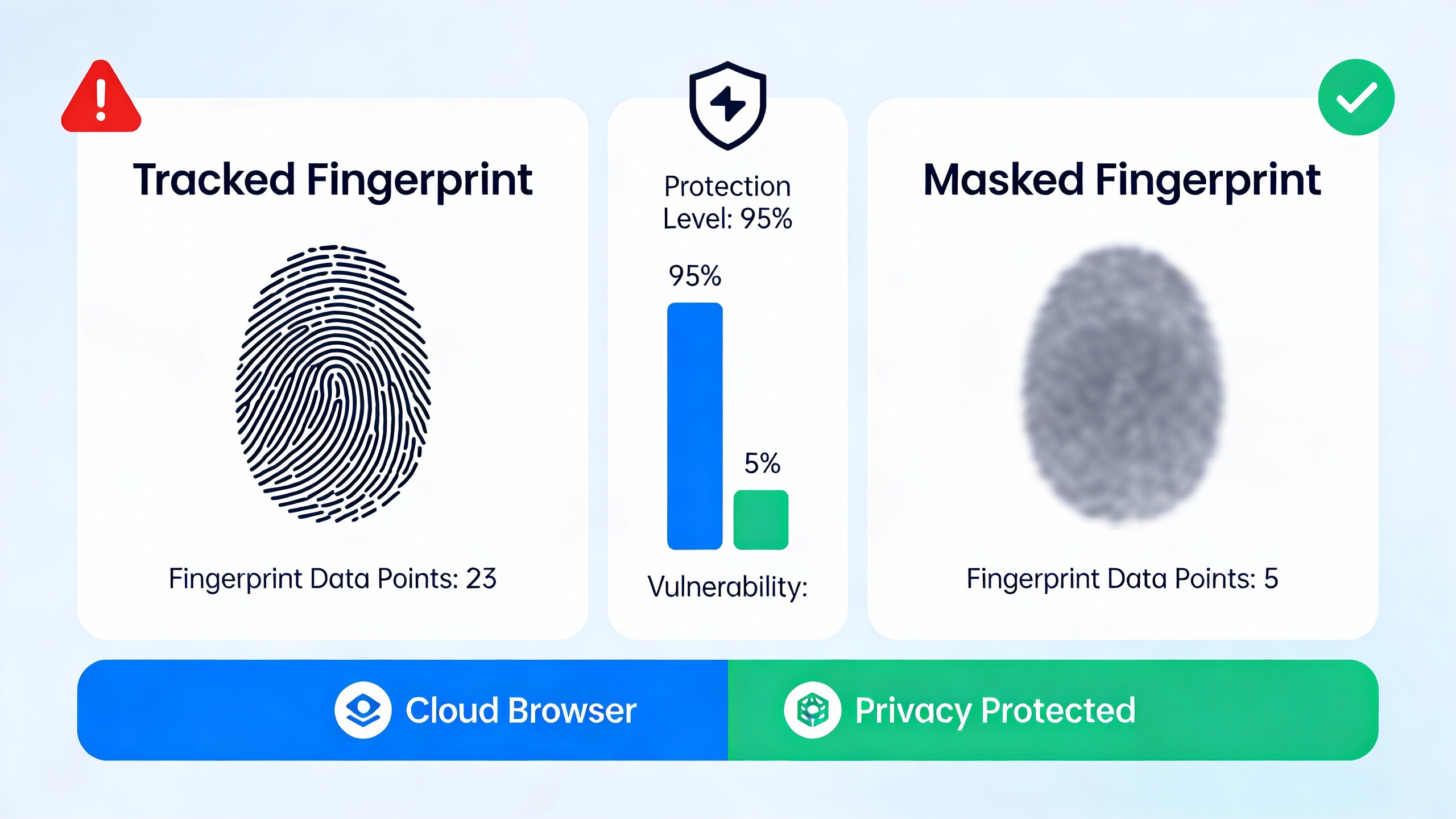
Your Real Fingerprint Never Exposed
With traditional browsers, websites can fingerprint your actual device:
- ❌ Your real screen resolution
- ❌ Your actual fonts and plugins
- ❌ Your genuine hardware fingerprint
- ❌ Your local IP address (without VPN)
With cloud browsers, websites only see the cloud server’s fingerprint:
- ✅ Cloud server’s screen resolution
- ✅ Cloud server’s fonts and plugins
- ✅ Randomized, unique fingerprint
- ✅ Cloud server’s IP (or configured proxy)
WebRTC Leak Prevention
Cloud browsers eliminate WebRTC IP leaks entirely because your real IP never makes WebRTC connections – the cloud server does.
Cookie and Tracking Isolation
Each cloud browser session can maintain separate cookies:
- No cross-session tracking
- Fresh identity for each profile
- No cookie contamination
2. Access From Any Device
Cloud browsers work on any device with a web browser:
- ✅ Desktop computers (Windows, Mac, Linux)
- ✅ Laptops (including Chromebooks)
- ✅ Tablets (iPad, Android tablets)
- ✅ Smartphones (iOS, Android)
- ✅ Smart TVs with browsers
Your browser sessions live in the cloud, so you can:
- Start browsing on your laptop
- Continue on your desktop
- Check something on your phone
- All accessing the same session
3. Enhanced Security
Cloud browsers provide superior security:
Malware Protection
- Malicious websites can’t infect your device
- Downloads happen in the cloud first
- You can scan files before downloading
- Ransomware can’t reach your files
Phishing Protection
- Credential theft attempts happen in isolated environment
- Your saved passwords stay on your device
- Enterprise can filter malicious sites at cloud level
Zero Trust Architecture
- No trust in remote websites
- All web content stays in cloud
- Your network is protected
4. No Local Resources Required
Cloud browsers offload processing to the cloud:
- Low-powered devices run smoothly
- No browser RAM consumption on your device
- Works great on old computers
- Tablet-level hardware is sufficient
5. Multi-Account Management
Cloud browsers excel at managing multiple accounts:
- Each profile is fully isolated
- Unique fingerprints per account
- Different proxies per profile
- No account linking risk
Cloud Browser vs Traditional Browser
| Feature | Traditional Browser | Cloud Browser |
|---|---|---|
| Installation | Required on each device | No installation needed |
| Privacy | Exposes real fingerprint | Complete fingerprint isolation |
| Device Access | Tied to one device | Any device, anywhere |
| Resource Usage | Consumes local RAM/CPU | Minimal local resources |
| Malware Risk | Can infect your device | Isolated from your device |
| Multi-Account | Limited, profiles share fingerprint | True isolation per account |
| Updates | Manual updates required | Always up to date |
Types of Cloud Browsers
1. Remote Browser Isolation (RBI)
Purpose: Enterprise security
Focus: Preventing malware and data exfiltration
Users: Large corporations, government agencies
Examples: Symantec Web Isolation, Menlo Security
2. Cloud Browser for Testing
Purpose: Cross-browser testing
Focus: Developer tools, multiple browser versions
Users: Web developers, QA teams
Examples: BrowserStack, LambdaTest
3. Cloud Browser for Privacy
Purpose: Anonymous browsing, multi-account management
Focus: Fingerprint isolation, account safety
Users: Privacy advocates, multi-account professionals
Examples: Send.win, Kasm Workspaces
4. Temporary Cloud Browsers
Purpose: One-time browsing sessions
Focus: Disposable sessions, no history
Users: Casual users, public computer users
Examples: Browser.lol, Browserling
Send.win: The Professional Cloud Browser Solution
Send.win is the leading cloud browser for professionals who need reliable, secure, multi-account browsing without the complexity of enterprise solutions.
Why Send.win Stands Out
✅ Built for Multi-Account Use
Unlike generic cloud browsers, Send.win is designed specifically for managing multiple accounts:
- Unlimited isolated browser profiles
- Unique fingerprint per profile
- One-click proxy configuration
- Session persistence across disconnections
- Profile templates for quick setup
How Send.win Helps You Master Cloud Browser
Send.win makes Cloud Browser simple and secure with powerful browser isolation technology:
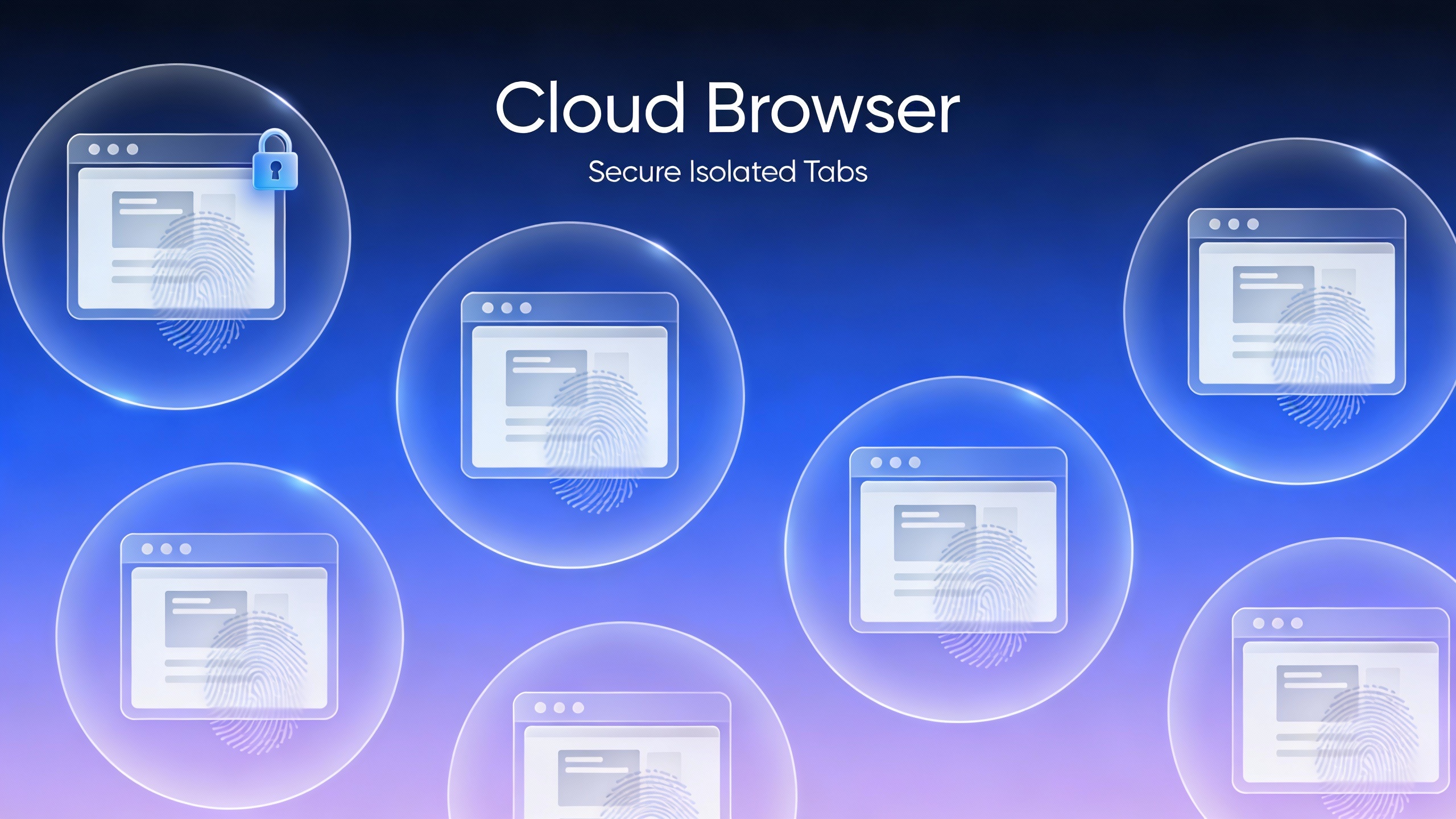
- Browser Isolation – Every tab runs in a sandboxed environment
- Cloud Sync – Access your sessions from any device
- Multi-Account Management – Manage unlimited accounts safely
- No Installation Required – Works instantly in your browser
- Affordable Pricing – Enterprise features without enterprise costs
Try Send.win Free – No Credit Card Required
Experience the power of browser isolation with our free demo:
- Instant Access – Start testing in seconds
- Full Features – Try all capabilities
- Secure – Bank-level encryption
- Cross-Platform – Works on desktop, mobile, tablet
- 14-Day Money-Back Guarantee
Ready to upgrade? View pricing plans starting at just $9/month.
✅ Professional Features
Enterprise-grade capabilities at SMB pricing:
- Team collaboration with role-based access
- Profile sharing with permissions
- Activity logs and audit trails
- API for automation
- Bulk profile creation
✅ Instant Setup
Start browsing in under 60 seconds:
- No software to download
- No configuration required
- Auto-generated fingerprints
- Works immediately in any browser
✅ Affordable Pricing
Professional cloud browsing without enterprise costs:
- Free demo (no credit card)
- Starting at $9/month
- 14-day money-back guarantee
- No hidden fees
✅ 99.9% Uptime
Reliable infrastructure you can depend on:
- Redundant cloud infrastructure
- Automatic failover
- Session persistence
- 24/7 monitoring
Common Use Cases for Cloud Browsers
Social Media Management
Manage multiple client accounts safely:
- Each client gets isolated profile
- Different proxies per region
- No account linking
- Team access for collaboration
E-Commerce Operations
Run multiple seller accounts:
- Amazon, eBay, Etsy accounts
- Different fingerprints prevent linking
- Proxy support for different locations
- Safe from account bans
Affiliate Marketing
Manage campaigns across accounts:
- Separate profiles per campaign
- Testing across different fingerprints
- Ad account management
- Competitor research without detection
Privacy-Conscious Browsing
Browse without being tracked:
- Your real device never exposed
- Change fingerprint anytime
- No persistent tracking
- Different identity per site
Remote Work
Access your browser from anywhere:
- Start work on office desktop
- Continue on laptop at coffee shop
- Check on phone while traveling
- Same sessions, all devices
Cloud Browser Security Considerations
Data Privacy
When choosing a cloud browser, ensure:
- ✅ End-to-end encryption
- ✅ Zero-knowledge architecture
- ✅ No logging policies
- ✅ GDPR compliance
- ✅ SOC 2 certification
Send.win provides all of these certifications and never stores your browsing data.
Authentication
Secure access controls protect your cloud browsers:
- Two-factor authentication (2FA)
- SSO integration for enterprises
- IP whitelisting
- Session timeout controls
Network Security
Cloud browsers communicate securely:
- TLS 1.3 encryption
- WebSocket security
- DDoS protection
- Rate limiting
Frequently Asked Questions
Are cloud browsers fast enough for normal use?
Yes! Modern cloud browsers achieve 30-100ms latency, which is imperceptible to users. The streaming quality adapts to your network speed, and you typically won’t notice you’re using a remote browser.
Can I download files with a cloud browser?
Yes. Files download to the cloud browser first, then you can transfer them to your device. This adds a security layer since you can scan files before downloading.
Do cloud browsers work on mobile?
Yes! Cloud browsers work on any device with a web browser, including smartphones and tablets. Send.win is fully mobile-optimized.
Is my data safe in the cloud?
With Send.win, yes. We use bank-level encryption, zero-knowledge architecture, and never store your browsing data. Your sessions are encrypted end-to-end.
Can I use extensions with cloud browsers?
It depends on the cloud browser. Send.win supports most Chrome extensions, so you can use your favorite tools like password managers, ad blockers, and productivity extensions.
How much does a cloud browser cost?
Pricing varies widely. Enterprise RBI solutions cost $1000+/month, while Send.win starts at just $9/month for professionals. Free options exist but lack features and reliability.
Getting Started with Send.win Cloud Browser
Ready to experience the best cloud browser for multi-account management and privacy?
Step 1: Start Free Demo
Visit send.win and start your free demo – no credit card required, instant access.
Step 2: Create Your First Profile
Click “New Profile” to create an isolated cloud browser with a unique fingerprint.
Step 3: Configure (Optional)
Add a proxy if needed, adjust fingerprint settings, or use the auto-generated defaults.
Step 4: Launch Cloud Browser
Click “Launch” to open your cloud browser. It appears instantly in your browser tab.
Step 5: Browse Normally
Use it just like a regular browser – the cloud architecture is invisible to you.
Conclusion
Cloud browsers represent the future of web browsing, offering privacy, security, and accessibility that traditional browsers simply cannot match. By running your browser in the cloud, you gain complete fingerprint isolation, access from any device, and protection from malware and tracking.
For professionals who manage multiple accounts, need reliable privacy protection, or want to access their browsing sessions from anywhere, Send.win delivers the most complete cloud browser solution at an accessible price point.
Try Send.win free today at send.win – no credit card, no installation, just instant access to professional cloud browsing.