How Universities Manage Multiple Accounts Across Departments
Universities manage multiple accounts across departments by putting a centralized identity provider (Microsoft Entra ID, Okta, or the academic-specific Shibboleth/InCommon federation) underneath single sign-on, then layering role-based access so students, faculty, and staff only reach the systems their role actually needs. A mid-size campus still tracks 200,000+ individual logins, but department-run accounts — social media handles, vendor portals, research databases — need separate governance and, increasingly, isolated browser sessions so one flagged fingerprint doesn’t take down accounts that have nothing to do with each other.
Why Higher Education Has an Account Sprawl Problem
A university is really dozens of separate organizations sharing one name. The registrar, the library, athletics, six or seven colleges, a hospital system in many cases, a few hundred student organizations, and a research office that answers to federal funding agencies — each one runs its own software stack, its own vendor relationships, and its own login credentials. IT central office might standardize on Google Workspace or Microsoft 365 for every person on campus, but that single decision does nothing to touch the procurement platform Finance uses, the CRM Marketing runs for admissions, or the dozen social handles the athletics department maintains for different teams.
The scale compounds quickly. A 30,000-student, 5,000-faculty institution easily clears 200,000 active accounts once every department-level tool, every vendor portal, and every research platform is counted. Multiply that by the natural churn of a university — a new cohort every fall, graduation every spring, faculty sabbaticals, contractor turnover in facilities — and account sprawl stops being a minor IT annoyance and becomes a genuine security exposure.
The Three Categories of University Accounts
Identity Accounts (Person-Based)
- Student accounts: email, LMS (Canvas, Blackboard, Moodle), library systems, the student information portal, housing and dining.
- Faculty accounts: email, LMS in an instructor role, HR and payroll, research and grant platforms, committee tools.
- Staff accounts: email, HR, finance systems, facilities software, and whatever department-specific tools their role touches.
- Alumni accounts: a reduced-privilege email or forwarding address, donation portals, career services access.
Service Accounts (Department-Based)
- Social media: a main university handle per platform, plus 8-15 college-level accounts, 20-50 department accounts, another 10-20 for athletics, and 50+ for student organizations.
- Vendor portals: procurement systems, facilities contracts, dining services, bookstore management, insurance and benefits administration.
- Research platforms: NIH eRA Commons, NSF Research.gov, institutional repositories, and journal subscription portals.
- Marketing tools: a CRM for admissions (Slate or Salesforce), email marketing platforms, analytics dashboards.
Shared and Role-Based Accounts
- Department admin logins: shared credentials for legacy systems that were never built for individual provisioning.
- Lab equipment accounts: shared logins for instrument-control software that predates modern IAM.
- Emergency access accounts: break-glass credentials reserved for outages and incident response.
The Identity and Access Management Stack
Centralized Identity Providers
Every serious university IAM strategy starts with one authoritative identity provider that every other system trusts, rather than each department maintaining its own user directory.
| Identity Provider | Best Fit | Notable Strength |
|---|---|---|
| Microsoft Entra ID | Campuses standardized on Microsoft 365 | Deep integration with Office apps, Teams, and conditional access policies |
| Okta | Mixed-vendor ecosystems | Broad pre-built connectors across hundreds of SaaS tools |
| Shibboleth / InCommon | Research and inter-university collaboration | Federated identity purpose-built for academic consortiums and journal access |
Single Sign-On in Practice
SSO is the piece that actually makes centralized identity usable day to day. Instead of each department maintaining separate credentials, one login authenticates a person across every connected application. A professor signs into the university portal once, then moves to Canvas, the library database, and the HR system without re-entering a password anywhere — the systems trust the identity provider’s token, not a locally stored credential.
Role-Based Access Control
RBAC is what keeps SSO from becoming a blanket key to everything. Access is scoped to role, not to the individual, so provisioning and deprovisioning follow a predictable pattern instead of ad-hoc requests.
| Role | Access Level | Typical Systems |
|---|---|---|
| Student | Read + limited write | LMS, email, library, student portal |
| Faculty | Read + write + grading | LMS (instructor role), email, research platforms, HR |
| Department Admin | Administrative | Budget, procurement, HR, department-specific tools |
| IT Admin | Full administrative | Every system, user provisioning, security tooling |
The Department Social Media Account Problem
A large university can easily run 100+ social accounts once every college, department, athletic program, and student organization is counted — potentially 500+ account-platform combinations that all need someone logged in, somewhere, regularly. Communications staff and student workers routinely manage several of these handles from the same laptop, which is exactly the setup that creates browser fingerprint overlap between accounts that should have nothing to do with each other. If one department’s Instagram account gets flagged for suspicious login behavior, a shared fingerprint can drag a completely unrelated account into the same review queue.
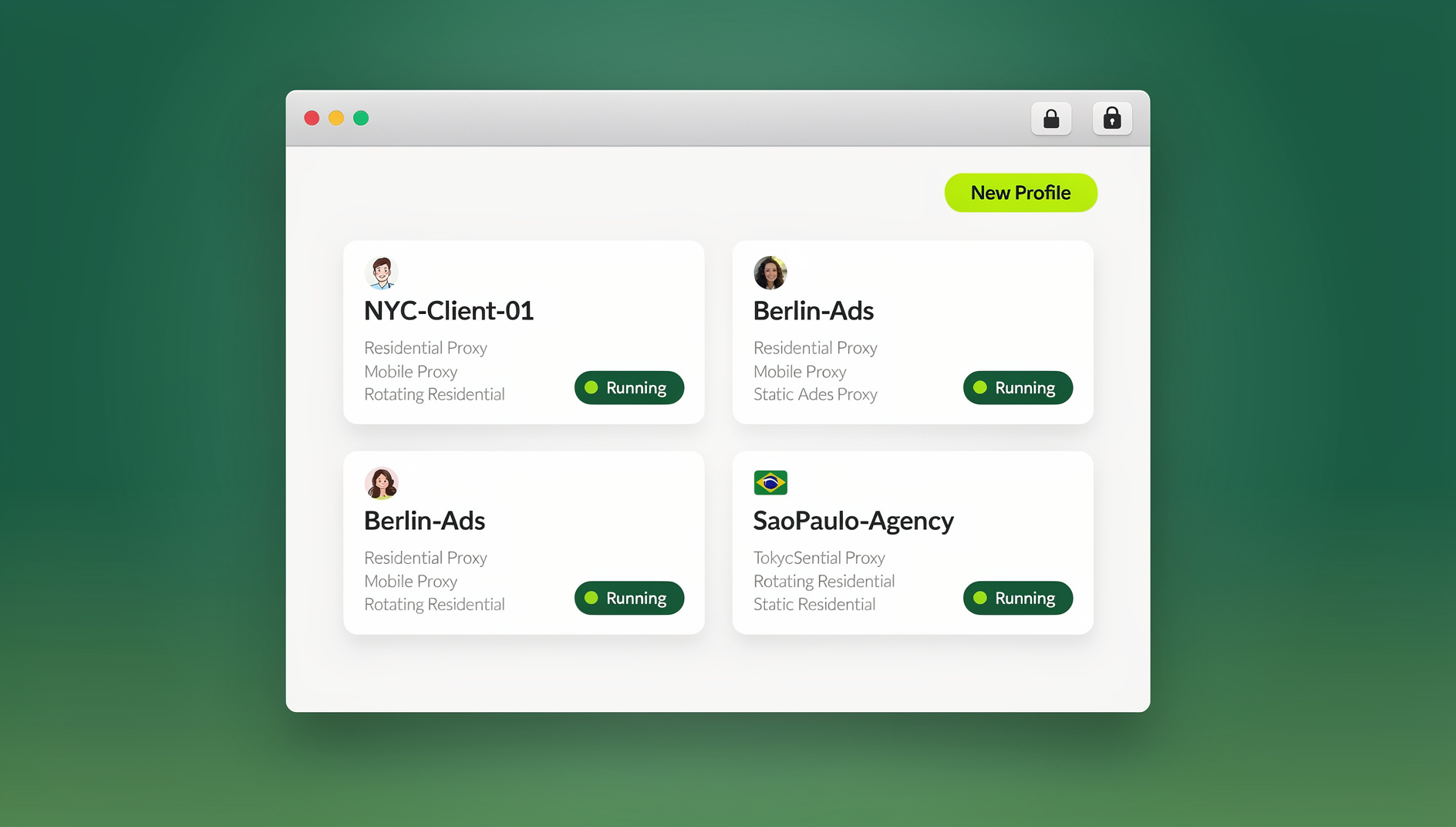
Running each handle inside its own isolated profile breaks that link. With Send.win, a communications office can spin up a separate cloud browser session per account — each with its own cookie jar and fingerprint — so the athletics department’s TikTok problems never touch the chemistry department’s Instagram. This works the same whether staff run it through the Sendwin Browser desktop app on office machines or a cloud browser session accessed from a student worker’s personal laptop with nothing installed locally.
A Governance Framework That Works
- Account registration: every official account gets registered with the central communications office before it goes live.
- Branding compliance: shared templates and profile photo guidelines keep every handle visually consistent.
- Access management: a documented owner for every account, with a plan for what happens when the student running Chemistry’s Instagram graduates.
- Crisis protocol: a clear, tested path for central communications to take control of any account during an emergency.
Lifecycle Management: Onboarding, Role Changes, and Offboarding
Onboarding
When a student enrolls or an employee is hired, a mature IAM system provisions accounts across every relevant platform automatically, typically within 24 hours of the HR or registrar record being created. Manual provisioning at university scale simply cannot keep pace with a 5,000-person fall intake.
Movers: Role and Department Changes
When a student becomes a teaching assistant or a staff member takes a department chair role, permissions need to change with them. This “movers” step is the one most frequently neglected in practice — access rights accumulate instead of resetting, quietly violating least-privilege principles until an audit catches it.
Offboarding Without Chaos
When students graduate or employees leave, every account tied to them needs to be deprovisioned on a schedule, not whenever someone remembers. For shared department accounts — social handles in particular — using session sharing instead of a shared password means access can be revoked the moment a student manager graduates, without resetting a credential that three other people also rely on.
Vendor and Software Account Consolidation
It’s common to find three different departments independently paying for three different project management tools, each with its own login and its own invoice. A functioning IT governance process periodically audits vendor contracts, consolidates overlapping tools into enterprise-wide licenses, requires SSO integration for any new purchase, and maintains a centralized software catalog so the next department head doesn’t sign up for a fourth version of the same category of tool.
Common Pitfalls in University Account Management
Most account-sprawl incidents on campus trace back to one of a handful of repeat mistakes, not exotic attacks.
- Orphaned admin access: a department head moves to a new role and keeps their old system permissions because no one remembered to revoke them — the “movers” problem compounding over years.
- Shadow IT subscriptions: a department signs up for a SaaS tool with a personal card and a personal email, bypassing SSO entirely and creating a login central IT doesn’t even know exists.
- Password reuse on shared logins: a shared department admin password gets reused across a vendor portal and a social account, so one breach exposes both.
- No offboarding trigger for student workers: student employment often ends mid-semester with no formal HR event, so the account deprovisioning process that fires on graduation never fires at all.
- Treating social media as low-stakes: a compromised department Twitter account can do real reputational damage in the hour before anyone notices, yet it’s frequently the least-governed account category on campus.
Security Challenges Unique to Campus Environments
Open Network Culture vs. Security
Universities are built around open access, and that culture sits in constant tension with cybersecurity. Campus networks are more porous than a typical corporate network, and BYOD policies mean thousands of unmanaged personal devices connect every day — a very different threat surface than a company that issues and manages every laptop itself.
Phishing and Federally Funded Research
Large, diverse user populations make universities a favorite phishing target, which is why MFA on every account — not just faculty and IT — is close to non-negotiable. Research departments carry an extra layer of obligation: federally funded work must comply with NIST 800-171, which effectively requires isolated environments for sensitive data. Multi-login browser isolation gives researchers a practical way to keep grant portals, sensitive databases, and general browsing in separate sessions without asking them to run entirely separate physical machines.
🏆 Send.win Verdict
Identity providers and RBAC solve the person-based side of university account sprawl well. What they don’t touch is the 500+ department social handles and vendor logins that staff and student workers share on the same computer every day. Send.win’s isolated cloud browser sessions give each of those accounts its own fingerprint and cookie jar, so one flagged account never cascades into another, and offboarding a student worker is a session revocation, not a password reset three other people have to relearn.
Try the Send.win cloud demo — a 3-minute preview without signup, or 10 minutes a day with a free account.
Frequently Asked Questions
How do universities handle shared department accounts?
Best practice is eliminating shared logins wherever possible by provisioning individual accounts with role-based access instead. Where a shared account is unavoidable — legacy lab software, for example — privileged access management tools rotate the credential automatically and log every access.
What happens to a student’s accounts after graduation?
Many institutions convert the student account into a reduced-privilege alumni account rather than deleting it outright. Microsoft 365 and Google Workspace for Education both offer options for lifetime alumni email under certain licensing tiers.
How do universities manage social media account transitions?
The better departments use session-based access rather than a shared password, so an outgoing student manager’s session gets revoked and the incoming manager gets a fresh one — no password change that breaks access for everyone else on the account.
Who should own a department’s social media accounts?
Ownership should sit with a permanent staff member, not a student worker, even if a student does the day-to-day posting. The staff owner holds recovery email and 2FA, and grants session-based access to whoever is actually running the account that semester.
Do smaller colleges need the same IAM setup as large universities?
The principles scale down even if the tooling doesn’t need to be enterprise-grade. A 2,000-student college still benefits from one identity provider, SSO, and role-based access — it just needs fewer connectors and a smaller support team to run it.
What’s the biggest account-management risk research departments face?
Cross-contamination between grant portals, journal subscriptions, and general browsing on the same researcher machine. A compromised general-browsing session can expose credentials for a federal grant portal if everything runs in one undifferentiated browser profile.
How many accounts does a typical mid-size university actually manage?
Counting every identity, service, and shared account across departments, a 30,000-student campus commonly clears 200,000 active account-platform combinations once vendor portals and social handles are included alongside core student and faculty logins.
The Bottom Line
Universities manage multiple accounts across departments by combining centralized identity, single sign-on, and role-based access for the person side of the problem, then layering lifecycle discipline — onboarding, movers, offboarding — on top. The part that still trips up most institutions is the department-run layer: social media, vendor portals, and research platforms that get shared across staff and student workers on the same machine. Isolated browser sessions through Send.win close that specific gap, giving every account its own fingerprint while keeping session-based handoffs simple when the person running it changes.
{
“@context”: “https://schema.org”,
“@type”: “FAQPage”,
“mainEntity”: [
{
“@type”: “Question”,
“name”: “How do universities handle shared department accounts?”,
“acceptedAnswer”: {
“@type”: “Answer”,
“text”: “Best practice is eliminating shared logins wherever possible by provisioning individual accounts with role-based access instead. Where a shared account is unavoidable — legacy lab software, for example — privileged access management tools rotate the credential automatically and log every access.”
}
},
{
“@type”: “Question”,
“name”: “What happens to a student’s accounts after graduation?”,
“acceptedAnswer”: {
“@type”: “Answer”,
“text”: “Many institutions convert the student account into a reduced-privilege alumni account rather than deleting it outright. Microsoft 365 and Google Workspace for Education both offer options for lifetime alumni email under certain licensing tiers.”
}
},
{
“@type”: “Question”,
“name”: “How do universities manage social media account transitions?”,
“acceptedAnswer”: {
“@type”: “Answer”,
“text”: “The better departments use session-based access rather than a shared password, so an outgoing student manager’s session gets revoked and the incoming manager gets a fresh one — no password change that breaks access for everyone else on the account.”
}
},
{
“@type”: “Question”,
“name”: “Who should own a department’s social media accounts?”,
“acceptedAnswer”: {
“@type”: “Answer”,
“text”: “Ownership should sit with a permanent staff member, not a student worker, even if a student does the day-to-day posting. The staff owner holds recovery email and 2FA, and grants session-based access to whoever is actually running the account that semester.”
}
},
{
“@type”: “Question”,
“name”: “Do smaller colleges need the same IAM setup as large universities?”,
“acceptedAnswer”: {
“@type”: “Answer”,
“text”: “The principles scale down even if the tooling doesn’t need to be enterprise-grade. A 2,000-student college still benefits from one identity provider, SSO, and role-based access — it just needs fewer connectors and a smaller support team to run it.”
}
},
{
“@type”: “Question”,
“name”: “What’s the biggest account-management risk research departments face?”,
“acceptedAnswer”: {
“@type”: “Answer”,
“text”: “Cross-contamination between grant portals, journal subscriptions, and general browsing on the same researcher machine. A compromised general-browsing session can expose credentials for a federal grant portal if everything runs in one undifferentiated browser profile.”
}
},
{
“@type”: “Question”,
“name”: “How many accounts does a typical mid-size university actually manage?”,
“acceptedAnswer”: {
“@type”: “Answer”,
“text”: “Counting every identity, service, and shared account across departments, a 30,000-student campus commonly clears 200,000 active account-platform combinations once vendor portals and social handles are included alongside core student and faculty logins.”
}
}
]
}