How to Manage Multiple Twitter Accounts Safely
To manage multiple Twitter accounts safely, use X’s built-in account switcher for 2-3 personal profiles, a scheduling platform like Buffer or Typefully for content distribution across a handful of brand handles, and isolated browser profiles (unique fingerprint, cookies, and proxy per account) once you’re running five or more accounts where cross-linking risk actually matters. The right method depends entirely on scale: casual switching works for a couple of accounts, but agencies managing dozens of client handles need real session isolation to stop one flagged account from dragging down the rest.
Twitter — rebranded X — is uniquely demanding among social platforms because so much of its value is real-time: trending topics, breaking news, Spaces, and customer complaints all require immediate, account-specific responses that can’t be queued in a scheduler. Below is every method available in 2026, what each one can and can’t do, and how to think about the point where you should move from native switching to full browser isolation.
Method 1: X’s Native Multi-Account Switching
Mobile App (iOS & Android)
- Open the X app and tap your profile photo in the top-left corner.
- Tap the three-dot menu (⋯) next to your display name.
- Select Add an existing account or Create a new account.
- Log in with the second account’s credentials.
- Switch between accounts by long-pressing the profile icon in the bottom navigation bar.
Limit: up to 5 accounts can stay logged in simultaneously on mobile.
Desktop (x.com)
- Click the three-dot menu (⋯) in the left sidebar next to your profile name.
- Select Add an existing account.
- Log in with additional credentials.
- Switch accounts from the account switcher in the sidebar.
Why Native Switching Has a Ceiling
- All accounts are linked at the device level. X knows every account logged into the same session belongs to one operator — a violation on one account can trigger a review of everything else attached to it.
- Shared browser fingerprint. Every switched-to account presents the same browser fingerprint, IP address, and cookie jar, which is exactly the signal platforms use to connect accounts that are supposed to be independent.
- Wrong-account posting. The most common failure mode in multi-account setups is accidentally tweeting personal content from a brand account, or vice versa, because the switcher doesn’t visually separate sessions.
- No team delegation. You can’t hand a specific account to a teammate through native switching without sharing the actual login credentials.
Method 2: TweetDeck / X Pro
TweetDeck — rebranded X Pro and bundled with an X Premium subscription — is X’s official power-user interface for running several accounts side by side.
What It Adds
- Columnar layout: multiple timelines, mentions, DMs, and saved searches viewable simultaneously.
- Per-tweet account selection: choose which account a post goes out from before composing.
- Persistent columns: track specific hashtags, lists, or search queries per managed account.
- Native scheduling for any connected account.
Where It Falls Short
- Requires a paid X Premium subscription.
- All connected accounts remain linked in X’s backend — identical exposure to native switching.
- No fingerprint or IP isolation between accounts.
- Analytics are thinner than dedicated social tools.
Method 3: Third-Party Scheduling Platforms
Once you’re managing content (not real-time engagement) across several accounts, a scheduling platform centralizes publishing and reporting:
| Platform | Accounts Supported | Scheduling | Analytics | Unified Inbox | Price |
|---|---|---|---|---|---|
| Buffer | Unlimited (per-channel pricing) | Yes | Yes | Yes | From $6/channel/mo |
| Hootsuite | 10-50 (plan-dependent) | Yes | Yes | Yes | From $99/mo |
| Sprout Social | 5-unlimited (plan-dependent) | Yes | Advanced | Yes | From $249/mo |
| Typefully | 1-5 | Yes | Yes | No | From $12.50/mo |
| Publer | 3-unlimited | Yes | Yes | No | From $12/mo |
What Scheduling Tools Handle Well
- Queuing tweets and threads across many accounts from one dashboard.
- A unified inbox for mentions and DMs across managed accounts.
- Cross-account performance reporting.
- Approval workflows before content goes live.
What They Can’t Do
- Real-time engagement: hosting Spaces, voting in polls, or jumping on a trending topic requires native browser access, not an API queue.
- True account isolation: most scheduling platforms authenticate every connected account through the same developer API keys, which is itself a linkable pattern.
- Native discovery: browsing the For You feed or curating Lists still means logging into each account directly.
Method 4: Isolated Browser Profiles for Serious Multi-Account Use
Once native switching’s shared-fingerprint problem becomes a real business risk — an agency running client accounts, or a brand that can’t afford a cascading suspension — isolated browser profiles are the standard fix. Send.win runs each X account in its own isolated browser profile rather than one shared browser session:
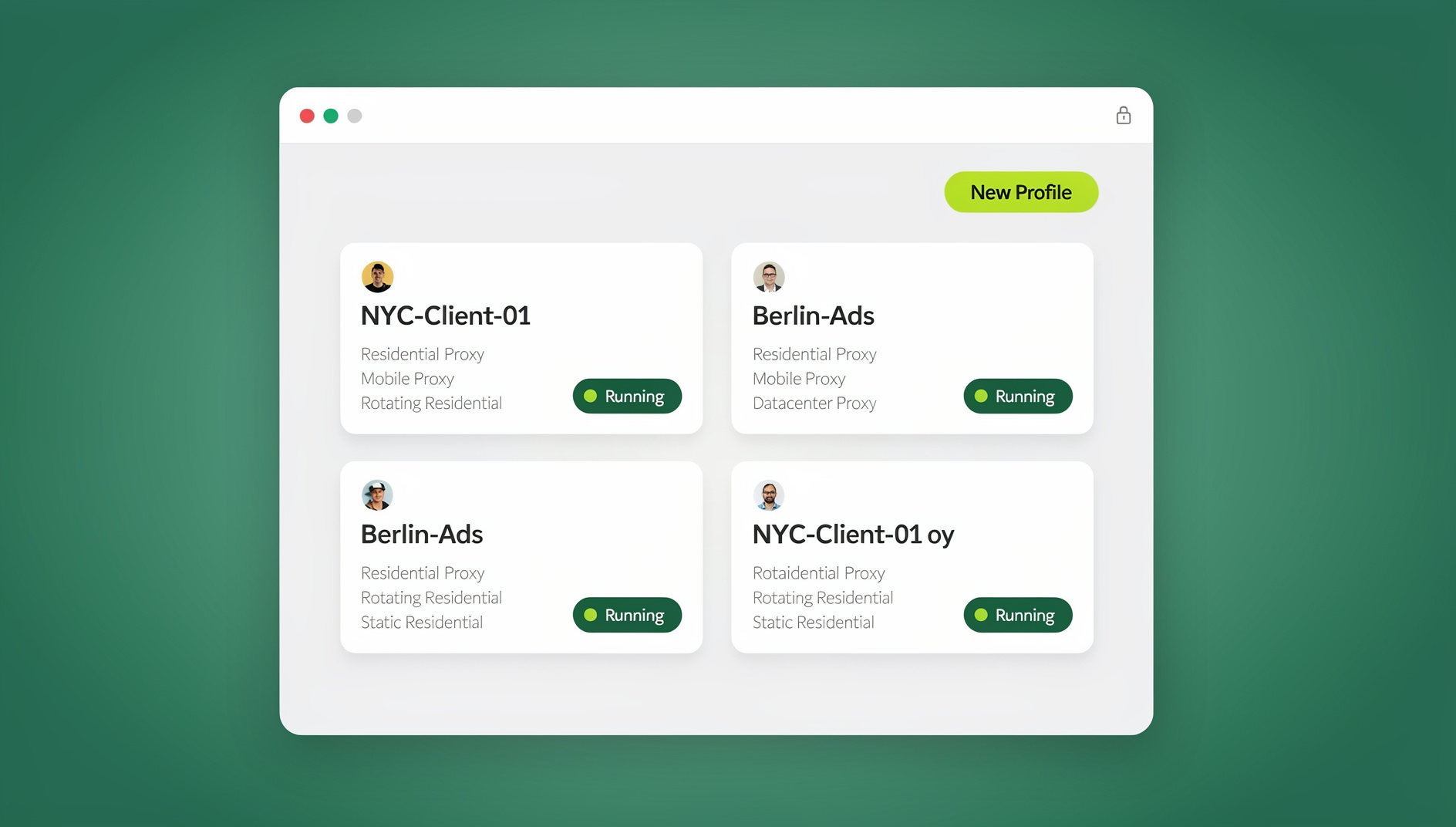
- One profile per account. “Client A – X” gets its own fingerprint, cookie container, and (optionally) a dedicated residential proxy, configured either in the Sendwin Browser desktop app or as a cloud browser session that runs with no local install.
- Authenticate once. Log in and complete any 2FA step; the session persists, so there’s no daily re-login per account.
- Engage natively. Full access to the real X interface — timelines, Spaces, DMs, polls — not an API subset.
- No cross-contamination. A suspension on one profile has no technical connection to any other profile.
- Delegate without sharing passwords. Hand a teammate an authenticated session directly rather than the underlying credentials.
For agencies juggling dozens of client handles, this is also where a proper multi-login setup earns its keep — the difference between “logged in as five people from the same computer” and five people who each look like they’re on their own device.
Content Strategy for Multi-Account X Operations
Voice Differentiation
Every account you manage needs a written voice guide, not just a mental one:
- Tone: professional, casual, humorous, authoritative, or empathetic.
- Vocabulary: jargon level, emoji use, hashtag conventions.
- Response style: formal support language versus friendly banter.
- Topics to avoid: politics, competitor mentions, anything off-brand.
Posting Cadence by Account Type
| Account Type | Daily Posts | Threads/Week | Engagement Time |
|---|---|---|---|
| B2B Brand | 3-5 | 1-2 | 30 min/day |
| B2C Brand | 5-8 | 2-3 | 45 min/day |
| Personal Brand | 3-7 | 2-4 | 1 hour/day |
| Support Handle | Reactive, as needed | 0 | Continuous |
| News/Media | 10-20 | 1 | Continuous |
Twitter Spaces Need Native Access
Spaces — X’s live audio rooms — are one of the platform’s most valuable engagement tools, and no scheduling API can host or meaningfully join one. For any managed account that runs Spaces, work from that account’s isolated browser profile: schedule the Space from the native interface, join as host or co-host from that session, and record it for repurposing into clips and threads afterward.
Avoiding Coordinated-Behavior Penalties
What Triggers a Review
- Multiple accounts posting the same or near-identical content within a short window.
- Managed accounts consistently retweeting or quote-tweeting each other.
- Accounts following the same list of users in the same order.
- Several accounts logging in from the same IP address or the same browser fingerprint.
Rate Limit Discipline
- Posts: stay well under 50/day per account (the hard cap is 2,400).
- Follows: stay under 50/day (hard cap 400).
- Likes: stay under 100/day.
- DMs: avoid mass cold outreach — it triggers spam detection fast.
Reporting Across Accounts
Effective multi-account management needs consolidated reporting, not five separate dashboards checked at random:
- Weekly: impressions, engagement rate, and follower change per account.
- Monthly: top-performing content and audience shifts.
- Quarterly: growth trajectory and content-pillar performance across the whole portfolio.
Lean on your scheduling tool for cross-account comparisons, and check each account’s native X Analytics from its own isolated session for the details a third-party dashboard won’t surface — a workflow that also pairs well with broader social media management tools if you’re running more than just X.
Choosing the Right Method for Your Scale
There’s no single correct answer to how you should manage multiple Twitter accounts — the right method scales with how many accounts you run and how much a single suspension would cost you:
| Scale | Recommended Method | Why |
|---|---|---|
| 1-2 personal accounts | Native switching | Occasional daily-life vs. side-project separation; shared fingerprint is a non-issue since both belong to the same person anyway. |
| 2-3 accounts, content-focused | TweetDeck / X Pro | Columns and per-post account selection are worth the subscription if engagement is light. |
| 3-10 brand accounts, content-heavy | Scheduling platform | Buffer, Hootsuite, or Sprout Social centralize publishing and reporting without per-account browser overhead. |
| 5+ client or high-risk accounts | Isolated browser profiles | Once a suspension on one account can’t be allowed to touch the others, fingerprint-level isolation stops being optional. |
| 20+ accounts, agency scale | Isolated profiles + scheduling platform combined | Isolation for native/real-time work, scheduling tool for bulk content distribution and reporting. |
Security Practices for Managed X Accounts
Whichever method you land on, a handful of security habits matter regardless of scale:
- Unique passwords per account, stored in a password manager rather than reused or shared over chat.
- 2FA on every account, ideally via authenticator app rather than SMS, since SIM-swap attacks specifically target phone-based 2FA on high-value handles.
- Dedicated recovery email per account instead of one inbox tied to five accounts — a compromised inbox otherwise compromises everything behind it at once.
- Access logs and login alerts reviewed periodically, especially for accounts with delegated team access.
- Revoke access promptly when a team member changes roles or leaves — a shared browser profile or session that’s still authenticated after offboarding is a common, avoidable leak.
These habits matter more, not less, once you’ve isolated accounts by fingerprint — isolation stops platform-side cross-linking, but it doesn’t substitute for basic account hygiene on each individual profile.
🏆 Send.win Verdict
Native switching and TweetDeck are fine for a couple of personal accounts, and scheduling tools handle content distribution for small teams — but neither solves the shared-fingerprint problem once you’re managing accounts where a suspension can’t be allowed to spread. Send.win gives each X account its own browser fingerprint, cookies, and proxy, run either through the Sendwin Browser desktop app or a no-install cloud browser session, so client and brand accounts stay technically unlinked while you keep full native access to Spaces, DMs, and real-time engagement.
Try the free Send.win cloud demo — no signup needed for a 3-minute preview, with Pro plans from $19/mo or $83.88/yr.
Frequently Asked Questions
How many Twitter/X accounts can one person manage?
X doesn’t cap how many accounts you can create or manage. The native app supports 5 simultaneous logins at once, but scheduling tools and isolated browser profiles have no practical ceiling — agencies commonly run 20-50+ accounts this way.
Does X penalize you just for having multiple accounts?
No. X’s rules permit multiple accounts. Penalties come from coordinated inauthentic behavior, spam, or manipulation — not from the mere existence of more than one account.
What’s the safest way to manage multiple Twitter accounts?
Isolated browser profiles with a unique fingerprint and proxy per account are the safest setup, because each account appears to operate from a genuinely separate device and location instead of sharing signals with the others.
Can I use TweetDeck / X Pro to manage client accounts?
You can, but every account added to X Pro is still linked in X’s backend the same way native switching links them — it adds a better interface, not isolation.
Do scheduling tools like Buffer or Hootsuite replace logging into each account?
Not entirely. They handle publishing and reporting well, but real-time features — Spaces, polls, trending-topic engagement — still require logging into the account’s own browser session.
Is it against X’s rules to run isolated browser profiles for multiple accounts?
No — X’s terms restrict coordinated manipulation and spam, not the browsing setup you use to access your own legitimate accounts. Isolation tools reduce false-positive flags rather than evade legitimate enforcement.
How do I stop an X account from being suspended just because another one was?
Give each account its own fingerprint, cookies, and IP address so there’s no technical signal connecting them, avoid synchronized posting or engagement patterns between accounts, and never log multiple managed accounts into the same shared browser session.
What’s the minimum number of accounts where isolation is worth setting up?
Most teams start feeling the shared-fingerprint risk around 3-5 accounts, especially if any of them belong to different clients or brands — that’s the point where the setup time for isolated profiles starts paying for itself.