Can You Safely Run Multiple LinkedIn Accounts?
Yes, you can manage multiple LinkedIn accounts safely, but LinkedIn’s professional focus makes it stricter than casual social platforms: it caps free-account connection requests around 100/week, tracks browser fingerprints to detect one device running several profiles, and issues graduated restrictions rather than instant bans. Recruiters, sales teams, and agencies who separate each profile at the browser and network level avoid the linking that triggers those restrictions.
Why People Run Multiple LinkedIn Profiles
LinkedIn is the largest professional network in the world, and for recruiters, sales teams, and marketing agencies, needing more than one presence on the platform is routine rather than exotic. The common reasons include:
- Recruiters building separate profiles for different verticals — tech recruiting, executive search, healthcare staffing — to establish credibility within each niche.
- Sales development reps running outbound campaigns from separate profiles to raise their effective daily connection and messaging volume without burning their primary networking account.
- Marketing agencies managing client company pages and employee advocacy campaigns, which requires access to multiple distinct LinkedIn environments.
- Consultants maintaining separate profiles for different service lines or audience segments.
LinkedIn’s Enforcement Is Stricter Than Most Platforms
LinkedIn is unusually aggressive about detecting multi-account and automation activity. Its enforcement layers include:
- Commercial use limits — free accounts face hard caps on profile searches, connection requests (roughly 100/week), and InMail messages. Exceeding them triggers temporary restrictions.
- Browser fingerprint tracking — LinkedIn reads browser fingerprints to detect when several accounts run from the same physical device.
- IP monitoring — fast switching between accounts from one IP address raises flags immediately.
- Automation detection — LinkedIn’s Systems Integrity team actively looks for third-party tools automating connections, messages, or profile visits, and can permanently restrict accounts caught using them.
- Graduated restrictions — unlike an instant Facebook-style ban, LinkedIn typically escalates: reduced search results → a warning banner → a temporary restriction requiring identity verification.
Comparing Your Three Real Options
| Method | Best For | Main Limitation |
|---|---|---|
| Company Page admin roles | Team posting, brand-level presence | No connection requests or DMs from a Page |
| Sales Navigator Team Edition | Sanctioned outbound at scale | $99-169/user/month; still one seat per profile |
| Isolated browser profiles | True multi-profile management | Requires disciplined fingerprint/proxy separation |
Method 1: LinkedIn Company Page Management
The safest route to a multi-presence footprint on LinkedIn is Company Pages. LinkedIn allows multiple admins on one Company Page, and each admin signs in through their own personal profile — no shared logins required.
What Works
- Fully within LinkedIn’s Terms of Service.
- Multiple team members can post, respond to comments, and view analytics without sharing credentials.
- Admin roles are customizable — Super Admin, Content Admin, Analyst.
What Doesn’t
- Company Pages get meaningfully lower organic reach than personal profiles.
- You cannot send connection requests or direct messages from a Page — only from a personal profile.
- For agencies managing several client Company Pages, admin access still traces back to individual personal profiles, which re-creates the linking risk one layer down.
Method 2: LinkedIn Sales Navigator Team Edition
For outbound-heavy needs, Sales Navigator adds advanced search, lead lists, and InMail. Team Edition lets multiple users share lead lists and coordinate outreach through an officially sanctioned product.
What Works
- Official LinkedIn product — zero policy risk from the tool itself.
- Advanced lead filtering with saved search alerts.
- CRM integrations (Salesforce, HubSpot).
- Higher InMail limits than free LinkedIn.
What Doesn’t
- Expensive — $99/month per user (Team) or $169/month (Enterprise).
- Each seat still maps to one underlying LinkedIn profile that needs securing.
- Doesn’t solve browser isolation when several profiles run from one device.
Method 3: Browser Isolation for True Multi-Profile Management
When you need to run distinct personal LinkedIn identities — not just Company Pages or Sales Navigator seats — complete browser isolation between profiles is what actually prevents linking.
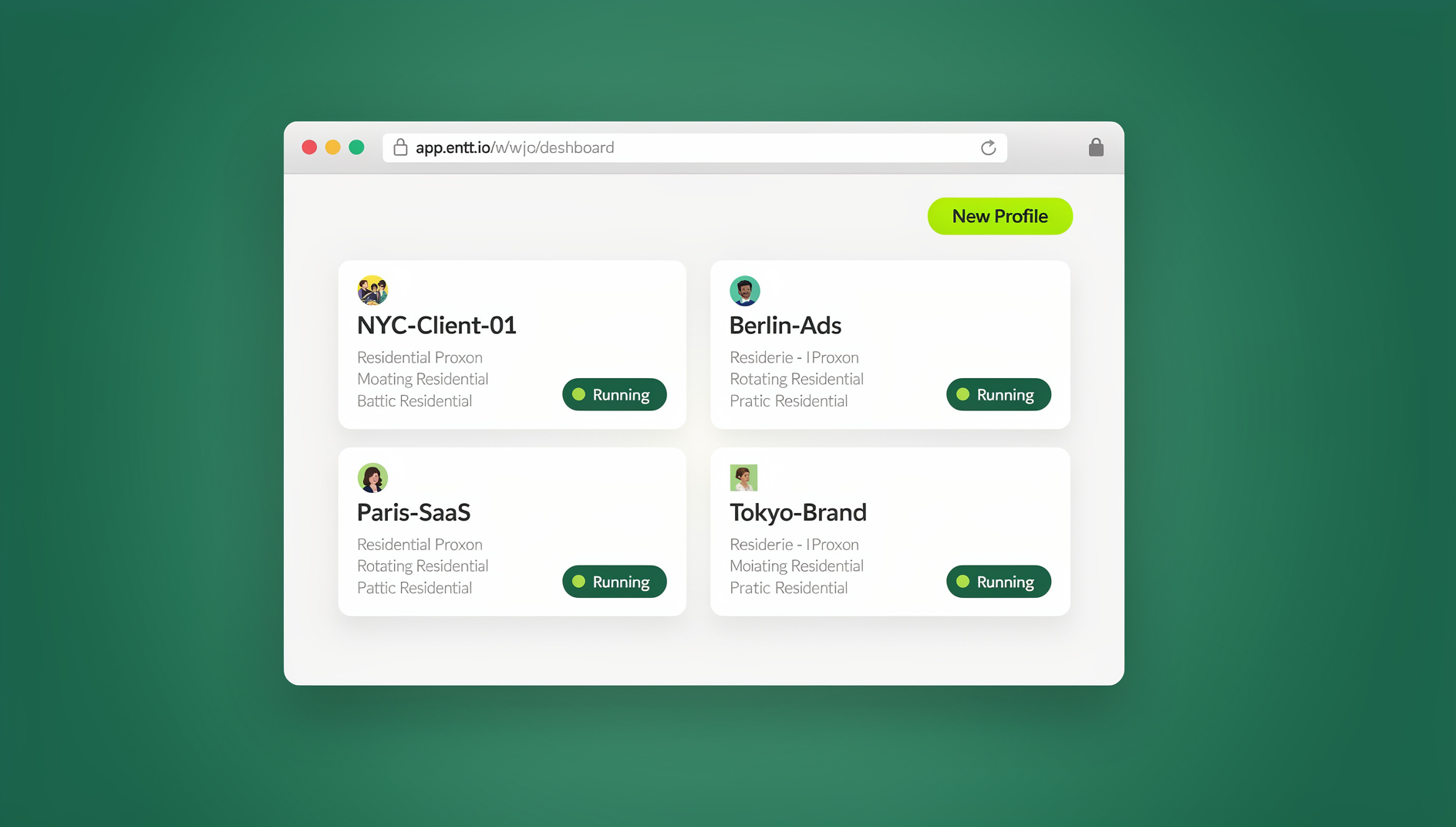
Using Send.win, you create a dedicated cloud browser profile per LinkedIn identity. It’s worth being specific about which product mode applies: for a recruiter or SDR running the same profile every day, Sendwin Browser — the native desktop app — is the natural daily driver, staying logged in persistently. For a manager who occasionally needs to check in on a regional profile from a different device, a cloud browser session works with nothing to install. Each profile gets:
- A unique fingerprint per profile — LinkedIn sees each one as a genuinely different device with different hardware characteristics.
- A dedicated proxy per profile — each account connects through its own residential IP, preventing geo-clustering detection.
- Persistent sessions — authenticate once, clear LinkedIn’s occasional security checkpoint, and the session holds. No daily re-login friction.
- Team delegation — hand a specific profile’s session to a team member through secure access sharing that never exposes the password.
For teams juggling several regional or vertical-specific profiles at once, structuring each as a clean parallel session for teams keeps every profile from bleeding into the next — a manager can hand off one profile without touching the other four.
LinkedIn Outreach Best Practices
1. Warm Up New Profiles Slowly
A brand-new profile that sends 50 connection requests on day one gets flagged within 48 hours. Start at 5-10 requests per day in week one, scaling to 20-25 per day by week three, and build genuine engagement — likes, comments, shares — before scaling outreach volume.
2. Personalize Every Connection Request
Generic “I’d like to add you to my professional network” messages have poor acceptance rates and raise your rejection ratio, which LinkedIn actively monitors. Reference the recipient’s role, company, or a shared connection every time.
3. Respect the Weekly Rate Limits
Free accounts cap out around 100 connection requests a week; Sales Navigator raises the ceiling but doesn’t remove it. Spreading outreach volume across properly isolated LinkedIn profiles in one browser lets a team distribute volume without any single account tripping the limit.
4. Skip Unauthorized Automation Extensions
Chrome extensions that auto-connect, auto-message, or auto-endorse are explicitly forbidden under LinkedIn’s User Agreement, and LinkedIn detects them through JavaScript injection patterns before restricting the account permanently. Manual-paced engagement through isolated sessions is the safer path at scale.
5. Watch for Early Warning Signs
A drop in search result visibility, a sudden CAPTCHA on login, or an unexplained dip in profile views are all early signals that LinkedIn is scrutinizing an account before it issues a formal restriction. Slow the account’s activity immediately when any of these appear rather than pushing through with the same outreach volume — pausing for a few days at the first sign is far cheaper than a week-long identity-verification lockout.
Signs a Profile Is About to Be Restricted
LinkedIn rarely restricts an account without warning. Watch for these signals across every profile you manage:
- Connection acceptance rate dropping sharply — a sign your outreach is being flagged as spam before it even reaches inboxes.
- “Unusual activity” prompts at login — LinkedIn’s system has already flagged the session as suspicious.
- Search results looking noticeably thinner — a soft-throttle LinkedIn applies before a harder restriction.
- Messages failing to send silently — often the first sign of a messaging-specific limit kicking in.
Catching any of these early and pulling back on activity for a few days is far less costly than recovering from a full identity-verification lockout.
Structuring Access When a Team Shares LinkedIn Profiles
Once more than one person touches a LinkedIn profile, access control matters as much as the profile itself. A workable structure for most sales and recruiting teams looks like this:
- Profile owner — the named person the profile actually belongs to, who reviews outreach templates and approves major messaging changes.
- Session operator — the team member actually sending connection requests and messages day-to-day, working inside a shared session rather than a shared password.
- Reviewer — a manager who periodically audits sent messages and acceptance rates across every profile the team runs, catching warning signs before LinkedIn does.
Keeping these roles distinct — and enforced through isolated sessions rather than shared logins in a spreadsheet — means a departing contractor or team member never walks away with a password, and an audit trail exists if a profile does get flagged.
Use Case: A Recruiting Agency Running Regional Profiles
A staffing agency with offices in New York, Chicago, and Miami runs three specialized recruiter profiles, one per regional market. Each profile gets a unique browser fingerprint and a residential proxy matching its region (a New York IP for the New York recruiter), plus a persistent login so recruiters start their day instantly rather than re-authenticating each morning. When the Miami office hires a new recruiter, the manager hands over session access to the Miami profile without ever sharing the password, and the new hire starts sourcing candidates the same day.
Use Case: A SaaS Sales Team Segmenting Outreach
A B2B SaaS sales team wants more connection volume than one account’s cap allows, so it runs three profiles targeting different segments: enterprise CTOs, mid-market VP Engineering, and startup founders. Each profile carries a headline, work history, and content tailored to its audience. Isolated at the browser and network level, LinkedIn never links the three together, and each reads as an independent professional rather than one operator running three accounts.
🏆 Send.win Verdict
Company Pages and Sales Navigator cover the sanctioned use cases well, but neither solves the actual problem of running several personal profiles. Isolated fingerprints and dedicated proxies per profile — through Sendwin Browser on the desktop or a cloud browser session when you need access from elsewhere — keep each profile’s cookies, storage and sessions separate. There is no free trial; Pro is $19/month or $83.88/year, and Team is $49/month or $251.88/year, with the first card purchase covered by a 7-day money-back guarantee. You can also preview it with the free cloud demo at https://send.win/demo-browser/.
Try Send.win free today — isolate your next LinkedIn profile before you send a single connection request.
Frequently Asked Questions
Does LinkedIn technically allow multiple accounts?
LinkedIn’s Terms of Service say each person should have only one personal account. Managing multiple Company Pages through one account is fully permitted; running multiple personal profiles technically violates the user agreement, and the practical risk depends on how carefully each profile is isolated.
Will using a proxy or VPN get my LinkedIn account banned?
Not by itself. What triggers a checkpoint is rapidly switching IP locations — connecting from New York, then London, then Tokyo within a few hours. A stable, consistent residential proxy per profile avoids that pattern entirely.
What actually happens if LinkedIn restricts an account?
Restrictions are usually graduated: reduced search visibility first, then a warning banner, then a temporary restriction requiring a government ID upload to verify identity. Permanent bans happen but are reserved for repeated or severe violations.
Is Sales Navigator Team Edition enough on its own?
It solves outreach volume and lead management legitimately, but each seat still maps to one underlying profile that needs securing. It doesn’t address browser fingerprint isolation if several profiles run from the same device.
How many connection requests per day is actually safe?
Free accounts should stay well under the roughly 100/week cap, ideally starting at 5-10/day for new profiles and scaling to 20-25/day by the third week. Going faster than that on a fresh profile is the single most common cause of early restrictions.
Can I hand a LinkedIn profile to a new team member without giving them the password?
Yes — authenticate the profile once inside an isolated session, then share that specific session with the new hire. They get native access to send messages and manage connections without ever seeing the underlying credentials.
Should I use Sendwin Browser or a cloud browser session for LinkedIn?
Sendwin Browser, the native desktop app, suits anyone running the same profile daily as part of their normal workstation. Cloud browser sessions need no local install and fit occasional access from a different device — a manager checking a regional profile while traveling, for instance.
Are LinkedIn automation extensions ever safe to use?
No. Auto-connect and auto-message extensions are explicitly banned under LinkedIn’s User Agreement, and LinkedIn detects the JavaScript injection patterns they rely on. Manual-paced outreach through isolated sessions carries far less account risk.