How to Manage Multiple Business Profile Accounts Without Losing Any of Them
To manage multiple business profile accounts safely, agencies and multi-location businesses need two layers working together: a centralized listing tool (Yext, BrightLocal, Moz Local, Synup) for routine NAP updates and review aggregation, plus isolated browser profiles for the native logins that verification, suspension appeals, and platform-specific features actually require. Skip the second layer and you’re one Google security sweep away from losing every listing at once.
Why the Login Count Spirals Out of Control
A single local business might only need to log into Google Business Profile and Facebook once. An agency managing 30 client locations across Google Business Profile, Yelp for Business, Facebook Business Pages, Apple Business Connect, Bing Places, and LinkedIn Company Pages is theoretically juggling 180 separate logins — each with its own password, its own 2FA method, and its own verification quirks.
Franchise operators face a variant of the same problem: corporate needs oversight across every location, but individual store managers need enough access to answer a bad review before it sits unaddressed for a week. Neither group can solve this with browser tabs, shared spreadsheets of passwords, or sticky notes on a monitor.
The Business Profile Platform Landscape
Before picking a management strategy, it helps to see how differently each platform behaves — some tolerate third-party tools well, others require native login for anything beyond the basics.
| Platform | Primary Benefit | Management Challenge |
|---|---|---|
| Google Business Profile | Google Maps and local search visibility | Video/postcard verification, suspension risk |
| Facebook Business Pages | Social proof, community engagement | Fingerprint detection across managed pages |
| Yelp for Business | Review authority in restaurants/services | Strict anti-gaming review policies |
| Apple Business Connect | Apple Maps visibility (growing iOS share) | Requires a distinct Apple ID per location |
| Bing Places | Bing search and maps | Separate login system from Google entirely |
| LinkedIn Company Pages | B2B professional visibility | Admin-role management across many pages |
Three Problems a Dashboard Alone Can’t Solve
Verification Locks You Out
Google’s video verification, postcard codes, and phone verification all require signing into the specific Gmail account that owns the listing — not a connected API, not a dashboard integration, the actual native login. If that account’s password is buried in a shared spreadsheet nobody has touched in months, verification stalls and the listing goes dark.
Cross-Platform Consistency Slips
A client’s business name has to match, punctuation and all, across every platform. Address formatting, hours, and service descriptions need to be identical too. One mismatch between the Google listing and the Yelp page is enough to confuse ranking algorithms and quietly erode local authority — and nobody notices until rankings drop.
One Fingerprint, Many Flags
When an agency logs into 30 different client Google accounts from one office computer, Google’s browser fingerprint tracking sees one device tied to 30 separate Gmail accounts. That pattern reads as “one party controlling many listings,” and it can trigger cascade security actions across the entire client portfolio during a verification event or a suspension wave — the worst possible time to lose access to everything at once.
Layer One: Centralized Listing Management Tools
Platforms like Yext, Moz Local, BrightLocal, and Synup push business information to dozens of directories from one dashboard. They’re genuinely good at what they cover:
- NAP synchronization — push name, address, and phone updates to 50+ directories in one action.
- Review aggregation — pull Google, Yelp, Facebook, and TripAdvisor reviews into a single inbox.
- Automated client reporting — white-labeled reports on listing accuracy and ranking movement.
- Duplicate suppression — flag duplicate listings that split local SEO authority.
What they can’t do is just as important: they can’t complete Google’s video verification, they can’t file a GBP reinstatement appeal, they usually lag months behind on brand-new platform features, and Yelp’s ad-driven model restricts how third-party tools interact with its review system at all. For those tasks, native login is not optional.
Choosing the Right Centralized Tool for Your Portfolio
Not every centralized tool fits every agency size, so it’s worth matching the tool to the portfolio before committing to an annual contract.
- Yext — the broadest directory network and the most polished analytics, but priced for mid-size and enterprise portfolios rather than a five-client shop.
- BrightLocal — strong review aggregation and white-label reporting at a price point that scales more comfortably for small and mid-size agencies.
- Moz Local — simpler NAP syndication with fewer bells and whistles, a reasonable starting point for agencies that mainly need consistency, not deep reporting.
- Synup — leans into review management and social posting alongside listings, useful if reviews are the client’s biggest pain point.
Whichever centralized tool you pick, it only replaces the syndication and reporting layer — the native-login layer below still has to exist separately.
Layer Two: Isolated Browser Profiles for Native Access
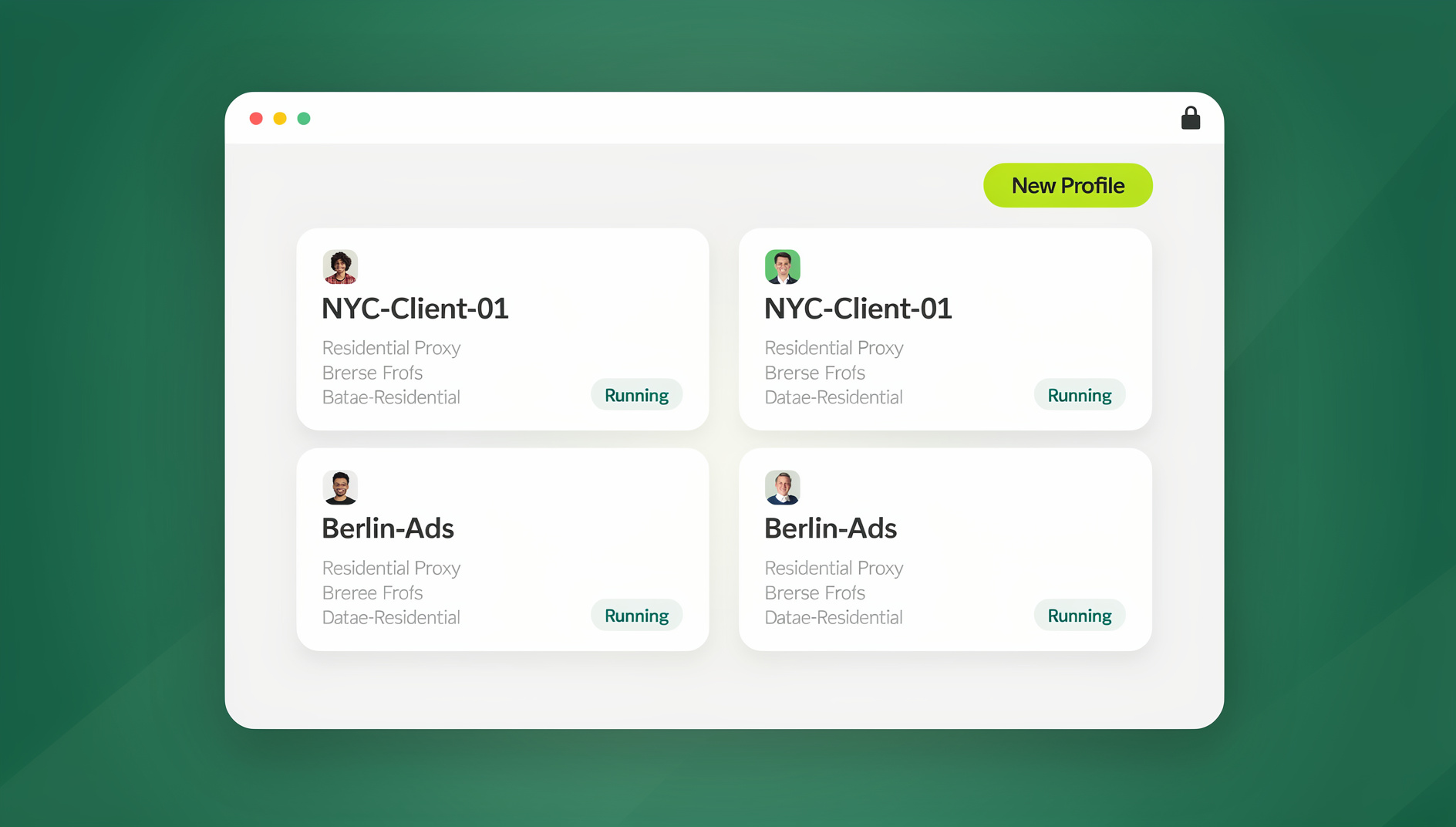
The tasks a centralized tool can’t touch — verification, suspension appeals, native feature management — need a browser environment that behaves like a genuinely separate device for each client. This is where Send.win fits into the workflow.
Send.win runs as two distinct product modes, and it’s worth being precise about which one applies where: Sendwin Browser is the native desktop app most agency staff use day-to-day for persistent, always-logged-in client profiles, while cloud browser sessions let a location manager or contractor jump into a specific client’s profile from any device with nothing to install. Both give each client:
- A dedicated profile — unique fingerprint, isolated cookie container, and a residential proxy matched to the client’s city.
- Persistent authentication — log in once, complete verification, and the session stays active. When a crisis hits, you open the profile and you’re already inside the account.
- Zero cross-contamination — Google never sees a connection between Client A’s Gmail and Client B’s Gmail, because the environments are isolated at the fingerprint and network level.
For agencies specifically, this scales past a handful of clients: a multi-session cloud browser for agencies setup means one operator can hold dozens of live client sessions without any of them touching, and switching between a Google Business Profile login and a Yelp login for the same client takes an one-click account switch rather than a fresh login every time.
A Practical Weekly and Monthly Workflow
Weekly Maintenance (about 10 minutes per client)
- Check the centralized tool dashboard for new reviews across all platforms.
- Respond to standard reviews with templates (5-star: personalized thanks; 1-star: empathy plus a private resolution path).
- Confirm NAP consistency is still intact across directories.
- Schedule the week’s GBP posts — offers, updates, event announcements.
Monthly Optimization (about 30 minutes per client)
- Run a local ranking grid to check keyword position changes.
- Update GBP categories, attributes, and services if offerings changed.
- Review competitor activity and adjust strategy where needed.
- Generate and deliver the client-facing performance report.
Crisis Response (as needed)
- Open the specific client’s isolated browser profile.
- Access the native platform dashboard directly (Google, Yelp, Apple Business Connect).
- File the appeal, complete verification, or resolve the security flag.
- Log the resolution in the client’s case file.
Franchise and Multi-Location Specific Tactics
Centralized vs. Localized Content
Corporate usually owns brand-level messaging — logo, tagline, core service descriptions — while individual locations customize hours, specific services, and local promotions. A management system needs to accommodate both layers without corporate overwriting a location’s seasonal hours, or a location manager accidentally editing brand copy.
Location Manager Self-Service
Instead of routing every review response for 200 franchise locations through one central team, let location managers respond themselves. The agency authenticates each location’s Google account inside an isolated profile, then hands the location manager a secure session shared without the underlying credentials. The manager responds to reviews, updates hours, and manages their listing natively — they never see the password, and the agency keeps full oversight of every session in use.
Review Management at Scale
Positive Reviews (4-5 Stars)
Respond within 24 hours with a personalized thank-you referencing the specific service mentioned. This encourages repeat reviews and signals active engagement to the platform’s ranking algorithm.
Negative Reviews (1-2 Stars)
Respond publicly with empathy, apologize for the experience, and move resolution to a private channel — email or phone. Never argue in public, never demand a review be removed, and never offer an incentive for a review edit; all three violate most platforms’ review policies and can get the whole account flagged.
Suspicious or Fake Reviews
If a competitor posts fake negative reviews, flag them through native account access — this is one of the tasks that genuinely requires the isolated browser profile rather than a centralized dashboard. Document the indicators (no order history, generic language, the same reviewer hitting several competitors at once) to strengthen the removal appeal.
Avoiding Cascade Suspensions
The single biggest mistake agencies make is logging into 30+ client accounts from one browser session on one machine. That habit creates a detectable pattern that can trigger security actions across an entire portfolio simultaneously — not just one flagged listing, but every client account tied to that fingerprint. Isolating each client at the profile, cookie, and network level is what prevents one verification hiccup from becoming a portfolio-wide outage.
A short checklist tends to catch most of the risk before it becomes a crisis:
- One isolated profile per client, never one browser session for several clients.
- A proxy matched to the client’s actual city, not a generic datacenter IP.
- Passwords and 2FA recovery codes stored per-client, never in one shared spreadsheet.
- A documented crisis-response contact for each client in case verification fails at 5pm on a Friday.
- Regular audits confirming no two client profiles share a fingerprint or proxy exit node.
🏆 Send.win Verdict
Centralized listing tools handle the repetitive 80% — NAP sync, review aggregation, reporting. But the other 20%, verification, appeals, and platform features that require native login, is exactly where cascade account-linking risk lives. Isolated profiles through Sendwin Browser (for daily-driver desktop use) or cloud browser sessions (for on-the-go access with nothing to install) close that gap, and the free cloud demo at https://send.win/demo-browser/ makes it cheap to test on your busiest clients first. Pro runs $19/month or $83.88/year for solo operators; agencies coordinating a full team should look at Team at $49/month or $251.88/year.
Try Send.win free today — isolate every client profile before your next verification sweep.
Frequently Asked Questions
Do I need separate tools for every platform?
No. A centralized tool like BrightLocal or Yext covers most directories from one dashboard. What you additionally need is isolated browser profiles for the platforms and tasks — verification, support tickets, advanced features — that require direct native login.
How do I stop duplicate listings from appearing?
Most centralized listing tools include duplicate detection. Audit listings regularly and claim any unclaimed duplicates so they can be merged into the primary listing rather than splitting ranking authority.
What’s the single biggest mistake agencies make with business profiles?
Logging into 30+ client accounts from one browser session on one machine. That pattern is detectable and can trigger cascade verification or suspension events across an entire client portfolio at once.
Does Send.win replace tools like Yext or BrightLocal?
No — they solve different problems. Centralized listing tools handle routine syndication and reporting; Send.win provides the isolated native-login environment for verification, appeals, and account security that those tools were never built to handle.
Can a location manager respond to reviews without knowing the account password?
Yes. An agency can authenticate the account once inside an isolated profile, then share that specific session with the location manager. They get native access to respond and update listings without ever seeing the underlying credentials.
Is Sendwin Browser required, or can I use cloud browser sessions instead?
Either works, and they serve different situations. Sendwin Browser is the native desktop app most agency staff run daily as their main workstation setup. Cloud browser sessions need no local install at all, which suits a contractor or a location manager who only needs occasional access from whatever device they have on hand.
How quickly should I respond to a negative review?
Within 24 hours where possible. Respond publicly with empathy and move the actual resolution to a private channel — never argue publicly or offer incentives for a review change, since both violate most platforms’ review policies.
What happens if Google flags one client’s account for suspicious login patterns?
If accounts aren’t isolated, a single flag can cascade to every other client account sharing that browser fingerprint. With isolated profiles, the flag stays contained to the one account, and you can resolve it through native login without risking the rest of the portfolio.