
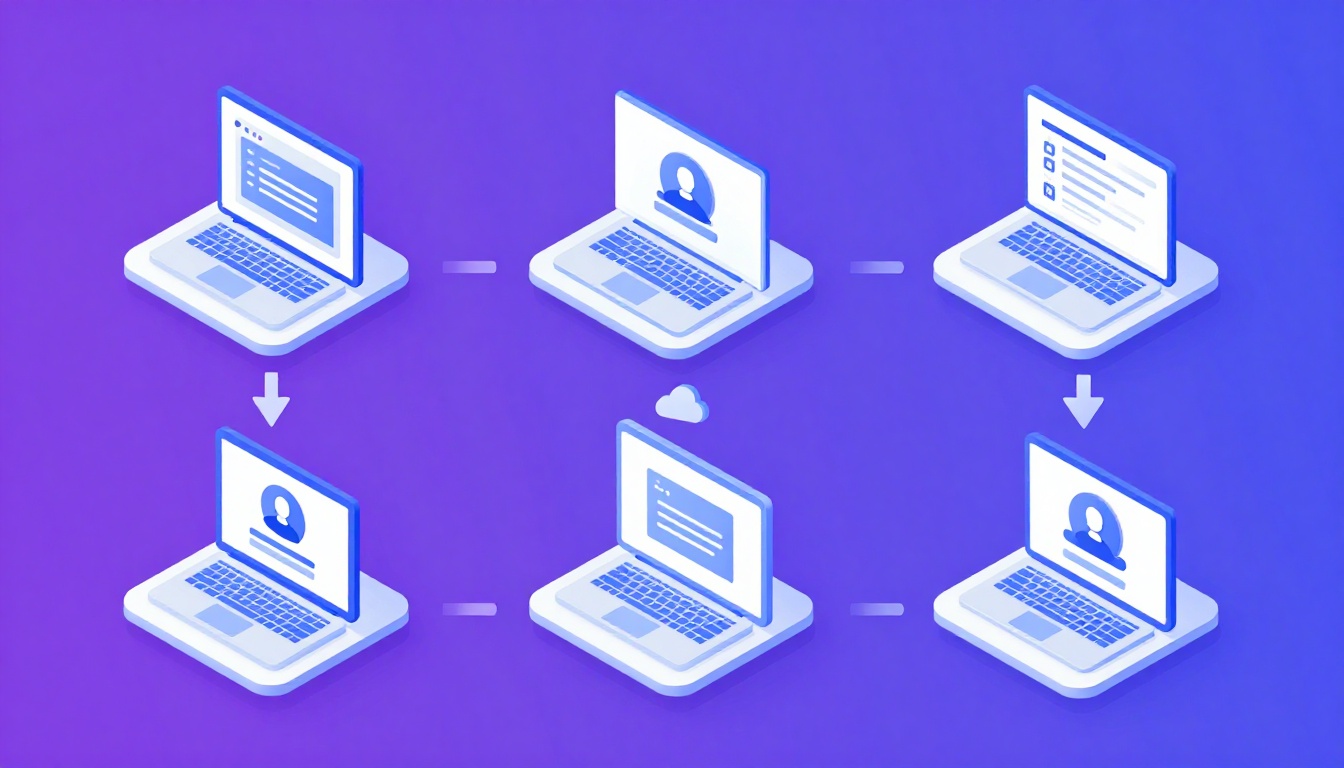
The Multi-Account Reality in Higher Education
Understanding how do universities manage multiple accounts across departments reveals one of the
most complex identity and access management challenges in any industry. A mid-size university with 30,000 students
and 5,000 faculty might manage over 200,000 active accounts across dozens of platforms—each department with its own
software stack, vendor portals, and administrative systems.
The IT department runs Google Workspace or Microsoft 365 accounts for every person on campus. Finance has accounts on
procurement platforms and banking portals. Marketing manages social media accounts for the main university brand
plus individual colleges and athletic programs. Research departments access lab equipment portals, journal
databases, and federal grant systems.
Categories of University Accounts
1. Identity Accounts (Person-Based)
- Student accounts: Email, LMS (Canvas, Blackboard), library, student portal, registration.
- Faculty accounts: Email, LMS (instructor role), HR systems, research platforms.
- Staff accounts: Email, HR, finance, facilities, department-specific tools.
- Alumni accounts: Reduced-privilege email, donation portals, career services.
2. Service Accounts (Department-Based)
- Social media: University Twitter, Instagram, Facebook, LinkedIn, YouTube, plus per-department
handles. - Vendor portals: Procurement, facilities contracts, dining services, bookstore management.
- Research platforms: NIH eRA Commons, NSF Research.gov, institutional repositories.
- Marketing tools: CRM (Slate, Salesforce), email marketing, analytics.
3. Shared Accounts (Role-Based)
- Department admin accounts: Shared credentials for legacy systems without individual user
provisioning. - Lab equipment accounts: Shared credentials for instrument control software.
- Emergency access accounts: Break-glass accounts for critical systems.
Identity and Access Management (IAM) Architecture
Centralized Identity Provider
The foundation is a centralized Identity Provider (IdP):
- Microsoft Entra ID: For Microsoft 365 universities.
- Okta: Popular for cross-platform SSO with diverse ecosystems.
- Shibboleth / InCommon: The academic-specific federated identity system enabling access to
research databases and inter-university collaborations.
Single Sign-On (SSO)
SSO is the linchpin of university account management. Instead of each department managing separate credentials, SSO
allows one username and password across all connected applications. A professor logs into the university portal,
then navigates to Canvas, the library database, and the HR portal—all automatically authenticated.
Role-Based Access Control (RBAC)
| Role | Access Level | Systems |
|---|---|---|
| Student | Read + limited write | LMS, email, library, student portal |
| Faculty | Read + write + grade | LMS (instructor), email, research, HR |
| Department Admin | Administrative | Budget, procurement, HR, department tools |
| IT Admin | Full administrative | All systems, user provisioning, security |
The Social Media Account Problem
A large university might have 100+ social media accounts: one main account per platform, 8-15 college-level accounts,
20-50 department accounts, 10-20 athletic accounts, and 50+ student organization accounts. That is potentially 500+
account-platform combinations needing management.
Governance Framework
- Account registration: Every official account must be registered with the central communications
office. - Branding compliance: Templates and profile photo guidelines for consistent branding.
- Access management: Who has admin access? What happens when the student worker running
Chemistry’s Instagram graduates? - Crisis protocol: How quickly can central communications take control during emergencies?
Browser Isolation for Social Media
Universities managing 100+ social media accounts face the same challenge as agencies: logging into multiple accounts
from the same browser creates browser
fingerprint connections. Using Send.win, the communications team creates isolated cloud
browser profiles for each account, preventing cascade restrictions between department accounts.
Lifecycle Management
Onboarding
When a new student enrolls or employee is hired, the IAM system automatically provisions accounts across relevant
systems within 24 hours of HR record creation.
Role Changes
When a student becomes a TA or faculty takes a department chair role, permissions must be updated. This “movers”
process is frequently neglected, resulting in accumulated access rights that violate least-privilege principles.
Offboarding
When students graduate or employees leave, accounts must be deprovisioned. Using session sharing for social media means that
when a student manager graduates, access is revoked instantly without changing shared passwords.
Vendor Account Consolidation
Universities often have three departments paying for three different project management tools. IT governance should
audit vendor contracts, consolidate to enterprise licenses, require SSO integration for new purchases, and implement
a centralized software catalog.
Security Challenges Specific to Universities
Open Network Culture
Universities value open access, which conflicts with cybersecurity. Campus networks are more porous than corporate
networks, and BYOD policies mean thousands of unmanaged devices connect daily.
Phishing Vulnerability
Large, diverse user populations make universities prime phishing targets. MFA on all accounts is essential. Research
departments must also comply with NIST 800-171 for federally funded research, requiring isolated environments for
sensitive data. Multi-login browser
isolation helps researchers maintain separate environments for grant portals and sensitive databases.
Frequently Asked Questions
How do universities handle shared department accounts?
Best practice is eliminating shared accounts by provisioning individual accounts with role-based access. Where
unavoidable, privileged access management (PAM) tools rotate credentials automatically and log all access.
What happens to student accounts after graduation?
Many universities convert student accounts to alumni accounts with reduced privileges. Microsoft 365 and Google
Workspace for Education often allow lifetime alumni email.
How do universities manage social media transitions?
Departments should use session-based access rather than shared passwords, enabling seamless transitions when student
managers graduate—revoke the outgoing session, grant a new one to the incoming manager via multi-account
management.
Conclusion
Understanding how do universities manage multiple accounts across departments reveals an ecosystem
requiring centralized identity management, role-based access controls, lifecycle management, and modern tools for
social media and vendor accounts. Cloud browser isolation through Send.win addresses the social
media and vendor portal challenge—providing isolated, persistent sessions that prevent cross-account contamination
and enable secure access delegation across the institution.
How Send.win Helps You Master How Do Universities Manage Multiple Accounts Across Departments
Send.win makes How Do Universities Manage Multiple Accounts Across Departments simple and secure with powerful browser isolation technology:
- Browser Isolation – Every tab runs in a sandboxed environment
- Cloud Sync – Access your sessions from any device
- Multi-Account Management – Manage unlimited accounts safely
- No Installation Required – Works instantly in your browser
- Affordable Pricing – Enterprise features without enterprise costs
Try Send.win Free – No Credit Card Required
Experience the power of browser isolation with our free demo:
- Instant Access – Start testing in seconds
- Full Features – Try all capabilities
- Secure – Bank-level encryption
- Cross-Platform – Works on desktop, mobile, tablet
- 14-Day Money-Back Guarantee
Ready to upgrade? View pricing plans starting at just $9/month.