Yes, you can manage multiple Facebook accounts safely — but Facebook’s Terms of Service still limit each person to one personal profile, so the safe path depends on what you actually need access to. Managing several Pages and Business Managers under one profile via official roles is fully compliant; running several independent personal profiles requires session isolation (a unique browser fingerprint, IP, and cookie store per profile) to avoid Meta’s account-linking systems. Agencies, e-commerce sellers, and community managers all run into this distinction daily.
Why People Manage Multiple Facebook Accounts
Despite the one-account policy, agencies, marketers, and business operators routinely need access to several Facebook profiles and Pages to serve clients, manage communities, and run ad campaigns. Common reasons include:
- Social media agencies — each client has their own Page, Groups, and ad accounts; managing 15 clients means touching 15+ different Facebook environments daily.
- E-commerce sellers — multi-brand operators maintain separate Pages and Marketplace listings for each brand or storefront.
- Community managers — businesses with multiple locations or product-specific Groups need dedicated profiles or Page roles for each.
- Testing and QA teams — developers and marketers testing Facebook integrations, ad previews, or app experiences need secondary test accounts.
How Facebook Detects and Links Accounts
Meta’s security infrastructure is arguably the most advanced account-linking system on the internet. Its enforcement mechanisms include:
- Device fingerprinting — Facebook’s tracking pixel and SDK collect extensive device data. On desktop, browser fingerprints include canvas rendering, WebGL parameters, audio context, installed plugins, and timezone settings, all of which need real browser fingerprint protection to keep separate accounts from reading as the same device.
- Behavioral biometrics — Meta reportedly analyzes typing patterns, scroll behavior, and mouse movement to build behavioral profiles that persist across accounts.
- Social graph analysis — if Account A and Account B share significant friend-list overlap and similar interaction patterns, Meta can algorithmically link them.
- Phone and email verification — reusing the same phone number or email across accounts is the fastest way to get accounts linked and restricted.
Three Safe Methods for Multi-Account Facebook Access
Method 1: Facebook Business Suite (Official)
Business Suite lets one personal profile manage multiple Pages, ad accounts, and Instagram profiles from a single dashboard — Meta’s officially supported multi-account solution.
Pros: official tool, no policy risk, unified inbox for messages and comments across Pages.
Cons: limited to Page management; doesn’t help when you need independent personal profiles or client accounts where you aren’t an admin.
Method 2: Page Roles and Business Manager
Clients add your personal profile as an admin, editor, or moderator on their Pages and Business Managers, granting operational access without you logging into their personal profile.
Pros: role-based, granular, official and policy-compliant.
Cons: your personal profile becomes the single point of failure across every client — if it gets restricted, you lose access to every asset it administers.
Method 3: Isolated Browser Profiles (Professional)
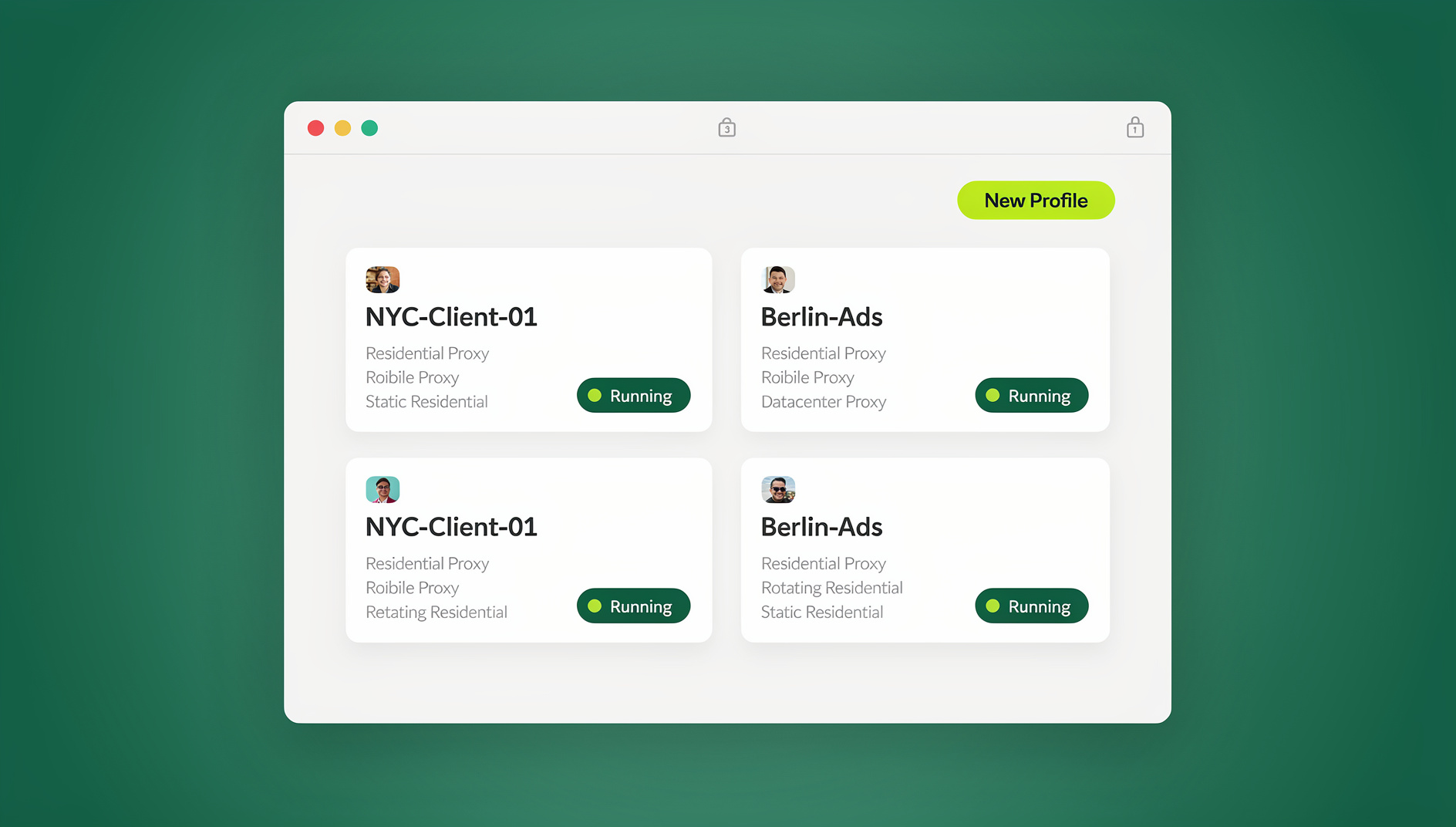
When you need independent Facebook profiles rather than Page roles, browser isolation is the only reliable approach. Using a multi-login browser like Send.win, each profile runs with:
- A unique browser fingerprint per profile.
- A dedicated residential proxy per profile.
- A separate cookie store, cache, and local storage.
- Persistent login sessions — no daily re-authentication.
Comparing the Three Methods
| Method | Policy-Compliant | Handles Personal Profiles | Single Point of Failure | Best For |
|---|---|---|---|---|
| Business Suite | Yes | No | Your one profile | Day-to-day Page management |
| Page Roles / Business Manager | Yes | No | Your one profile | Admin access without login sharing |
| Isolated browser profiles | N/A — for independent profiles | Yes | None — each profile is separate | Groups, Marketplace, checkpoint appeals |
The Agency Workflow for Facebook Management
Tier 1: Business Suite for Day-to-Day Operations
Use Business Suite for client Pages you already have admin access to. This covers roughly 80% of daily work: scheduling posts, responding to comments, managing inbox messages, and reviewing basic analytics.
Tier 2: Isolated Profiles for Sensitive Operations
Reserve isolated browser profiles for tasks Business Suite cannot handle:
- Accessing client personal profiles for Business Manager admin tasks.
- Managing Facebook Groups that require personal profile engagement.
- Running Marketplace operations for e-commerce clients.
- Filing appeals for restricted accounts or Pages.
- Any task where native scrolling, engagement, and in-app features are required.
Facebook Groups: The Hidden Multi-Account Challenge
Groups can’t be managed through Business Suite the way Pages can — they’re inherently tied to personal profiles. If your agency manages several client Groups, each admin action comes from a personal profile, creating a web of connections Meta tracks. The professional fix: dedicate a Facebook profile per Group-management client, each running in its own isolated environment with a unique fingerprint and proxy, so the group admin profile for Client A’s community has zero technical connection to Client B’s group admin profile.
Security Best Practices for Multi-Account Facebook Management
1. Use Unique Contact Information
Every managed profile should have a unique email and phone number. Sharing contact info across profiles is the fastest way to trigger Meta’s account-linking algorithms.
2. Enable Two-Factor Authentication
Protect every profile with 2FA via an authenticator app, not SMS. A compromised profile hands an attacker every Page, Group, and Business Manager it administers.
3. Delegate via Session Sharing, Never Credentials
Never send Facebook login credentials over email, Slack, or text. Use session sharing to hand a team member authenticated access to an isolated profile — they work natively while you keep full credential control and can revoke access instantly.
4. Keep Usage Patterns Consistent
Maintain consistent login times, geographic locations (via proxy), and usage patterns for each profile. Logging in from New York at 9 AM and London at 9:05 AM on the same profile triggers security checkpoints almost every time.
Handling Facebook Account Checkpoints
Facebook frequently presents checkpoints to accounts showing unusual behavior:
- Photo identification — “upload a photo of yourself” or “identify friends in these photos.”
- Government ID verification — required for ad accounts and some personal account recoveries.
- Phone verification — a one-time SMS code confirming account ownership.
- Suspicious login alert — “is this you?” prompts when logging in from a new fingerprint or location.
Always resolve a checkpoint from within the same isolated browser profile that triggered it — accessing the account from a different environment mid-checkpoint escalates the security review instead of clearing it.
Advertising Accounts and Multi-Account Risk
Ad accounts carry extra scrutiny because Meta ties billing, payment methods, and ad review history to the profile that created them. Agencies running Meta Ads for several clients should keep each client’s ad account behind its own isolated profile with a matched proxy so a payment dispute or policy flag on one client’s campaigns never touches another client’s account. This is also where a dedicated proxy vs VPN understanding matters — a VPN masks general traffic but doesn’t give each ad account its own consistent, believable IP footprint the way a dedicated proxy per profile does.
Choosing the Right Method for Your Situation
Most teams end up mixing all three approaches rather than picking one. Use this quick guide to decide which method fits a given task:
- Only need to post, reply to comments, or check Page insights? Business Suite covers it, with no policy risk and no extra setup.
- Need admin access to a client’s ad account or Business Manager, but not their personal profile? Ask to be added as a Page or Business Manager role — it’s official, revocable on their end, and doesn’t require you to touch their login at all.
- Need to manage a Facebook Group, run Marketplace listings, or appeal a restricted account? These are tied to a personal profile, so an isolated browser profile with its own fingerprint and proxy is the only approach that keeps that access from bleeding into your other client work.
- Managing ad spend for multiple clients? Isolate each client’s ad account behind its own profile regardless of which of the above methods you’re using day to day, since payment disputes and ad policy flags are tracked per profile.
Getting this mapping wrong is usually what causes agencies to over-rely on one personal profile for everything — which is exactly the single point of failure that isolated profiles are designed to remove.
Common Mistakes When Managing Multiple Facebook Accounts
- Creating a second personal profile to “test something” — even short-lived test profiles on the same device get linked to your main one.
- Reusing a phone number for verification across profiles — the single most direct way to get accounts connected in Meta’s system.
- Handling a checkpoint from a different browser or device — this reads as suspicious rather than reassuring to Meta’s review systems.
- Treating Page roles and personal-profile isolation as interchangeable — Page roles solve Page access; they do nothing for Groups or Marketplace, which stay tied to a personal profile.
- Skipping 2FA on secondary or client profiles — teams often lock down their main profile but leave managed ones without an authenticator app, which is exactly the account an attacker would target first.
🏆 Send.win Verdict
Managing multiple Facebook accounts safely means using the right tool for the right job: Business Suite and Page roles for compliant Page management, and isolated browser profiles for Groups, Marketplace, and personal-profile access that Meta’s official tools don’t cover. Send.win gives each profile its own fingerprint, proxy, and cookie store — through the native Sendwin Browser desktop app or a no-install cloud browser session — and lets you hand access to teammates without ever sharing a password.
Try Send.win today — paid plans start at $19/month, the first card purchase is covered by a 7-day money-back guarantee, and every client’s Facebook presence stays independently protected.
Frequently Asked Questions
Does Facebook allow multiple personal accounts?
No. Facebook’s Terms of Service state that each person should have only one personal account. There’s no prohibition, however, against managing multiple Pages, Groups, and Business Managers through that single account using Page roles and Business Manager admin access.
What happens if Facebook detects multiple accounts?
Facebook can disable accounts it determines belong to the same person. In practice, enforcement is prioritized against accounts engaging in policy violations — spam or coordinated inauthentic behavior — rather than passively existing duplicate accounts.
Can I use a VPN with Facebook?
VPNs aren’t prohibited, but rapidly changing VPN locations triggers security checkpoints. Stable residential proxies assigned per profile are far more reliable than rotating VPN servers for multi-account browser operations.
Is it safer to use Page roles or a separate isolated profile?
It depends on the task. Page roles are the compliant, official way to manage a client’s Page without touching their personal profile. Isolated profiles are necessary when the work requires a personal-profile-tied feature, like Groups or Marketplace, that Page roles simply don’t cover.
How do I hand a client’s Facebook profile to a team member without sharing the password?
Generate a session share link inside Send.win, set an expiry window, and send it to the team member. They get working access to that isolated profile for the allowed time, and the link stops working automatically once it expires — no password reset required afterward.
Do I need to install software to manage isolated Facebook profiles?
Not necessarily. The Sendwin Browser desktop app is the typical way to run profiles locally, but cloud browser sessions let you open an isolated profile from any device with a browser, nothing installed — useful for remote contractors or shared office computers.
What should I do if a managed Facebook profile hits a security checkpoint?
Resolve it from the same isolated browser profile and proxy that triggered it. Switching devices or environments mid-checkpoint reads as suspicious and can escalate the review instead of resolving it.
How much does isolating Facebook profiles for a client roster cost?
Send.win has no free trial. Pro runs $19/month or $83.88/year for smaller rosters, and Team runs $49/month or $251.88/year for agencies needing more seats, profiles, and bandwidth — the first card purchase is covered by a 7-day money-back guarantee, and the only free option is the cloud demo at https://send.win/demo-browser/.
Conclusion
Managing multiple Facebook accounts safely requires understanding Meta’s account-linking mechanisms and building infrastructure that prevents cross-account contamination. Use Business Suite and Page roles for official, policy-compliant Page work. When independent profile access is genuinely needed — Groups, Marketplace, checkpoint appeals — isolated browser profiles through Send.win keep each Facebook identity protected from detection and cascading restrictions.